
Cyber-Security Unit shares tips on securing devices during Awareness Month

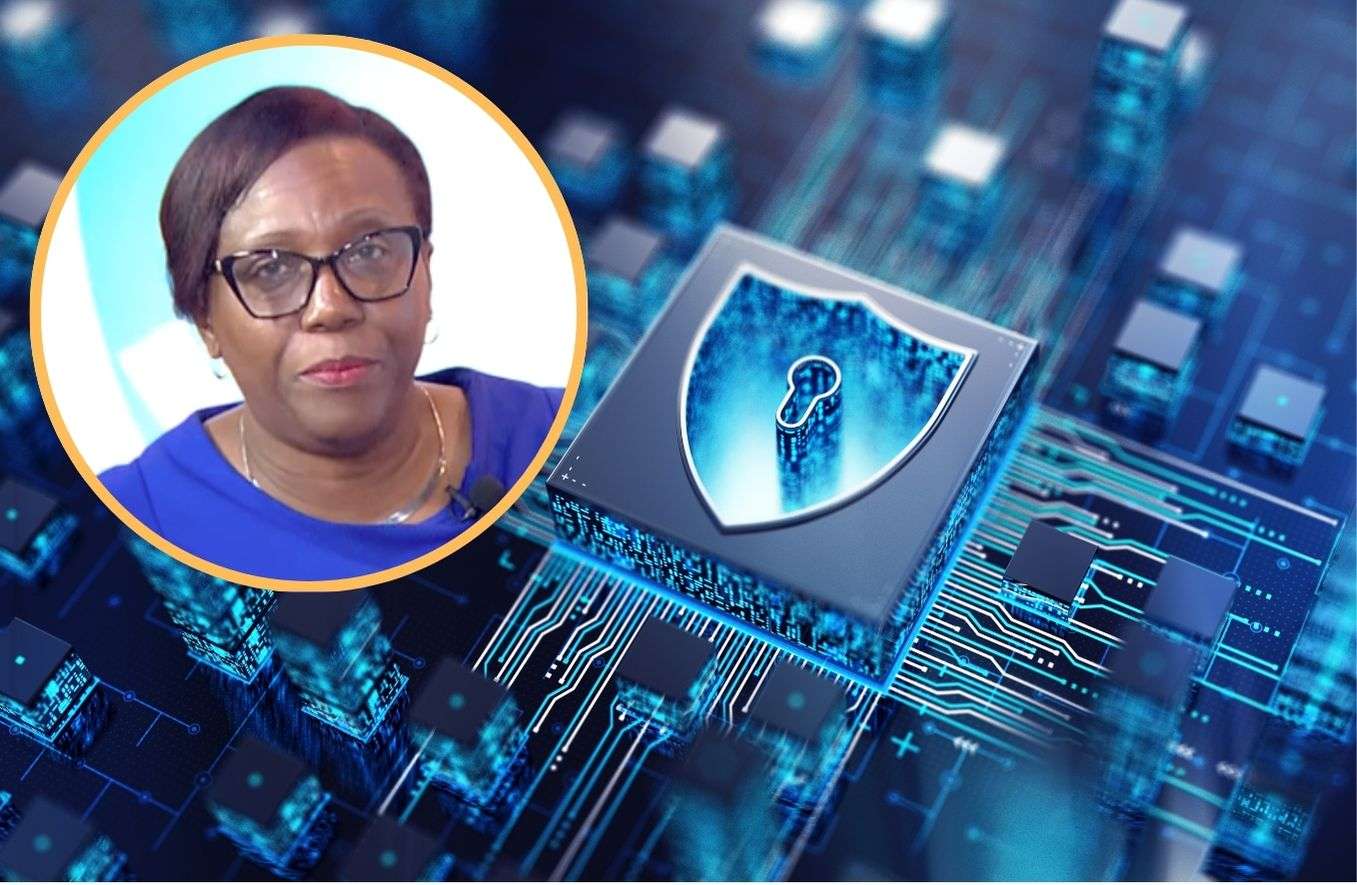
October is Cyber-Security Awareness Month and the Cyber-Security Unit within the Ministry of ICT’s is continuing to advise persons on creating a safe environment online.
This year’s theme is “Safety Online”.
Many instances, persons have fallen victim to fraudulent activities online while clicking on links, downloadable files or other shady websites.
“Now, the safety of any individual is their responsibility. No matter the amount of technology that is being utilized, the expertise, the human factor is really the weakest link in terms of cyber security,” Head of the unit Gordina Hector-Murrell explained.
She did give some tips in keeping devices safe.
“So, one of the things that we would say is to use strong passwords, or better yet, use a passphrase. Now, a passphrase is a little bit more difficult for the hackers to break easily, as opposed to a password but when you’re using strong passwords, we’re talking about passwords of characters, no less than 12 and you’ll say, but that is a long password, but it gets even more interesting.
“To make it unique, we would advise you to use a combination of caps, lowercase, symbols. Mix it up. Now, it is important that you remember you don’t use anything that you’re really known for. So, don’t use the name of your dog. Don’t use your children’s date of birth. One, two, three, four. Don’t use itand believe it or not, there’s some persons who use password one, two, three, four. So, that is using strong passwords or passphrase,” Hector-Murrell said.
“In addition to that, if you have difficulty remembering the password, you could use a password manager and there are a number of password managers out there, I’m not advertising any but do your research. It is always important to do your research before you select anything.
Hector-Murrell also suggested using a multi-factor authentication.
Sometimes persons would delay updating their devices, but Hector-Murrell is advising against it.
“So, the applications that you’re utilizing on your system or even your device itself, there are updates that are done to deal with some issues that would ariseand so, it is important that you do those regular updates. Sometimes you get them, and you decide you won’t do it. No, you’ll bypass it, but it is important because those mechanisms help to give you some level of protection,” she explained.
She is also urging persons who fall victims of these scams to report it.
“So, in terms of Cybersecurity Awareness Month, we’re looking at educating individuals. We’re looking at educating businesses and we’re looking at what the government can do when I say recognizing and reporting scams.
“As an individual and you recognize that you are caught up in a scam, make the report to the police. As an organization, a business, it is important that you do training with your staff to educate them as to possible scams and to alert your customers as well or your clients when you realize that there may be a scam that could be utilizing your organization. In terms of those in the government sector, and you can determine it’s a scam, I say you report to the police but if you do need assistance, if you’re not sure, you can always reach out to us in the cybersecurity department,” Hector-Murrell added.
She said for those persons who fall victim to not be embarrassed as it is a situation that can happen to anyone. Instead, report the matter and make the necessary steps to ensure it never happens again.
This story was first published by Antigua News on : antigua.news/2025/10/17/cyber-security-unit-shares-tips-on-securing-devices-during-awareness-month. © 2025 Antigua News. Republication without permission is not allowed.

About the author
The Editorial Staff refers to all reporters employed by Antigua.news. When an article is not an original creation of Antigua.news—such as when it is based on a press release, other media articles, letters to the editor, or court decisions—one of our staff members is responsible for overseeing its publication.
Read our editorial standards and corrections policy. Spotted an error? Contact the newsroom.
More from Antigua and Barbuda
View section
Chase Supermarket to Host Two-Day Job Fair for Full-Time Positions
Applicants are invited to explore vacancies across several departments on October 31 and November 1 at the supermarket’s Herbert’s location.
By Editorial Staff

Dwayne George Demands Accountability in Management of New Arts Centre
The Creative Industries Minister says responsible spending, maintenance and professional management must protect the national investment.
By Shermain Bique-Charles

Maria Browne: Culture Deserves Infrastructure and Creatives Deserve Opportunity
The Housing and Works Minister says the new performing arts centre places artistic ambition firmly within national development.
By Shermain Bique-Charles

Turner Reveals Team Feared Arts Centre Could Not Be Completed in Time
The minister credits National Housing workers with overcoming setbacks and an imposing workload to deliver the cultural landmark.
By Shermain Bique-Charles
Comments (3)
Juju Bee October 17, 2025, 10:21 AM
Imaging trying to type that with one hand. Lol but u get what she’s saying
Informed citizen October 17, 2025, 12:57 PM
D Vaughn October 17, 2025, 12:59 PM