
Antigua’s Supervisor of Elections Arrives in St. Lucia to Observe Elections, Meets Saint Lucia Opposition

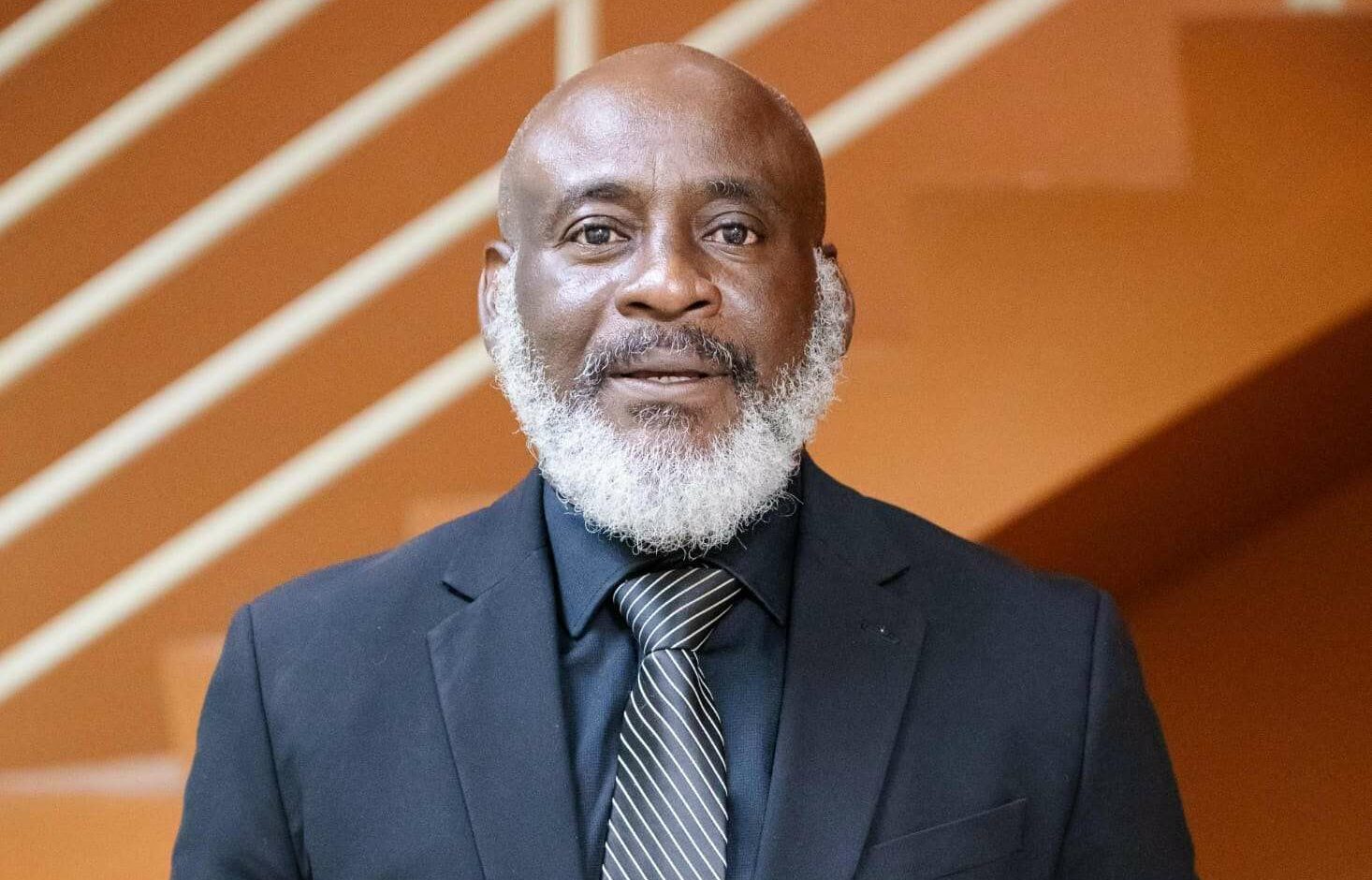
Antigua and Barbuda’s Supervisor of Elections Ian S. Hughes is leading a CARICOM election observation mission that has begun pre-election meetings in Saint Lucia ahead of the country’s December 1st general elections.
Hughes and his eleven-member team met Tuesday with Opposition Leader Allen Chastanet, the political leader of the United Workers Party, marking the start of stakeholder consultations.
In the coming days, the CARICOM Election Observation Mission is scheduled to meet with Prime Minister Philip J. Pierre, who leads the Saint Lucia Labour Party, as well as members of the Electoral Commission, the Supervisor of Elections, and the Commissioner of Police. The team will also engage with other political actors, media, and civil society groups.
The mission comprises senior electoral officials from nine CARICOM member states, plus two CARICOM Secretariat staff providing logistical support. The team will be in Saint Lucia from November 24th through December 3rd.
Hughes and CARICOM Secretariat staff arrived on November 24th and 25th, with remaining observers expected by November 27th.
On election day, the team will observe preparations, voting, the closure of polling stations, ballot counting, and the declaration of results. They’ll also assess the post-election atmosphere.
The mission was deployed following an invitation from the Saint Lucia government dated November 11th, 2025.
A preliminary statement will be issued before the mission’s departure on December 3rd, with a detailed final report to follow. That report will be submitted to CARICOM Secretary-General Dr. Carla Barnett and subsequently made public.
This story was first published by Antigua News on : antigua.news/2025/11/27/antiguas-supervisor-of-elections-arrives-in-st-lucia-to-observe-elections-meets-saint-lucia-opposition. © 2025 Antigua News. Republication without permission is not allowed.

About the author
The Editorial Staff refers to all reporters employed by Antigua.news. When an article is not an original creation of Antigua.news—such as when it is based on a press release, other media articles, letters to the editor, or court decisions—one of our staff members is responsible for overseeing its publication.
Read our editorial standards and corrections policy. Spotted an error? Contact the newsroom.
More from Antigua and Barbuda
View section
Emergency Response Teams to Stage Mass Casualty Drill at Scotts Hill Ahead of CHOGM
Emergency personnel will simulate a serious vehicle crash to test hospital readiness, while a separate evacuation exercise is planned for the CHOGM opening ceremony venue.
By Cory Wayland

Karim Edwards’ Trial Over Fatal Friars Hill Road Crash Postponed Until December
More than four years after the collision that claimed the life of medical student Kenneth Mathew and left Priyanjana Das with life-altering injuries, the accused driver is still awaiting trial.
By Cory Wayland

Jury Rejects Self-Defence Claim And Finds Kareem Simon Guilty Of Dennis Edwards’ Murder
Jury rejects Simon’s self-defence claim after video footage reveals details of the fatal confrontation on Lower All Saints Road.
By Cory Wayland

Tourism Ministry and ABTA Working with Bert Kirchner on Proposed Louis Tomlinson Campaign
Minister Michael Freeland has held talks on the project, which aims to turn international exposure into visitor interest and bookings.
By Shermain Bique-Charles
Comments (7)
Juju Bee November 27, 2025, 8:42 AM
Tromos November 27, 2025, 11:53 AM
Dark Chocolate November 27, 2025, 1:21 PM
unruly one November 27, 2025, 1:38 PM
Informed citizen November 27, 2025, 8:34 PM
Elija November 28, 2025, 11:13 AM
Sope November 28, 2025, 11:21 AM