
Hopeful Hearts Foundation Hosts Community Play Day to Support Children and Families

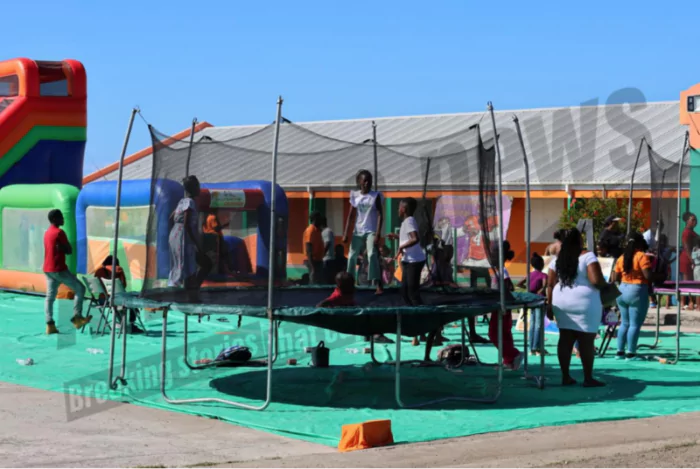
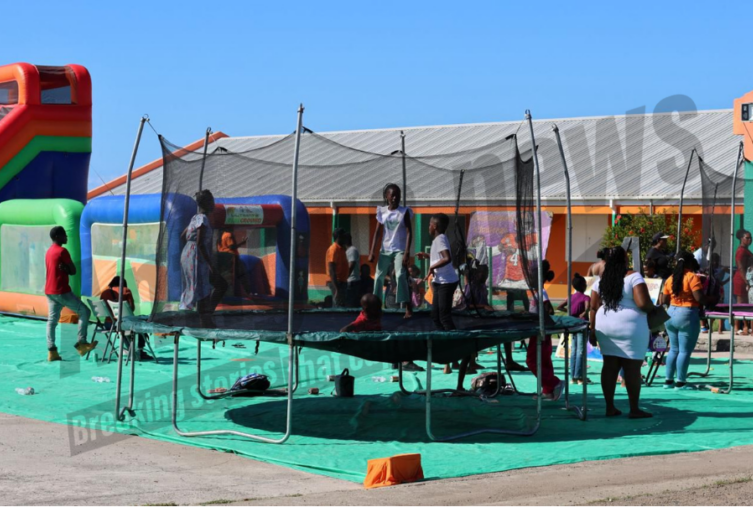
The Hopeful Hearts Foundation brought smiles and laughter to dozens of young faces on Boxing Day by hosting a lively Community Play Day, creating a safe, inclusive space where children and families could relax, connect, and enjoy the holiday season together.

The event featured fun-filled games, structured play activities, and the distribution of 400 gifts, ensuring that every child left feeling appreciated and celebrated. Organizers say the initiative was inspired by the emotional and financial challenges many families continue to face.

“This initiative is especially for children and families who may not always have access to recreational activities or safe play spaces,” said Kristine Louisa, CEO and Founder of the Hopeful Hearts Foundation and National Youth Ambassador 2025–2027.

“By offering a free, inclusive event, we not only relieve stress for parents but also give children the chance to build confidence, friendships, and lasting memories.”

Beyond the festivities, the Play Day served another vital purpose, strengthening community ties. Families were encouraged to connect and explore available community resources, fostering a sense of support and belonging.

Organizers say they intend for the programme to continue beyond today, laying the groundwork for expanded partnerships and additional opportunities focused on child welfare and family empowerment.
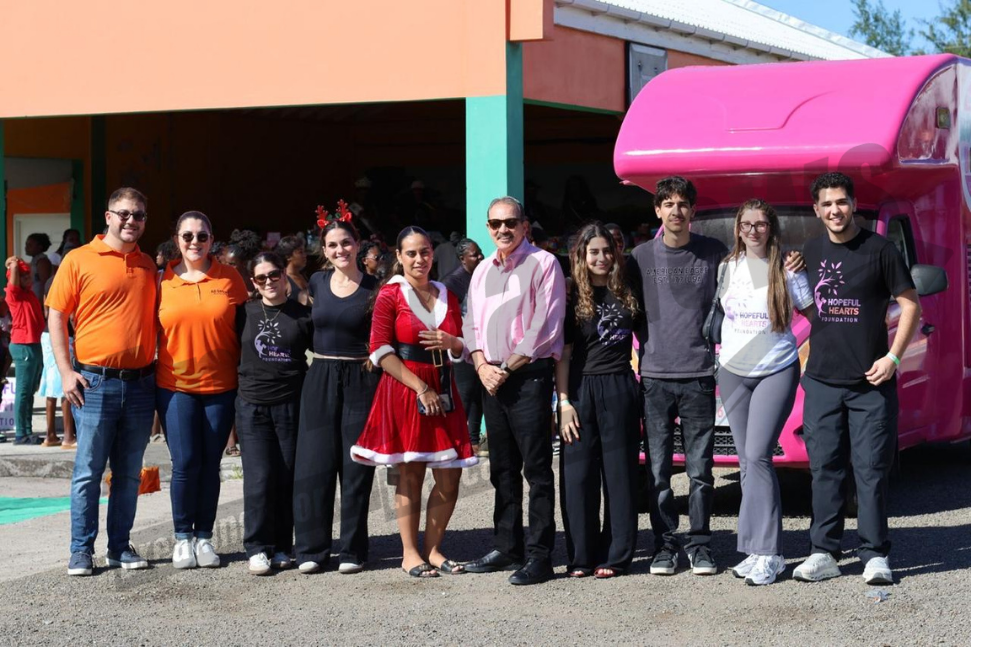
As families made their way home, the atmosphere remained one of gratitude and hope, a reminder that joy and community can make a powerful difference, even in difficult times.
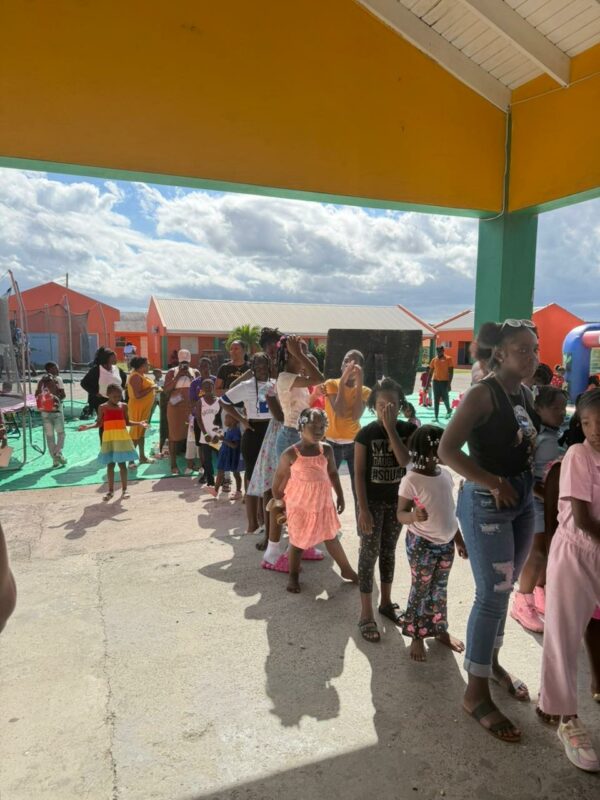
The activity was made possible through financial support from AllMart.
This story was first published by Antigua News on : antigua.news/2025/12/27/hopeful-hearts-foundation-hosts-community-play-day-to-support-children-and-families. © 2025 Antigua News. Republication without permission is not allowed.

About the author
Shermain Bique-Charles is an accomplished journalist with over 24 years of dynamic experience in the industry. Renowned for her exceptional storytelling and investigative skills, she has garnered numerous awards that highlight her commitment to journalistic integrity and excellence. Her work not only informs but also inspires, making her a respected voice in the field.
Read our editorial standards and corrections policy. Spotted an error? Contact the newsroom.
More from Antigua and Barbuda
View section
Family Appeals for Help Finding 13-Year-Old Daniel Donawa
Family seeks public’s help after Daniel Donawa, 13, failed to return from a youth rally
By Shermain Bique-Charles

Justin “Jus Bus” Nation Designs Winning Logo for National Performing Arts Centre
Cabinet approves a design inspired by Antigua and Barbuda’s flag, cultural heritage and performing arts.
By Shermain Bique-Charles

Chinese Partners Join Social Protection Board in Successful Food Distribution
Donated meals and hands-on support bring assistance to members of the public, with Operations Manager Emily Baltimore praising the partnership.
By Shermain Bique-Charles

Residents Inside CHOGM Security Zone Warned About Temporary Re-entry Restrictions
Police say people may leave their homes during the opening ceremony restrictions but could face difficulty returning before controls are lifted.
By Shermain Bique-Charles
Comments (3)
Nanya December 27, 2025, 8:51 AM
Juju Bee December 27, 2025, 2:20 PM
Informed citizen December 28, 2025, 1:03 PM