
Hopeful Hearts Foundation Expands Outreach Across Antigua & Barbuda

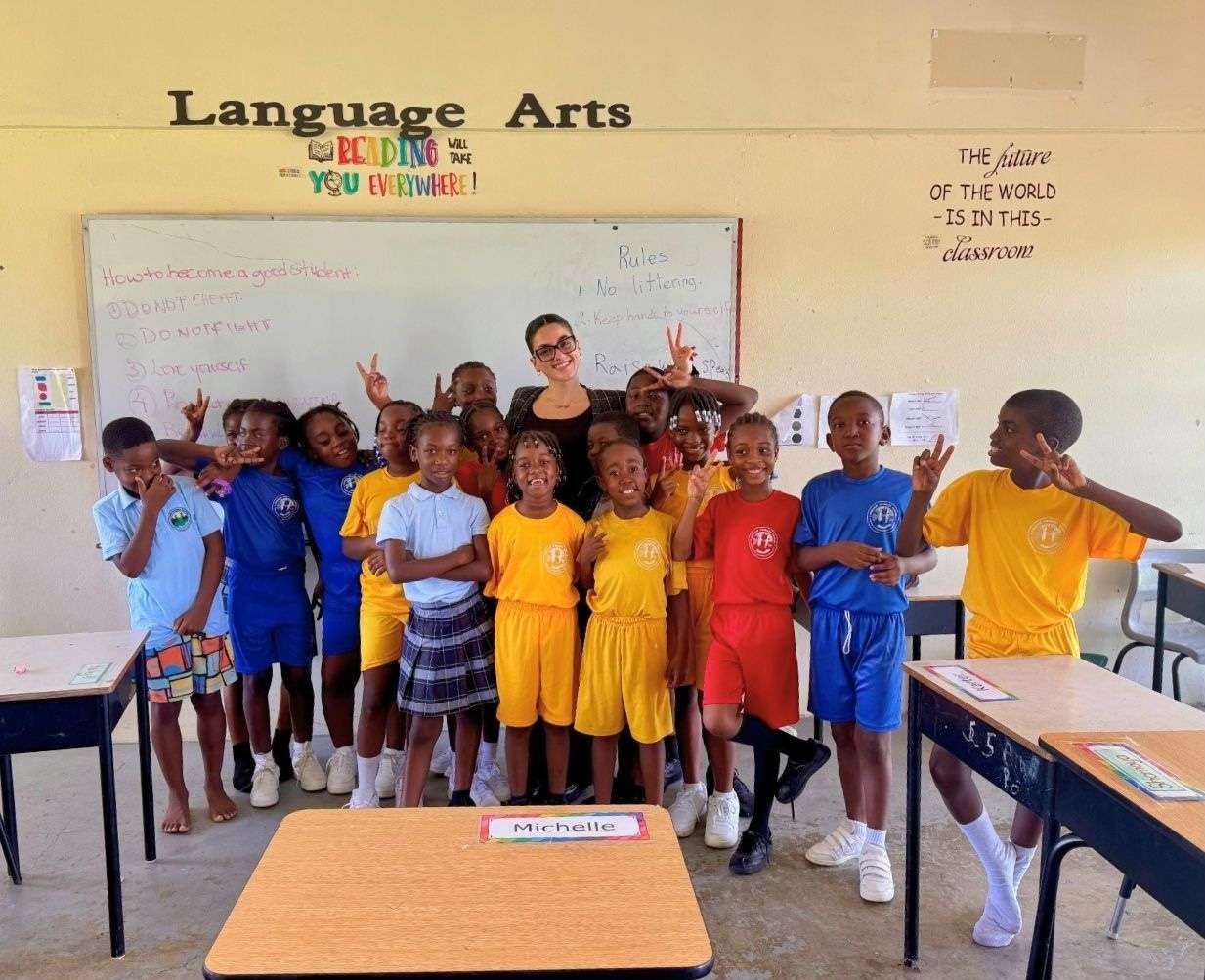
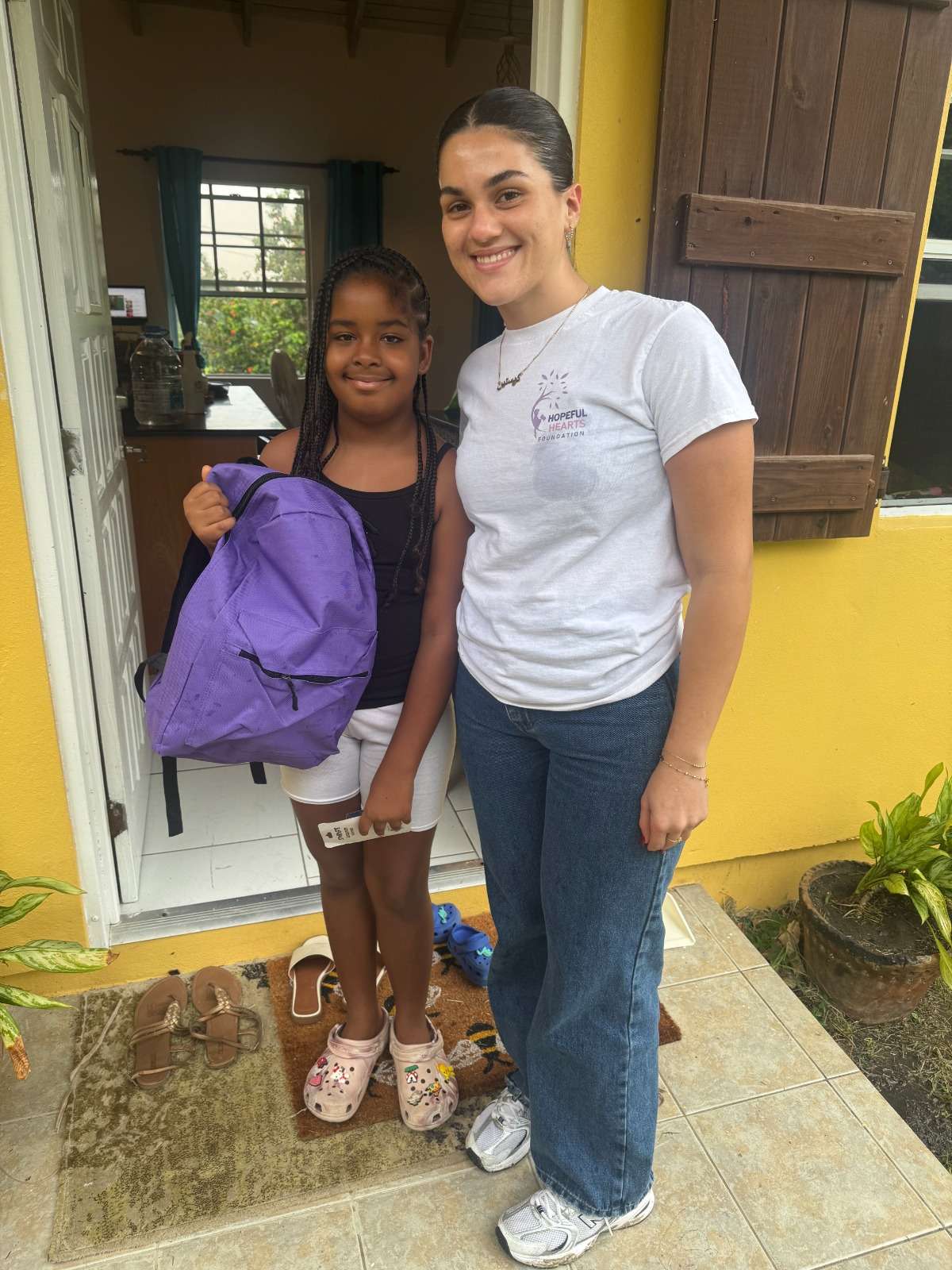
The Hopeful Hearts Foundation (HHF), founded by National Youth Ambassador Kristine Louisa, continues to broaden its positive impact through a series of educational, humanitarian, and youth-focused initiatives across Antigua and Barbuda.
This school year, HHF distributed 200 backpacks filled with supplies to under-resourced students through its Backpack Project, while also conducting clothing drives that benefited the Salvation Army, Red Cross, Sir Lester Bird Medical Centre, and several families in need.
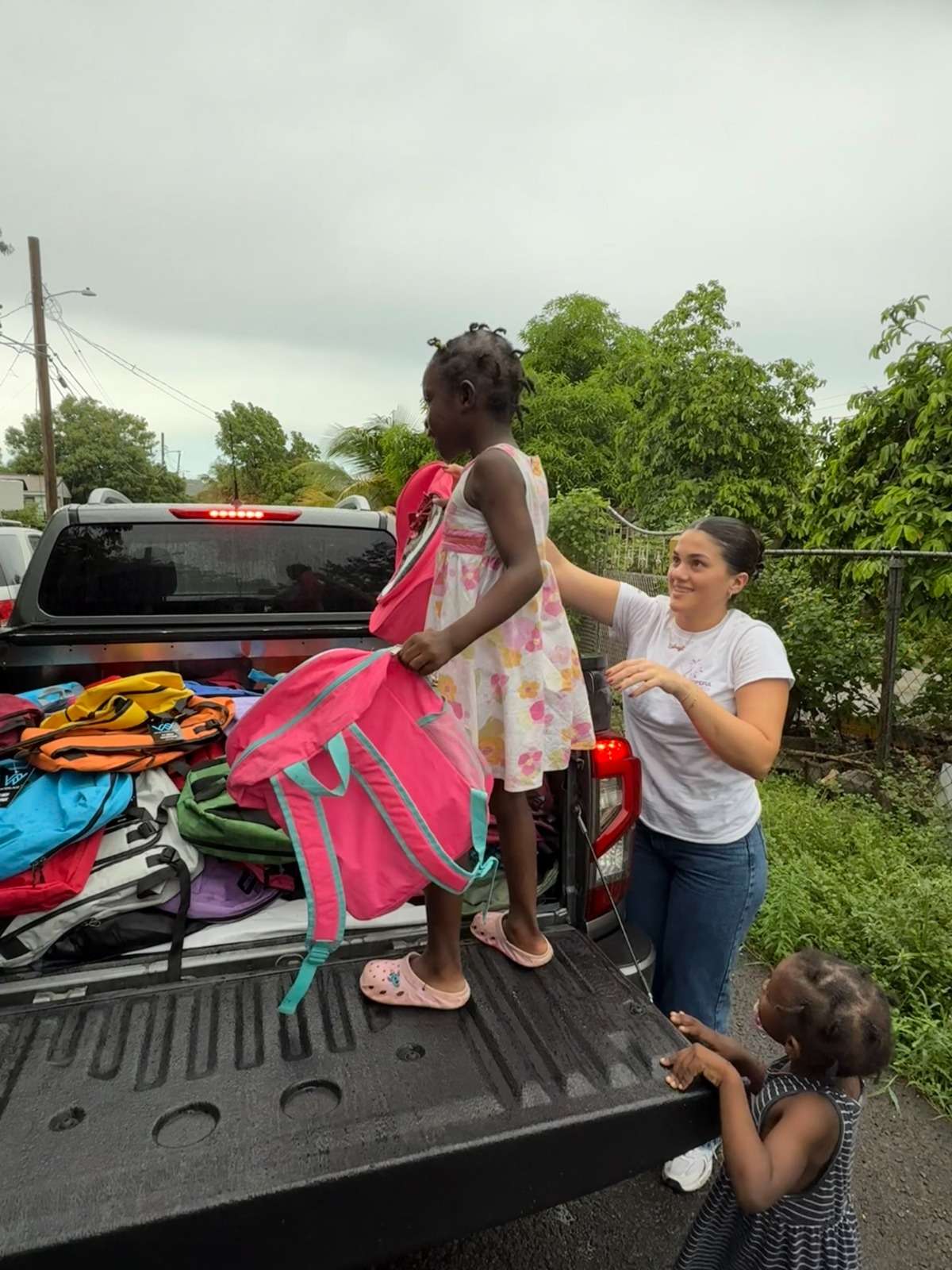
Through its School Tour Initiative, the foundation has already visited several schools, including Five Islands, Buckley’s, CT Samuel, Green Bay, Mill Academy, and Parham Primary , offering motivational talks, mentorship, and mental health awareness sessions under the theme “Mind Over Matter.”
During October, HHF will continue its outreach, donating 50 children’s books from Something Nice Books and additional school supplies to students while promoting emotional wellbeing and resilience among youth.
Looking ahead, HHF will partner with the Logos Hope Ship in November 2025 for a series of cultural and educational engagements, and plans to host a Walk for Charity in 2026 to raise funds for future school and community projects. The foundation will also stage its annual Christmas Drive in December, aiming to assist over 250 individuals, surpassing last year’s milestone.
Founder Kristine Louisa said, “Our mission is to pour love and hope into the hearts of children and communities. Every act of kindness helps build a stronger, more compassionate nation.”
This story was first published by Antigua News on : antigua.news/2025/10/14/hopeful-hearts-foundation-expands-outreach-across-antigua-barbuda. © 2025 Antigua News. Republication without permission is not allowed.

About the author
The Editorial Staff refers to all reporters employed by Antigua.news. When an article is not an original creation of Antigua.news—such as when it is based on a press release, other media articles, letters to the editor, or court decisions—one of our staff members is responsible for overseeing its publication.
Read our editorial standards and corrections policy. Spotted an error? Contact the newsroom.
More from Antigua and Barbuda
View section
Browne Announces More Than $1.5 Billion in Commonwealth Funding Commitments
Prime Minister says nature and health initiatives demonstrate CHOGM’s potential to deliver tangible benefits.
By Shermain Bique-Charles

Family Appeals for Public Help to Locate Missing 90-Year-Old Ackly Roberts
Roberts was last seen at his residence in Willikies on November 2, after a family member reportedly dropped off his breakfast at approximately 7:30 a.m.
By Cory Wayland

Minister Joseph Calls for Stronger Health Sector Response to Gender-Based Violence
Health Minister highlights police training, compassionate medical care and counselling as priorities for improving support for survivors.
By Shermain Bique-Charles

Greene: CHOGM Must Deliver Progress People Can See in Their Communities
Foreign Affairs Minister urges Commonwealth leaders to keep citizens at the centre of their decisions.
By Shermain Bique-Charles
Comments
Be the first to comment.