
Registration Opens for Caribe Wave Tsunami Exercise

By Cory Wayland
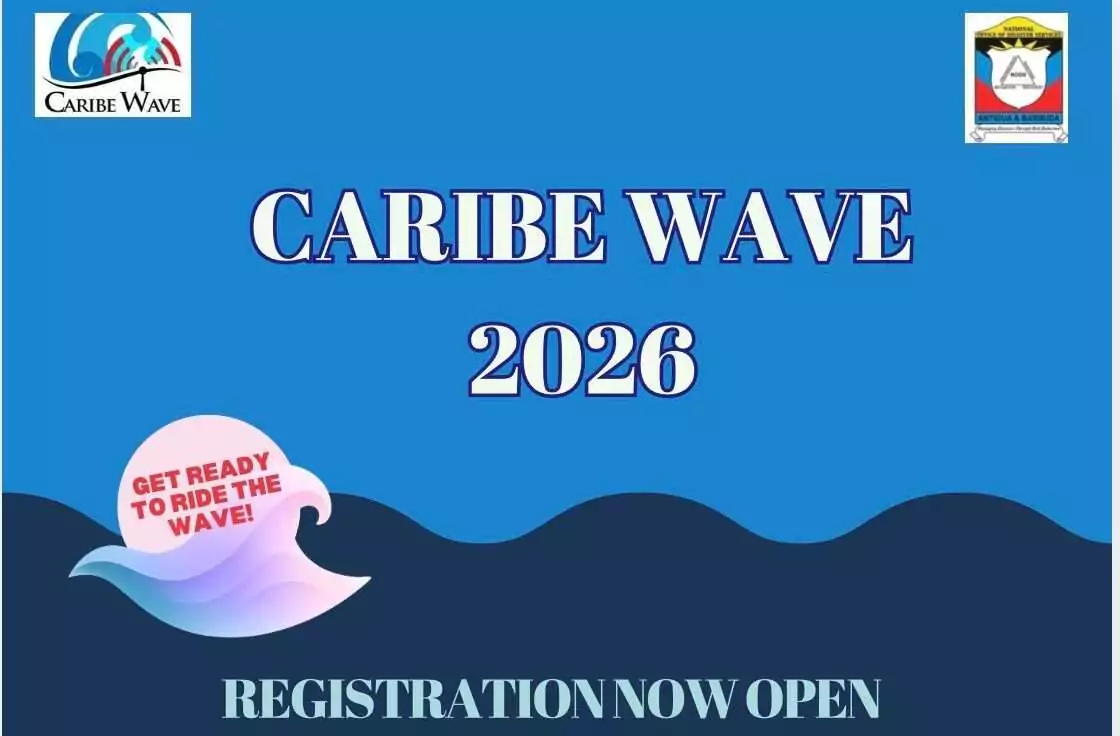
Registration is now officially open for the Caribe Wave Tsunami Exercise, set for Thursday, March 19, with emergency officials urging widespread participation as part of ongoing national disaster preparedness efforts.
The annual exercise forms part of a regional initiative designed to test tsunami response plans and strengthen coordination among emergency agencies, businesses, schools and community organizations. While it is a simulation, officials stress that the drill plays a critical role in assessing readiness and identifying gaps in communication, evacuation procedures and public awareness.
The National Office of Disaster Services (NODS) is encouraging organizations across Antigua and Barbuda to register their teams and actively take part in the exercise. Participants will be required to review and practice evacuation procedures, move to designated safe zones and account for team members as they would during a real emergency.
“Preparedness is everyone’s responsibility,” disaster officials have repeatedly emphasized, noting that early warning systems and well-rehearsed response plans can significantly reduce the risk to life in the event of a tsunami.
Organizations wishing to participate can contact the NODS Office at 462-4206 to register. They will need to provide the name of their organization, the number of participants involved and their designated safe zone.
Authorities say the Caribe Wave exercise offers a valuable opportunity to build a culture of safety and resilience, particularly for coastal communities that could be most vulnerable to tsunami threats.
With the Atlantic hurricane season only months away, officials are also using the initiative to remind the public that disaster preparedness should be ongoing, not seasonal.
The message is clear: when it comes to emergencies, practice today can save lives tomorrow.
This story was first published by Antigua News on : antigua.news/2026/02/11/registration-opens-for-caribe-wave-tsunami-exercise. © 2026 Antigua News. Republication without permission is not allowed.

About the author
Cory Wayland is the Social Media Co-ordinator at Antigua.News, where he manages digital content strategy, audience engagement, and real-time news publications across social platforms. With a keen eye for trending topics and a commitment to factual storytelling, Cory plays a key role in shaping the online voice of Antigua.News.
Read our editorial standards and corrections policy. Spotted an error? Contact the newsroom.
More from Antigua and Barbuda
View section
ABEC Chairman Arthur Thomas Completes OAS Electoral Training Programme in Washington
The five-day programme brought together electoral officials from across the Americas to strengthen election observation, electoral security and public confidence in democratic processes.
By Cory Wayland

Minister Rawdon Turner Rejects Claims of Restricted Public Access to Jolly Beach
The Social and Urban Transformation Minister says public access remains open, the walking distance has been reduced and the government plans to establish a dedicated beachfront park.
By Cory Wayland

Illegal Guns Fueling Violence Across Caribbean as Criminal Networks Grow More Sophisticated
Suriname's Justice and Security Minister warns that illegal firearms trafficking is becoming increasingly difficult to combat, urging CARICOM countries to strengthen border security, intelligence-sharing and regional cooperation.
By Cory Wayland

Antiguans Warned of Possible Fuel Price Increases Despite Falling Global Oil Prices
Government spokesman Maurice Merchant says continued instability in the Middle East could force higher prices at the pumps, even as international crude oil benchmarks record another weekly decline.
By Cory Wayland
Comments (2)
Juju Bee February 11, 2026, 5:18 PM
Informed citizen February 11, 2026, 10:55 PM