
Community Unites for Second Bulk Waste Clean-Up in St. Mary’s South

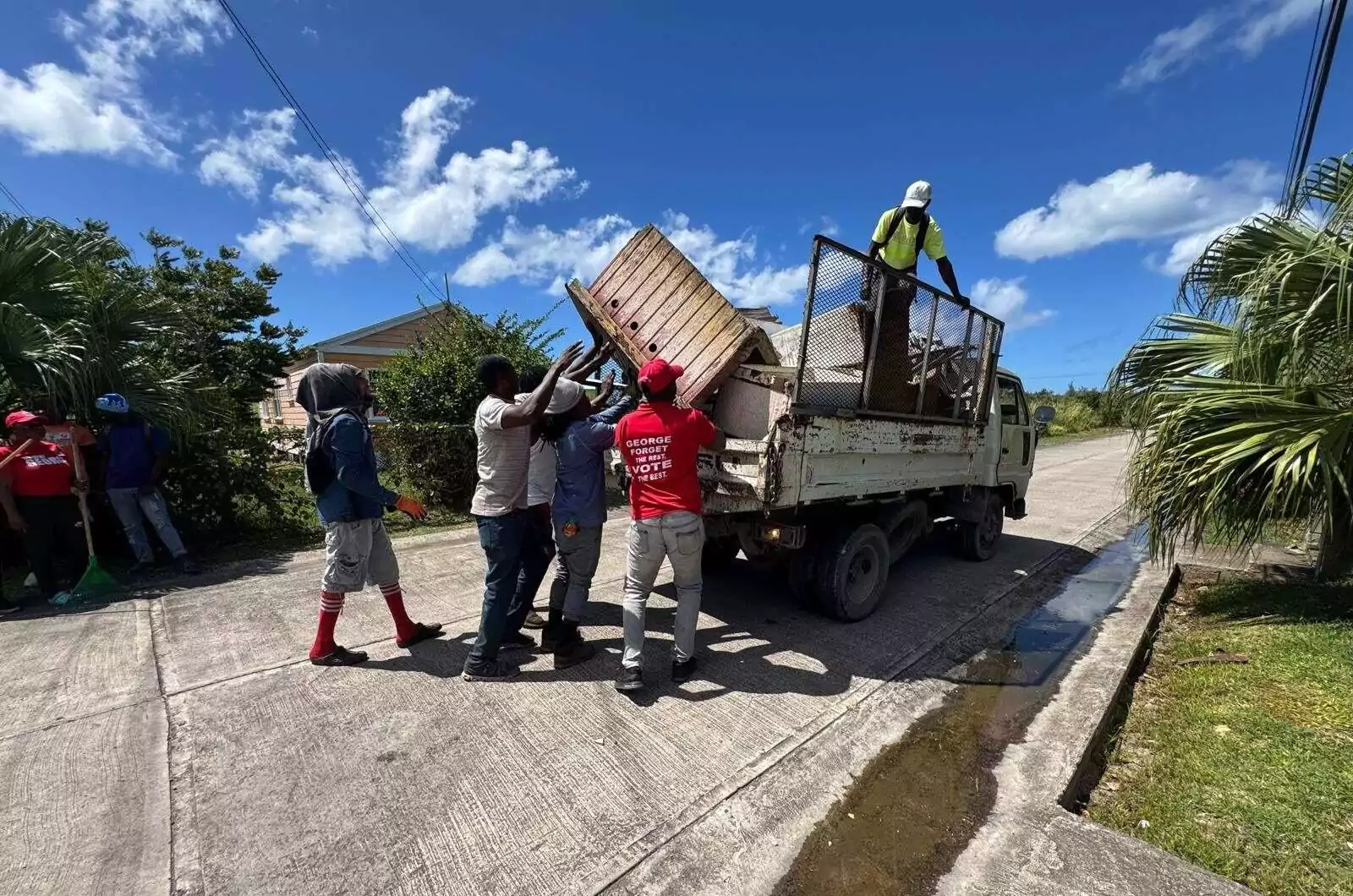
Residents of St. Mary’s South came together today for the second Bulk Waste Clean-Up initiative, an effort spearheaded by Senator Dwayne George in collaboration with the National Solid Waste Management Authority and the Bolans Beautification Team.
Held under the theme “Clean Where You Live,” the initiative saw volunteers and community members mobilizing across the area to remove bulky waste items and improve the overall environment for residents.
The clean-up forms part of ongoing efforts to encourage responsible waste disposal while enhancing the cleanliness and appearance of communities within the constituency.
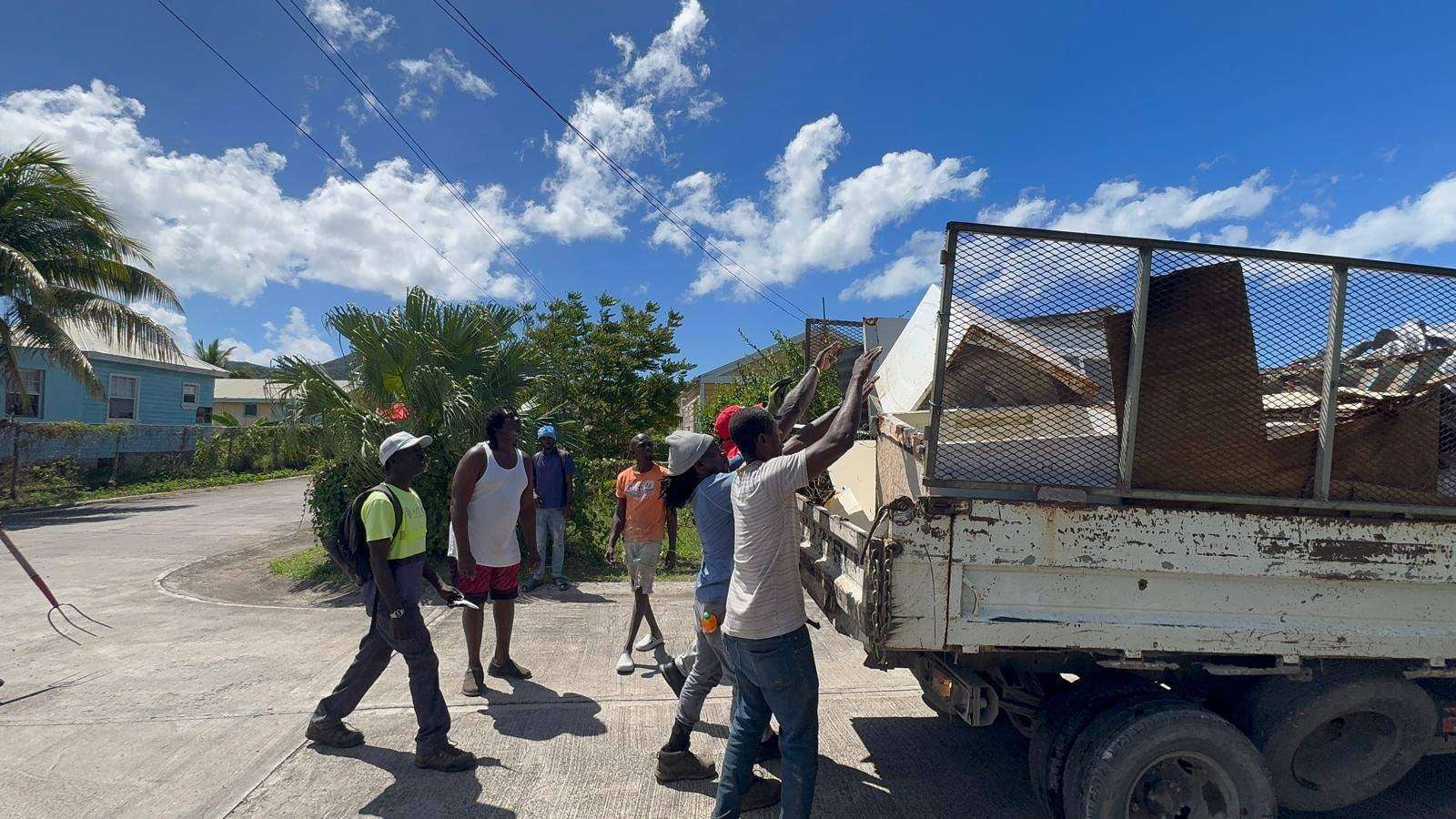
Participants worked throughout the day collecting discarded household items and other forms of bulky waste that often accumulate in residential areas. The effort not only helped clear unsightly debris but also reinforced the importance of maintaining a healthy and sustainable environment.
Organizers described the activity as another successful undertaking, made possible through the cooperation and dedication of residents, volunteers, and partner agencies.
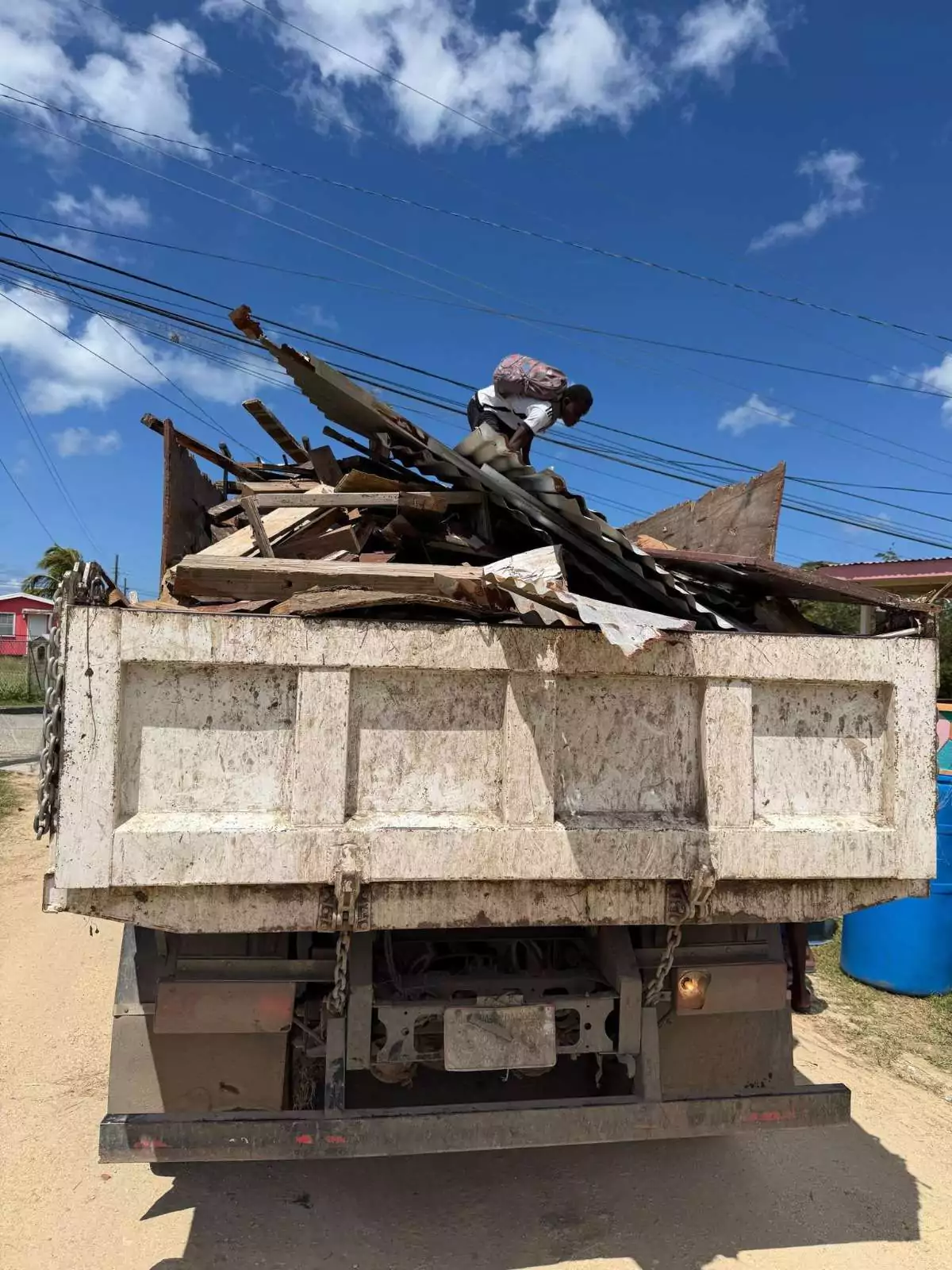
The initiative also highlighted a strong sense of community pride and unity, with individuals working side by side in a spirit of camaraderie to improve their surroundings.
Community leaders say initiatives like the St. Mary’s South Bulk Waste Clean-Up demonstrate how collective action can make a meaningful difference, reminding residents that taking pride in their environment helps build cleaner, healthier, and stronger communities for everyone.
This story was first published by Antigua News on : antigua.news/2026/03/15/community-unites-for-second-bulk-waste-clean-up-in-st-marys-south. © 2026 Antigua News. Republication without permission is not allowed.

About the author
Shermain Bique-Charles is an accomplished journalist with over 24 years of dynamic experience in the industry. Renowned for her exceptional storytelling and investigative skills, she has garnered numerous awards that highlight her commitment to journalistic integrity and excellence. Her work not only informs but also inspires, making her a respected voice in the field.
Read our editorial standards and corrections policy. Spotted an error? Contact the newsroom.
More from Antigua and Barbuda
View section
OPINION: From Commonwealth connections to economic opportunity: Expanding
Commonwealth, Afreximbank and ITC leaders call for stronger transport links, accessible finance and simpler payments to unlock Africa–Caribbean trade.
By Editorial Staff

Royal Visit Ends After Week of Independence Celebrations and Commonwealth Engagements
King Charles III and Queen Camilla departed Antigua and Barbuda this morning following national, community and diplomatic events.
By Shermain Bique-Charles

Samoa Urges Climate Finance That Does Not Deepen Vulnerable Nations’ Debt
Outgoing Commonwealth chair calls for accessible and predictable support as climate losses mount.
By Shermain Bique-Charles

Missing Man Ackly Roberts, 92, Found Dead by Police
Roberts had been reported missing after he was last seen on November 2.
By Shermain Bique-Charles
Comments (2)
Juju Bee March 15, 2026, 6:18 PM
Informed citizen March 15, 2026, 11:36 PM