
WATCH: MP Fernandez, Got Stamps? Travel donates supplies to Cedar Grove Primary


St John’s Rural North MP Charles “Max” Fernandez has presented on behalf of Got Stamps? Travel LLC, another donation of school supplies to the Cedar Grove Primary School.
The donation included printers, crayons, paint, test kits, and whistles, arriving at the school ahead of the ongoing examination season.
Got Stamps? Travel LLC, founded by CEO Brian Emmanuel Sims, is built around six pillars including philanthropy and cultural engagement, combining group travel experiences with social impact.
GALLERY OF PICTURES BELOW (swipe or use arrows to scroll left and right)
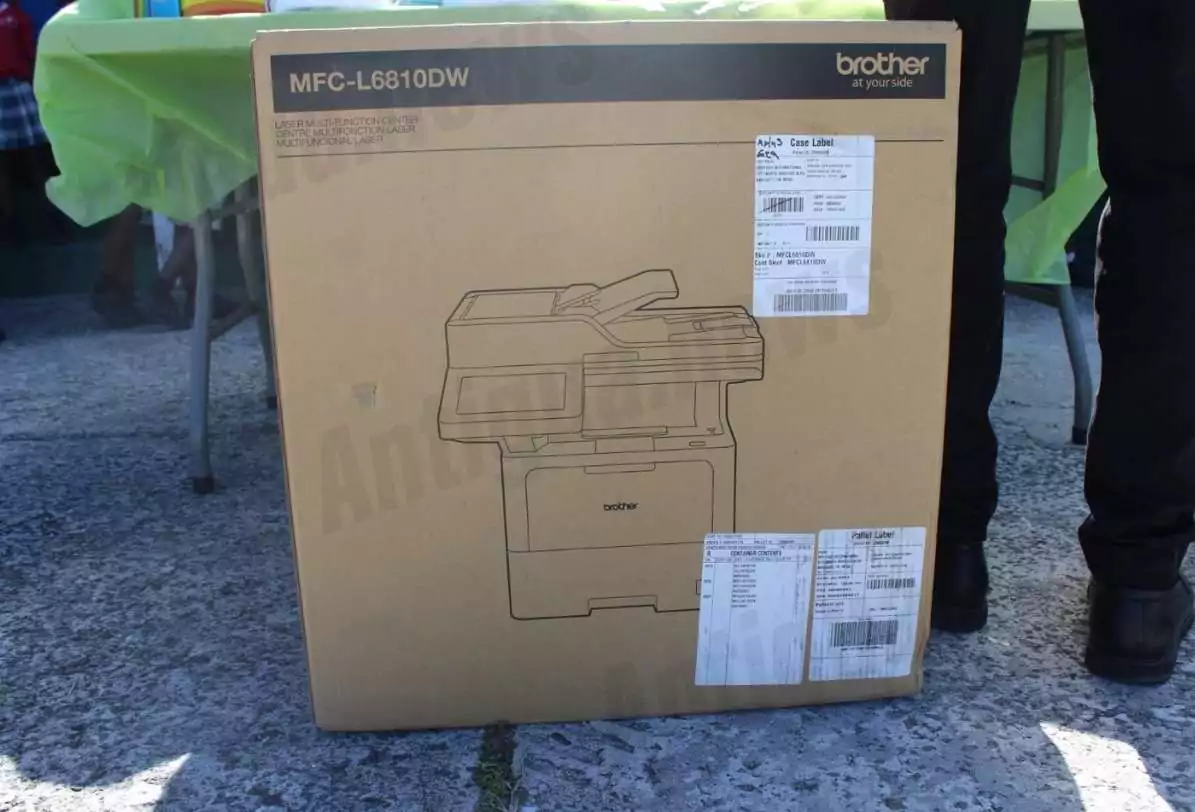
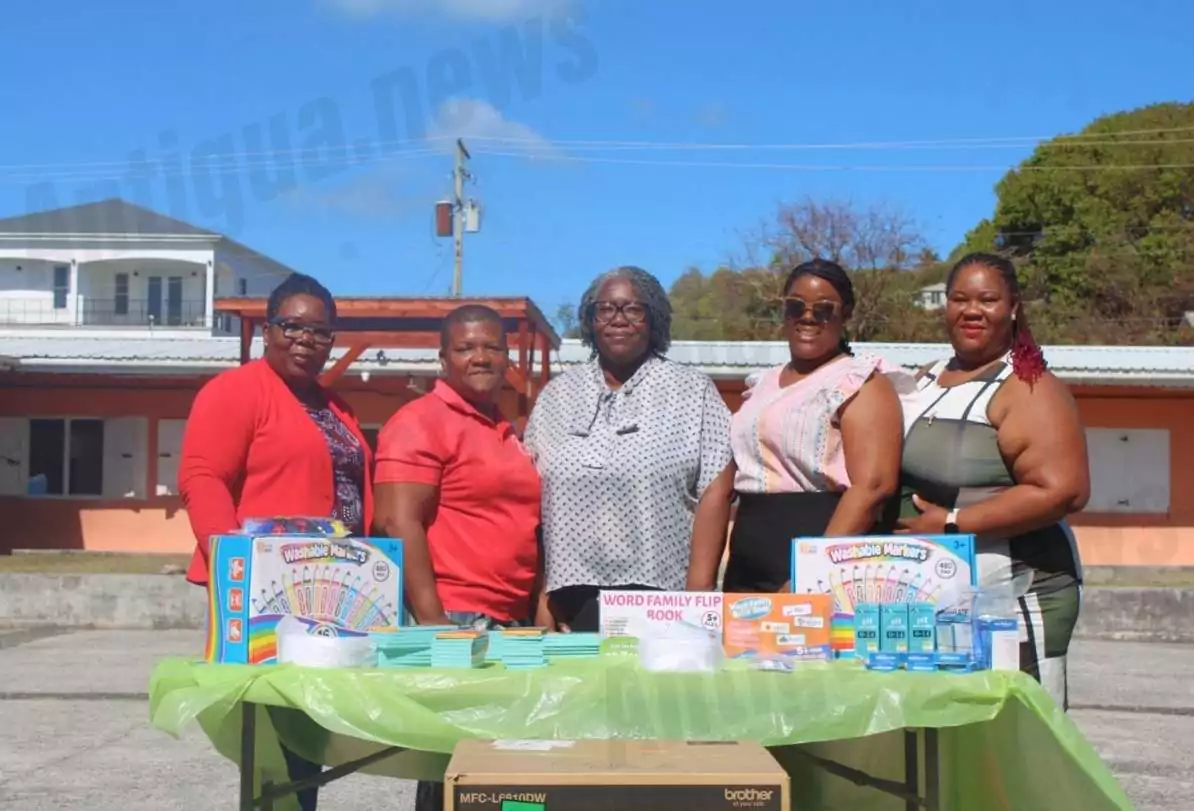



Minister Fernandez facilitated the company’s first donation to Cedar Grove Primary came last October, following vandalism that disrupted the school.
Principal Anthea Anthony thanked the organisation and the Minister, noting the supplies would ease the pressure on teachers tasked with completing exam preparations on time.
This story was first published by Antigua News on : antigua.news/2026/03/24/watch-mp-fernandez-got-stamps-travel-donates-supplies-to-cedar-grove-primary. © 2026 Antigua News. Republication without permission is not allowed.

About the author
The Editorial Staff refers to all reporters employed by Antigua.news. When an article is not an original creation of Antigua.news—such as when it is based on a press release, other media articles, letters to the editor, or court decisions—one of our staff members is responsible for overseeing its publication.
Read our editorial standards and corrections policy. Spotted an error? Contact the newsroom.
More from Antigua and Barbuda
View section
Urgent Appeal to Locate Missing 25-Year-Old Yamesha Malika Roberts of Willikies
Concern is growing over the whereabouts of Yamesha Malika Roberts, as the public is urged to help locate the 25-year-old Willikies resident.
By Cory Wayland

Police Record 75 Sexual Assault Cases in Antigua and Barbuda, Many Involving Girls Under 14
The Special Victims Unit has raised concerns about sexual abuse involving young children, while new figures show sharp increases in protection order requests and the number of people seeking help for gender-based violence.
By Cory Wayland

Man Accused of Sexually Abusing 13-Year-Old Girl Who Knew Him as Her Father Goes on Trial
A High Court jury has begun hearing evidence against a man facing four sexual offence charges, including allegations that he assaulted a teenage girl after she moved into his home.
By Cory Wayland

Protection Order Requests Surge 93% as Minister Rawdon Turner Warns Men to Stop Abusing Women
Social and Urban Transformation Minister Rawdon Turner says 116 people sought protection orders between January and October 2026, nearly doubling the figure recorded during the same period last year, as he calls on men to stop abusing women and holding their friends’ abusive behaviour in silence.
By Cory Wayland
Comments (1)
Apex Jones March 24, 2026, 3:51 PM