
JCI Antigua Hosts 5th Annual Recycle and Create Competition in Observance of National Recycling Day

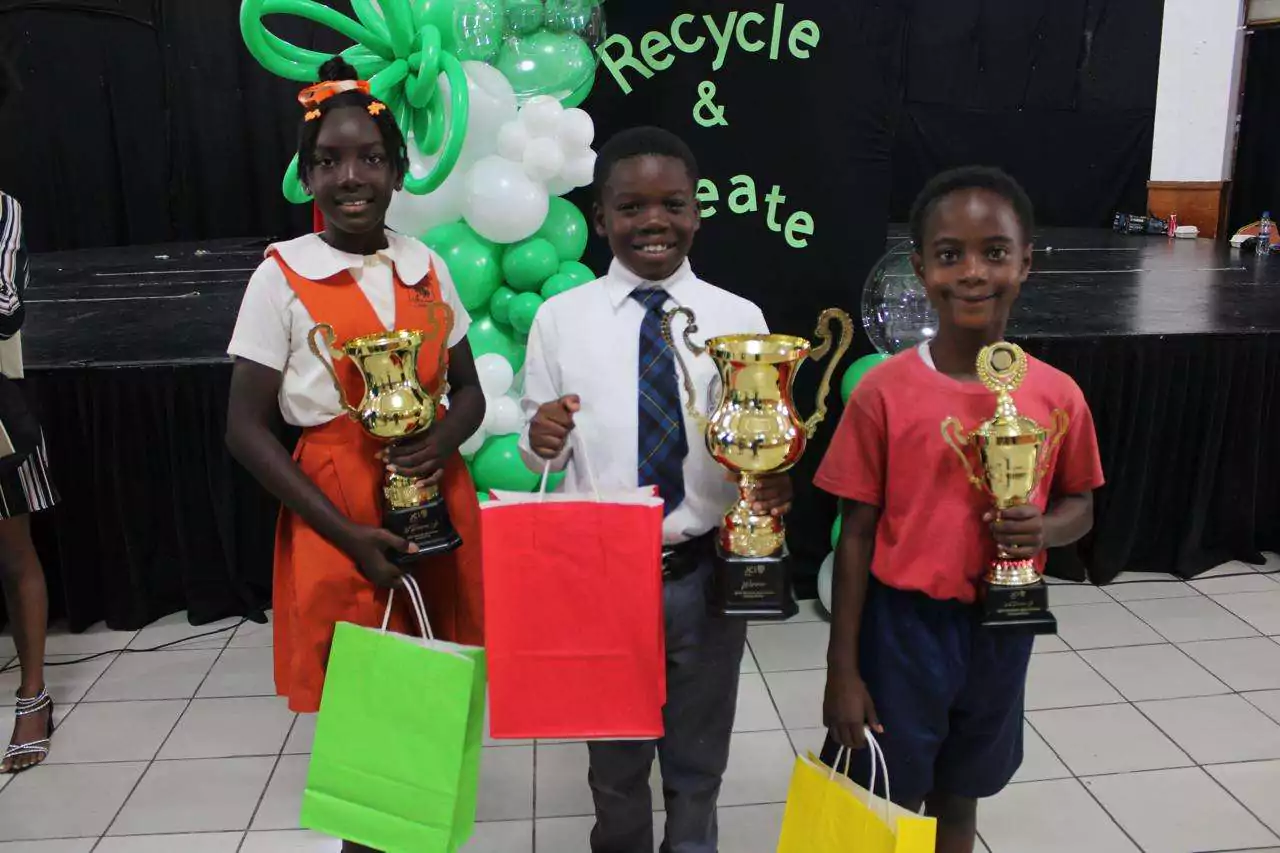
In celebration of National Recycling Day, JCI Antigua successfully hosted its 5th Annual Recycle and Create Competition on Tuesday, 24th March, at the Multipurpose Cultural Centre.
The event brought together more than 28 participants from several schools across Antigua, all demonstrating remarkable creativity, environmental awareness, and innovation through the transformation of recyclable materials into meaningful creations.
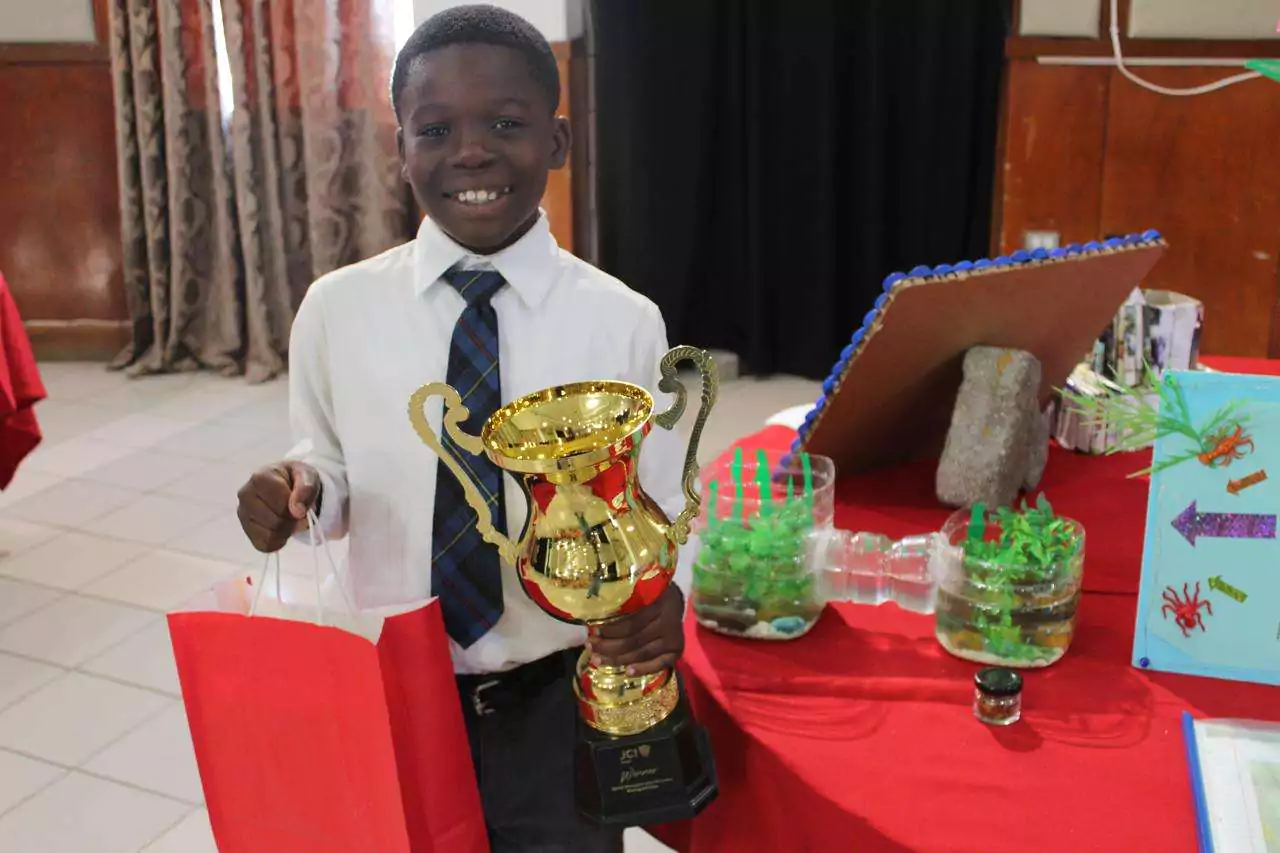
Speaking at the event, President of JCI Antigua, Collette, commended the students for their vision and commitment to sustainability. She stated:
“The ideas and creations showcased here today prove that the next generation is not only aware of this responsibility, but ready to lead the way. You are transforming discarded materials into meaningful works, and in doing so, you are reshaping how we think about consumption, conservation, and community.”
The competition continues to serve as an important platform for encouraging young people to embrace environmental responsibility while using their creativity to promote sustainable practices.
The winners of this year’s competition were:
1st Place – Pares Primary School – Shemarie Williams
2nd Place – Liberta Primary School – Tareas Joseph
3rd Place – Old Road Primary School – K’Nizia Thomas
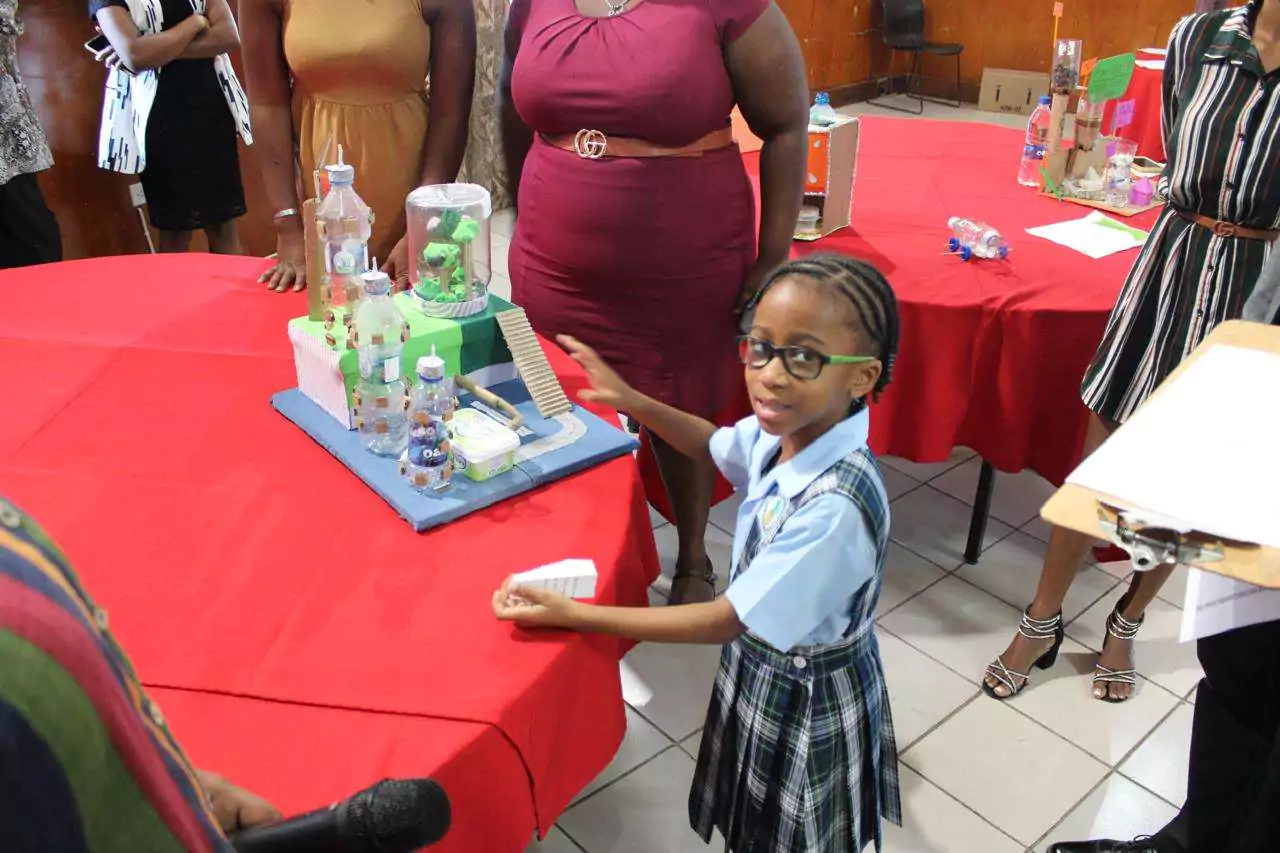
JCI Antigua extends sincere thanks to the Ministry of Education, all sponsors, partners, supporters, participating schools, and everyone who contributed to making this year’s competition a success.
Through initiatives such as the Recycle and Create Competition, JCI Antigua remains committed to empowering young people, fostering innovation, and promoting environmental stewardship across Antigua and Barbuda.
This story was first published by Antigua News on : antigua.news/2026/03/28/jci-antigua-hosts-5th-annual-recycle-and-create-competition-in-observance-of-national-recycling-day. © 2026 Antigua News. Republication without permission is not allowed.

About the author
The Editorial Staff refers to all reporters employed by Antigua.news. When an article is not an original creation of Antigua.news—such as when it is based on a press release, other media articles, letters to the editor, or court decisions—one of our staff members is responsible for overseeing its publication.
Read our editorial standards and corrections policy. Spotted an error? Contact the newsroom.
More from Antigua and Barbuda
View section
Plans Advance to Restore Historic Museum of Antigua and Barbuda Building
World Monuments Fund representatives briefed Governor-General Sir Rodney Williams and Dame Sandra Williams on efforts to conserve and rehabilitate the historic courthouse in St. John’s.
By Cory Wayland

Police Warn Drivers Against Mobile Phone Use and Tailgating as Rear-End Collisions Raise Concern
Traffic Department Corporal Brendon Sutherland is urging motorists to maintain a safe following distance and avoid distractions that could lead to preventable road accidents.
By Cory Wayland

“Do We Have No Pride?”: Culture Director Khan Cordice Blasts Vandalism at New Performing Arts Centre
Director of Culture Khan Cordice has expressed outrage over the defacing of the new National Performing Arts Centre, questioning the public’s respect for national property and calling for those responsible to be identified.
By Cory Wayland

Denzil Howell Faces Up to 10 Years in Prison After Pleading Guilty to Ammunition Possession
The 32-year-old admitted possessing two rounds of ammunition discovered during a police search in St. John’s and is scheduled to be sentenced on December 2.
By Cory Wayland
Comments (2)
Loyalcitizen March 28, 2026, 3:00 PM
Apex Jones March 28, 2026, 6:08 PM