
Colour and Construction Progress at Antigua Cruise Port Upland Development

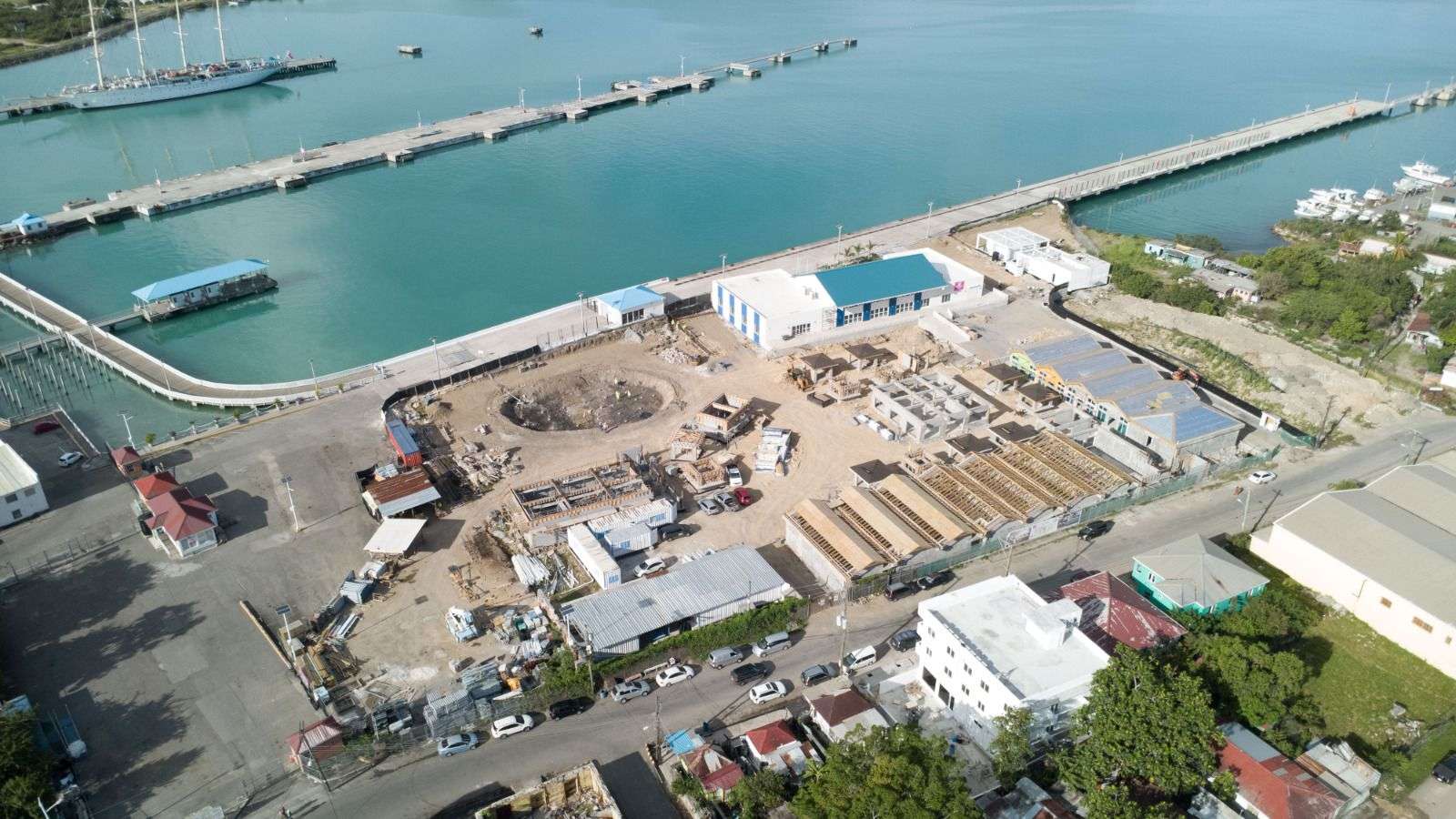
Work at the Antigua Cruise Port Upland Development is visibly advancing, with vibrant Caribbean-inspired colours now transforming exterior structures and signalling the project’s evolving identity.
The new palette, applied across key buildings, is intended to bring a distinctive sense of place and energy to future retail and leisure spaces within the expanded port area. The visual upgrade marks one of the most noticeable recent developments on site, as construction continues to shift from structural works into more defined architectural detailing.
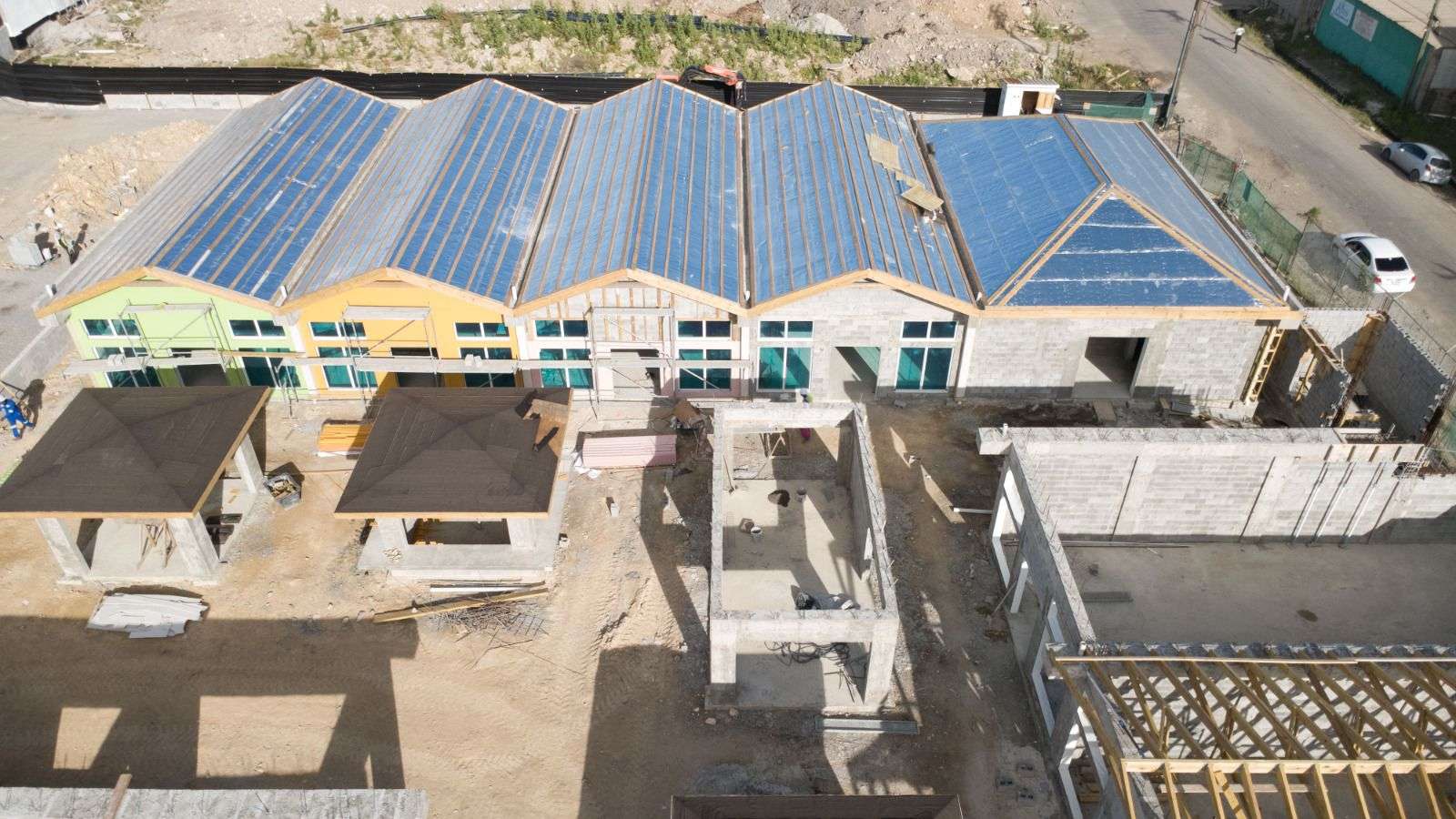
According to project updates, the LICCOM team continues to drive several major milestones forward. Roofing installations are progressing steadily across multiple sections of the development, reflecting continued momentum in the broader construction schedule.
Another key feature of the upgrade, the Day Club pool, is also taking shape. Once completed, it is expected to serve as a central attraction within the enhanced cruise experience, adding a leisure-focused element to the upland offering.
The development forms part of a wider effort to enhance Antigua and Barbuda’s cruise infrastructure, with emphasis on improving visitor experience, expanding onshore offerings, and modernising port facilities.
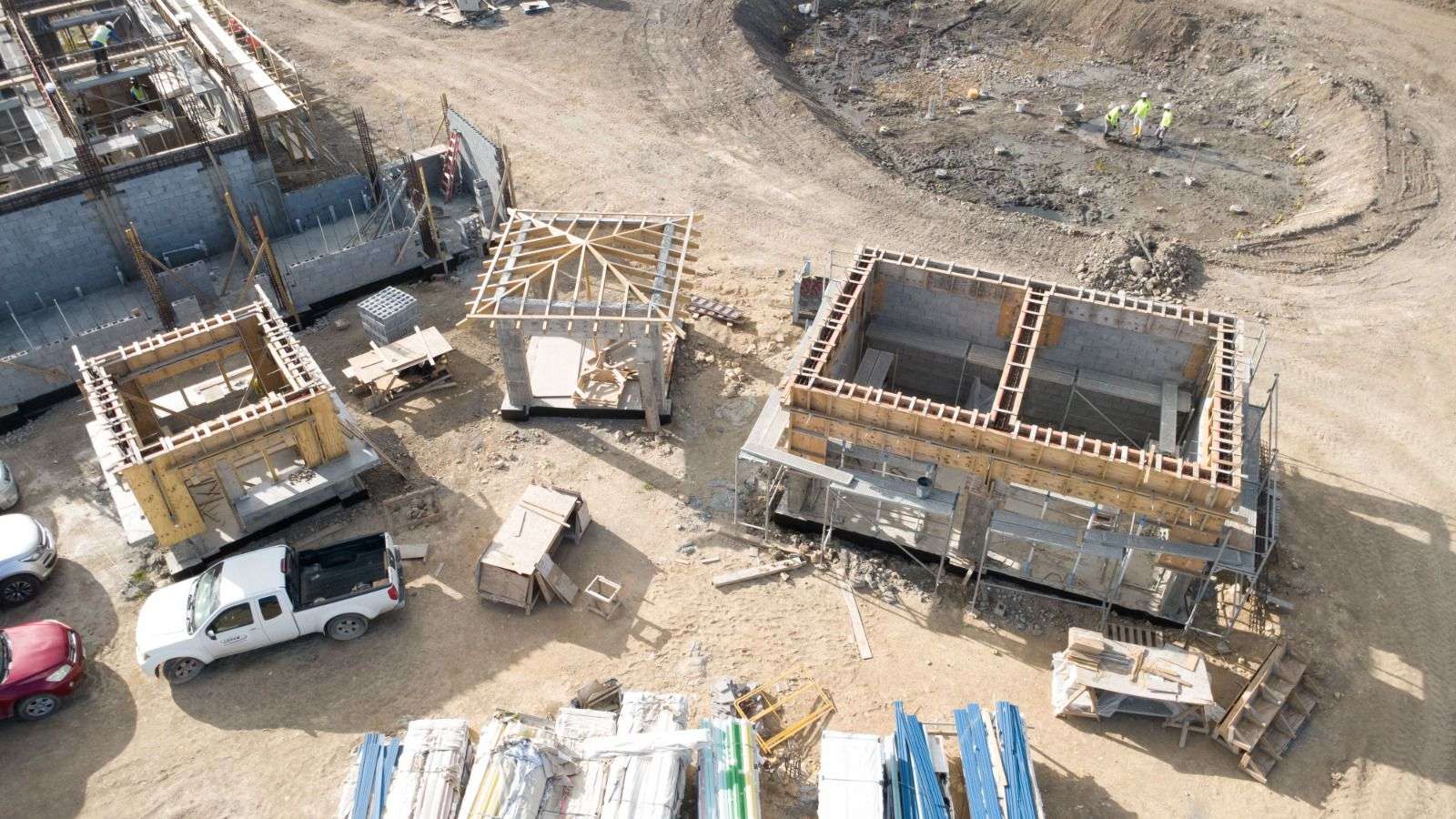
As work continues, the site is beginning to reflect its intended vision more clearly, one defined by colour, activity, and an expanded tourism product designed to complement the island’s growing cruise sector.
Further updates are expected as the project moves into its next phase of completion.
This story was first published by Antigua News on : antigua.news/2026/04/15/colour-and-construction-progress-at-antigua-cruise-port-upland-development. © 2026 Antigua News. Republication without permission is not allowed.

About the author
The Editorial Staff refers to all reporters employed by Antigua.news. When an article is not an original creation of Antigua.news—such as when it is based on a press release, other media articles, letters to the editor, or court decisions—one of our staff members is responsible for overseeing its publication.
Read our editorial standards and corrections policy. Spotted an error? Contact the newsroom.
More from Antigua and Barbuda
View section
P&O Cruises Secures Replacement Flights to Antigua After Norse Suspends Services
Two charter flights from the UK are scheduled to bring passengers to Antigua on Saturday to join Arvia.
By Shermain Bique-Charles

Social Protection Board Honours Seniors at Annual Tea Party
Under the theme “Ageing with Dignity, Living with Purpose,” the gathering celebrated the contributions of older citizens and called on younger generations to spend more time with them.
By Shermain Bique-Charles

Pastor Clement Joseph Urges Leaders to Put Wisdom and Humility Before Power
A reflection on Solomon’s request for discernment places fairness, consultation and service at the centre of leadership.
By Cory Wayland

Freeland Calls for More Business Backing as Antigua and Barbuda Misses Next Basketball Qualifier
The basketball association president says the cost of competing overseas and clashes with players’ school and club commitments continue to hold back national teams.
By Shermain Bique-Charles
Comments
Be the first to comment.