
Rotary Club to Host its 17th Edition of Colors Under the Theme “Welcome to Smurf Village”

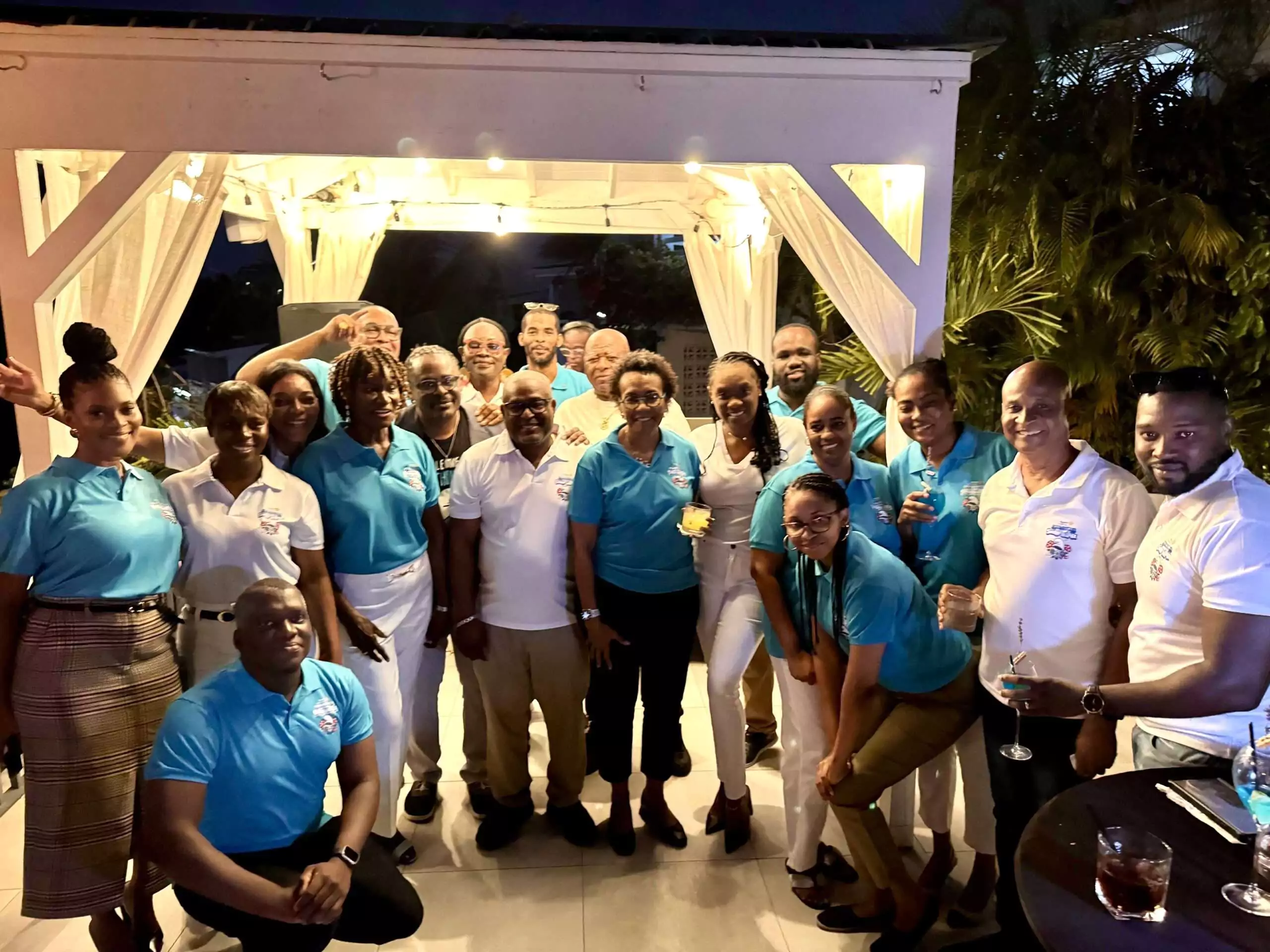
The Rotary Club of Antigua is preparing to host the 17th edition of its signature fundraising event, Colours, under the theme “Welcome to Smurf Village,” on Saturday, July 4, 2026, at the Coolidge Cricket Ground.
Now firmly established as one of the island’s premier charity events, Colours continues to play a vital role in supporting community-focused initiatives across Antigua and Barbuda. Organisers say proceeds from the event will go directly toward programmes such as Meals on Wheels, youth development projects, educational assistance, and community health outreach.
This year’s staging introduces a new format, with revised hours from 5:00 PM to 11:00 PM, allowing patrons to enjoy a seamless transition from sunset into an open-air evening experience.
The 2026 theme, “Welcome to Smurf Village,” centres on the idea of community and shared responsibility. According to organisers, the concept reflects the importance of collective action in addressing social needs, using a light, creative theme to underscore a serious message about unity and support.
Patrons attending the all-inclusive event can expect a curated experience featuring premium drinks, a wide selection of food, and a dynamic musical lineup. Guests are also encouraged to embrace the theme through their attire, with blue, red, and white highlighted as the dominant colours, alongside playful patterns and expressive styles.
The Rotary Club has credited the continued support of sponsors, corporate partners, media houses, and community stakeholders for the event’s growth and consistency over the years.
As Colours marks its 17th year, organisers say the event remains more than just a social gathering, positioning itself as a platform that blends entertainment with purpose, while generating meaningful support for communities in need.
Tickets for the event are currently available through the TickeTing App, with all proceeds contributing to ongoing service projects throughout the country.
This story was first published by Antigua News on : antigua.news/2026/04/18/rotary-club-to-host-its-17th-edition-of-colors-under-the-theme-welcome-to-smurf-village. © 2026 Antigua News. Republication without permission is not allowed.

About the author
The Editorial Staff refers to all reporters employed by Antigua.news. When an article is not an original creation of Antigua.news—such as when it is based on a press release, other media articles, letters to the editor, or court decisions—one of our staff members is responsible for overseeing its publication.
Read our editorial standards and corrections policy. Spotted an error? Contact the newsroom.
More from Antigua and Barbuda
View section
Barbuda Land Titles Could Be Issued in December, Browne Says
The latest timetable follows Cabinet’s July approval of an initial group under the EC$1-an-acre programme.
By Shermain Bique-Charles

Government in Talks Over $100 Million Housing Fund as Borrowers Hit Bank Barriers
A listener who said age had blocked access to financing pressed the government for a rent-to-own option.
By Shermain Bique-Charles

Rents Rise 9.3% as Housing and Utility Costs Keep Climbing
The housing and utilities index rose 13.5% over the year, its largest increase in the 13 months shown in the October report.
By Shermain Bique-Charles

Sandals Foundation’s EC$54,607 Literacy Project Brings New Library Signs to Five Antigua Schools
The signs mark the latest phase of a partnership between the Sandals Foundation and Hands Across the Sea that has provided books and reading resources for 1,192 students.
By Shermain Bique-Charles
Comments (6)
KKK April 18, 2026, 11:00 AM
Anonymous April 18, 2026, 11:15 AM
Dianne April 19, 2026, 3:24 AM
Sparx4Dem April 19, 2026, 6:18 PM
Concerned April 19, 2026, 10:10 PM
Ash April 20, 2026, 8:40 AM