
BREAKING: Shark Spotted Near Shoreline at Ffryes Beach Sends Swimmers Scrambling

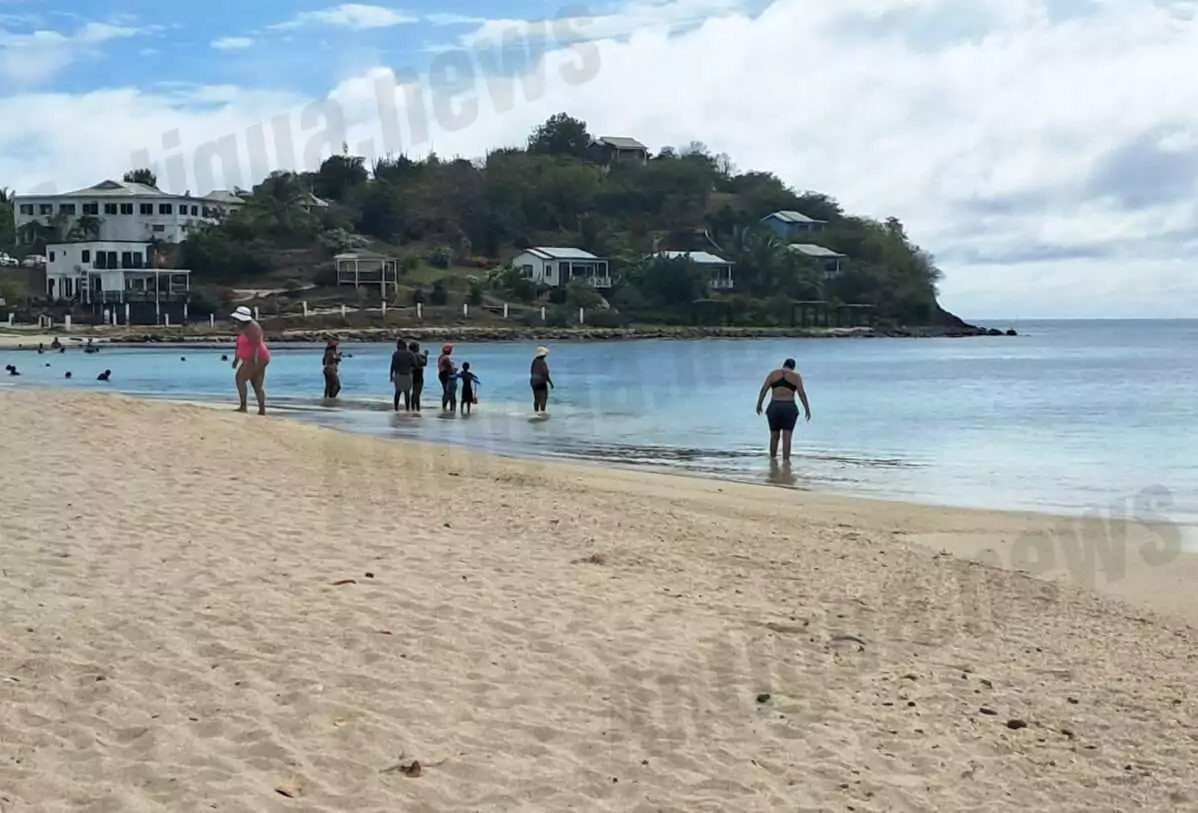
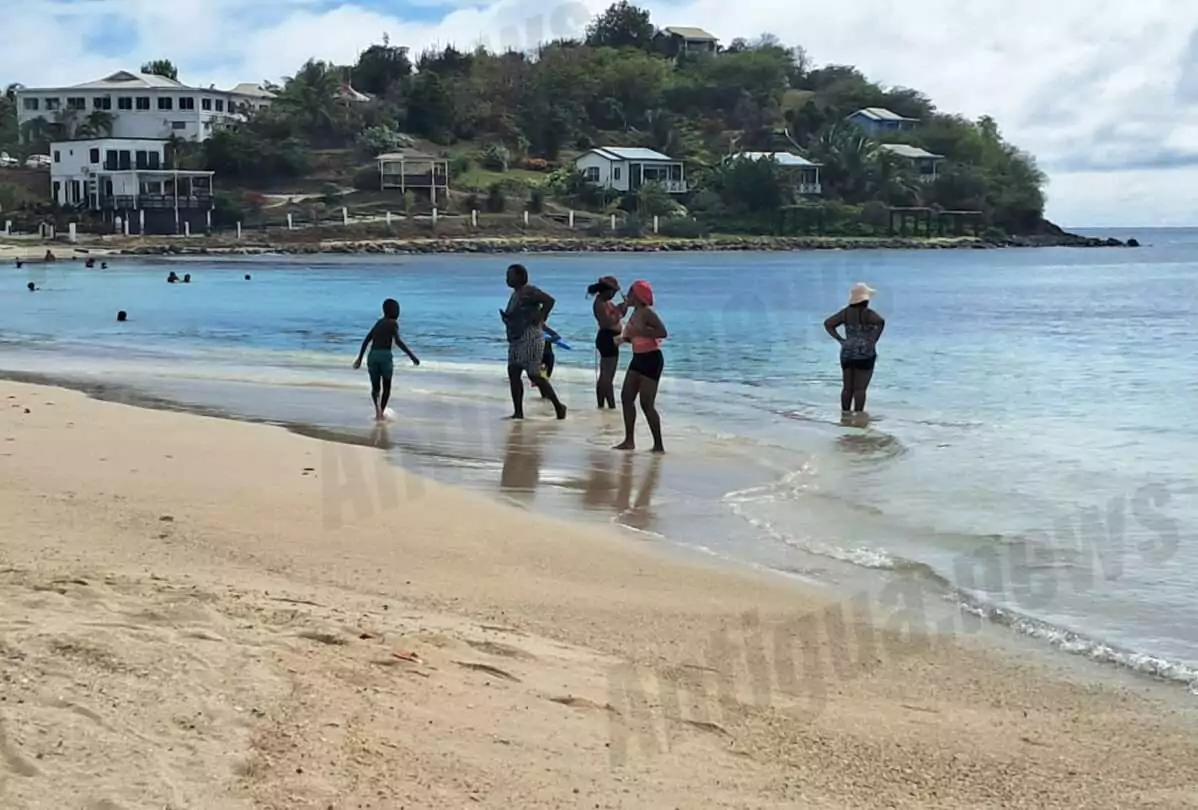
Sea bathers at Ffryes Beach got more than they bargained for on Sunday when a shark was spotted close to the shoreline, triggering a mix of alarm and curiosity among those enjoying the usually calm waters.
Eyewitnesses said the marine animal was seen moving slowly just beyond the shallows, prompting several swimmers to quickly exit the water. In contrast, others remained at a safe distance, watching the unusual sight unfold.
“It was a bit scary at first because you don’t expect to see that so close,” one beachgoer said. “But at the same time, it was interesting—people were pointing, recording, trying to figure out what kind of shark it was.”
Some individuals gathered along the shoreline, capturing videos and photos, while others urged caution and called for swimmers further out to return to shore.
There were no reports of injuries, and the shark eventually moved away from the area without incident.
While shark sightings in local waters are rare, marine experts often note that such encounters can occur, particularly in areas where fish activity is high. Authorities typically advise beachgoers to remain calm, avoid sudden movements, and exit the water safely if a shark is seen nearby.
The incident quickly became a talking point among visitors and residents alike, serving as a reminder of the unpredictable nature of marine life just beyond the shoreline.
This story was first published by Antigua News on : antigua.news/2026/04/26/breaking-shark-spotted-near-shoreline-at-ffryes-beach-sends-swimmers-scrambling. © 2026 Antigua News. Republication without permission is not allowed.

About the author
Shermain Bique-Charles is an accomplished journalist with over 24 years of dynamic experience in the industry. Renowned for her exceptional storytelling and investigative skills, she has garnered numerous awards that highlight her commitment to journalistic integrity and excellence. Her work not only informs but also inspires, making her a respected voice in the field.
Read our editorial standards and corrections policy. Spotted an error? Contact the newsroom.
More from Antigua and Barbuda
View section
UPDATE: Fire Contained After Gutting Christ the King High School Library
Firefighters brought the blaze under control at the Old Parham Road campus. The cause remains unknown.
By Shermain Bique-Charles

BREAKING: Firefighters Respond to Blaze at Christ the King High School
Crews are at the school on Old Parham Road, while a separate fire has been reported on Friars Hill Road.
By Shermain Bique-Charles

Antigua Rejected $100 Million Royal Caribbean Plan Over Fort James Beach Access
The prime minister says the cruise company sought exclusive access to the proposed development area. The government is drawing up plans for a public beach park at Fort James.
By Shermain Bique-Charles

Antigua Eyes New Air Routes but Sees Hotel Capacity as a Hurdle
Turkish Airlines, Qatar Airways and Emirates are among the carriers the government would like to attract.
By Shermain Bique-Charles
Comments (6)
Wow April 26, 2026, 4:12 PM
Informed citizen April 26, 2026, 4:29 PM
Crazy April 26, 2026, 6:34 PM
Concerned Antiguan April 26, 2026, 8:24 PM
Juju Bee April 27, 2026, 1:46 PM
Sheesh April 27, 2026, 8:22 PM