
Governor General, Lady Williams Support St. John Hospice Fundraiser at Casa Palmadita

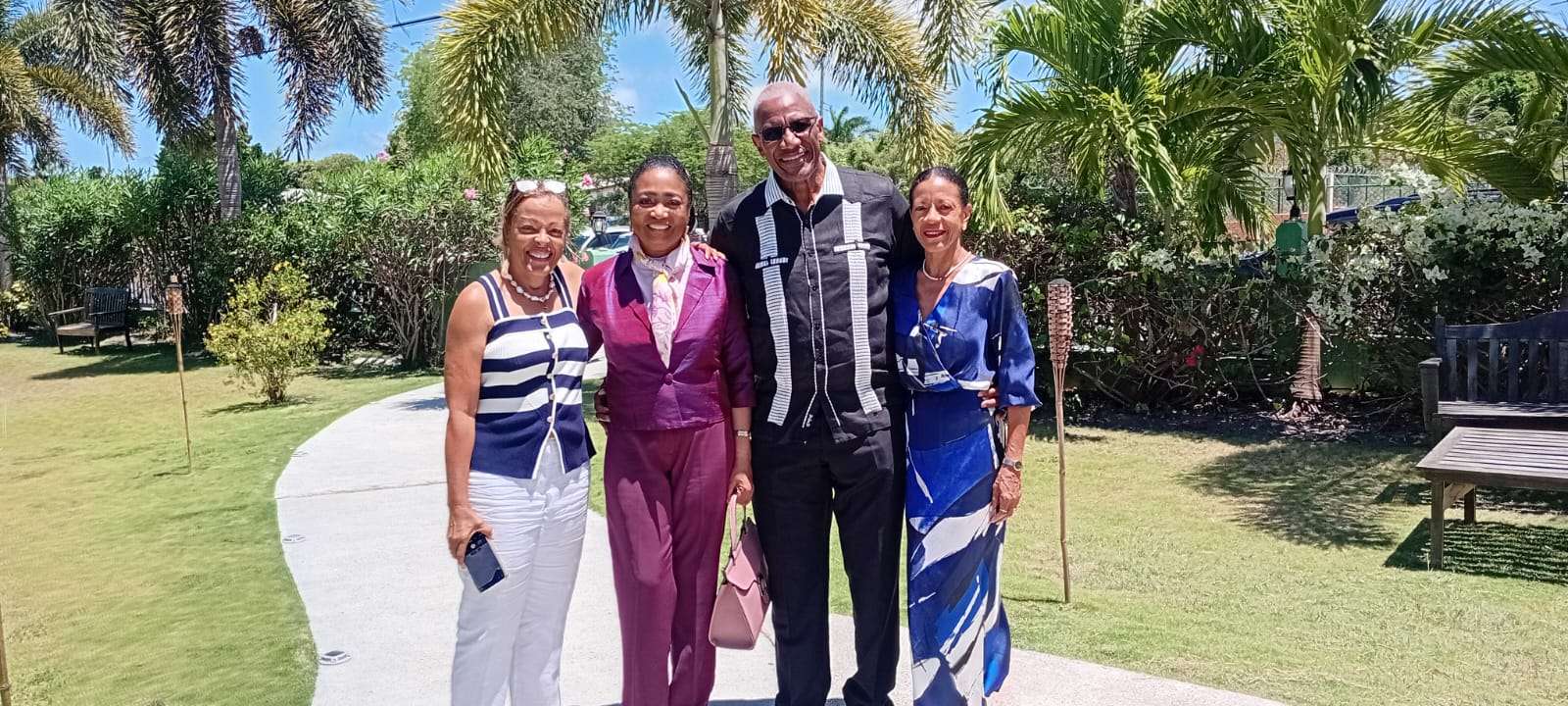
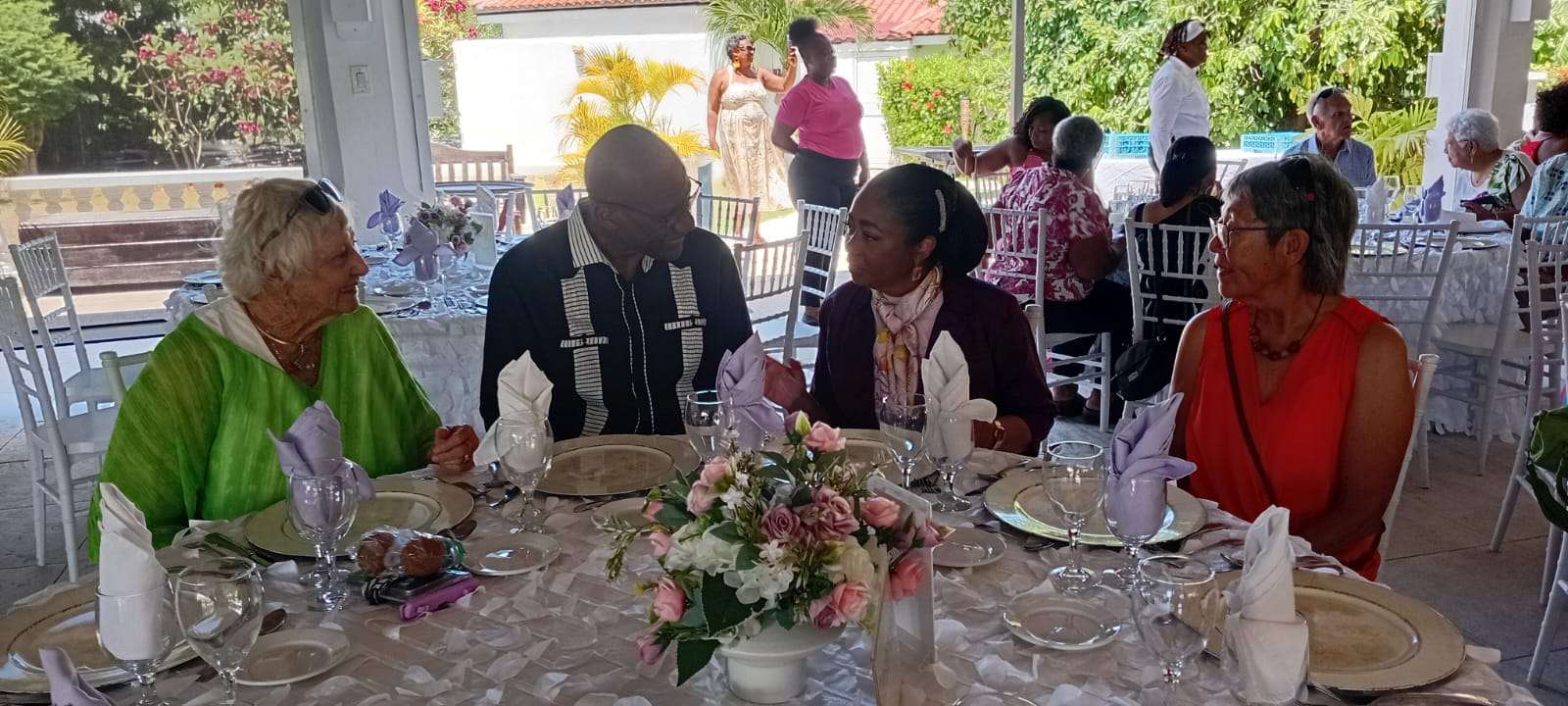
Their Excellencies Sir Rodney Williams, Governor General of Antigua and Barbuda, and Lady Williams were among patrons and supporters gathered on Sunday for a fundraising event in aid of the St. John Hospice.
The event, dubbed “Wash You Foot and Come,” was held at Casa Palmadita in Fitches Creek and drew a wide cross-section of the community, including volunteers, donors and well-wishers united in support of the Hospice’s work.
The St. John Hospice, which operates under the patronage of Their Excellencies, provides care and support for terminally ill patients and their families, offering services rooted in dignity and compassion.
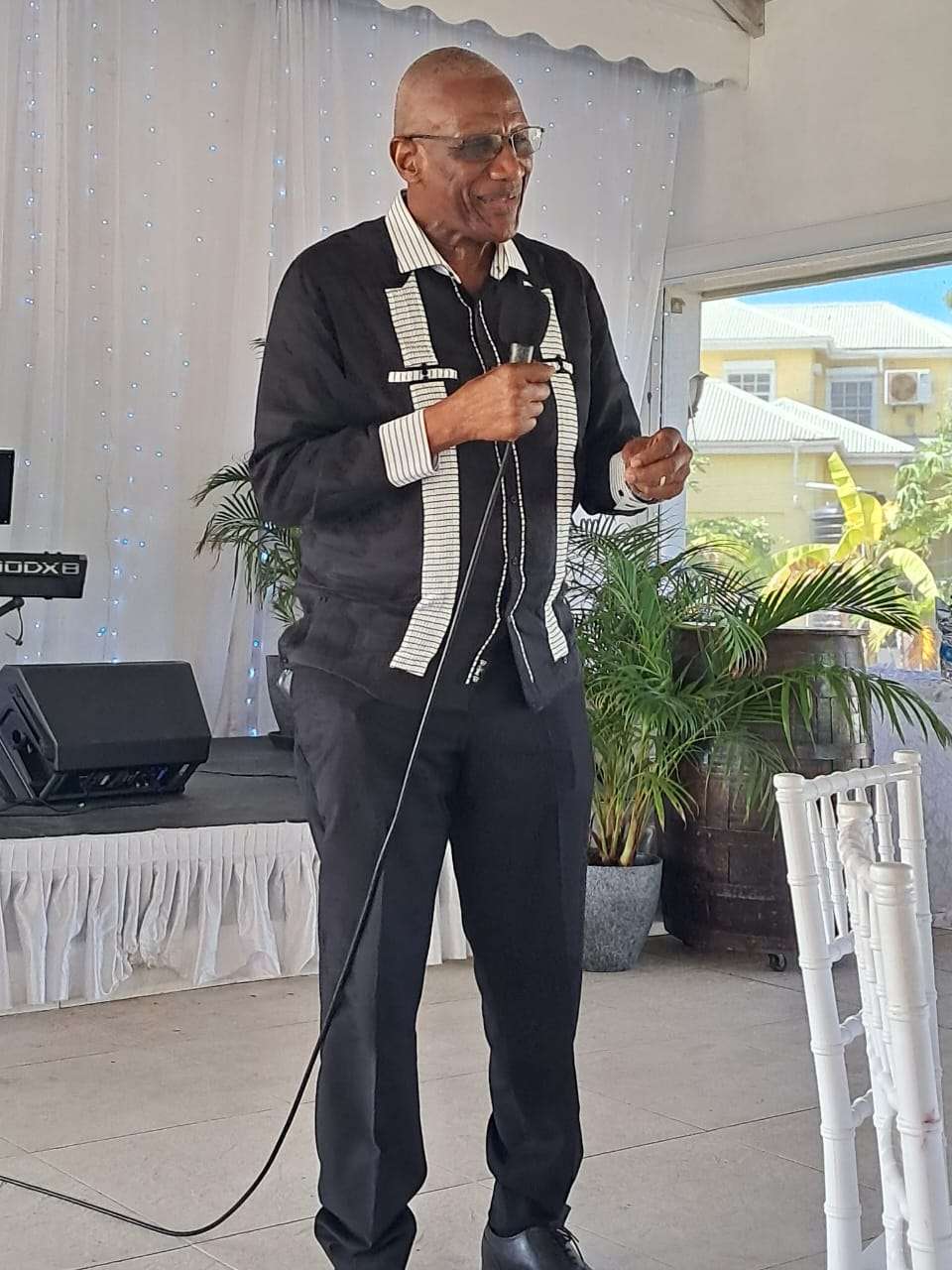
In brief remarks, Sir Rodney Williams praised the organisation’s contribution to national life, describing its work as “quiet but deeply meaningful.” He urged continued public support through donations, volunteerism and advocacy, noting that the Hospice plays a vital role in delivering comfort and care to those in need.
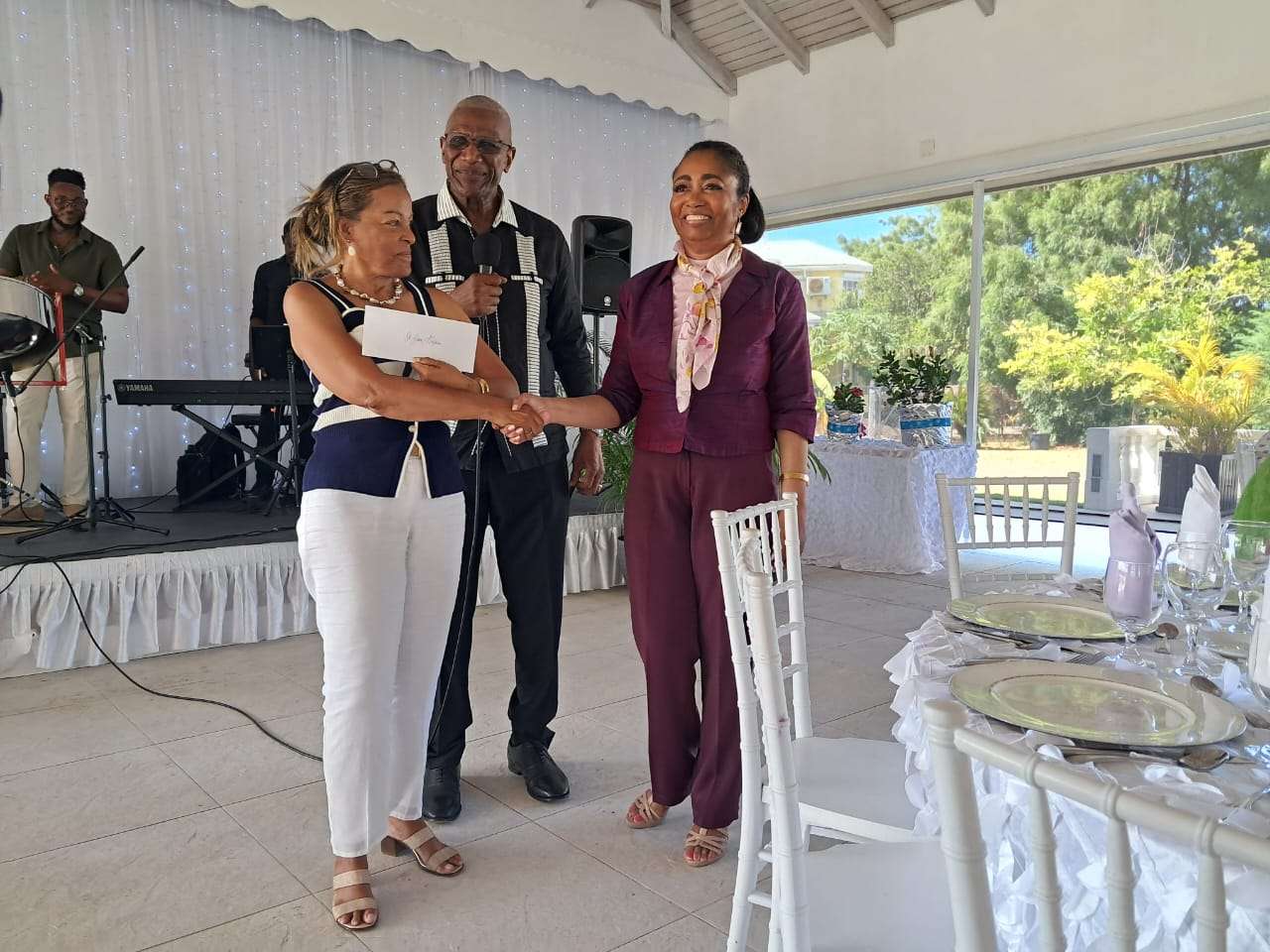
Lady Williams also made a contribution on behalf of The Halo Foundation, presenting a donation to Charlene Selkridge, chair of the event’s planning committee. The Foundation has been a consistent supporter of the Hospice’s initiatives over the years.
The programme was hosted by Colin Maynard, a member of the St. John Hospice Board, and featured musical performances from local entertainers, adding to the evening’s atmosphere of fellowship.
Organisers expressed gratitude to all who contributed to the success of the fundraiser, including sponsors, performers, caregivers and volunteers.
The event not only raised funds for the Hospice’s operations but also highlighted the importance of its services in providing compassionate, end-of-life care across Antigua and Barbuda.
This story was first published by Antigua News on : antigua.news/2026/05/04/governor-general-lady-williams-support-st-john-hospice-fundraiser-at-casa-palmadita. © 2026 Antigua News. Republication without permission is not allowed.

About the author
The Editorial Staff refers to all reporters employed by Antigua.news. When an article is not an original creation of Antigua.news—such as when it is based on a press release, other media articles, letters to the editor, or court decisions—one of our staff members is responsible for overseeing its publication.
Read our editorial standards and corrections policy. Spotted an error? Contact the newsroom.
More from Antigua and Barbuda
View section
UPDATE: Fire Contained After Gutting Christ the King High School Library
Firefighters brought the blaze under control at the Old Parham Road campus. The cause remains unknown.
By Shermain Bique-Charles

BREAKING: Firefighters Respond to Blaze at Christ the King High School
Crews are at the school on Old Parham Road, while a separate fire has been reported on Friars Hill Road.
By Shermain Bique-Charles

Antigua Rejected $100 Million Royal Caribbean Plan Over Fort James Beach Access
The prime minister says the cruise company sought exclusive access to the proposed development area. The government is drawing up plans for a public beach park at Fort James.
By Shermain Bique-Charles

Antigua Eyes New Air Routes but Sees Hotel Capacity as a Hurdle
Turkish Airlines, Qatar Airways and Emirates are among the carriers the government would like to attract.
By Shermain Bique-Charles
Comments (1)
Apex Jones May 4, 2026, 9:35 PM