
Antigua and Barbuda Strengthens Waste-to-Energy Capacity Through Regional Training Initiative

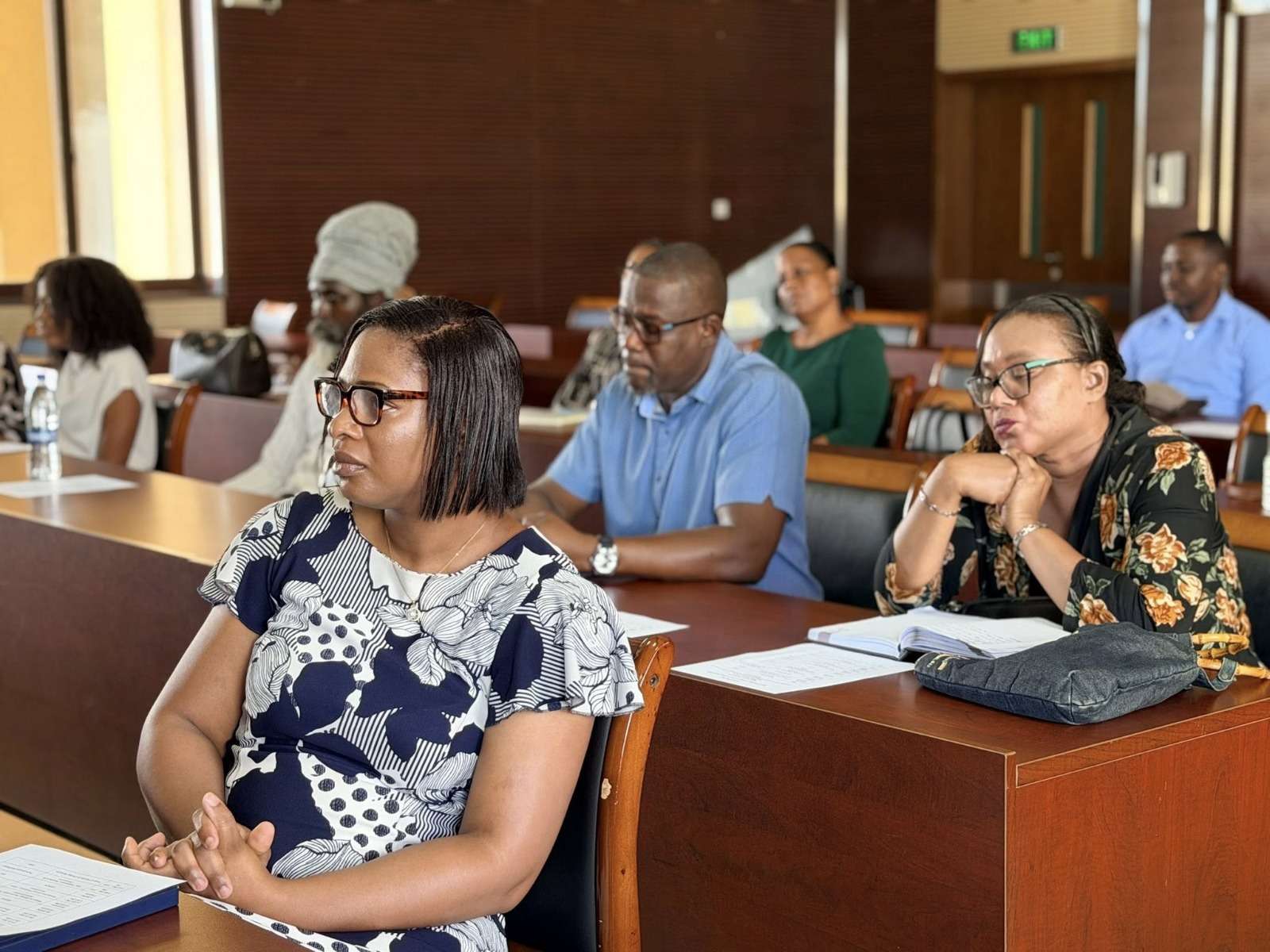
Antigua and Barbuda is taking further steps toward sustainable waste management as the National Solid Waste Management Authority (NSWMA), in collaboration with the United Nations Environment Programme (UNEP) and regional partners, hosted a capacity-building workshop focused on Waste-to-Energy (WtE) technologies.
The training session, held at the Villa Community Centre, brought together representatives from several government ministries and agencies to enhance the country’s ability to evaluate Waste-to-Energy proposals using technical, environmental, financial, and institutional criteria.
Participants explored key considerations surrounding Waste-to-Energy systems within Small Island Developing States (SIDS), while also examining regional and international case studies to better understand successful approaches and common challenges.
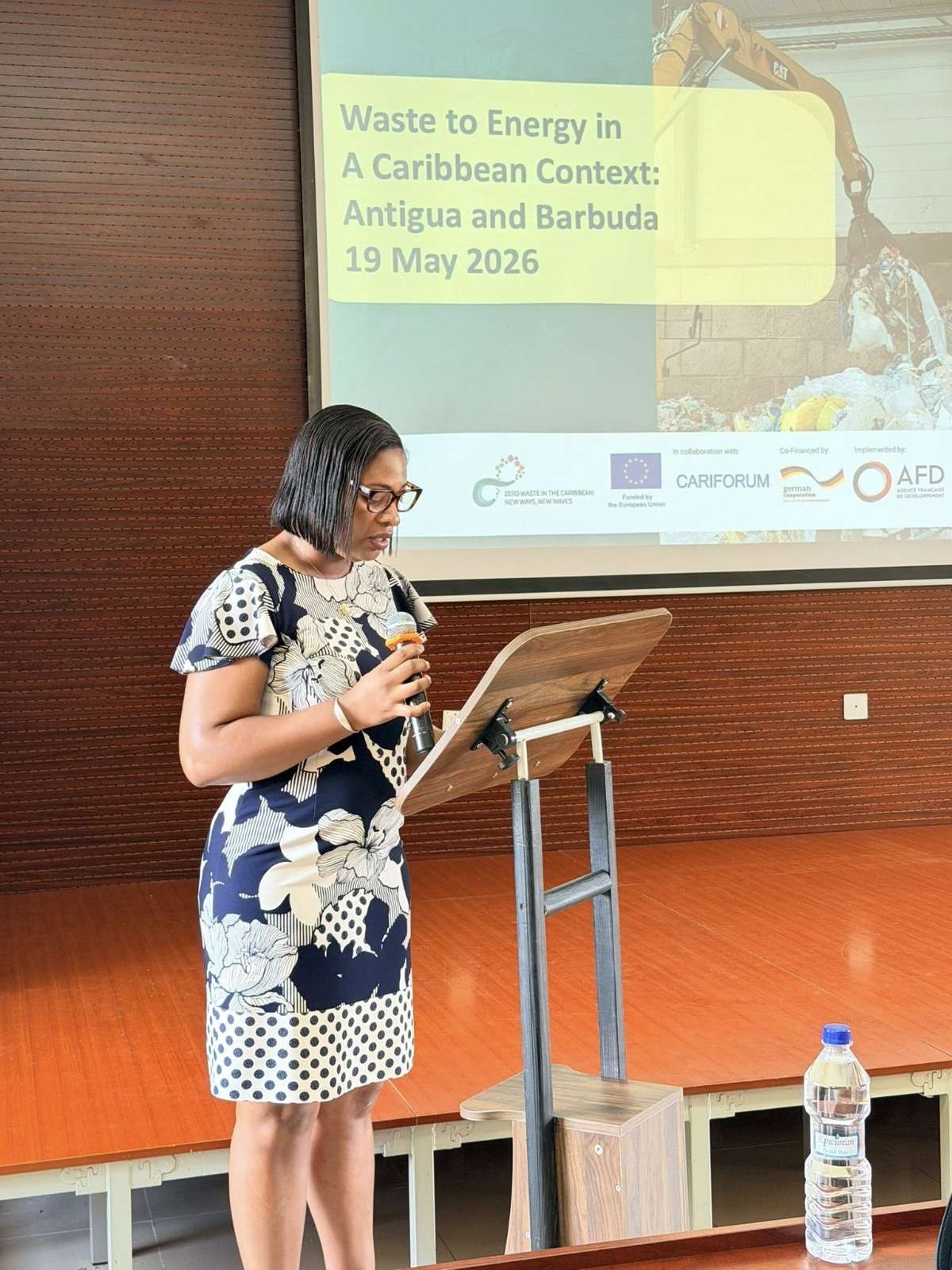
The workshop also highlighted potential risks associated with WtE proposals and introduced participants to practical tools designed to support evidence-based decision-making and project assessment.
Officials said initiatives of this nature are increasingly important as Antigua and Barbuda continues exploring innovative solutions for waste management and environmental sustainability.
The training forms part of broader efforts to promote circular economy principles, reduce environmental impact, and build a cleaner and more resilient future.
Organizers also expressed appreciation to UNEP, facilitators, and participating stakeholders for their contributions and commitment to advancing sustainable development goals in Antigua and Barbuda.
This story was first published by Antigua News on : antigua.news/2026/05/20/antigua-and-barbuda-strengthens-waste-to-energy-capacity-through-regional-training-initiative. © 2026 Antigua News. Republication without permission is not allowed.

About the author
The Editorial Staff refers to all reporters employed by Antigua.news. When an article is not an original creation of Antigua.news—such as when it is based on a press release, other media articles, letters to the editor, or court decisions—one of our staff members is responsible for overseeing its publication.
Read our editorial standards and corrections policy. Spotted an error? Contact the newsroom.
More from Antigua and Barbuda
View section
Chinese Partners Join Social Protection Board in Successful Food Distribution
Donated meals and hands-on support bring assistance to members of the public, with Operations Manager Emily Baltimore praising the partnership.
By Shermain Bique-Charles

Residents Inside CHOGM Security Zone Warned About Temporary Re-entry Restrictions
Police say people may leave their homes during the opening ceremony restrictions but could face difficulty returning before controls are lifted.
By Shermain Bique-Charles

No Nationwide Lockdown for CHOGM, Officials Assure Public
Temporary security restrictions and convoy stops will affect selected areas while businesses and essential services continue operating.
By Shermain Bique-Charles

Police Say Previous Grays Farm Investigation Led To Washington Bramble’s Arrest at Town Hall Meeting
Police say several attempts to locate Bramble for questioning had been unsuccessful before officers arrested him during Wednesday’s town hall meeting.
By Cory Wayland
Comments (1)
Apex Jones May 21, 2026, 10:32 AM