
A.G.L Tutoring Gives Back to All Saints Secondary with Student Support Initiative

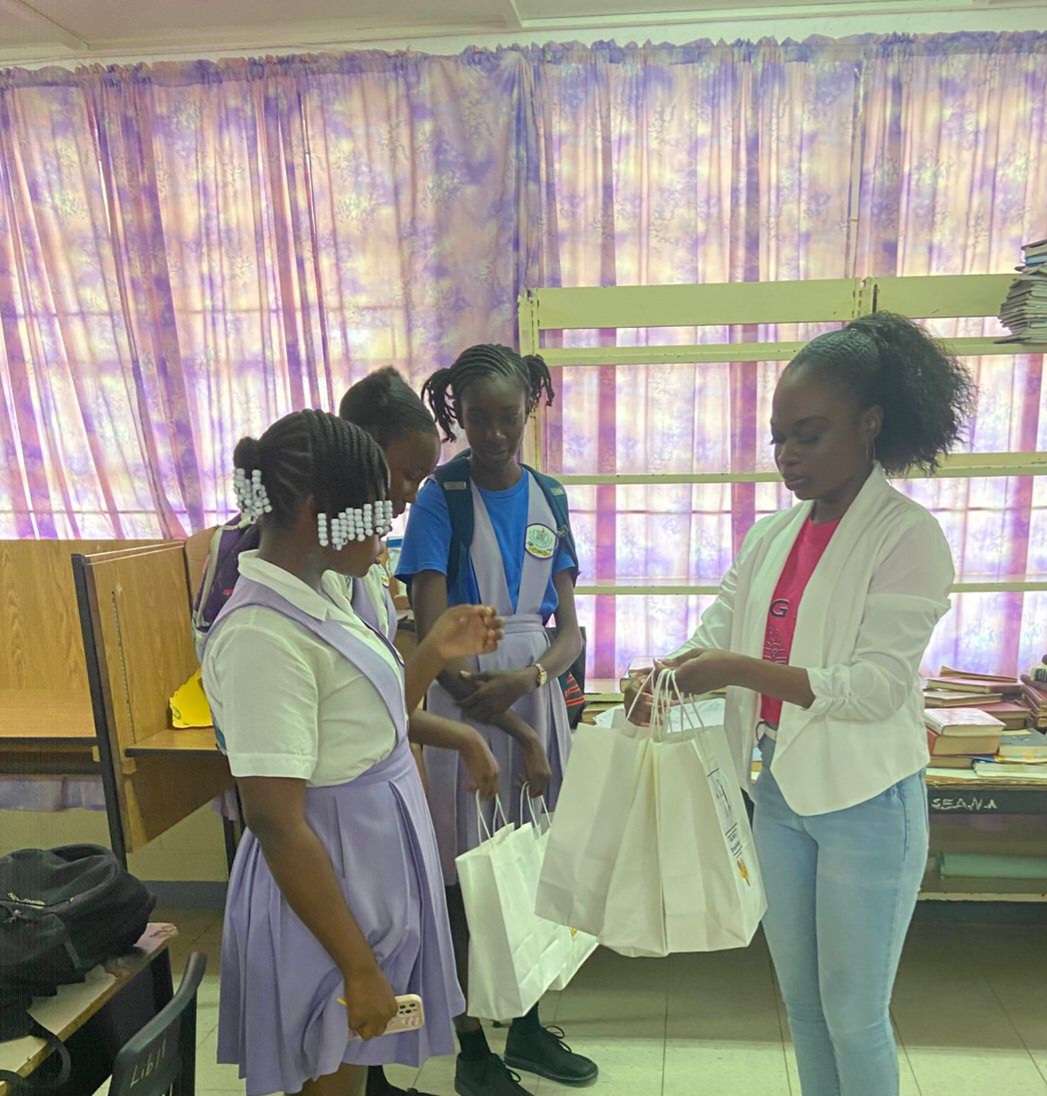
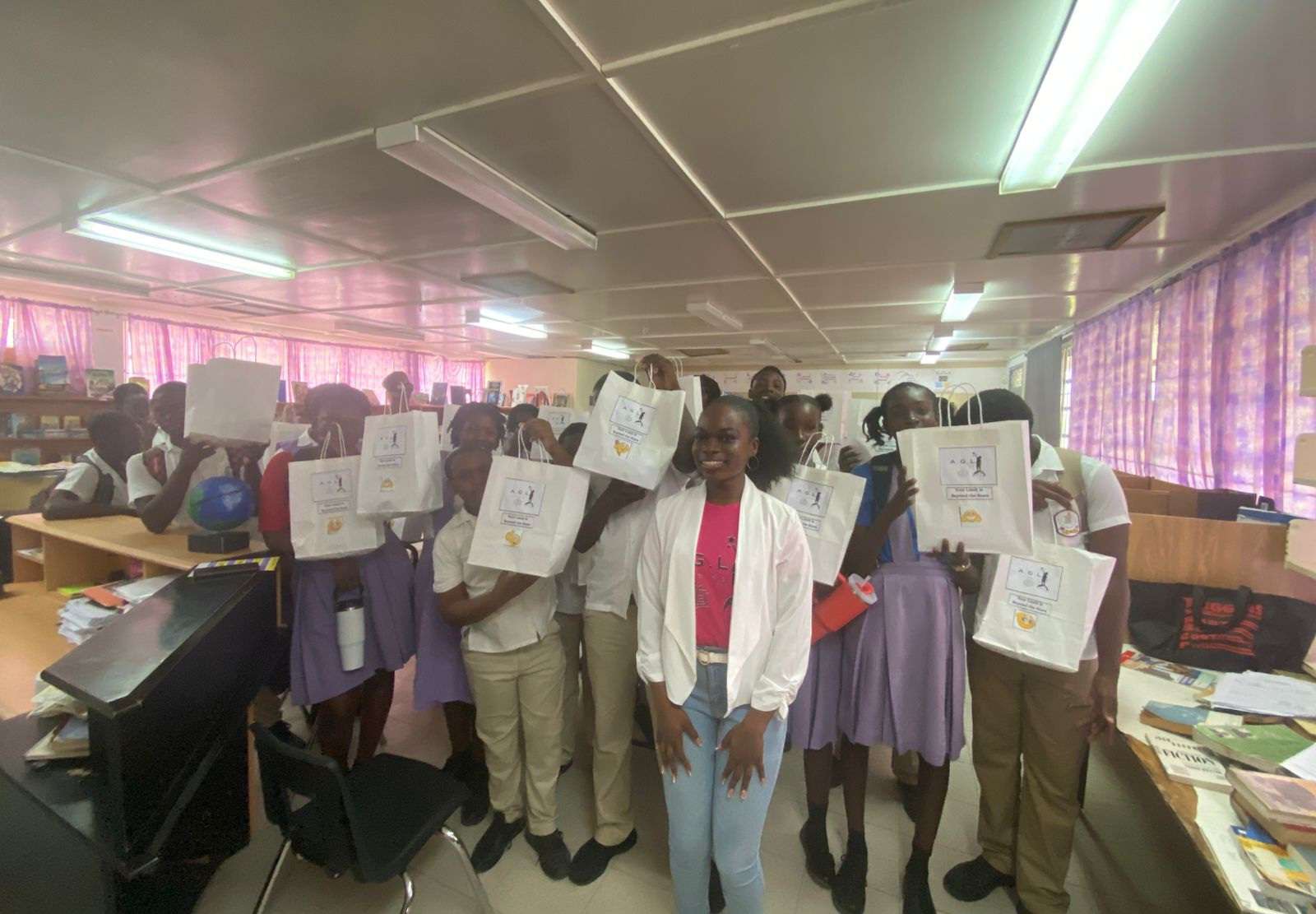
A.G.L Tutoring has launched a community-focused outreach initiative aimed at strengthening academic support for students at All Saints Secondary School, with learners in classes 1A1 and 2A1 among the main beneficiaries.
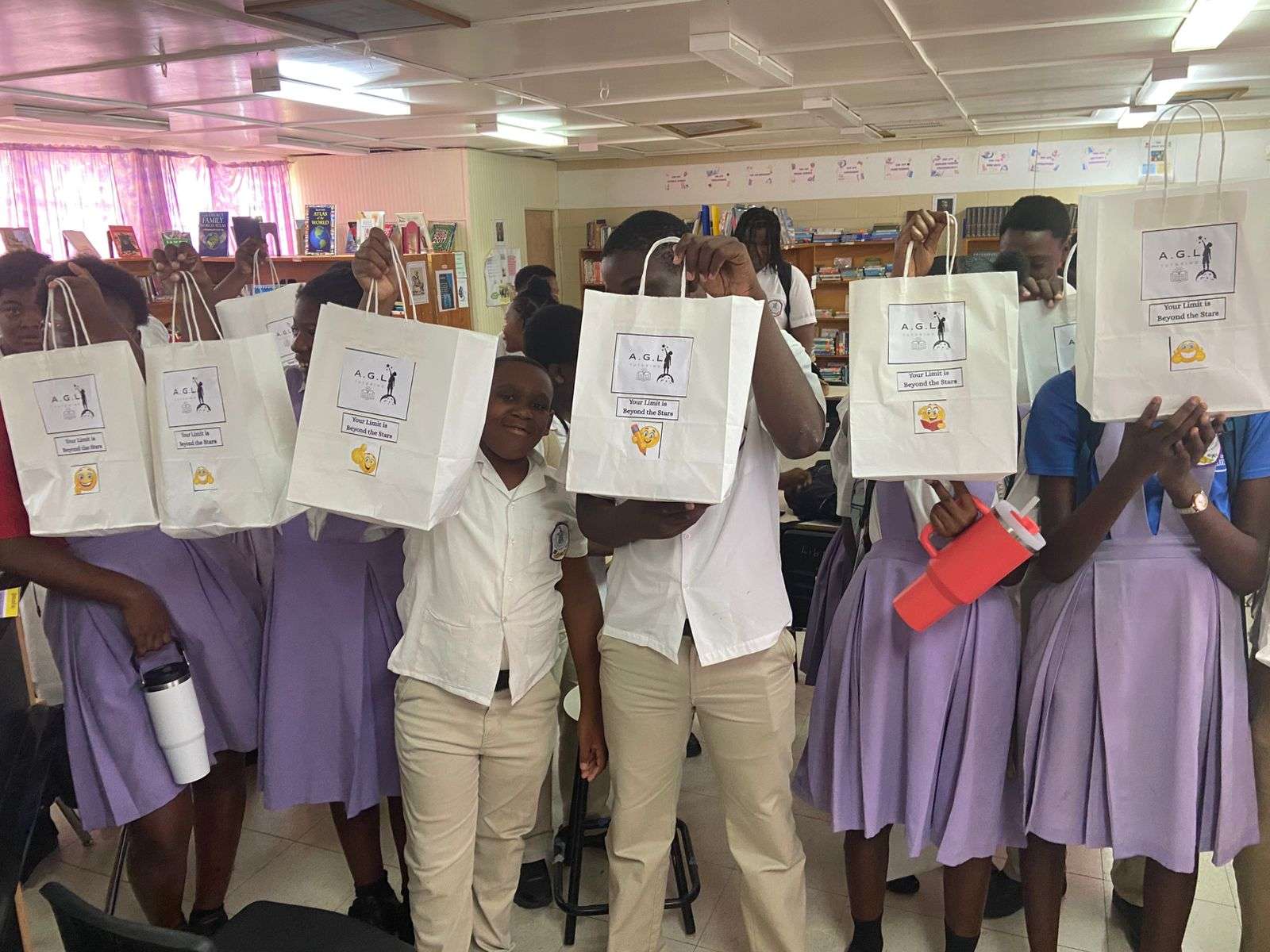
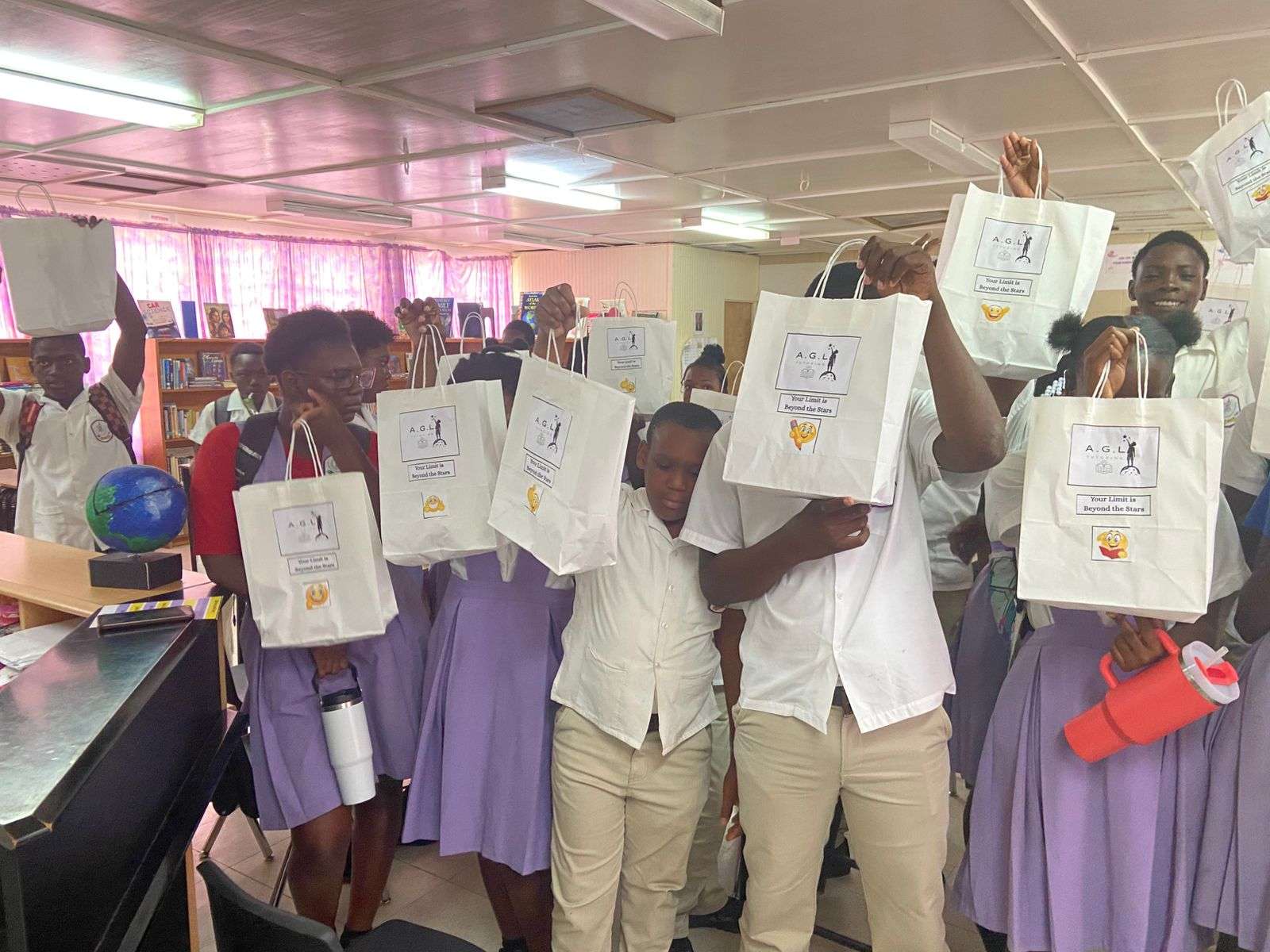
The initiative, carried out on Friday, saw students receiving exam preparation packages designed to assist with revision and improve overall academic readiness ahead of upcoming assessments.
Founder of A.G.L Tutoring, Andrecia Lewis, a former teacher at the school, led the visit and said the effort was driven by a desire to give back to an institution that played a significant role in her professional journey.
She noted that the initiative is particularly focused on encouraging students who may need additional academic reinforcement and motivation.
“As a former teacher at the school, it was important for me to give back and continue supporting students in meaningful ways,” Lewis said.
Beyond academic support, Lewis also shared a personal aspect of her journey, disclosing that she is neurodivergent and lives with Sensory Processing Disorder (SPD). She said her lived experience has shaped her passion for advocacy and strengthened her commitment to supporting differently abled students.
According to Lewis, students thrive when they are provided with the right environment, understanding, and resources, adding that even small interventions can have a meaningful impact on confidence and academic performance.
She further emphasized that her work through A.G.L Tutoring is aimed not only at improving academic outcomes, but also at promoting inclusion and awareness for neurodivergent learners within Antigua and Barbuda’s education system.
Lewis said she intends to continue similar outreach efforts as part of her wider mission to support student development and encourage greater equity in education.
This story was first published by Antigua News on : antigua.news/2026/05/22/a-g-l-tutoring-gives-back-to-all-saints-secondary-with-student-support-initiative. © 2026 Antigua News. Republication without permission is not allowed.

About the author
The Editorial Staff refers to all reporters employed by Antigua.news. When an article is not an original creation of Antigua.news—such as when it is based on a press release, other media articles, letters to the editor, or court decisions—one of our staff members is responsible for overseeing its publication.
Read our editorial standards and corrections policy. Spotted an error? Contact the newsroom.
More from Antigua and Barbuda
View section
P&O Cruises Secures Replacement Flights to Antigua After Norse Suspends Services
Two charter flights from the UK are scheduled to bring passengers to Antigua on Saturday to join Arvia.
By Shermain Bique-Charles

Social Protection Board Honours Seniors at Annual Tea Party
Under the theme “Ageing with Dignity, Living with Purpose,” the gathering celebrated the contributions of older citizens and called on younger generations to spend more time with them.
By Shermain Bique-Charles

Pastor Clement Joseph Urges Leaders to Put Wisdom and Humility Before Power
A reflection on Solomon’s request for discernment places fairness, consultation and service at the centre of leadership.
By Cory Wayland

Freeland Calls for More Business Backing as Antigua and Barbuda Misses Next Basketball Qualifier
The basketball association president says the cost of competing overseas and clashes with players’ school and club commitments continue to hold back national teams.
By Shermain Bique-Charles
Comments (1)
Apex Jones May 22, 2026, 3:18 PM