
Minister Rawdon Turner Leads Major Community Cleanup Drive Across St. Peter

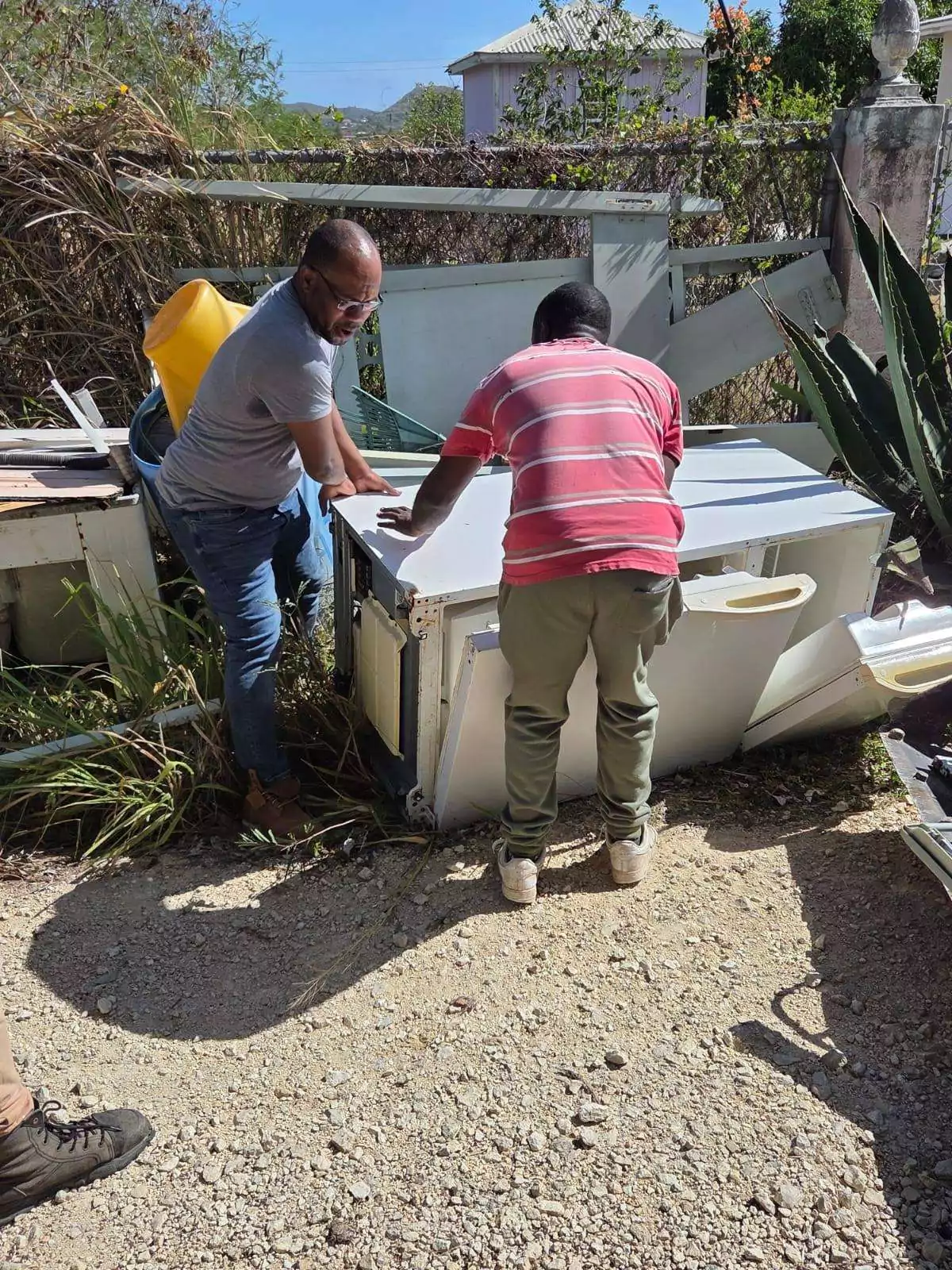
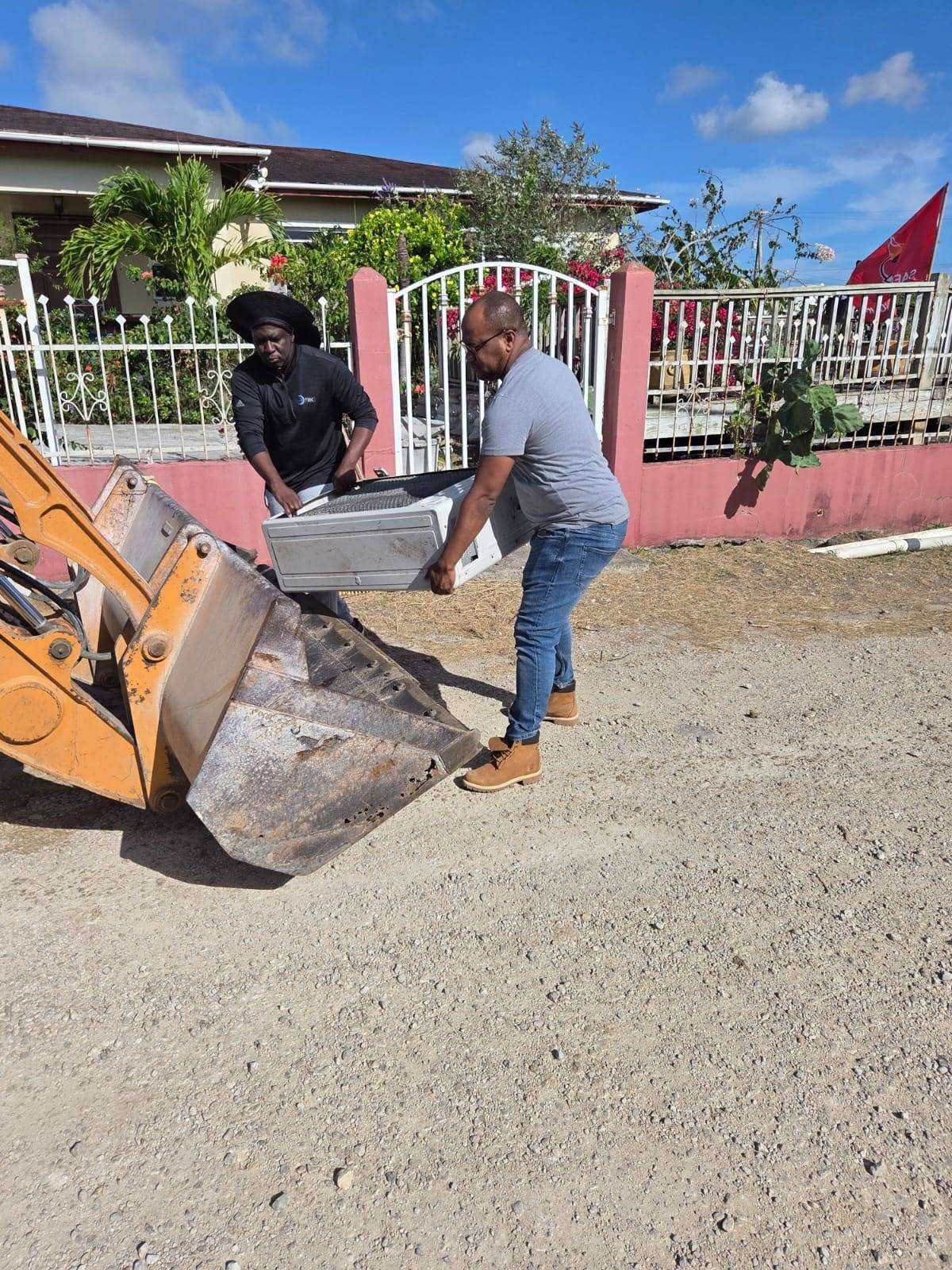
Residents in St. Peter rolled up their sleeves over the weekend as Member of Parliament and Minister of Social and Urban Transformation, Rawdon Turner, led a large-scale community cleanup initiative aimed at improving the constituency and strengthening community pride.
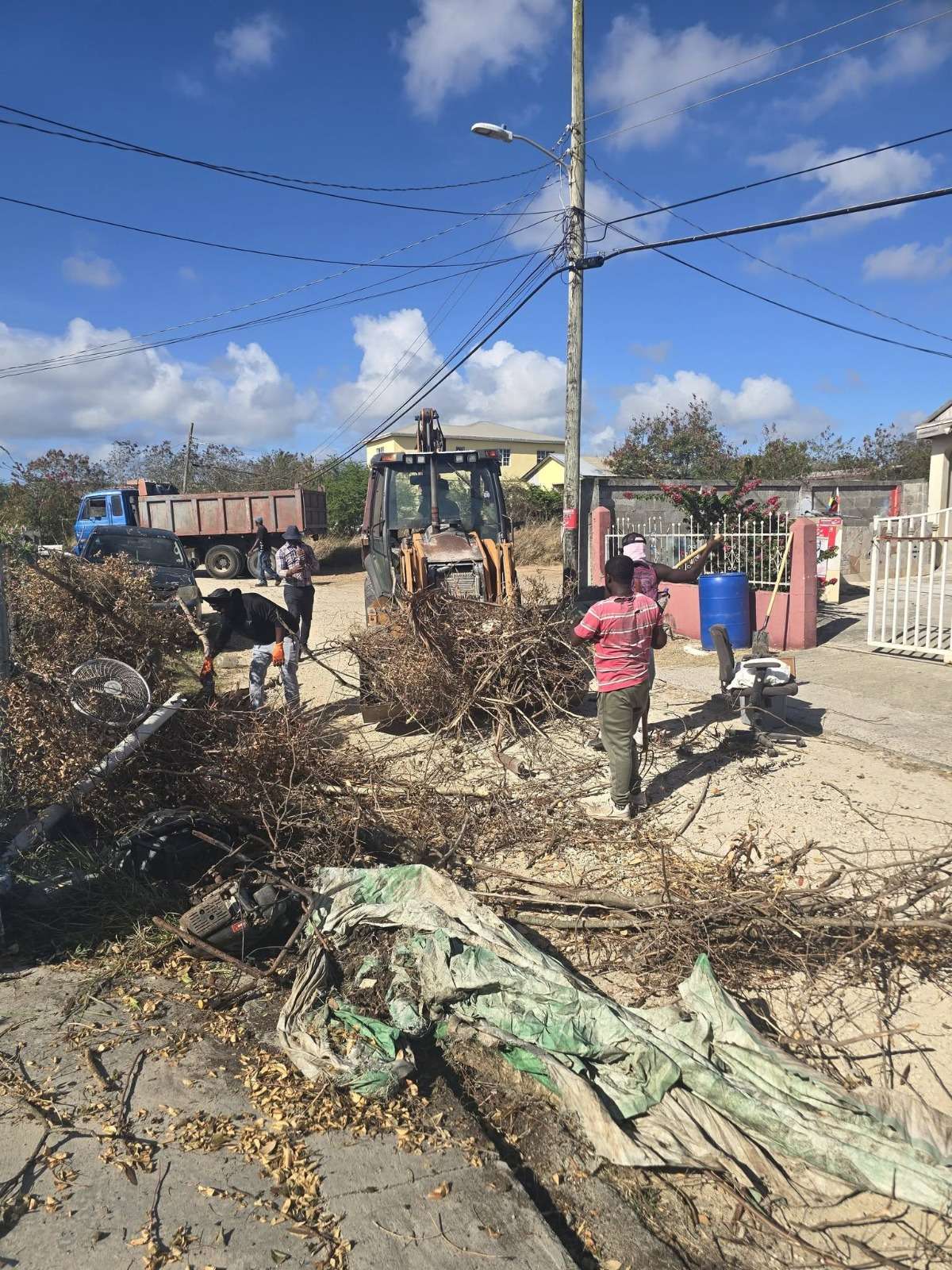
The initiative, dubbed the Lightfoot Bulk Waste Community Cleanup, brought together residents, volunteers, and community members who worked alongside Turner to remove bulky waste, clear overgrown areas, and enhance the overall appearance of sections of the constituency.
Turner said the effort forms part of a wider push to build a new style of leadership in St. Peter — one rooted in action, visibility, and direct community engagement.
“We are building a different style of leadership in St. Peter, one focused on action, change, and service that people can actually see and feel,” Turner said. “The work continues.”
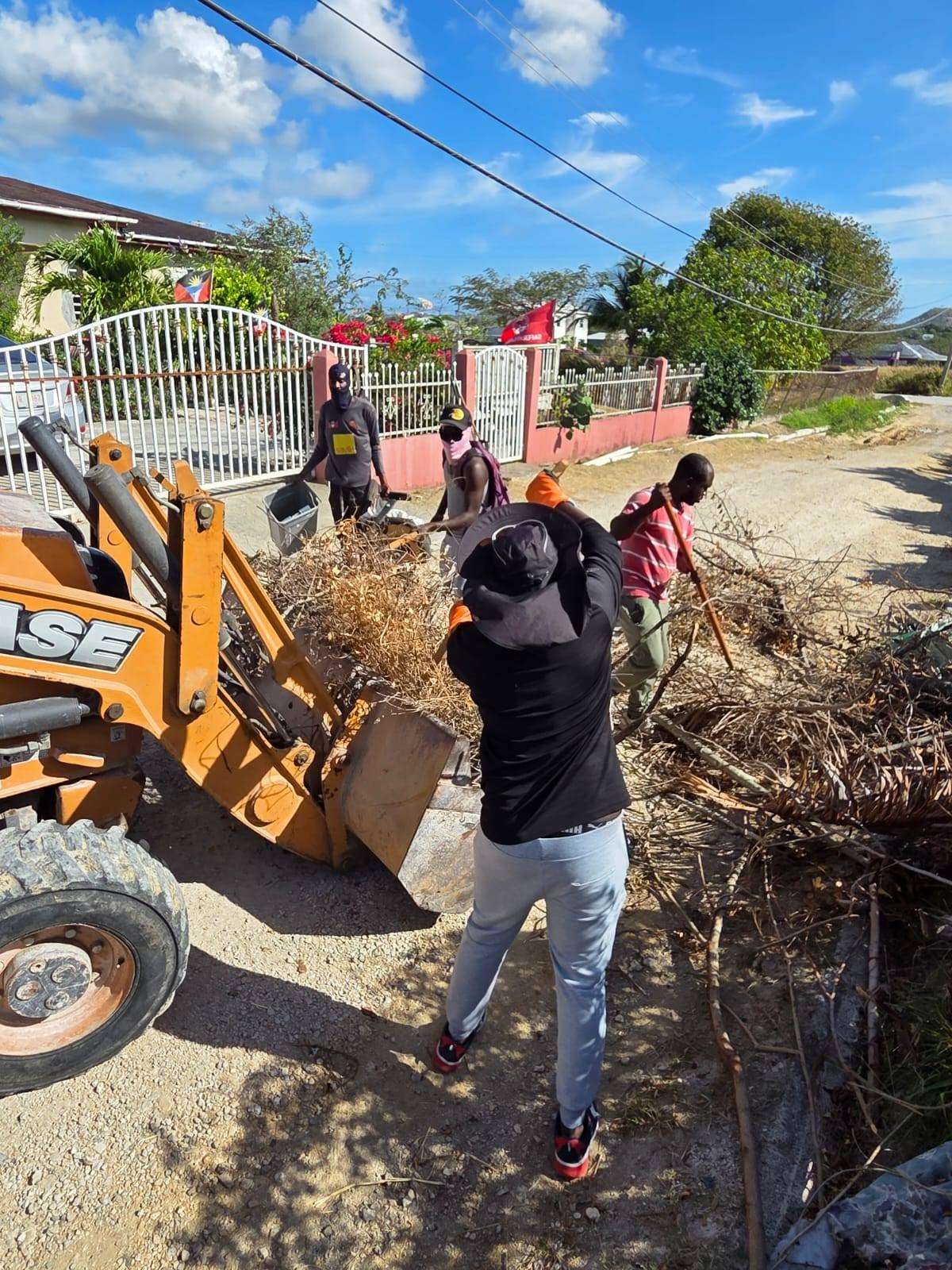
According to the minister, several additional communities within St. Peter have already been earmarked for similar cleanup exercises as part of an ongoing constituency transformation programme.
Residents participating in the exercise welcomed the initiative, noting that the cleanup not only improved the physical environment but also encouraged greater community spirit and cooperation among neighbours.
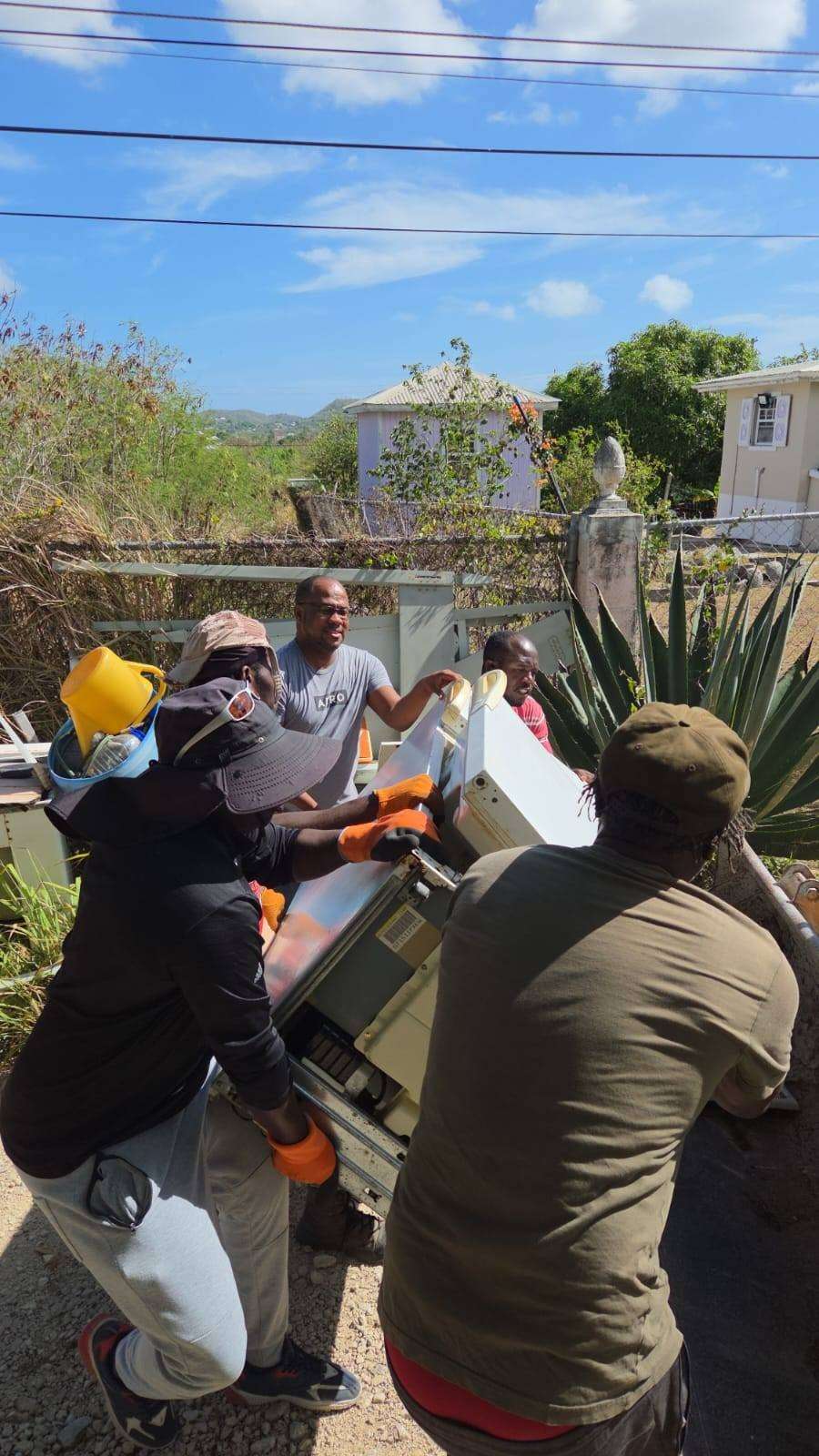
Turner emphasized that maintaining cleaner and safer communities requires continuous collaboration between residents and leadership, adding that the initiative is only the beginning of broader efforts planned for the constituency.
He also thanked community members and volunteers who participated in the weekend activity, describing their support as critical to the success of the programme.
With more cleanup campaigns expected across St. Peter in the coming weeks, Turner maintained that the constituency remains focused on positive change and visible action.
This story was first published by Antigua News on May 24, 2026: antigua.news/2026/05/24/minister-rawdon-turner-leads-major-community-cleanup-drive-across-st-peter. © 2026 Antigua News. Republication without permission is not allowed.

About the author
Shermain Bique-Charles is an accomplished journalist with over 24 years of dynamic experience in the industry. Renowned for her exceptional storytelling and investigative skills, she has garnered numerous awards that highlight her commitment to journalistic integrity and excellence. Her work not only informs but also inspires, making her a respected voice in the field.
Read our editorial standards and corrections policy. Spotted an error? Contact the newsroom.
More from Antigua and Barbuda
View section
‘They Can’t Dictate That’: Freeland Rejects Player Pressure Over National Coach
Freeland defends the coaching staff and says players should demonstrate their value through training and performance.
By Shermain Bique-Charles

Search Ends as All Four Juveniles Who Escaped Bolans Police Station Return to Police Custody
Police apprehended three of the juveniles during a search operation in Liberta on Thursday morning, less than a day after the fourth surrendered to authorities.
By Cory Wayland

Farmers Given 90 Days to Plant as Government Launches 102-Acre Land-Clearing Programme
Antigua launches a 102-acre agricultural land-clearing programme requiring beneficiaries to establish viable crops within 90 days of land preparation.
By Cory Wayland

Freeland Blames Poor Player Commitment for Antigua and Barbuda’s Basketball Withdrawal
Basketball president acknowledges unpaid stipends but says repeated low practice attendance drove the decision to withdraw.
By Shermain Bique-Charles
Comments (1)
Apex Jones May 24, 2026, 4:50 PM