
UPP Pays Tribute to Sir Aziz Hadeed Following His Passing

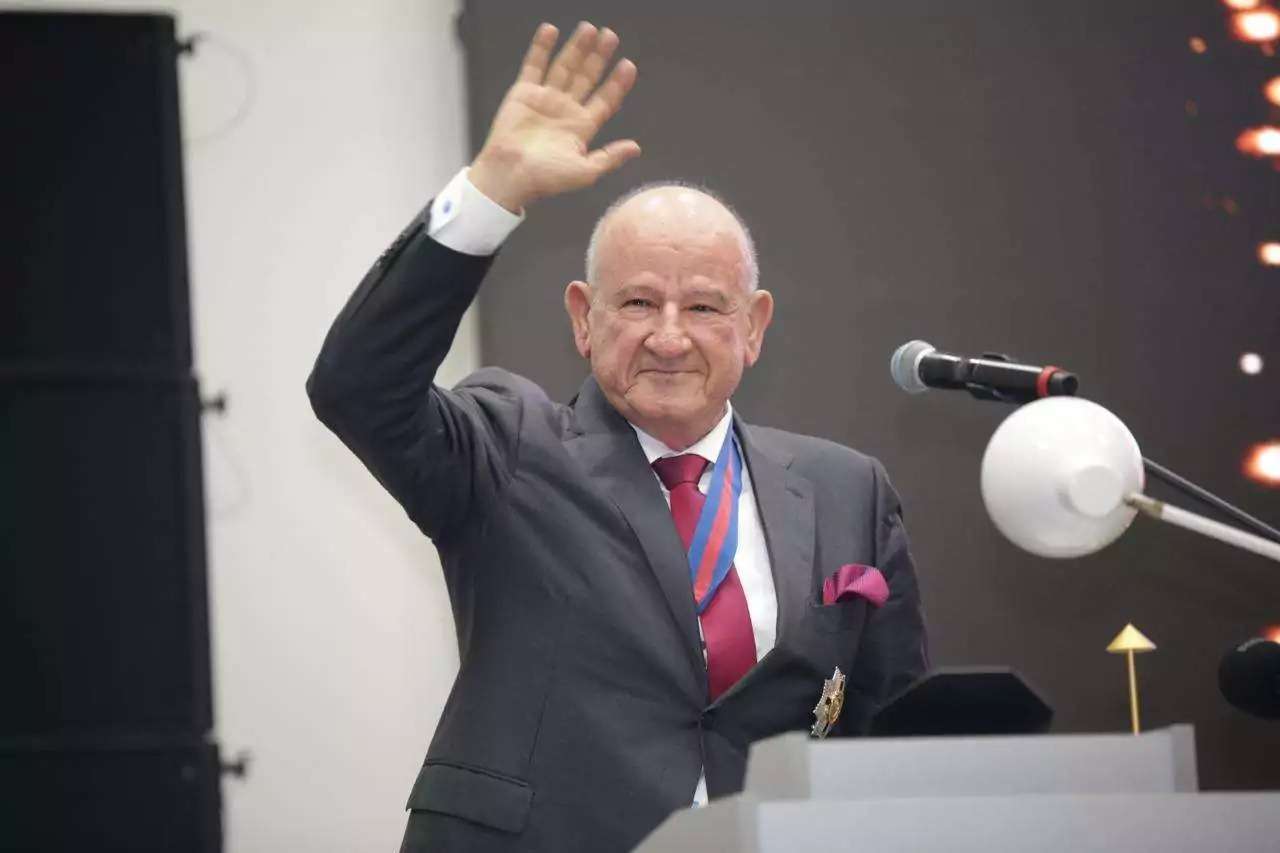
The United Progressive Party (UPP) has joined the nation in mourning the passing of businessman and former Cabinet minister Sir Aziz Hadeed, describing him as a patriot whose contributions helped shape Antigua and Barbuda’s social and economic development.
In a statement issued following news of his death, the party extended condolences to the Hadeed family, including his nephews Francis and Andrew, as well as employees of the Hadeed Group of Companies.
Former Prime Minister Dr. Baldwin Spencer reflected on Sir Aziz’s service during the early years of the UPP administration, noting that he brought significant business expertise and vision to Cabinet discussions.
Former Finance Minister Harold Lovell also paid tribute, describing Sir Aziz as a man deeply invested in the country’s future both in and out of public office.
“Sir Aziz walked with kings yet kept the common touch, thereby contributing greatly to the social and economic development of the country he loved and served so well,” Lovell said.
UPP Political Leader Jamale Pringle expressed sadness at the loss, saying he regretted not having more time to learn from Sir Aziz’s experience and wisdom.
Pringle described him as “An astute but down-to-earth businessman whose example in industry and in family we should all follow.”
The party said members who served alongside Sir Aziz, as well as those who considered him a close friend, are deeply saddened by his passing, calling it a significant loss for Antigua and Barbuda.
The statement ended with a final farewell: Sleep in your well-deserved rest, Sir Aziz. We will miss you. We will mourn you. We will remember you.”
This story was first published by Antigua News on : antigua.news/2026/05/25/upp-pays-tribute-to-sir-aziz-hadeed-following-his-passing. © 2026 Antigua News. Republication without permission is not allowed.

About the author
The Editorial Staff refers to all reporters employed by Antigua.news. When an article is not an original creation of Antigua.news—such as when it is based on a press release, other media articles, letters to the editor, or court decisions—one of our staff members is responsible for overseeing its publication.
Read our editorial standards and corrections policy. Spotted an error? Contact the newsroom.
More from Antigua and Barbuda
View section
P&O Cruises Secures Replacement Flights to Antigua After Norse Suspends Services
Two charter flights from the UK are scheduled to bring passengers to Antigua on Saturday to join Arvia.
By Shermain Bique-Charles

Social Protection Board Honours Seniors at Annual Tea Party
Under the theme “Ageing with Dignity, Living with Purpose,” the gathering celebrated the contributions of older citizens and called on younger generations to spend more time with them.
By Shermain Bique-Charles

Pastor Clement Joseph Urges Leaders to Put Wisdom and Humility Before Power
A reflection on Solomon’s request for discernment places fairness, consultation and service at the centre of leadership.
By Cory Wayland

Freeland Calls for More Business Backing as Antigua and Barbuda Misses Next Basketball Qualifier
The basketball association president says the cost of competing overseas and clashes with players’ school and club commitments continue to hold back national teams.
By Shermain Bique-Charles
Comments (2)
Apex Jones May 26, 2026, 9:58 AM
Rudolph May 26, 2026, 12:46 PM