
Hopeful Hearts Foundation Supports Pares Primary Students with Examination Kits

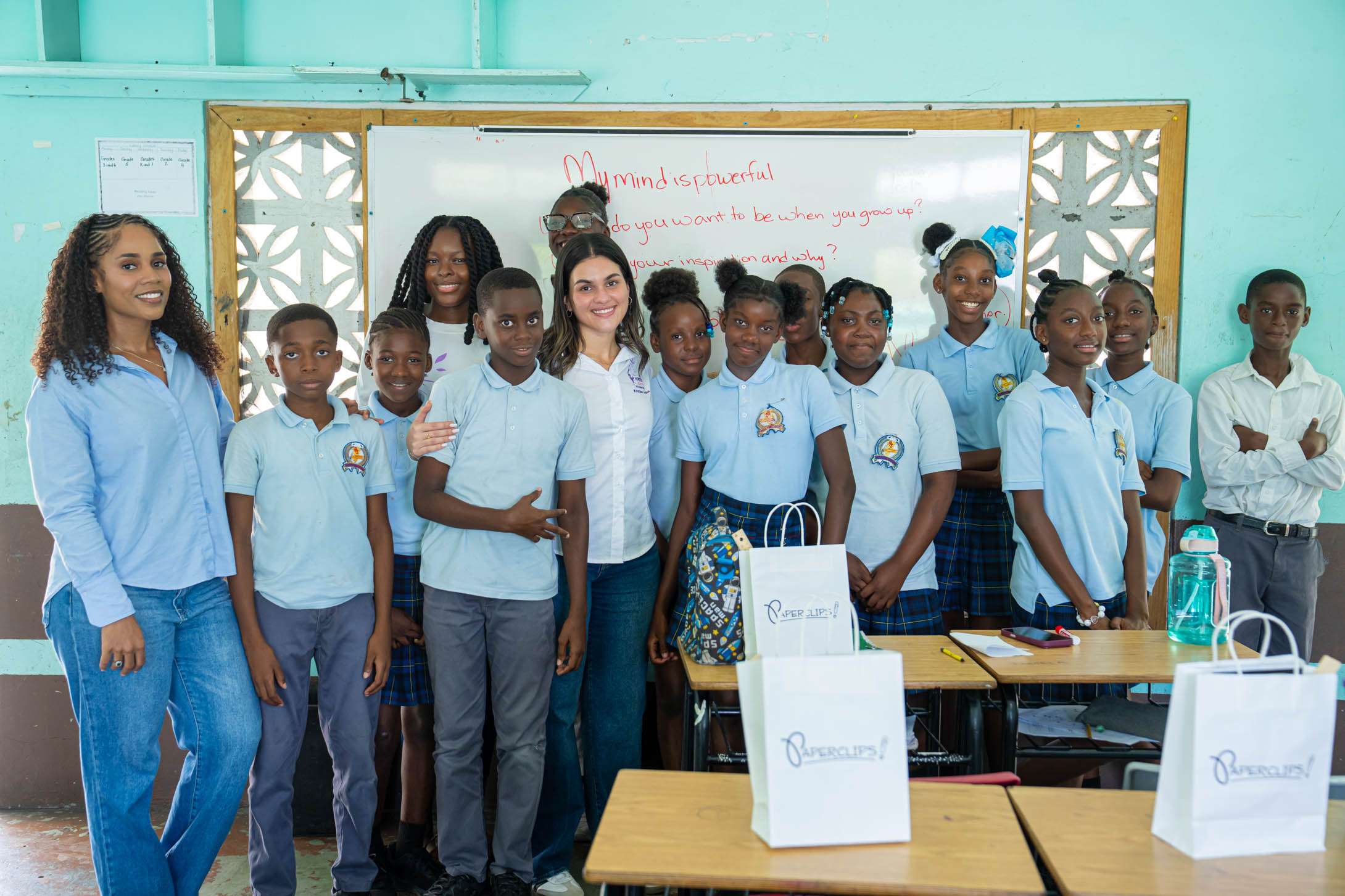
Grade 6 students at Pares Primary School received a timely boost ahead of their upcoming examinations, as the Hopeful Hearts Foundation (HHF) delivered examination kits aimed at supporting their preparation and easing anxiety during the critical academic period.
The initiative, sponsored by Paperclips, provided students with essential supplies needed for their examinations, while also reinforcing messages of encouragement and self-belief as they prepare to complete their primary school journey.
The project originated within HHF’s youth group, where a member proposed the idea as a way of giving back to students during exam season. The Foundation adopted the suggestion and brought it to life, highlighting the impact of youth-led ideas within community service efforts.
During the visit, students engaged in an interactive session focused on confidence-building, goal-setting, and effective preparation strategies. They were encouraged to remain focused, trust their abilities, and approach their examinations with determination and resilience.
“Many students approach examination season with a mixture of excitement and nervousness,” said Kristine Louisa, Founder and President of Hopeful Hearts Foundation. “We wanted to remind these students that they are capable, supported, and prepared to do their best. We are also proud that this initiative began with the idea of one of our youth members, demonstrating that young people can make a real difference in their communities.”
HHF also expressed appreciation to Paperclips for its partnership and continued support of educational and youth-focused initiatives across the country.
The Foundation says it remains committed to empowering children and families through education support, youth development, and community outreach programmes throughout Antigua and Barbuda.
This story was first published by Antigua News on : antigua.news/2026/05/28/hopeful-hearts-foundation-supports-pares-primary-students-with-examination-kits. © 2026 Antigua News. Republication without permission is not allowed.

About the author
The Editorial Staff refers to all reporters employed by Antigua.news. When an article is not an original creation of Antigua.news—such as when it is based on a press release, other media articles, letters to the editor, or court decisions—one of our staff members is responsible for overseeing its publication.
Read our editorial standards and corrections policy. Spotted an error? Contact the newsroom.
More from Antigua and Barbuda
View section
P&O Cruises Secures Replacement Flights to Antigua After Norse Suspends Services
Two charter flights from the UK are scheduled to bring passengers to Antigua on Saturday to join Arvia.
By Shermain Bique-Charles

Social Protection Board Honours Seniors at Annual Tea Party
Under the theme “Ageing with Dignity, Living with Purpose,” the gathering celebrated the contributions of older citizens and called on younger generations to spend more time with them.
By Shermain Bique-Charles

Pastor Clement Joseph Urges Leaders to Put Wisdom and Humility Before Power
A reflection on Solomon’s request for discernment places fairness, consultation and service at the centre of leadership.
By Cory Wayland

Freeland Calls for More Business Backing as Antigua and Barbuda Misses Next Basketball Qualifier
The basketball association president says the cost of competing overseas and clashes with players’ school and club commitments continue to hold back national teams.
By Shermain Bique-Charles
Comments (1)
Juju Bee May 28, 2026, 9:37 AM