
Night Court for Traffic Matters to Become Operational Within Weeks

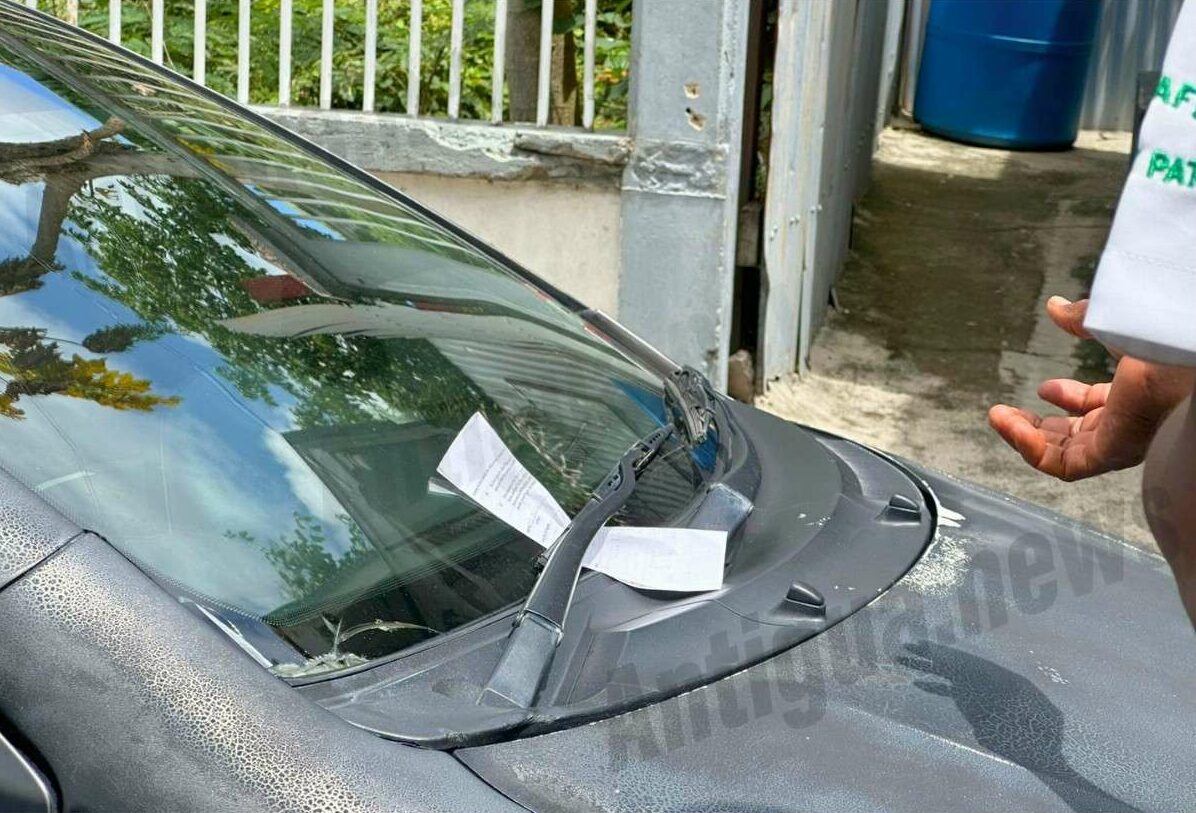
A dedicated night court for the hearing of traffic-related matters will become operational within weeks, following Cabinet approval of a recommendation from Attorney General Sir Stedroy Benjamin to establish the specialised court.
The decision follows extensive Cabinet discussions on the growing number of traffic offences and road incidents being reported across Antigua and Barbuda, as well as an increasing backlog of traffic cases before the courts.
Cabinet expressed concern over the frequency of accidents and violations and the impact of reckless and unlawful driving on public safety, property and the administration of justice.
Director General for Communications in the Prime Minister’s Office, Maurice Merchant, said the Attorney General has already identified individuals who will staff the night court, with disclosures about those appointments to be made in the coming weeks.
“The aim is not only to clear any outstanding backlog in relation to traffic matters but also to act as a deterrent,” Merchant said.
He said no legislative changes would be required, with the court operating under existing traffic laws through a redeployment of resources from daytime sessions.
It is anticipated that all traffic matters will eventually be transferred exclusively to the night court, removing them from daytime sittings.
Merchant was pointed. “I’m sure you as a driver would know that you pass an accident at least on a daily basis driving through the streets of St John’s and even more so with improved road networks,” he said. “It’s [become] a phenomenon.”
This story was first published by Antigua News on : antigua.news/2026/06/06/night-court-for-traffic-matters-to-become-operational-within-weeks. © 2026 Antigua News. Republication without permission is not allowed.

About the author
The Editorial Staff refers to all reporters employed by Antigua.news. When an article is not an original creation of Antigua.news—such as when it is based on a press release, other media articles, letters to the editor, or court decisions—one of our staff members is responsible for overseeing its publication.
Read our editorial standards and corrections policy. Spotted an error? Contact the newsroom.
More from Antigua and Barbuda
View section
P&O Cruises Secures Replacement Flights to Antigua After Norse Suspends Services
Two charter flights from the UK are scheduled to bring passengers to Antigua on Saturday to join Arvia.
By Shermain Bique-Charles

Social Protection Board Honours Seniors at Annual Tea Party
Under the theme “Ageing with Dignity, Living with Purpose,” the gathering celebrated the contributions of older citizens and called on younger generations to spend more time with them.
By Shermain Bique-Charles

Pastor Clement Joseph Urges Leaders to Put Wisdom and Humility Before Power
A reflection on Solomon’s request for discernment places fairness, consultation and service at the centre of leadership.
By Cory Wayland

Freeland Calls for More Business Backing as Antigua and Barbuda Misses Next Basketball Qualifier
The basketball association president says the cost of competing overseas and clashes with players’ school and club commitments continue to hold back national teams.
By Shermain Bique-Charles
Comments (2)
Juju Bee June 6, 2026, 8:49 AM
Anonymous June 6, 2026, 12:46 PM