
Barbuda Moves Closer to Tsunami Ready Status Following Successful Community Exercise

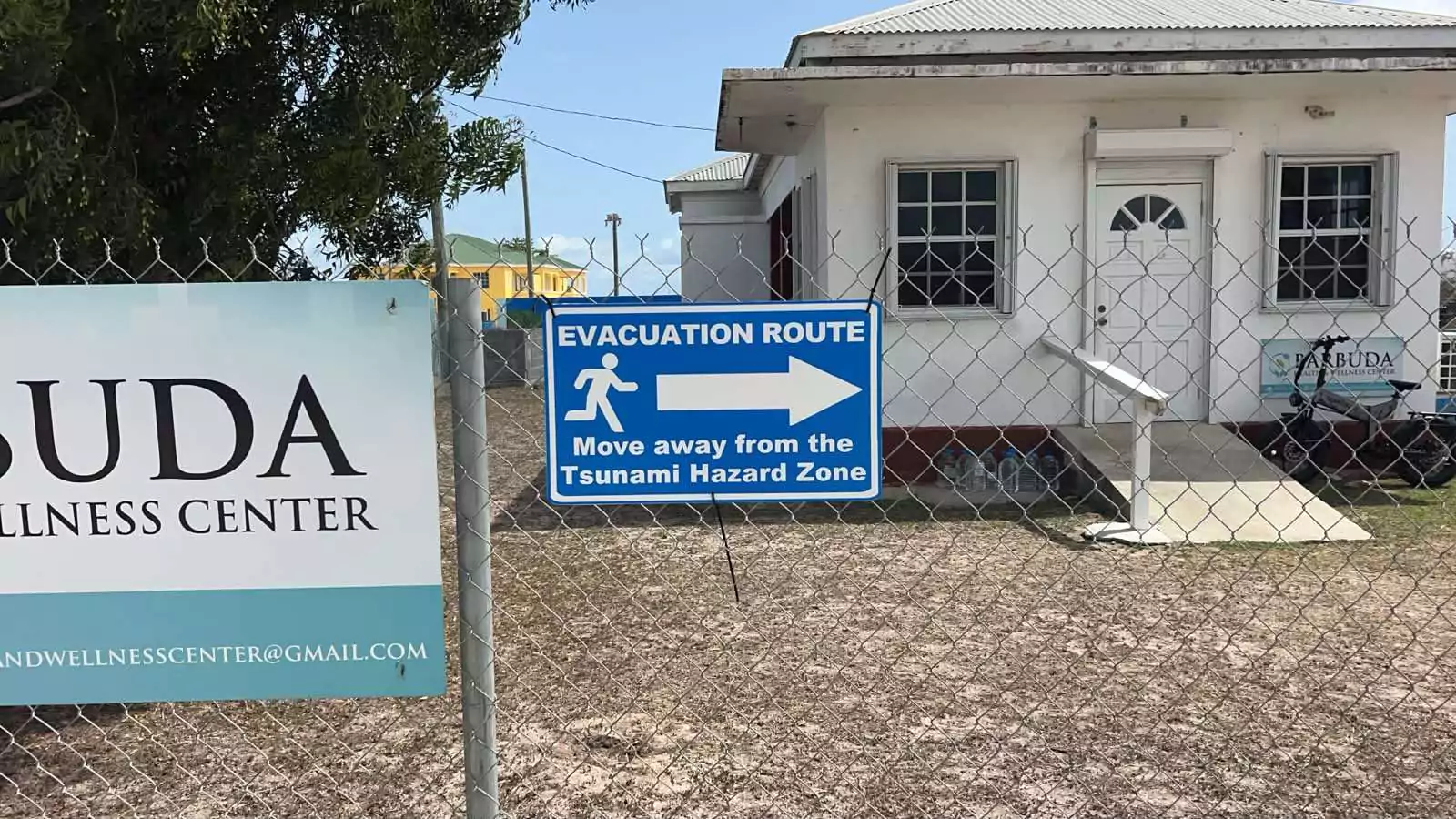
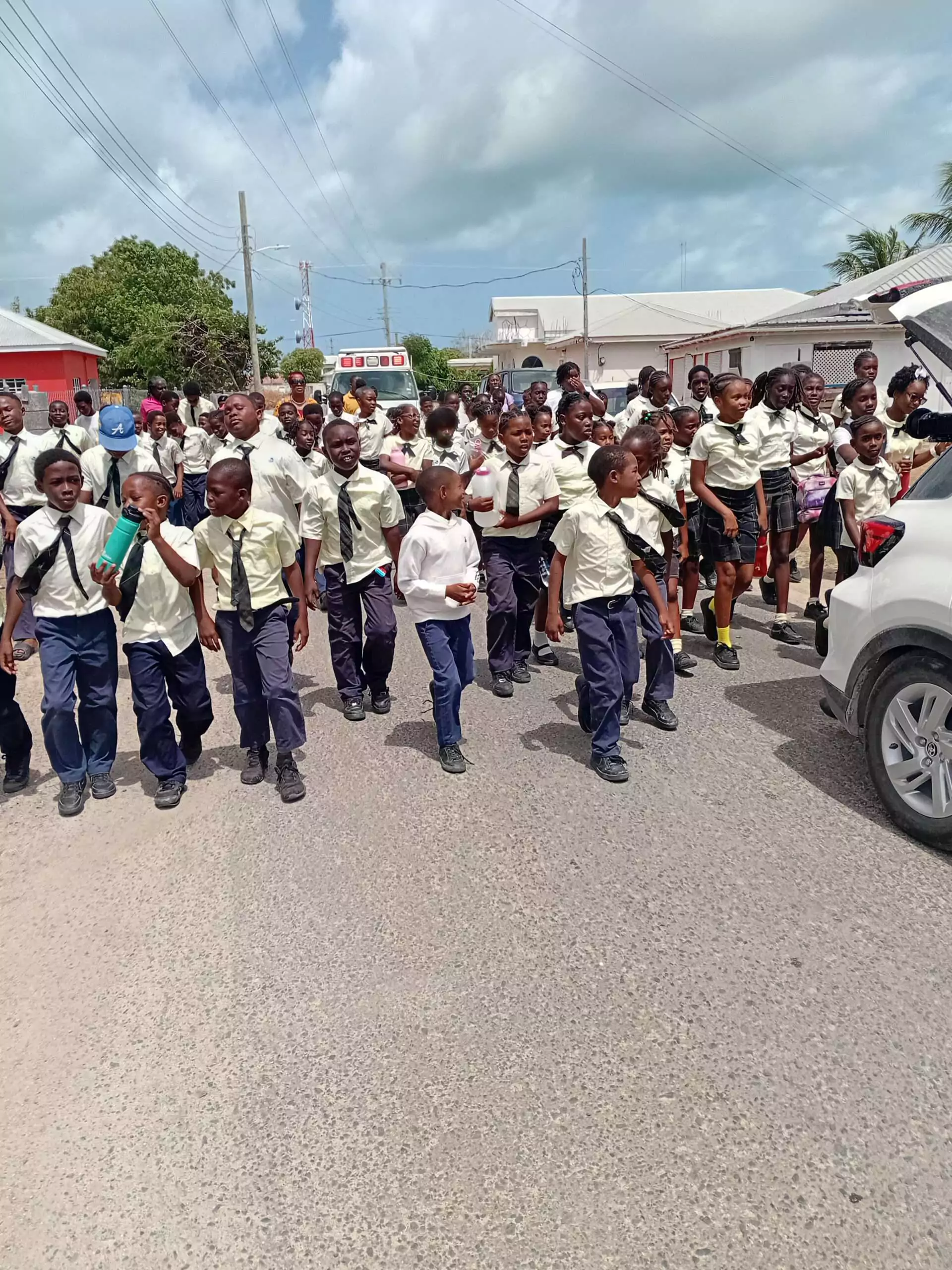
Barbuda has moved a step closer to achieving internationally recognized Tsunami Ready status after successfully completing a three-day exercise focused on disaster preparedness, public education, and emergency response.
The exercise, which ran from May 26 to 28, was coordinated by the National Office of Disaster Services (NODS) and involved students, teachers, disaster management personnel, community leaders, and international experts.
The initiative forms part of the UNESCO Intergovernmental Oceanographic Commission’s Tsunami Ready Recognition Programme, which encourages communities to strengthen their ability to prepare for and respond to tsunami threats through public awareness campaigns, warning systems, evacuation planning, and regular drills.
Activities began with educational sessions at Holy Trinity Primary School and Sir McChesney George Secondary School, where students and staff learned about tsunami hazards, safety procedures, and evacuation planning. Students also contributed ideas for educational and social media content that will be used to promote tsunami awareness both locally and internationally.
The programme culminated on May 28 with a community evacuation exercise involving the two schools. Participants practiced moving from tsunami hazard zones to designated safe areas while officials assessed evacuation routes, communication systems, and emergency coordination procedures.
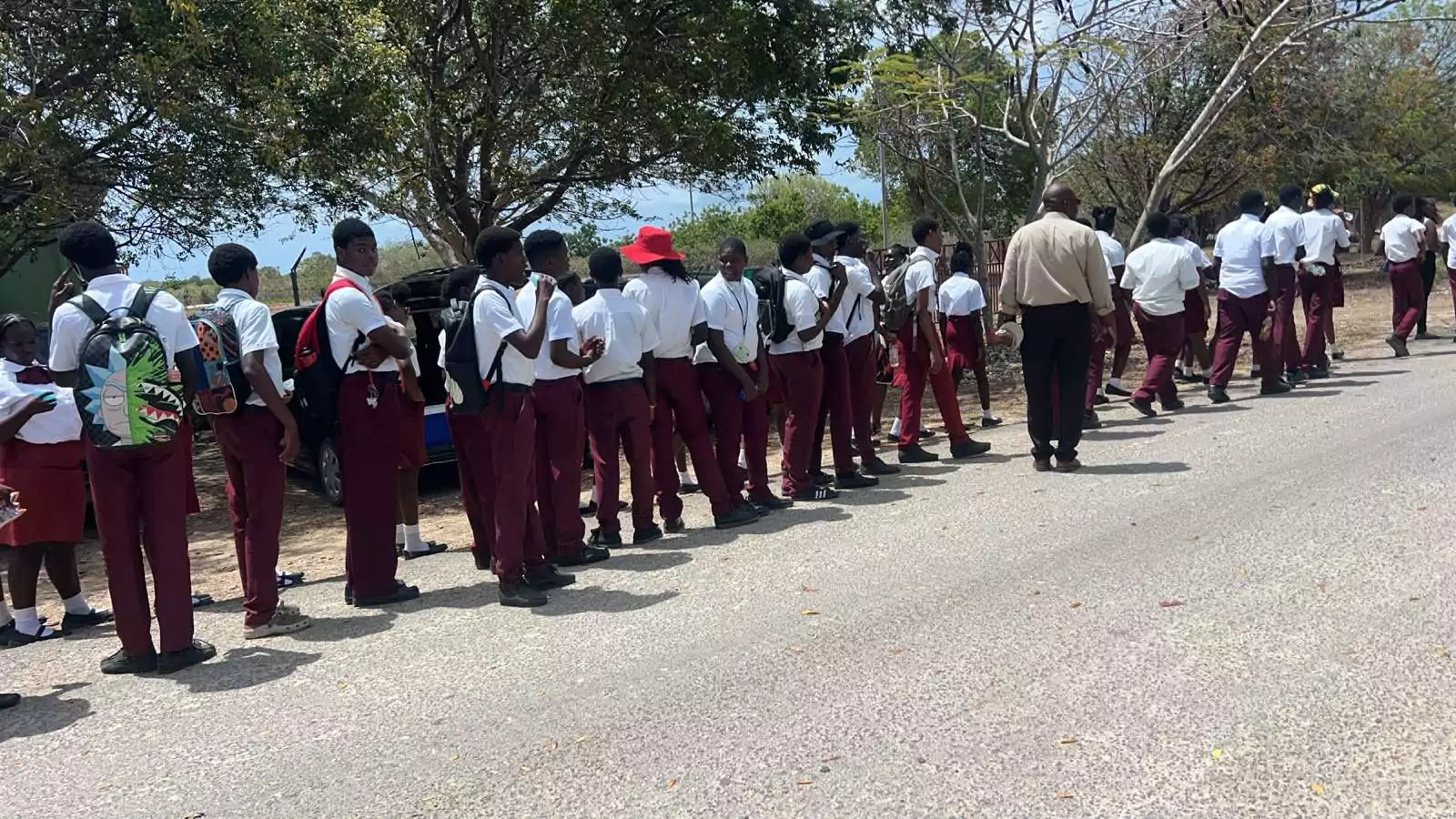
Officials said the exercise provided valuable feedback on the island’s readiness to respond to a tsunami and identified areas where preparedness efforts can be further strengthened.
NODS Director Sherrod James said community participation remains critical to effective disaster management.
He noted that involving young people in preparedness activities helps build a culture of resilience and ensures future generations understand how to respond during emergencies.
The exercise received support from several local and international experts, including representatives from the International Tsunami Information Center Caribbean Office, risk communication specialists, and technical personnel working alongside local disaster management officials.
Among those participating were Barbuda Council Chairman John Mussington, NODS GIS Specialist Alvah Guishard, and Project Officer Daryl George.
NODS also thanked the administrators, teachers, and students of Holy Trinity Primary School and Sir McChesney George Secondary School, along with the Ministry of Education, for their support and active involvement.
The agency said the successful exercise reflects Barbuda’s ongoing commitment to strengthening disaster preparedness and ensuring the community remains ready to respond to natural hazards.
This story was first published by Antigua News on : antigua.news/2026/06/13/barbuda-moves-closer-to-tsunami-ready-status-following-successful-community-exercise. © 2026 Antigua News. Republication without permission is not allowed.

About the author
The Editorial Staff refers to all reporters employed by Antigua.news. When an article is not an original creation of Antigua.news—such as when it is based on a press release, other media articles, letters to the editor, or court decisions—one of our staff members is responsible for overseeing its publication.
Read our editorial standards and corrections policy. Spotted an error? Contact the newsroom.
More from Antigua and Barbuda
View section
VIDEO: Two Hospitalised After Vehicle Overturns in Valley Road Collision
An elderly person is reportedly among two individuals taken for medical attention following a two-vehicle crash that left one vehicle overturned and another badly damaged.
By Cory Wayland

Antigua and Barbuda Senior Advisor Vicki Ting Meets ABAA CEO Kurt Menal for Talks on Aviation Development
Discussions at V.C. Bird International Airport focus on airport capacity, infrastructure development and opportunities to strengthen aviation connectivity and economic cooperation.
By Cory Wayland

Geoffrey Robertson to Deliver Sir Aziz Hadeed Memorial Lecture at UWI Five Islands
Barrister and human rights advocate Geoffrey Robertson will deliver the Sir Aziz Hadeed Memorial Lecture on October 30.
By Shermain Bique-Charles

Schoolchildren’s Bus Fare Subsidies Under Review as Families Face Cost Pressures
The review will examine support for primary pupils travelling in uniform on public buses, while the free National School Bus System offers another transport option.
By Cory Wayland
Comments (1)
Juju Bee June 13, 2026, 11:39 AM