
ABNAB Advances Accreditation and Digital Transformation Efforts

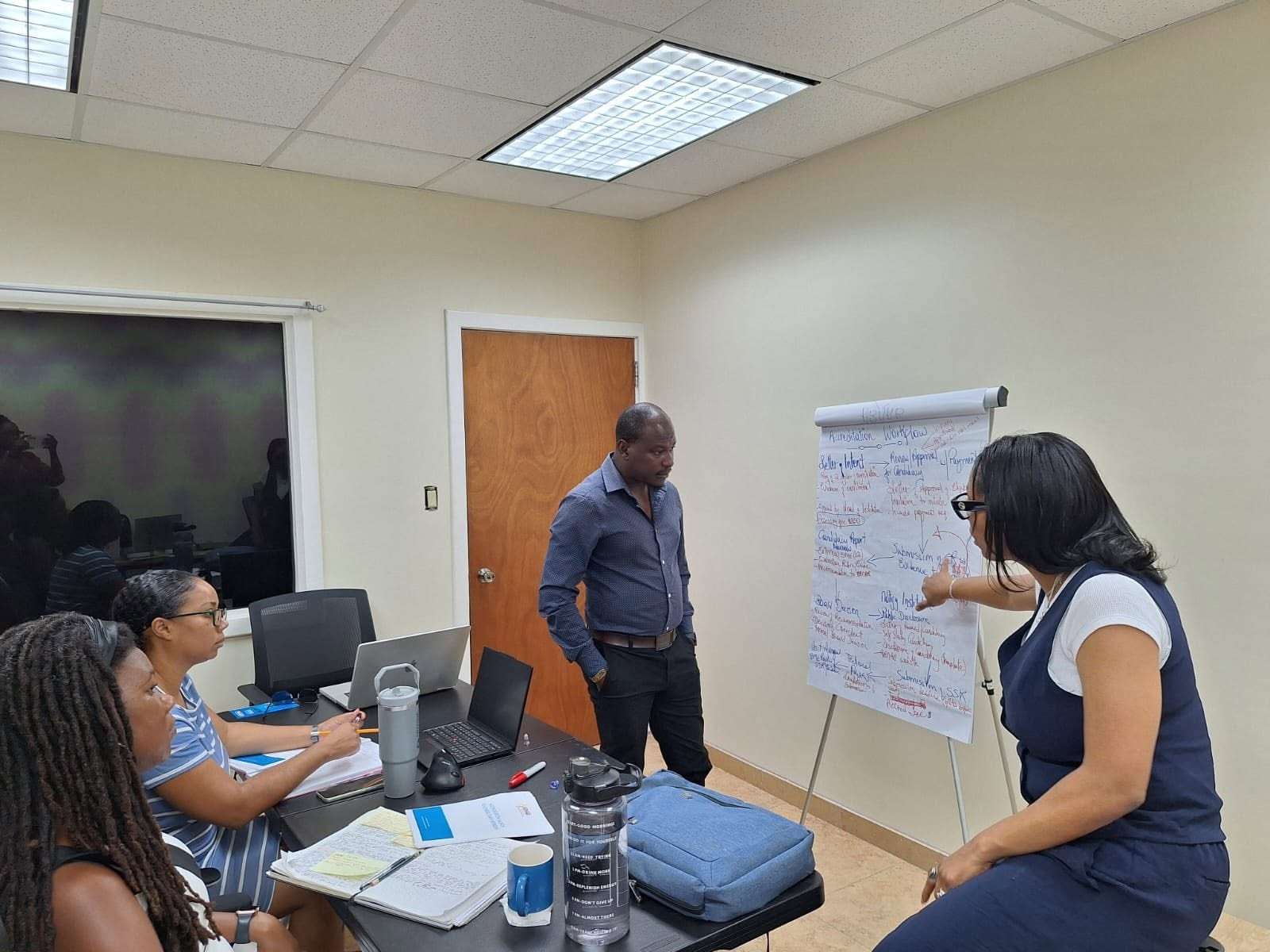
The Antigua and Barbuda National Accreditation Board (ABNAB) is intensifying its efforts to strengthen the country’s quality assurance framework through a series of intensive accreditation training and preparation sessions aimed at positioning the institution for long-term growth and international recognition.
The sessions form part of ABNAB’s ongoing commitment to building a modern, efficient and globally competitive accreditation system that will support standards development and institutional excellence across Antigua and Barbuda.
As part of the initiative, the Board is integrating digital transformation into its accreditation processes, recognizing technology as a critical component of building a stronger and more responsive institution.
ABNAB said the incorporation of digital systems will create a more robust, transparent and efficient framework for accreditation and quality assurance, ensuring that the institution is equipped to meet both current and future demands.
Joining the team for the latest round of preparations is digital development consultant, Mr. Kenlie Browne, who is working alongside accreditation consultant Perliter Walters-Gilliam and members of the ABNAB team to further develop and refine the Board’s accreditation processes.
The Board said the collaborative effort represents a significant step in transforming the way Antigua and Barbuda approaches standards, quality assurance and institutional development.
ABNAB noted that its work is not solely focused on meeting today’s needs but on laying a sustainable foundation for the future, ensuring that the country’s accreditation systems remain relevant, innovative and aligned with international best practices.
The Board said it will continue to provide updates as it advances its accreditation and digital transformation initiatives in pursuit of institutional excellence and national development.
This story was first published by Antigua News on : antigua.news/2026/06/23/abnab-advances-accreditation-and-digital-transformation-efforts. © 2026 Antigua News. Republication without permission is not allowed.

About the author
The Editorial Staff refers to all reporters employed by Antigua.news. When an article is not an original creation of Antigua.news—such as when it is based on a press release, other media articles, letters to the editor, or court decisions—one of our staff members is responsible for overseeing its publication.
Read our editorial standards and corrections policy. Spotted an error? Contact the newsroom.
More from Antigua and Barbuda
View section
Social Protection Board Honours Seniors at Annual Tea Party
Under the theme “Ageing with Dignity, Living with Purpose,” the gathering celebrated the contributions of older citizens and called on younger generations to spend more time with them.
By Shermain Bique-Charles

Pastor Clement Joseph Urges Leaders to Put Wisdom and Humility Before Power
A reflection on Solomon’s request for discernment places fairness, consultation and service at the centre of leadership.
By Cory Wayland

Freeland Calls for More Business Backing as Antigua and Barbuda Misses Next Basketball Qualifier
The basketball association president says the cost of competing overseas and clashes with players’ school and club commitments continue to hold back national teams.
By Shermain Bique-Charles

St. Claire Williams Proposes Tax Breaks for Businesses That Sponsor Sports
The Antigua and Barbuda Cycling Association president says tax relief could encourage companies to put more money directly into developing local sports.
By Shermain Bique-Charles
Comments
Be the first to comment.