
National Cyclist Tahjé Browne Escapes Serious Injury Following Hit-and-Run Incident

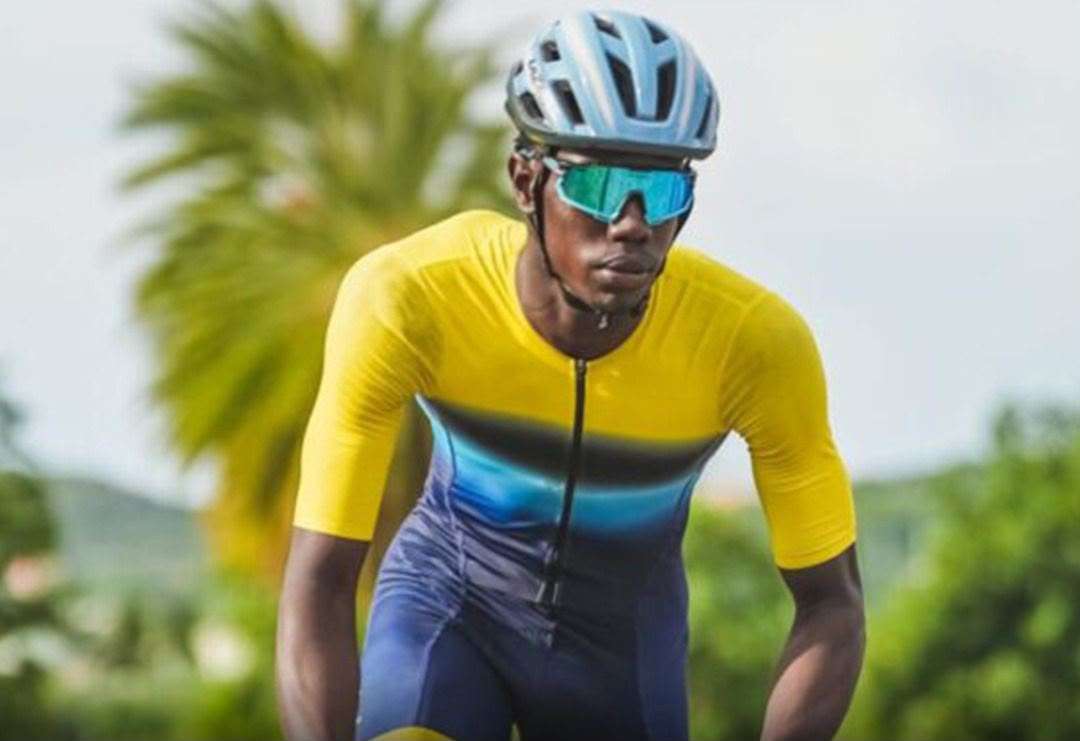
National cyclist Tahjé Browne is recovering after being involved in a hit-and-run incident during an early morning training ride on Saturday.
The Antigua and Barbuda Cycling Federation confirmed that Browne underwent medical examinations and diagnostic testing following the incident and has not sustained any broken bones, fractures, or major arterial injuries.
While the national cyclist suffered several cuts and bruises, including a significant laceration to his foot, he received medical treatment and remains under observation as he begins his recovery.
The Federation expressed gratitude for the swift response of medical personnel and emergency responders who assisted Browne following the incident.
“We are extremely grateful for the swift response and care provided by the medical team, emergency responders, and everyone who assisted throughout the day,” the Federation said in a statement.
The Federation also thanked the many individuals, organizations, and members of the public who have offered prayers, messages of encouragement, and well wishes.
“Your support has meant a great deal to Tahjé, his family, and the cycling community,” the statement added.
As the cycling community celebrates the encouraging update on Browne’s condition, the Federation used the opportunity to remind motorists and cyclists alike of the importance of patience, vigilance, and mutual respect on the nation’s roads.
“Cyclists train on our nation’s roads every day, and together we all share a responsibility to make them safer for everyone,” the Federation said.
The Antigua and Barbuda Cycling Federation is urging the public to continue keeping Browne in their thoughts and prayers as he focuses on rest, healing, and recovery.
This story was first published by Antigua News on : antigua.news/2026/06/23/national-cyclist-tahje-browne-escapes-serious-injury-following-hit-and-run-incident. © 2026 Antigua News. Republication without permission is not allowed.

About the author
The Editorial Staff refers to all reporters employed by Antigua.news. When an article is not an original creation of Antigua.news—such as when it is based on a press release, other media articles, letters to the editor, or court decisions—one of our staff members is responsible for overseeing its publication.
Read our editorial standards and corrections policy. Spotted an error? Contact the newsroom.
More from Antigua and Barbuda
View section
Antigua and Barbuda Wins Bocce Silver and Basketball Bronze at Caribbean Beach Games
Darius March-Charles won his first four bocce matches, while the women’s basketball team edged Trinidad and Tobago 20–18 to take bronze in Jamaica.
By Shermain Bique-Charles

Qatar Talks Put 300-Room Expansion on Table for Antigua’s W Hotel
The developers have agreed in principle to a larger resort, but the expansion depends on negotiations over neighbouring land.
By Shermain Bique-Charles

Bus Fares and Gas Station Margins Add Pressure Ahead of Budget
Sub headline Cabinet previously backed a 75-cent fare increase in principle, while fuel retailers are also seeking an adjustment.
By Shermain Bique-Charles

Browne to Seek Private Funding for Cybertruck Amid Bribery Allegations
The prime minister rejected claims that the Tesla was given to him personally or provided as a bribe. He says a private benefactor would cover the estimated $80,000 to $90,000 cost.
By Shermain Bique-Charles
Comments (1)
Juju Bee June 24, 2026, 10:20 AM