
A & B Named Top Honeymoon Destination in the Caribbean with Hodges Bay Among Resorts Leading the Way

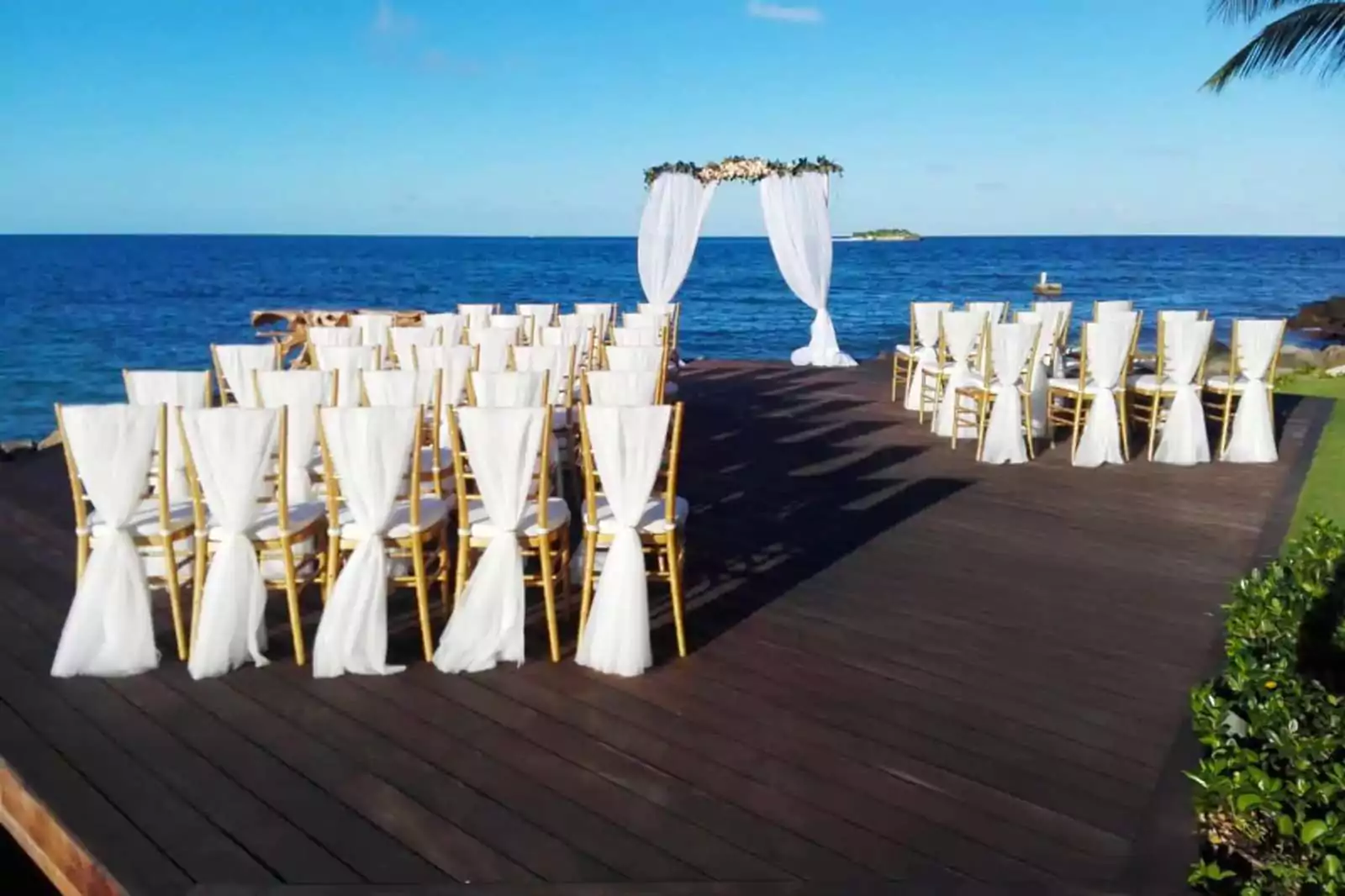
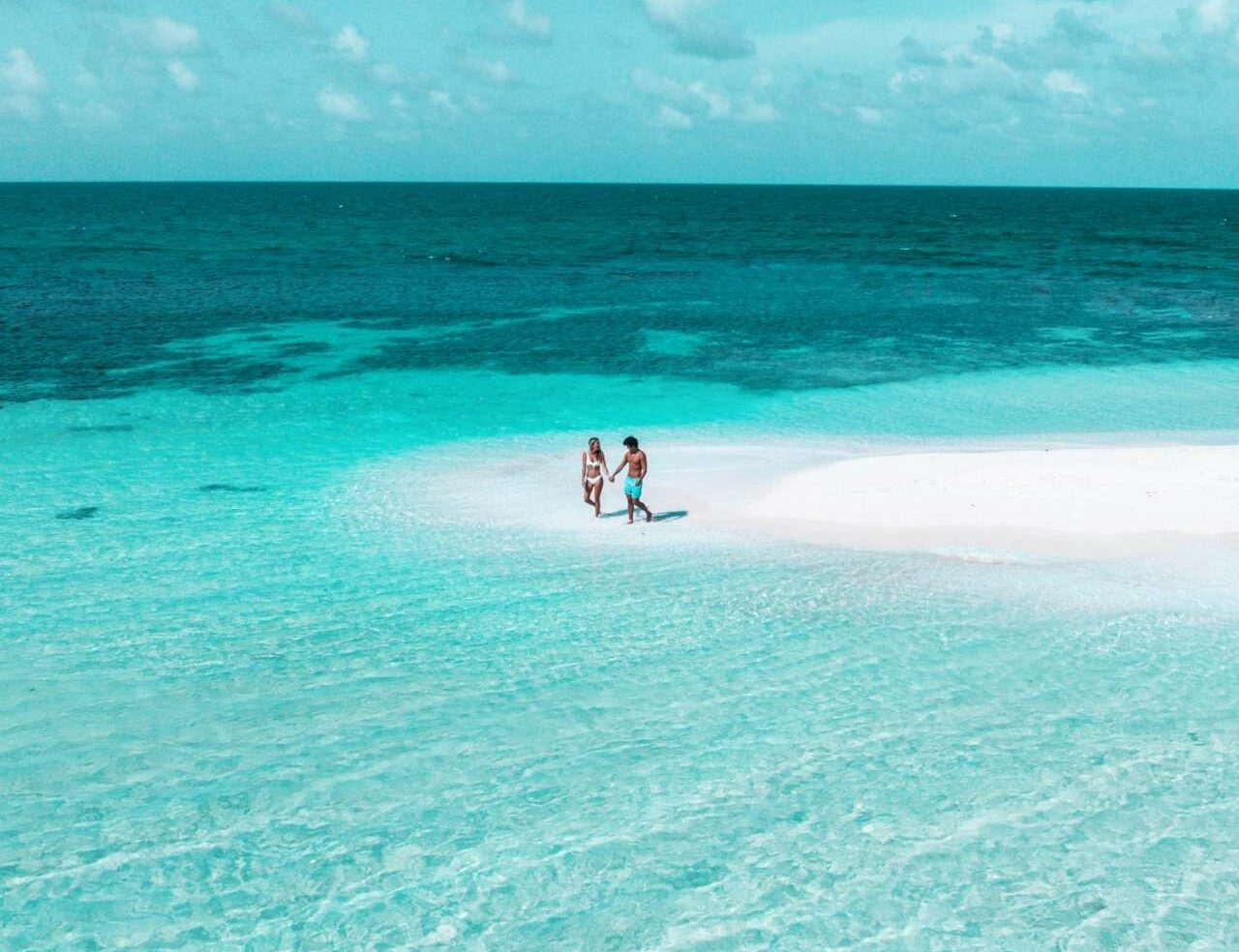
Antigua and Barbuda has been named the ultimate honeymoon destination in the Caribbean by Caribbean Journal, with Hodges Bay Resort and Spa among the properties singled out for helping the island claim the top spot.
In its latest roundup of the ten best honeymoon destinations across the region, the publication placed Antigua and Barbuda above all others — and made no secret of its reasoning.
“No island makes a stronger case for the honeymoon than Antigua and Barbuda, where the romance runs the full distance from grand all-inclusives to hushed luxury hideaways,” wrote Caribbean Journal Deputy Travel Editor Karen Udler.
Hodges Bay Resort and Spa was among the properties specifically highlighted, with the publication describing it as bringing a sleek, contemporary edge to the island’s north shore experience.
Caribbean Journal noted that Antigua and Barbuda’s famous 365 beaches, its adults-only all-inclusive options, and the depth of its luxury resort offerings make it the rare destination where couples can tailor their honeymoon experience precisely to their taste — whether celebratory or secluded.
Other properties mentioned alongside Hodges Bay included Hammock Cove, Hermitage Bay, Jumby Bay and Carlisle Bay, collectively forming what the publication described as the Caribbean’s deepest bench of romantic places to stay.
The feature, published on June 23, also noted that honeymoon travel has become one of the most powerful forces in Caribbean tourism, with newlyweds booking longer stays, spending more freely, and returning for anniversaries.
This story was first published by Antigua News on : antigua.news/2026/06/25/a-b-named-top-honeymoon-destination-in-the-caribbean-with-hodges-bay-among-resorts-leading-the-way. © 2026 Antigua News. Republication without permission is not allowed.

About the author
The Editorial Staff refers to all reporters employed by Antigua.news. When an article is not an original creation of Antigua.news—such as when it is based on a press release, other media articles, letters to the editor, or court decisions—one of our staff members is responsible for overseeing its publication.
Read our editorial standards and corrections policy. Spotted an error? Contact the newsroom.
More from Antigua and Barbuda
View section
Antigua Rejected $100 Million Royal Caribbean Plan Over Fort James Beach Access
The prime minister says the cruise company sought exclusive access to the proposed development area. The government is drawing up plans for a public beach park at Fort James.
By Shermain Bique-Charles

Antigua Eyes New Air Routes but Sees Hotel Capacity as a Hurdle
Turkish Airlines, Qatar Airways and Emirates are among the carriers the government would like to attract.
By Shermain Bique-Charles

World Fisheries Day Puts Spotlight on Antigua and Barbuda’s Fisherfolk
The observance honours local fishers and calls for better working conditions and more opportunities for women and young people in fisheries and aquaculture.
By Shermain Bique-Charles

Christmas Bonus Unlikely as Fuel Subsidies Top $100 Million, Browne Says
The prime minister says money that could have gone towards a bonus for civil servants was used to cushion fuel costs at the pump and for electricity generation.
By Shermain Bique-Charles
Comments (1)
Apex Jones June 26, 2026, 2:58 PM