
ABWU Deputy General Secretary Chester Hughes Earns Law Degree in United Kingdom

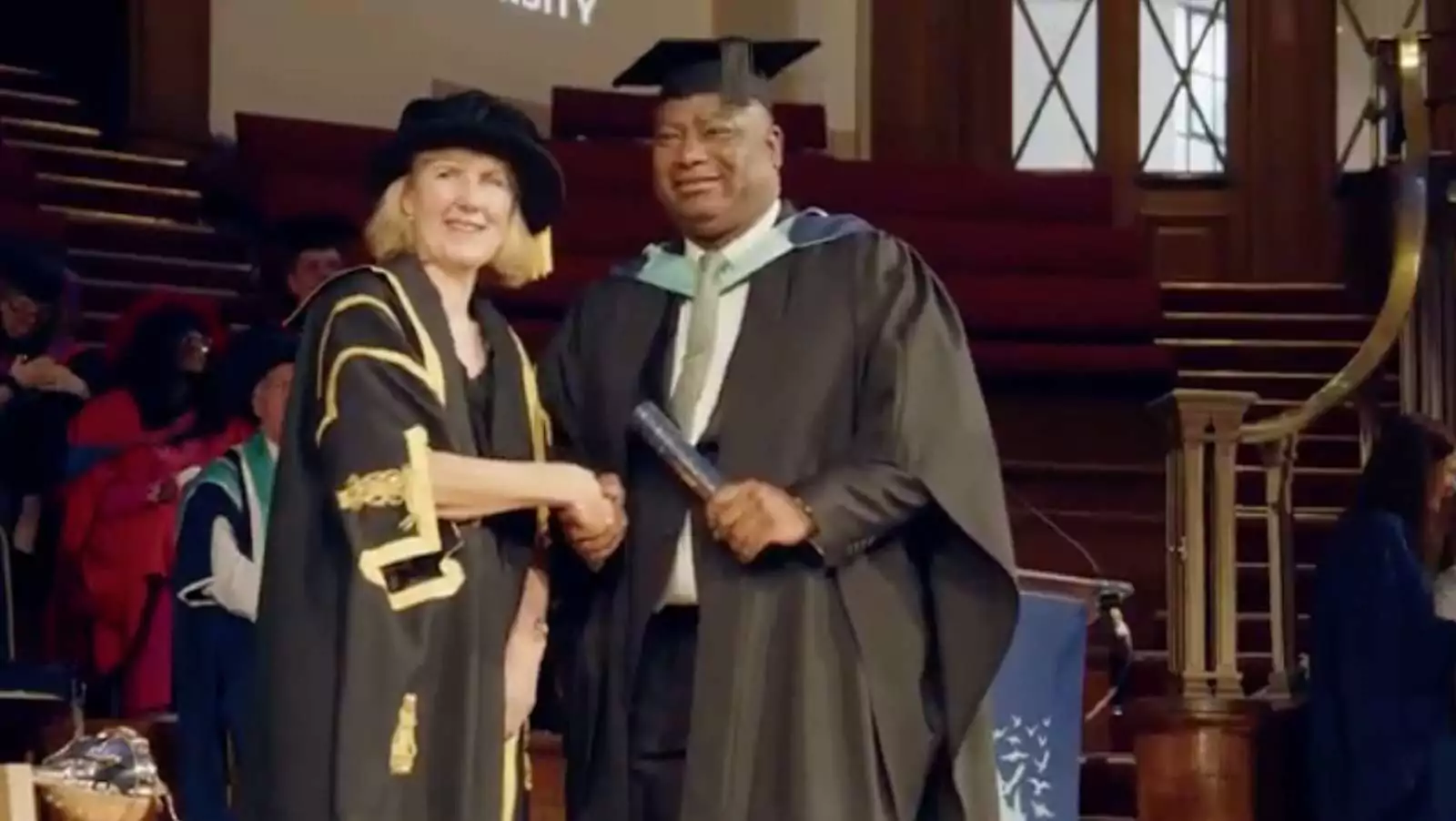
Deputy General Secretary of the Antigua and Barbuda Workers’ Union (ABWU), Chester Hughes, has graduated with a Bachelor of Laws (LLB Hons), Upper Second-Class Honours, from Arden University in the United Kingdom, while continuing to serve in one of the union’s senior leadership positions.
Hughes received his degree during a graduation ceremony on Tuesday, celebrating the achievement with family and friends after completing several years of study alongside his responsibilities within the labour movement.
Reflecting on his academic journey, Hughes described the experience as both challenging and rewarding, saying that balancing work, studies and personal commitments required discipline, resilience and determination.
He said each stage of the programme strengthened his legal knowledge and professional confidence, equipping him with skills that will support the next phase of his career.
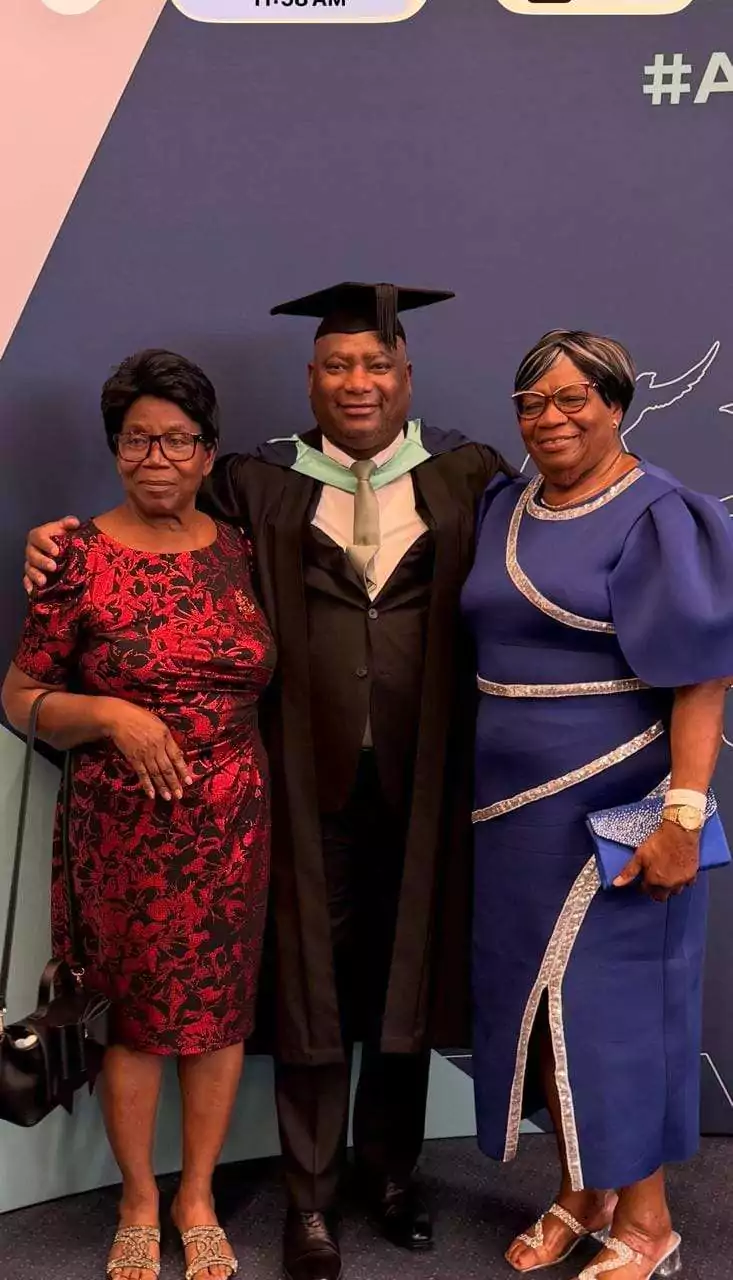
The Antigua and Barbuda Workers’ Union congratulated Hughes on his achievement, describing it as a reflection of his commitment to personal development and to strengthening the labour movement through education and leadership.
According to the union, Hughes’ legal training will further enhance his work in areas including labour law, industrial relations, collective bargaining and social justice.
The ABWU also announced that Hughes is expected to return to the United Kingdom later this summer to pursue the Bar Training Course, the next step toward qualifying as a legal professional.
The union said his accomplishment serves as an example of lifelong learning and professional development for workers across Antigua and Barbuda.
This story was first published by Antigua News on : antigua.news/2026/07/01/abwu-deputy-general-secretary-chester-hughes-earns-law-degree-in-united-kingdom. © 2026 Antigua News. Republication without permission is not allowed.

About the author
The Editorial Staff refers to all reporters employed by Antigua.news. When an article is not an original creation of Antigua.news—such as when it is based on a press release, other media articles, letters to the editor, or court decisions—one of our staff members is responsible for overseeing its publication.
Read our editorial standards and corrections policy. Spotted an error? Contact the newsroom.
More from Antigua and Barbuda
View section
Antigua and Barbuda Wins Bocce Silver and Basketball Bronze at Caribbean Beach Games
Darius March-Charles won his first four bocce matches, while the women’s basketball team edged Trinidad and Tobago 20–18 to take bronze in Jamaica.
By Shermain Bique-Charles

Qatar Talks Put 300-Room Expansion on Table for Antigua’s W Hotel
The developers have agreed in principle to a larger resort, but the expansion depends on negotiations over neighbouring land.
By Shermain Bique-Charles

Bus Fares and Gas Station Margins Add Pressure Ahead of Budget
Sub headline Cabinet previously backed a 75-cent fare increase in principle, while fuel retailers are also seeking an adjustment.
By Shermain Bique-Charles

Browne to Seek Private Funding for Cybertruck Amid Bribery Allegations
The prime minister rejected claims that the Tesla was given to him personally or provided as a bribe. He says a private benefactor would cover the estimated $80,000 to $90,000 cost.
By Shermain Bique-Charles
Comments (2)
Apex Jones July 1, 2026, 10:22 AM
Pet Wilson July 1, 2026, 11:14 AM