
Happi Programme Targets 50 New Homes for Vulnerable Families Each Year

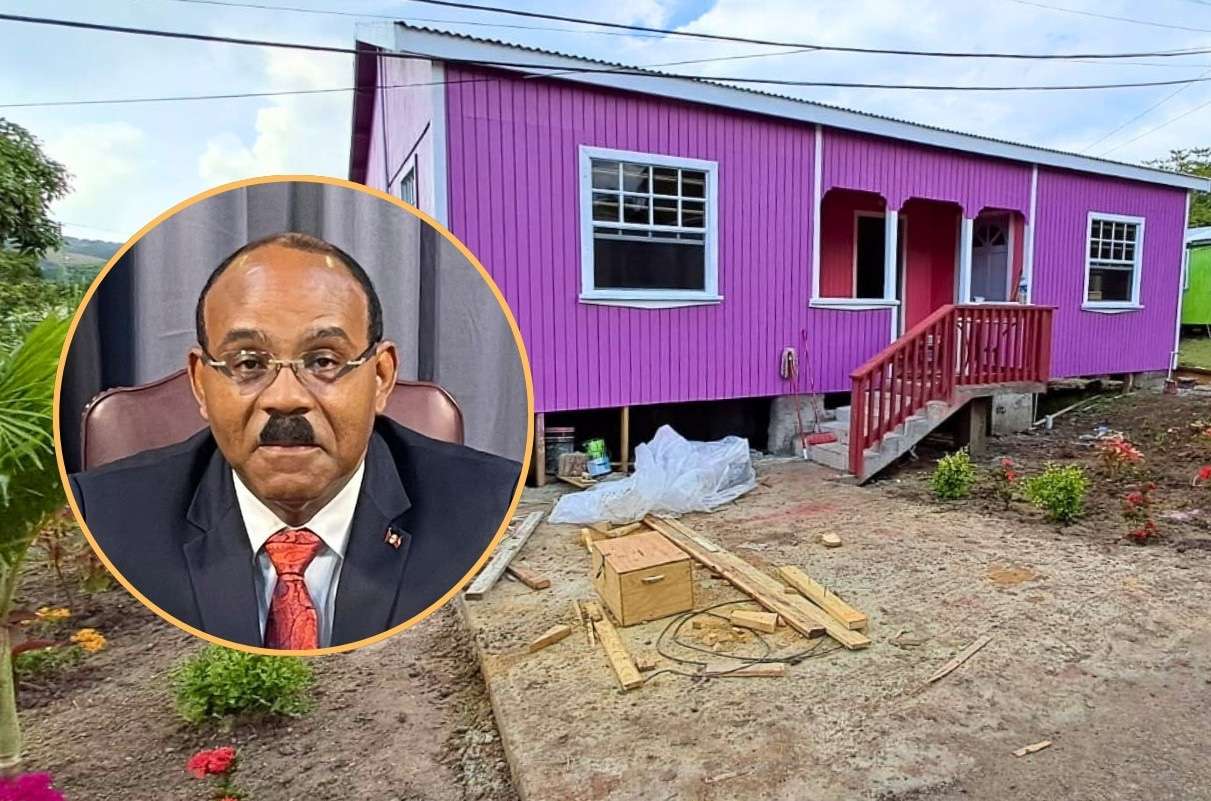

Prime Minister Gaston Browne says the Government plans to significantly expand the Home Advancement Programme for the Poor and Indigent (HAPPI) Programme, with a target of constructing approximately 50 homes annually for vulnerable families.
The HAPPI initiative, launched by the Ministry of Social and Urban Transformation, aims to provide safe, affordable, and dignified housing to poor citizens who lack adequate shelter.
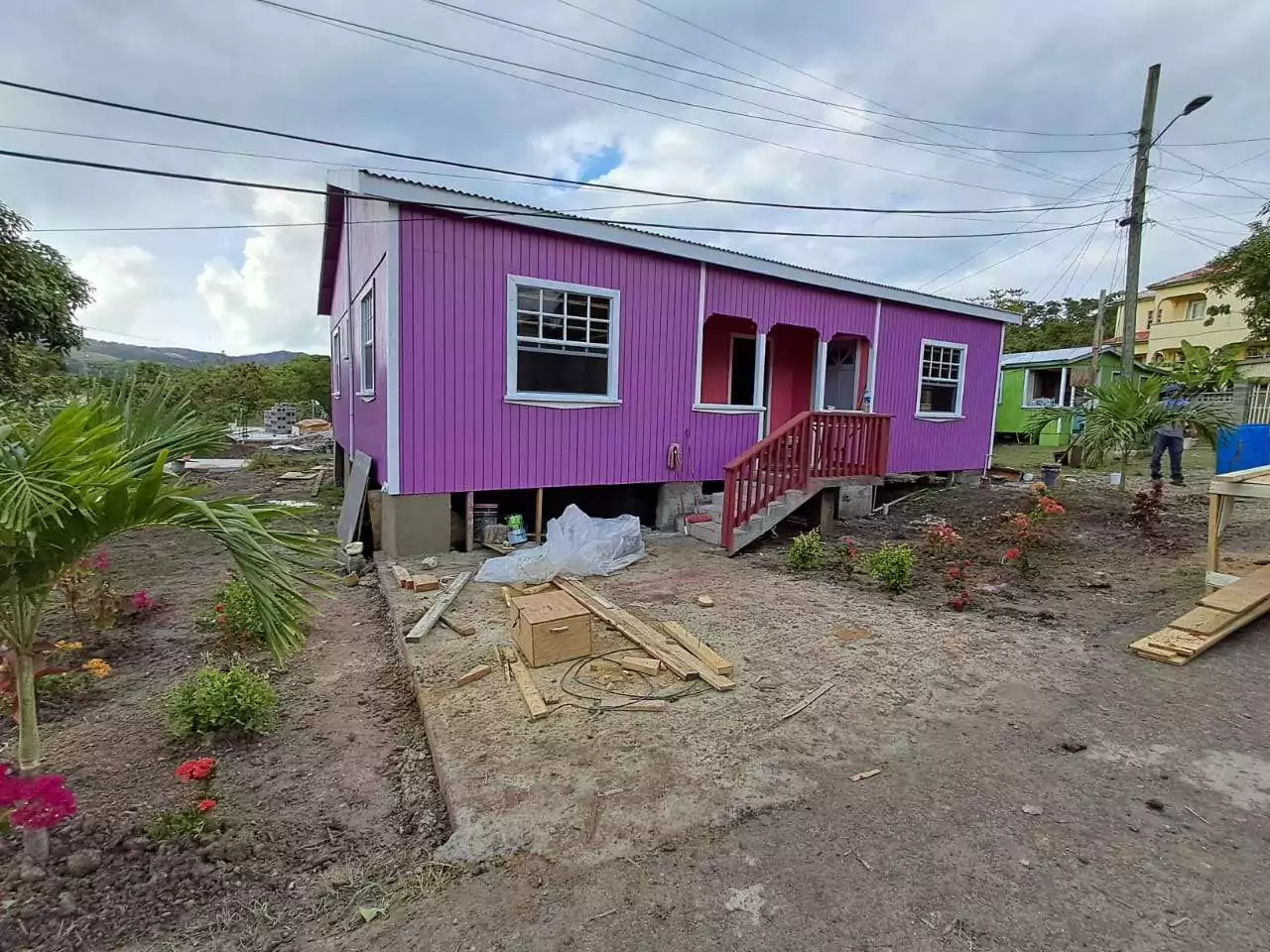
Through the programme, eligible families receive either newly constructed homes or essential building materials to repair and improve existing structures.
The Prime Minister highlighted the recent completion of another Happy Home, where a family was relocated from severely inadequate living conditions into a newly constructed residence.
He said the programme remains one of Government’s most important social initiatives because it provides homes free of charge to the country’s poorest citizens.
“We want to make sure that wherever we see people living in squalor, we give them a leg up,” Browne said.
The Government also expects to commission a new block manufacturing plant in the coming months, allowing future Happy Homes to be constructed using concrete rather than timber.
Browne said the administration will continue expanding affordable housing while ensuring the most vulnerable citizens are not left behind.
The expansion of HAPPI forms part of the government’s broader social protection and people-centred development agenda, which aims to strengthen communities, improve living standards, and foster social inclusion.
This story was first published by Antigua News on : antigua.news/2026/07/06/happi-programme-targets-50-new-homes-for-vulnerable-families-each-year. © 2026 Antigua News. Republication without permission is not allowed.

About the author
The Editorial Staff refers to all reporters employed by Antigua.news. When an article is not an original creation of Antigua.news—such as when it is based on a press release, other media articles, letters to the editor, or court decisions—one of our staff members is responsible for overseeing its publication.
Read our editorial standards and corrections policy. Spotted an error? Contact the newsroom.
More from Antigua and Barbuda
View section
Antigua Rejected $100 Million Royal Caribbean Plan Over Fort James Beach Access
The prime minister says the cruise company sought exclusive access to the proposed development area. The government is drawing up plans for a public beach park at Fort James.
By Shermain Bique-Charles

Antigua Eyes New Air Routes but Sees Hotel Capacity as a Hurdle
Turkish Airlines, Qatar Airways and Emirates are among the carriers the government would like to attract.
By Shermain Bique-Charles

World Fisheries Day Puts Spotlight on Antigua and Barbuda’s Fisherfolk
The observance honours local fishers and calls for better working conditions and more opportunities for women and young people in fisheries and aquaculture.
By Shermain Bique-Charles

Christmas Bonus Unlikely as Fuel Subsidies Top $100 Million, Browne Says
The prime minister says money that could have gone towards a bonus for civil servants was used to cushion fuel costs at the pump and for electricity generation.
By Shermain Bique-Charles
Comments (1)
Apex Jones July 6, 2026, 7:50 PM