
High Street Magistrates’ Court to Close for Two Days During CHOGM Security Exercise


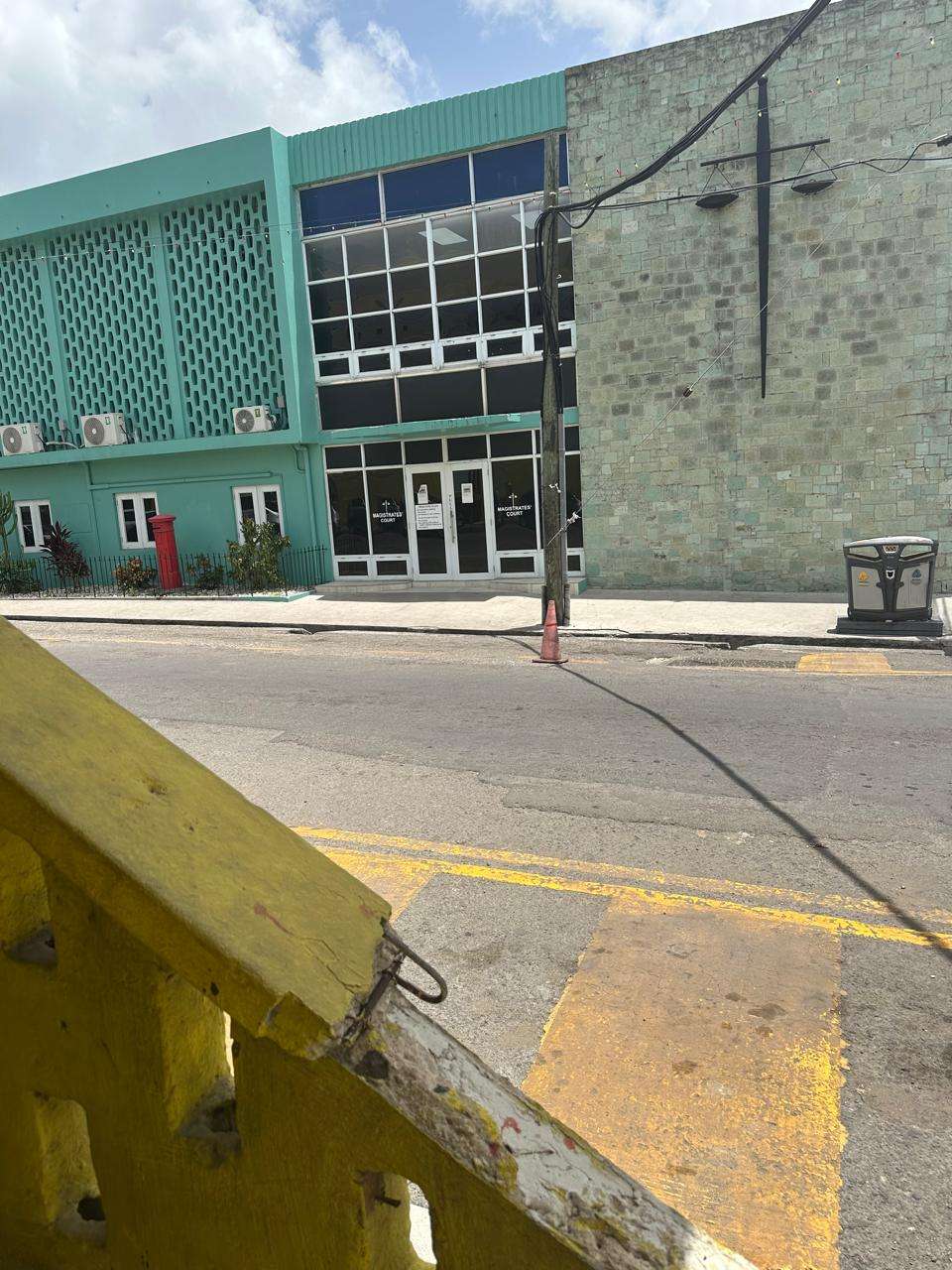
The High Street Magistrates’ Court will temporarily close on Wednesday and Friday this week as Antigua and Barbuda continues preparations for the Commonwealth Heads of Government Meeting (CHOGM) scheduled for November.
Court Administrator Nyron Frederick announced that the court will be closed on July 8 and July 10 to facilitate Exercise Stronghold, the national security exercise being conducted across St. John’s.
The closure applies only to the Magistrates’ Court on High Street. The Magistrates’ Court Family Division, located at the High Court on Parliament Drive, will remain open and continue normal operations.
People whose matters were scheduled to be heard on the affected dates have been instructed to report to their respective courtrooms on Monday, July 13.
The court is also encouraging members of the public who need to file documents or complete other court business that is not yet available through the E-Litigation Portal to submit those matters by email to [email protected] during the temporary closure.
Exercise Stronghold is a three-day multi-agency security operation aimed at testing Antigua and Barbuda’s emergency response and security capabilities ahead of hosting CHOGM later this year. The exercise has resulted in temporary road closures, traffic diversions and restricted access to parts of the capital as police, military and emergency personnel conduct coordinated training activities.
Officials have urged the public to cooperate with security personnel and follow all traffic and access advisories while the exercise is underway.
This story was first published by Antigua News on : antigua.news/2026/07/08/high-street-magistrates-court-to-close-for-two-days-during-chogm-security-exercise. © 2026 Antigua News. Republication without permission is not allowed.

About the author
The Editorial Staff refers to all reporters employed by Antigua.news. When an article is not an original creation of Antigua.news—such as when it is based on a press release, other media articles, letters to the editor, or court decisions—one of our staff members is responsible for overseeing its publication.
Read our editorial standards and corrections policy. Spotted an error? Contact the newsroom.
More from Antigua and Barbuda
View section
Freeland Pitches Multi-Sport Weekends to Grow Tourism in Antigua and Barbuda
The Minister of State in the Ministry of Tourism says coordinating races, tournaments and games could draw more visitors from neighbouring islands.
By Cory Wayland

Investigation Continues After Fire Destroys Three Homes in Cooks Extension
A fourth home sustained minor damage in last Thursday morning’s blaze. No one was injured.
By Shermain Bique-Charles

Nuri Katz Says EU ‘Dictated the Same Terms’ in Caribbean Citizenship Programme Talks
The founder and president of Apex Capital Partners expects a rush of applications after Antigua and Barbuda and St Kitts and Nevis announced similar timetables for winding down their citizenship by investment programmes.
By Shermain Bique-Charles

Fernandez Pledges Tourism Authority Support for Love Link Caribbean Season Two
The Antigua and Barbuda reality series has drawn more than 5.2 million YouTube views across 162 countries and territories in its debut season.
By Shermain Bique-Charles
Comments (1)
Juju Bee July 8, 2026, 4:55 PM