
Police Promise Strong Security Presence for Carnival 2026, Issue Public Safety Advisory

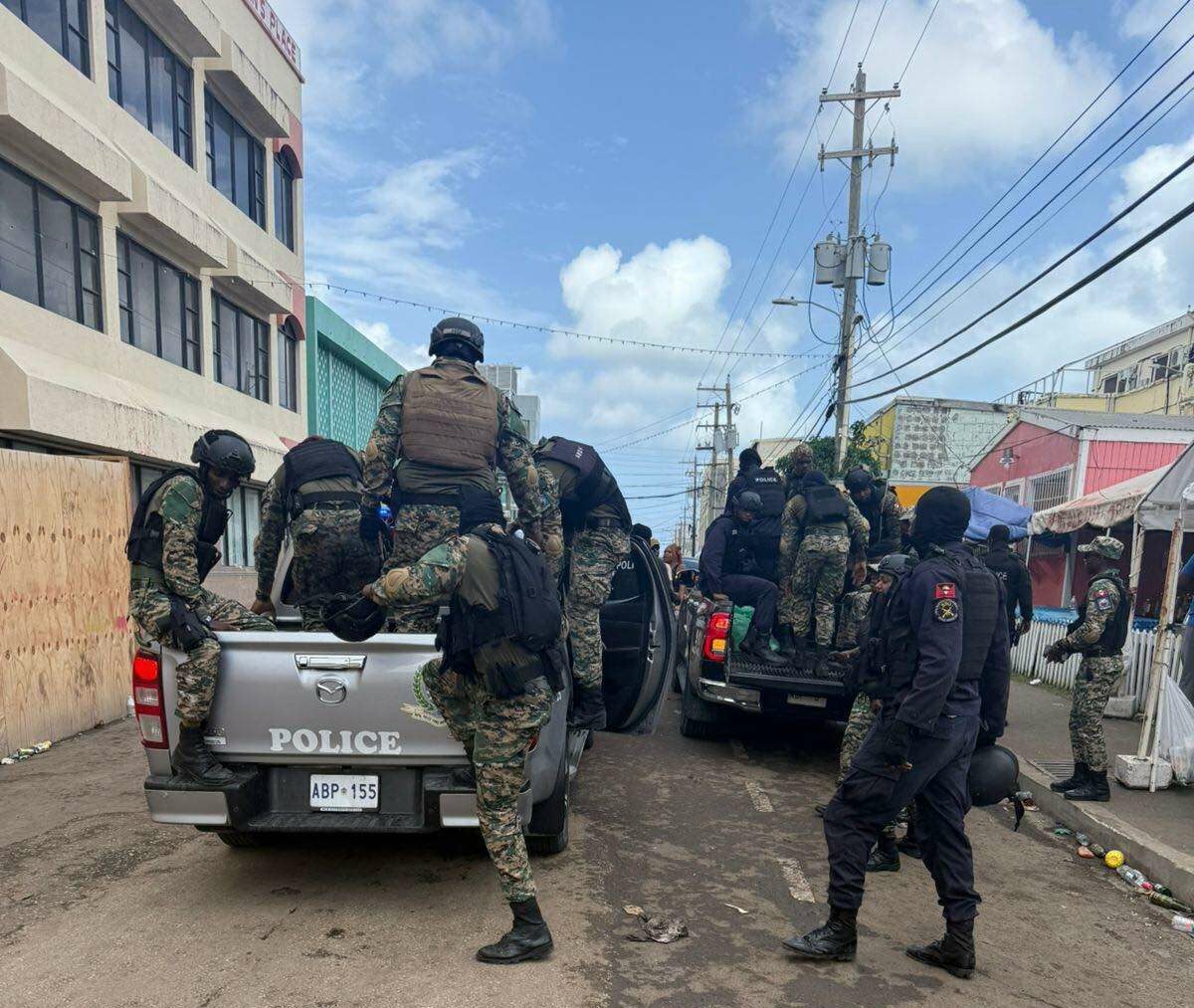
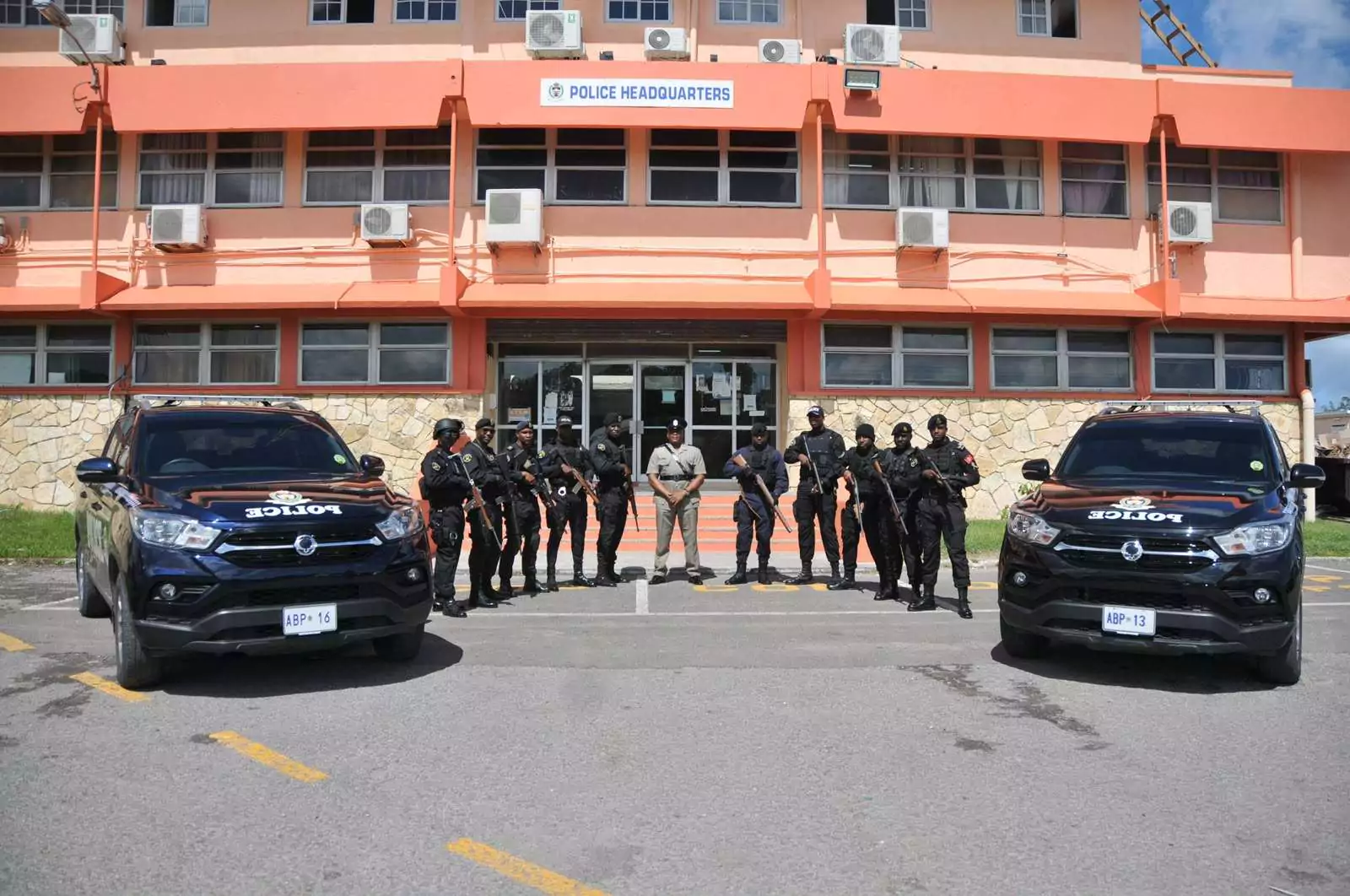
With just days to go before the start of Carnival 2026, the Royal Police Force of Antigua and Barbuda has unveiled an extensive security plan aimed at keeping this year’s festivities safe, while warning that anyone carrying weapons or engaging in unlawful behaviour will face swift enforcement action.
The police say they will significantly increase their operational presence across the island from July 25 to August 4, with officers deployed on enhanced mobile and foot patrols, high-visibility policing operations, and random stop-and-search exercises at major carnival events.
The announcement comes as thousands of residents, returning nationals and visitors prepare to take part in what is expected to be one of the busiest Carnival celebrations in recent years.
Police have made it clear that they will adopt a zero-tolerance approach to the possession of illegal firearms and other offensive weapons during the festival. Authorities warned that anyone found carrying weapons, including knives, machetes, cleavers, scissors, pieces of iron or wood, or any object intended to cause harm, will be arrested.
The force also reminded the public that ski masks are prohibited during Carnival 2026. Individuals found wearing them risk being dealt with under the law.
Businesses participating in the festivities are also being urged to comply with carnival regulations. Police said vendors and bar operators must obtain the necessary approvals before selling alcoholic beverages, while the sale or distribution of drinks in glass bottles or metal cans at carnival events will not be allowed as part of efforts to reduce the risk of injuries.
In addition to outlining enforcement measures, the Police Administration issued a wide-ranging public safety advisory, encouraging patrons to remain vigilant throughout the celebrations.
Festivalgoers are being advised to avoid displaying large sums of cash or expensive jewellery, carry only the money they need, and use electronic payment methods whenever possible. Police also encouraged the public to remain alert when using ATMs, avoid walking alone in isolated or poorly lit areas after events, and stay aware of their surroundings rather than becoming distracted by mobile phones or headphones.
Parents and caregivers attending events with children or elderly relatives are urged to keep them within sight at all times and agree on a meeting point in case they become separated.
Motorists are reminded to lock their vehicles, avoid leaving valuables in plain view, and park only in designated or well-lit areas. Homeowners are also encouraged to secure their properties before leaving for carnival events by ensuring doors and windows are locked and adequate lighting is left on where possible.
The police also called on business owners and vendors to improve security around their operations by providing adequate lighting, using secure methods to store cash, employing security personnel where practical, and remaining alert to counterfeit currency.
Authorities are encouraging anyone who witnesses suspicious activity or has information about criminal conduct during the festivities to report it immediately by contacting the nearest police station or calling 911.
The Royal Police Force thanked the public for its continued cooperation and said it remains committed to maintaining law and order throughout the carnival season.
Police also extended best wishes to residents, returning nationals and visitors, expressing hope that Carnival 2026 will be remembered for its celebration of culture and community rather than crime.
“Celebrate responsibly, look out for one another, and together let us make this year’s festivities memorable for all the right reasons,” the Police Administration said.
This story was first published by Antigua News on : antigua.news/2026/07/15/police-promise-strong-security-presence-for-carnival-2026-issue-public-safety-advisory. © 2026 Antigua News. Republication without permission is not allowed.

About the author
The Editorial Staff refers to all reporters employed by Antigua.news. When an article is not an original creation of Antigua.news—such as when it is based on a press release, other media articles, letters to the editor, or court decisions—one of our staff members is responsible for overseeing its publication.
Read our editorial standards and corrections policy. Spotted an error? Contact the newsroom.
More from Antigua and Barbuda
View section
Former Booby Alley Homeowners to Receive EC$350,000 Condos Without Extra Payment
Browne outlines replacement-home arrangements and subsidised mortgages as Pelican Court prepares for occupancy.
By Shermain Bique-Charles

Chinese Ambassador to Take Perry Bay Housing Request to Beijing
Jiang Wei promises to convey Browne’s proposal for 300 homes while confirming preparations for another 100 units are underway.
By Shermain Bique-Charles

“Transformational Leadership”: Maria Browne Praises PM’s Pelican Court Vision
Housing Minister says the completed development reflects years of work and a commitment to improving the circumstances of vulnerable residents.
By Shermain Bique-Charles

Maria Browne: China Has Never Been a “Fair-Weather Friend”
Housing Minister says the Pelican Court grant demonstrates a partnership built on reliability, respect and support for Antigua and Barbuda.
By Shermain Bique-Charles
Comments (2)
Juju Bee July 15, 2026, 11:29 PM
Hope people take heed
Walter July 16, 2026, 1:00 PM