
Spain Edge Argentina in Extra Time to Win 2026 FIFA World Cup

By Cory Wayland

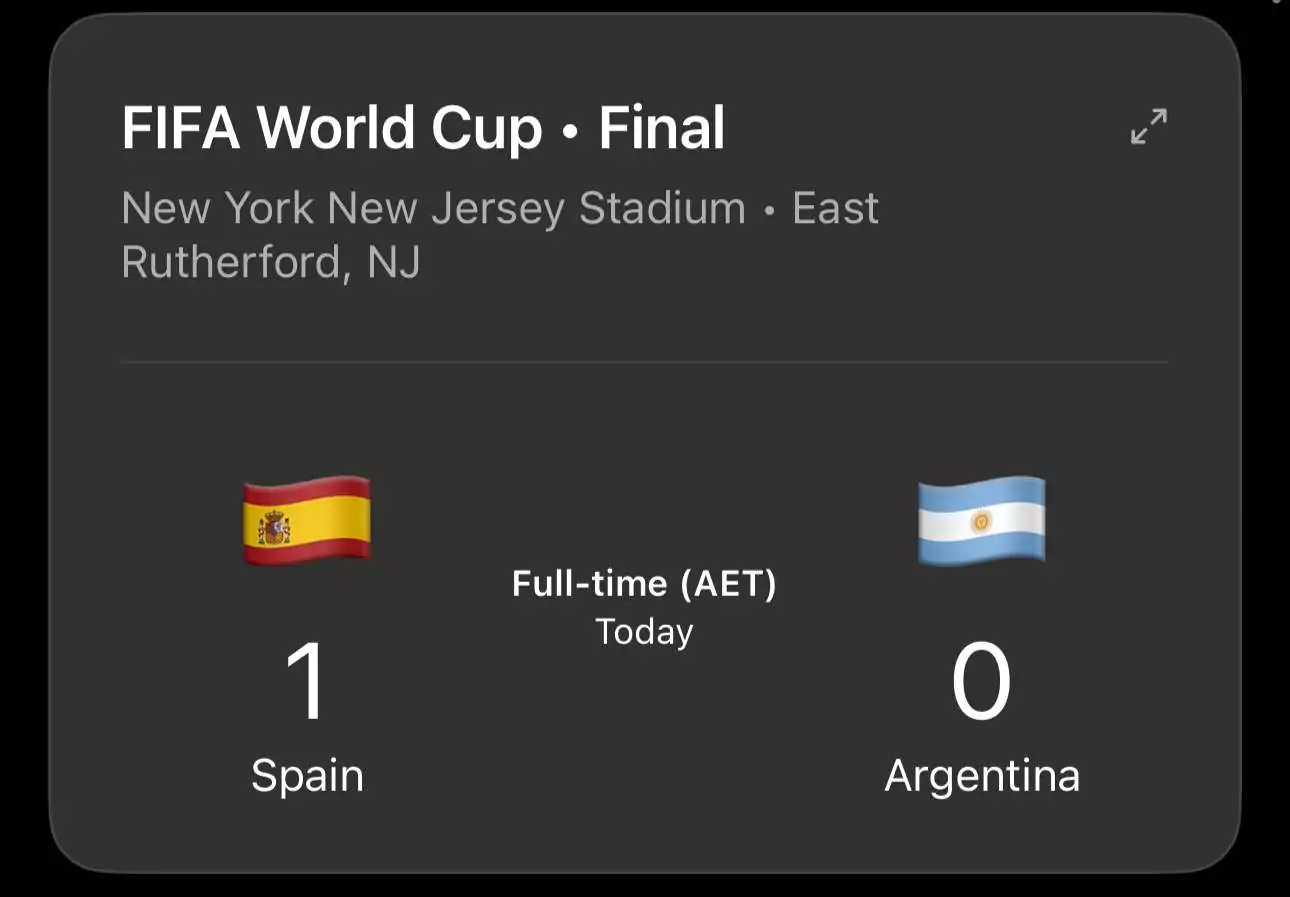
Spain have been crowned 2026 FIFA World Cup champions after defeating defending champions Argentina 1-0 following extra time in Sunday’s final at the New York New Jersey Stadium in East Rutherford.
The tightly contested match remained goalless after 90 minutes, with both teams struggling to find a breakthrough in front of a packed crowd.
Spain controlled much of the possession and created several opportunities, but Argentina goalkeeper Emiliano Martínez produced a number of important saves to keep his side in the contest.
The decisive moment came in the 106th minute when substitute Ferran Torres found the back of the net following an attacking move involving Nico Williams.
Torres reacted quickly inside the penalty area and fired past Martínez, sparking celebrations among the Spanish players and supporters.
Argentina’s chances of mounting a comeback were dealt a further blow when midfielder Enzo Fernández was sent off late in extra time, forcing the South American side to complete the match with 10 players.
Despite applying late pressure, Argentina were unable to find an equaliser as Spain’s defence held firm until the final whistle.
The victory secured Spain’s second men’s World Cup title, 16 years after the country first lifted the trophy in South Africa in 2010.
The result also ended Argentina’s hopes of successfully defending the title they won in Qatar in 2022.
For Argentina captain Lionel Messi, the match could mark the end of his World Cup career after leading his country to glory four years earlier.
Spain’s triumph capped an impressive tournament for Luis de la Fuente’s side, which produced strong defensive performances throughout the competition.
The victory also adds another major international honour for Spanish football, with the country now holding both the men’s and women’s FIFA World Cup titles.
This story was first published by Antigua News on : antigua.news/2026/07/19/spain-edge-argentina-in-extra-time-to-win-2026-fifa-world-cup. © 2026 Antigua News. Republication without permission is not allowed.

About the author
Cory Wayland is the Social Media Co-ordinator at Antigua.News, where he manages digital content strategy, audience engagement, and real-time news publications across social platforms. With a keen eye for trending topics and a commitment to factual storytelling, Cory plays a key role in shaping the online voice of Antigua.News.
Read our editorial standards and corrections policy. Spotted an error? Contact the newsroom.
More from World
View section
Spain Votes After an Eviction Shook Its Government
An elderly tenant’s eviction helped trigger the November 29 snap election. Pedro Sánchez is recovering in some polls, but the right still has the clearer route to a governing majority.
By Dario Item

Dozens of KFC Restaurants Closing Across 10 U.S. States as Major Franchise Operator Files for Bankruptcy
Financial troubles, falling sales and millions in unpaid franchise fees have forced a major KFC operator into bankruptcy, with 72 restaurant locations affected and more closures possible.
By Cory Wayland

Robert Pattinson is the new James Bond
The Twilight and The Batman star succeeds Daniel Craig as 007 in the next James Bond film, directed by Denis Villeneuve and written by Steven Knight.
By Mick the Ram

Microsoft Outage cripples millions globally
Outlook, Teams and Copilot users reported disruptions across 74 countries as Microsoft cited increased load on its infrastructure.
By Mick the Ram
Comments (2)
Messi July 20, 2026, 7:37 AM
Juju Bee July 20, 2026, 9:11 AM