
Jennings Residents Benefit from Free Eye Screenings and Reading Glasses Under Prime Minister’s Vision Initiative
The community-based programme is providing free vision screenings and reading glasses to qualifying residents, with services continuing until Friday, November 6.

By Cory Wayland

Residents of Jennings and surrounding communities are benefiting from free eye screenings and reading glasses as the Prime Minister’s Vision Initiative continues its efforts to improve access to basic vision care across Antigua and Barbuda.
The programme, currently underway in Jennings, is offering residents an opportunity to have their eyes examined at no cost, while individuals aged 40 and over who meet the eligibility requirements can receive free reading glasses.
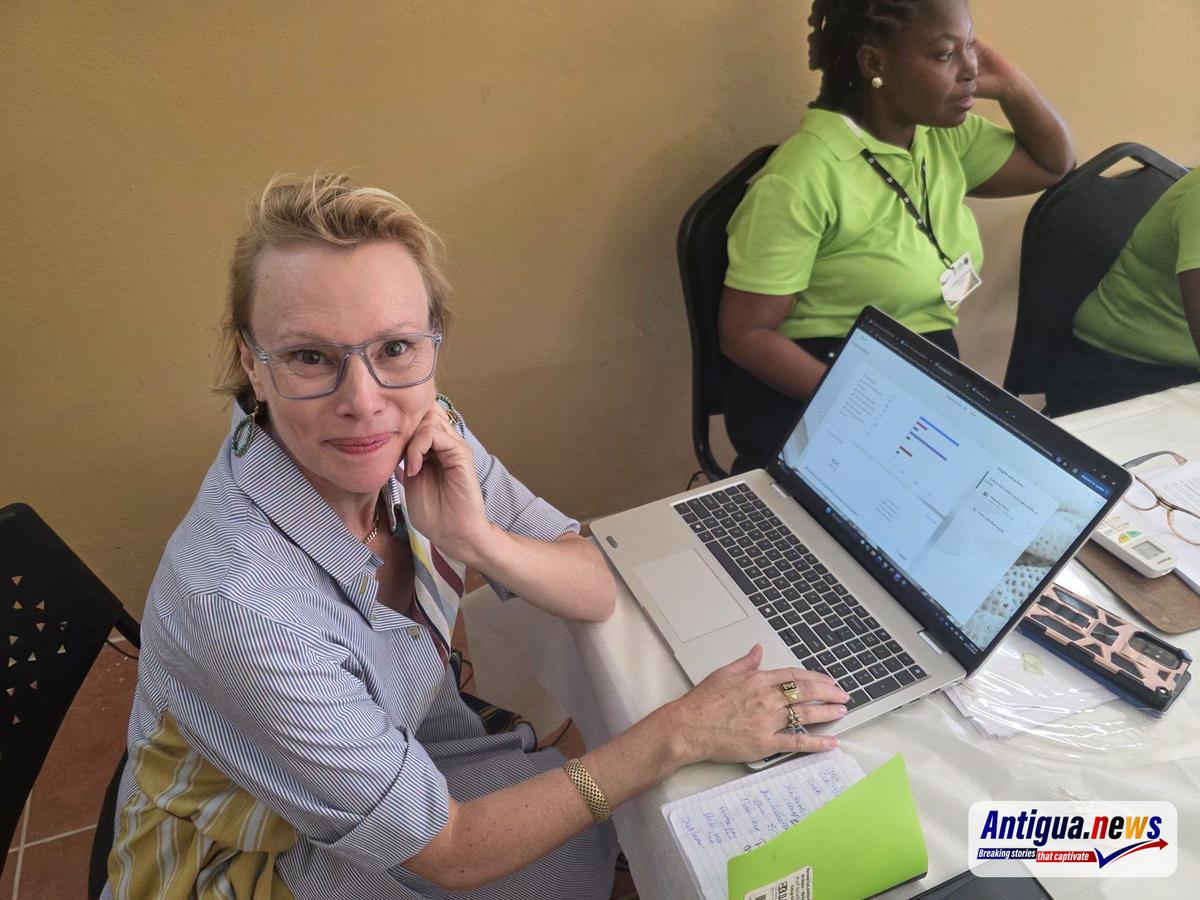
The initiative is aimed at promoting early detection of vision problems and addressing common eyesight challenges that may affect residents’ daily activities and quality of life.
According to the Ministry of Health, Wellness, Environment and Civil Service Affairs, the programme has made a promising start, with residents already accessing the services being provided.
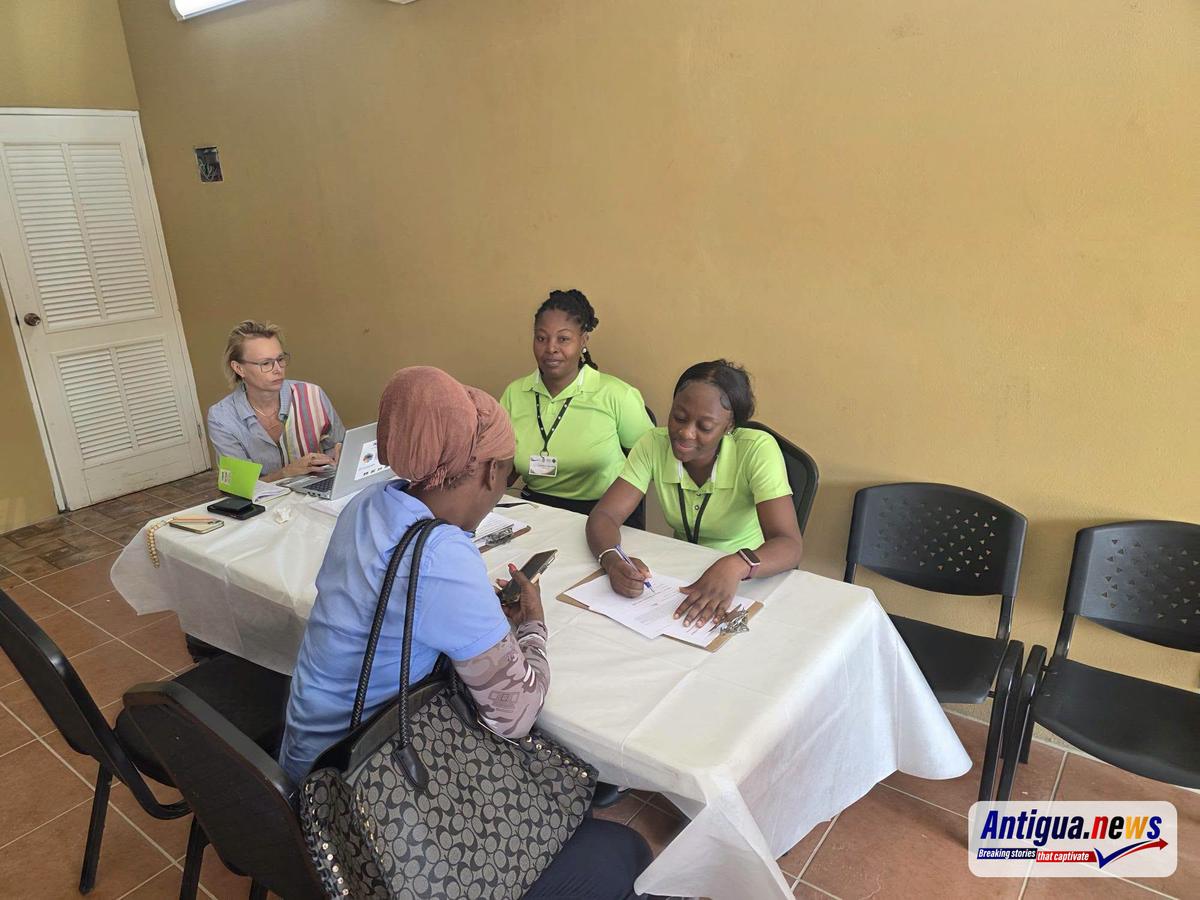
While the distribution of reading glasses is subject to eligibility requirements, the eye screening service is open to anyone interested in having their vision checked.
The Ministry is encouraging residents of Jennings and neighbouring communities to take advantage of the initiative before it concludes on Friday, November 6, 2026.
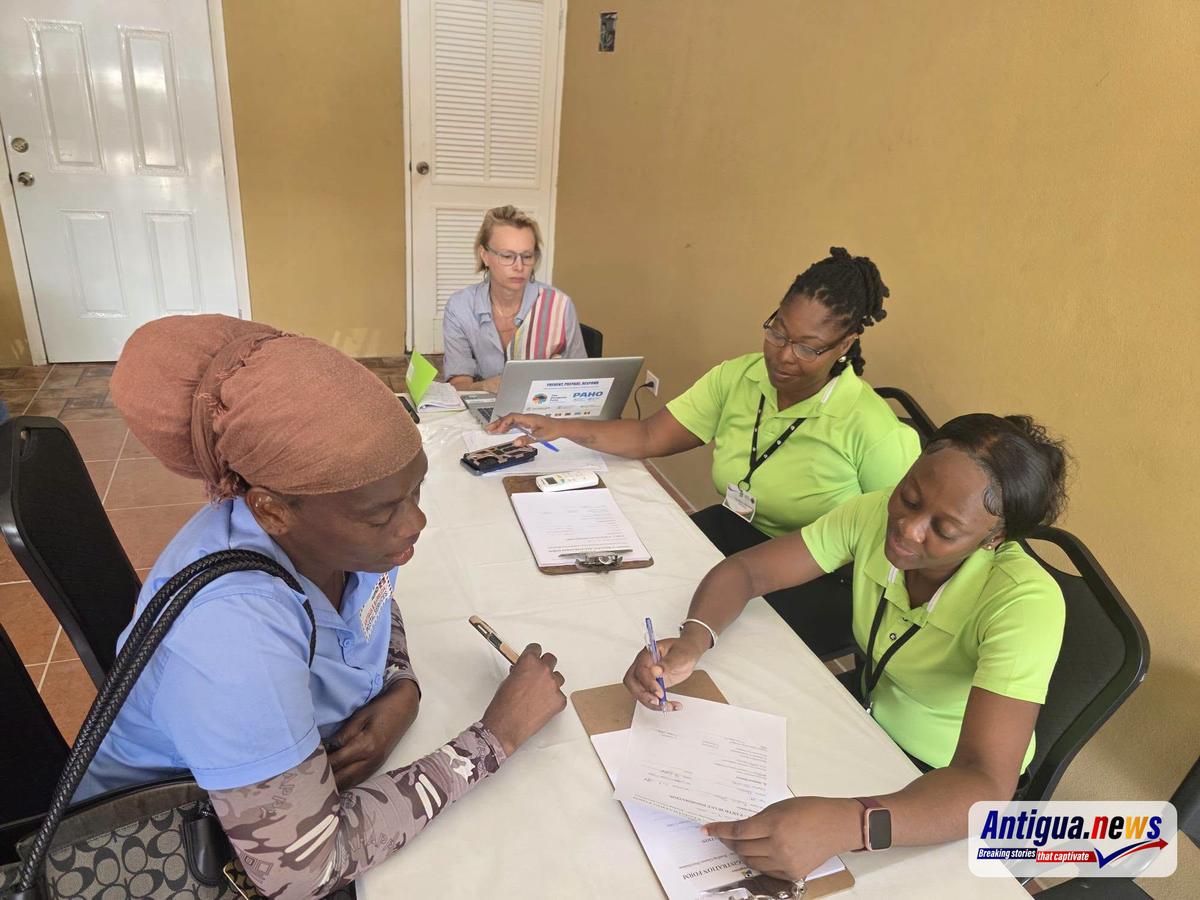
The programme forms part of ongoing efforts to make essential eye care services more accessible and encourage residents to take a proactive approach to protecting their eyesight.
With the final day approaching, health officials are urging eligible individuals, particularly those aged 40 and over, to make use of the free services while they remain available in the community.
This story was first published by Antigua News on : antigua.news/2026/11/05/jennings-residents-benefit-from-free-eye-screenings-and-reading-glasses-under-prime-minister-s-vision-initiative. © 2026 Antigua News. Republication without permission is not allowed.

About the author
Cory Wayland is the Social Media Co-ordinator at Antigua.News, where he manages digital content strategy, audience engagement, and real-time news publications across social platforms. With a keen eye for trending topics and a commitment to factual storytelling, Cory plays a key role in shaping the online voice of Antigua.News.
Read our editorial standards and corrections policy. Spotted an error? Contact the newsroom.
More from Antigua and Barbuda
View section
Arry Simon and Garth Simon Represent Antigua and Barbuda at Pre-COP31 Climate Talks in Türkiye
The two Department of Environment officials are participating in preparatory discussions ahead of the global climate summit, where Antigua and Barbuda will be represented by a delegation led by Prime Minister Gaston Browne.
By Cory Wayland

Health Minister Michael Joseph Showcases Gray’s Green Eye Care Unit to Bloomberg Representative
Adrienne Pizatella and her team toured the community-based facility as Antigua and Barbuda continues efforts to expand access to essential vision care services.
By Cory Wayland

New Commonwealth Insurance Proposal Aims to Protect Nations Against Hurricanes and Climate Disasters
The Sustainable Markets Initiative has unveiled plans for a shared reinsurance system that could provide faster disaster payouts and more affordable protection for vulnerable Commonwealth countries.
By Cory Wayland

Health Minister Michael Joseph Calls for Greater Climate Financing and Renewable Energy Investment Ahead of COP31
Antigua and Barbuda is pushing for stronger financial support for vulnerable nations, regional energy cooperation and a fair transition away from fossil fuels.
By Cory Wayland
Comments
Be the first to comment.