
CARICOM Observer Mission highlights concerns about delay in the publication of register of elections

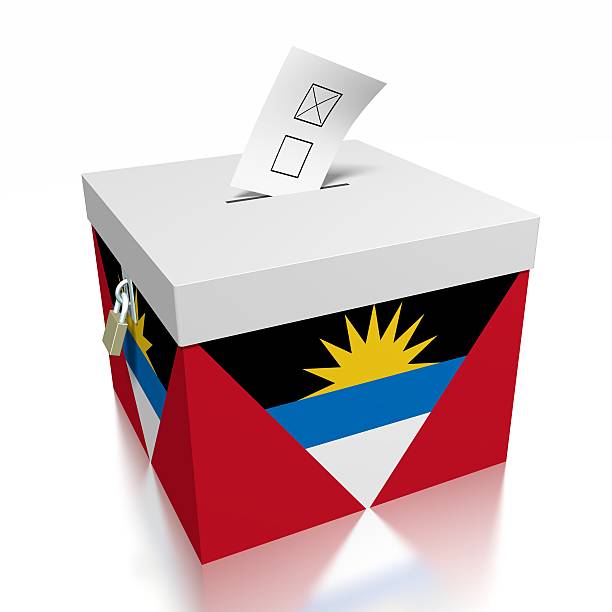
The CARICOM Election Observer Mission has said that while the conduct of the election in Antigua and Barbuda is highly commendable, all stakeholders, including the main opposition party, with whom the Mission met, raised concerns about the delay in the publication of the register of elections, therefore they had no opportunity to put forward claims and objections.
The Mission released a preliminary report on Thursday, saying that the Electoral Commission informed them that the date for the publication of the register was calculated based on the advice of legal counsel and, in its view, the calculation is correct.
The mission said it was made aware that in 2021, persons were appointed to the Constituencies Boundaries Commission to address the disparity in the number of electors in the constituencies.
“While the Mission applauds the effort to address this disparity, there is an urgent need to ensure that this exercise is not delayed any further, as completion is extremely necessary prior to the next general election,” the mission said
Stakeholders raised concerns about the lack of accountability and transparency regarding campaign financing regulations, according to the mission, saying that this is indicative of the need for a framework to be put in place to deal with the issue of campaign financing.
Meanwhile, the Mission’s assessment of the Election Day’s activities is that the voters were able to cast their ballots without intimidation and that the General Election was free and fair, and that the outcome reflects the will of the people of Antigua and Barbuda.
The Mission is expected to prepare a detailed report for submission to Her Excellency, Dr. Carla Barnett, Secretary-General of the Caribbean Community (CARICOM).
This report will include recommendations and suggestions for strengthening the electoral process in Antigua and Barbuda.

The Mission visited 184 of 188 polling stations across 16 constituencies in Antigua. Due to logistical challenges polling stations in Barbuda were not visited.
The Mission monitored the Election Day activities by observing the opening of the poll, the voting process, the closing of the poll, the transporting of ballot boxes and the counting of ballots.
In all stations observed, the mission said indications are that polling stations opened on time and voting started promptly at 6:00 a.m.
“It was observed that all polling stations were fully staffed and that the two (2) major political parties each had political agents present at all locations. Most polling stations were conveniently located and generally accessible to the electorate including the disabled. The CEOM observed that all materials and supplies needed were present in the required quantities. Adequate security was in place at the locations observed. The officers displayed professionalism in the maintenance of law and order which contributed to the level of calm that accompanied the day’s activities,” the statement said further.
Additionally, the Mission observed that prior to the opening of polls, many voters were eagerly waiting to cast their votes.
“Throughout the day, the polling staff remained focused as they steadily carried out the required procedures, ensuring that eligible voters who turned out were able to cast their vote”, according to the statement
The mission said it also observed that transportation of ballot boxes from the polling stations to the counting stations was done with adequate security, in the presence of party agents.
“In all stations observed, the Returning Officers commenced counting of ballots promptly, upon arrival of the ballot boxes. The count of ballots was done transparently and professionally in the presence of party agents”, the statement read
This story was first published by Antigua News on : antigua.news/2022/01/11/caricom-observer-mission-highlights-concerns-about-delay-in-the-publication-of-register-of-elections. © 2022 Antigua News. Republication without permission is not allowed.

About the author
The Editorial Staff refers to all reporters employed by Antigua.news. When an article is not an original creation of Antigua.news—such as when it is based on a press release, other media articles, letters to the editor, or court decisions—one of our staff members is responsible for overseeing its publication.
Read our editorial standards and corrections policy. Spotted an error? Contact the newsroom.
More from Election Watch: Antigua and Barbuda
View section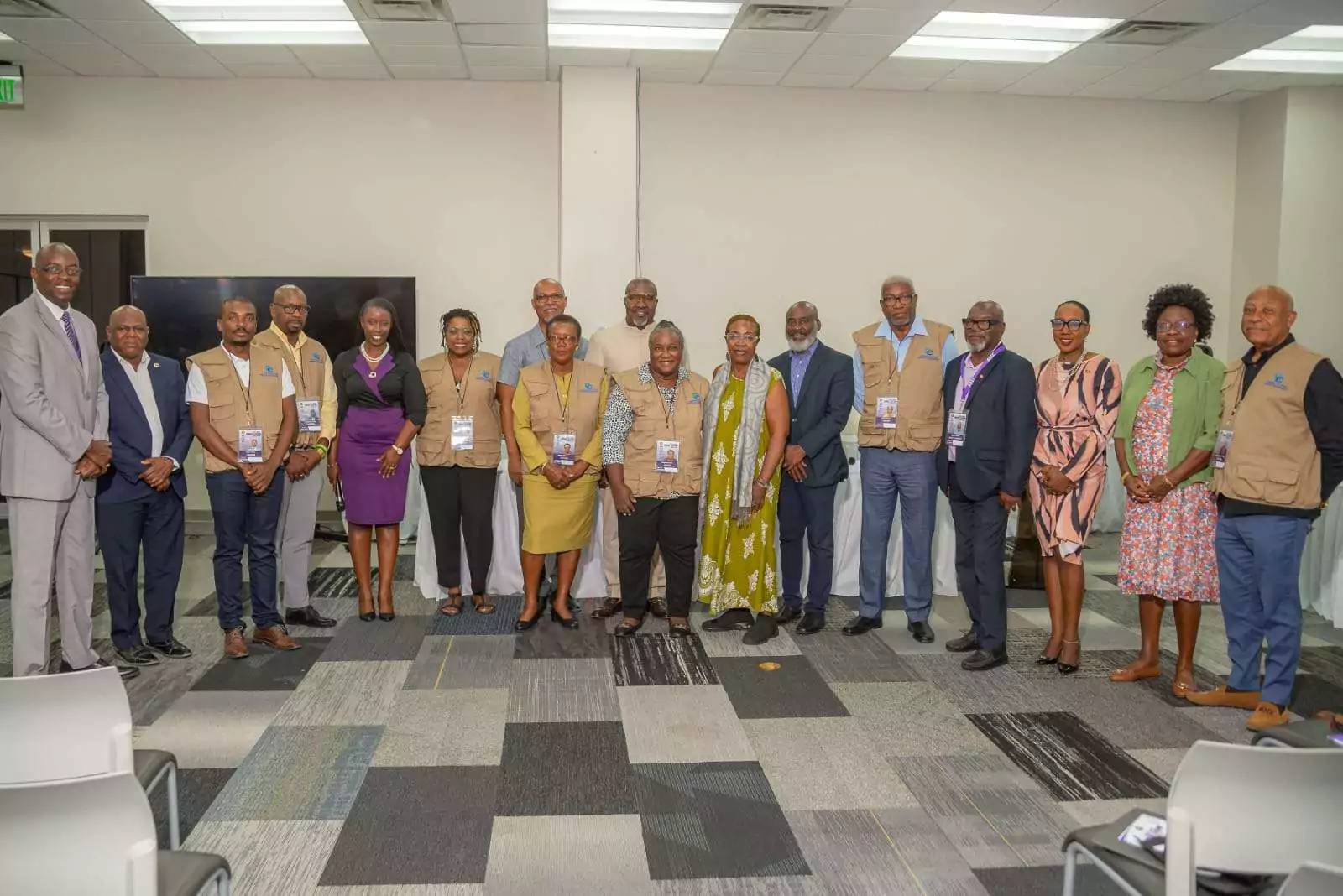
ABEC engages Election Observers ahead of General Elections 2026
By Editorial Staff
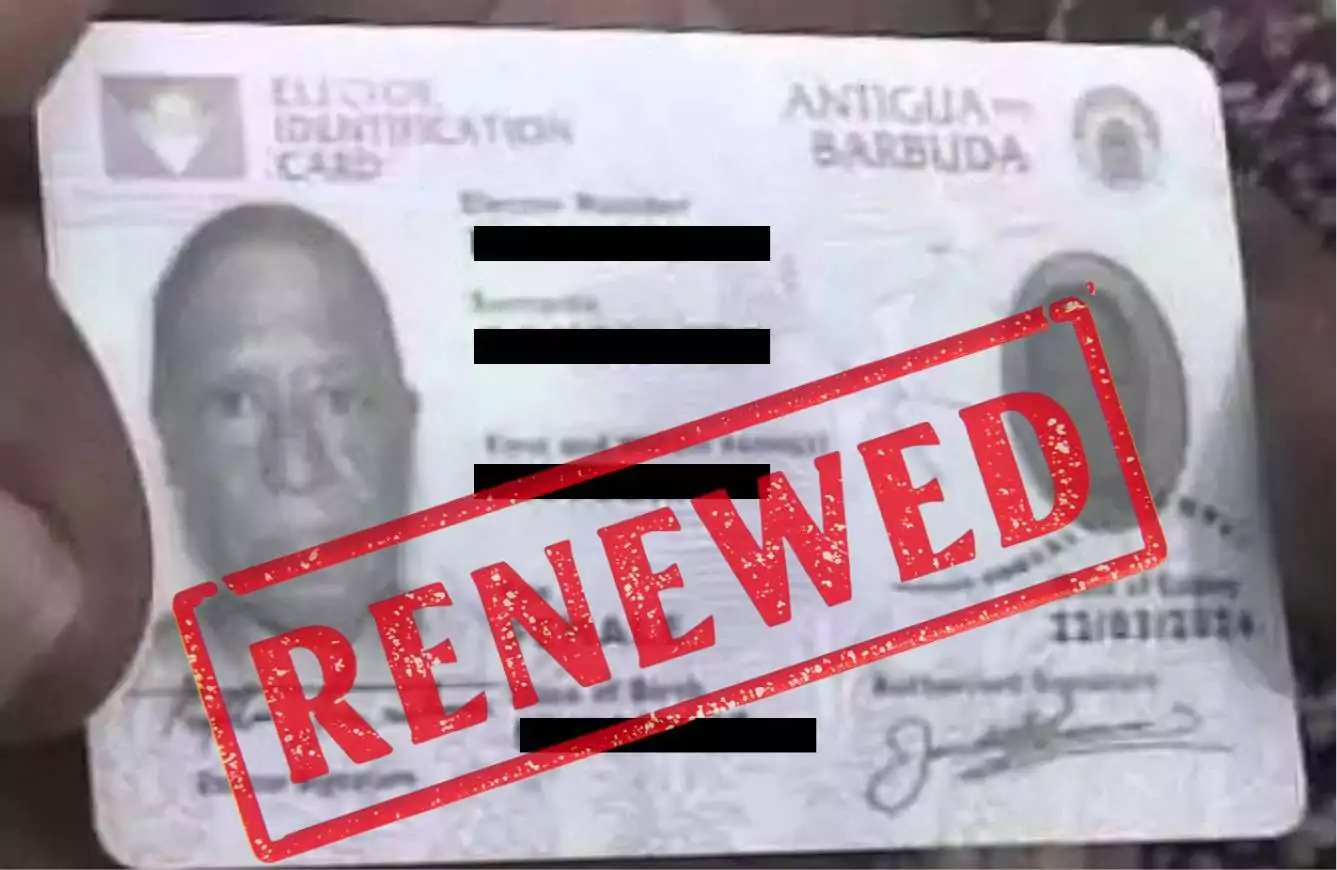
ABEC Extends Voter ID Collection Hours to 10PM Ahead of Election Day
By Editorial Staff
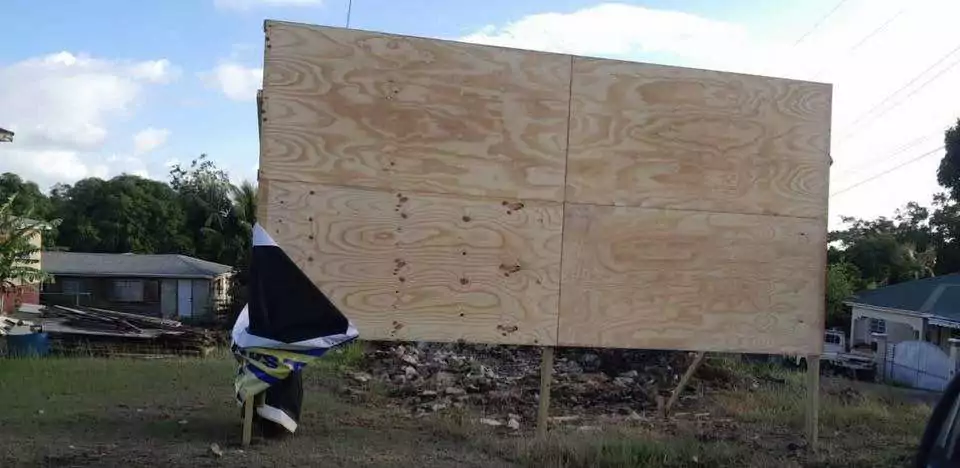
ABLP Condemns Destruction of Political Paraphernalia
By Shermain Bique-Charles
Pringle Nominated, Confident of Retaining UPP Stronghold in All Saints East & St Luke
By Editorial Staff
Comments
Be the first to comment.