
12 students involved in CHSS brawl on behavioral contracts

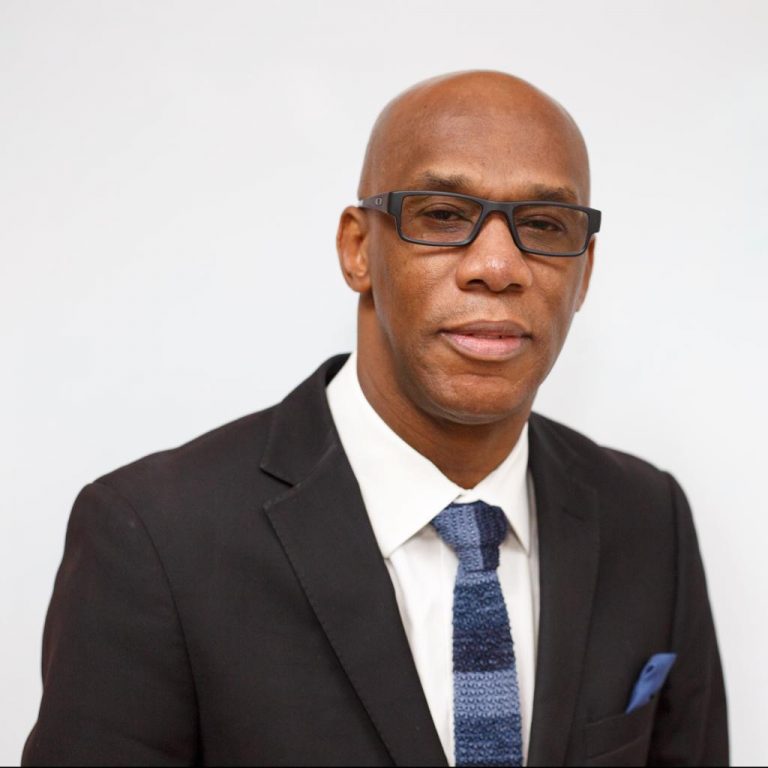
Director of Education Clare Browne has confirmed that the female students involved in a fight at the Clare Hall Secondary School (CHSS) on the last day of the pre-easter term have all signed behavioral contracts
Browne told State Media ABS, that the decision was taken following a meeting with the twelve students and their guardians at the Ministry of Education last week Friday.
“The Ministry of Education would have determined that all of the children would be placed on behavioral contracts, would be subjected to counseling and each of the 12 would be put to some form of community service”, he said
The students were third, fourth, and fifth formers and the behavioral contracts were signed with the consent of their parents
“They understand they were required to sign a contract and the behavioral contract requires them to come to classes every day, going to classes on time, staying on the school grounds, having a positive attitude, focus on learning, respect other people’s property, taking responsibility for personal belonging, not engaging in any form of bullying inclusive of cyberbullying and resolving conflicts peacefully”, Browne told State Media
The detailed report presented to the Ministry of Education by the CHSS indicated that one-third former and two-fourths formers were the major players in the fight
“The Ministry will go to the ultimate in the event there is any major breach. We understand that we have to counsel, encourage and support them because they are still learning. The ministry is not jumping to any last resort punishment at this time,” he said
The fifth formers involved in the clash will not be allowed to graduate if there are any breaches between now and graduation.

This story was first published by Antigua News on : antigua.news/2023/05/03/12-students-involved-in-chss-brawl-on-behavioral-contracts. © 2023 Antigua News. Republication without permission is not allowed.

About the author
The Editorial Staff refers to all reporters employed by Antigua.news. When an article is not an original creation of Antigua.news—such as when it is based on a press release, other media articles, letters to the editor, or court decisions—one of our staff members is responsible for overseeing its publication.
Read our editorial standards and corrections policy. Spotted an error? Contact the newsroom.
More from Antigua and Barbuda
View section
Public Asked to Help Locate Everson After He Walked Away from Nursing Home
Everson reportedly left the facility near Old Parham Road on Wednesday morning; anyone who sees him is asked to call the contact numbers provided.
By Shermain Bique-Charles

Out You Go”: Browne Warns Pelican Court Residents Against Drugs and Disruptive Behaviour
Prime Minister promises strict rules on drug trafficking, gambling, excessive noise and littering at the new housing development.
By Shermain Bique-Charles

Browne Seeks Chinese Funding for 300 More Homes at Perry Bay
Prime Minister wants Pelican Court replicated in Rural West, but confirms Beijing has not formally approved the request.
By Shermain Bique-Charles

Pelican Court Handover Marks Major Transformation of Booby Alley
China-funded EC$50 million development delivers 150 modern homes, with residents expected to begin moving in by January.
By Shermain Bique-Charles
Comments (1)
karen mcrae May 3, 2023, 9:39 AM