
Dr. Kamaria De Castro is Antigua and Barbuda’s new CMO


Dr. Kamaria De Castro has just been appointed as the country’s new Chief Medical Officer, taking effect as of November 2nd, 2023.
The Ministry of Health, Wellness, Social Transformation, and the Environment is thrilled to welcome Dr. De Castro to this new role, where she will bring her wealth of knowledge and experience to benefit the people of Antigua and Barbuda.
Dr. De Castro is a native of the country and has an impressive background in the field of medicine.
She graduated from the Faculty of Medical Sciences Ernesto Che Guevara, Superior Institute of Medical Sciences, Havana, Cuba in 2007 with top honors.
After completing her medical internship program at the May Pen Hospital in Jamaica, she returned home and worked as a house officer at the Mount St John’s Medical Center. Since then, Dr. De Castro has worked tirelessly in the private sector and the Ministry of Health, where she has served as a Medical Officer and Medical Director.
Her passion for primary health care services and commitment to enhancing the patient experience have earned her a well-deserved reputation as an exceptional medical professional.

She has also co-authored a publication, the West Indian Medical Journal, during her doctoral training in Internal Medicine at the University of the West Indies Mona campus.
The Ministry of Health, Wellness, Social Transformation, and the Environment is confident that Dr. De Castro will excel in her new role, and the people of Antigua and Barbuda are fortunate to have such an experienced and dedicated medical professional leading them forward. Congratulations, Dr.
She worked as a consultant specialist in Internal Medicine in primary healthcare services at the polyclinics across Antigua and Barbuda.
Dr. De Castro is Antigua and Barbuda’s focal point for the HEARTS Initiative in the Americas of PAHO/WHO.
This story was first published by Antigua News on : antigua.news/2023/11/04/dr-kamaria-de-castro-is-antigua-and-barbudas-new-cmo. © 2023 Antigua News. Republication without permission is not allowed.

About the author
The Editorial Staff refers to all reporters employed by Antigua.news. When an article is not an original creation of Antigua.news—such as when it is based on a press release, other media articles, letters to the editor, or court decisions—one of our staff members is responsible for overseeing its publication.
Read our editorial standards and corrections policy. Spotted an error? Contact the newsroom.
More from Culture, Science and Tech
View section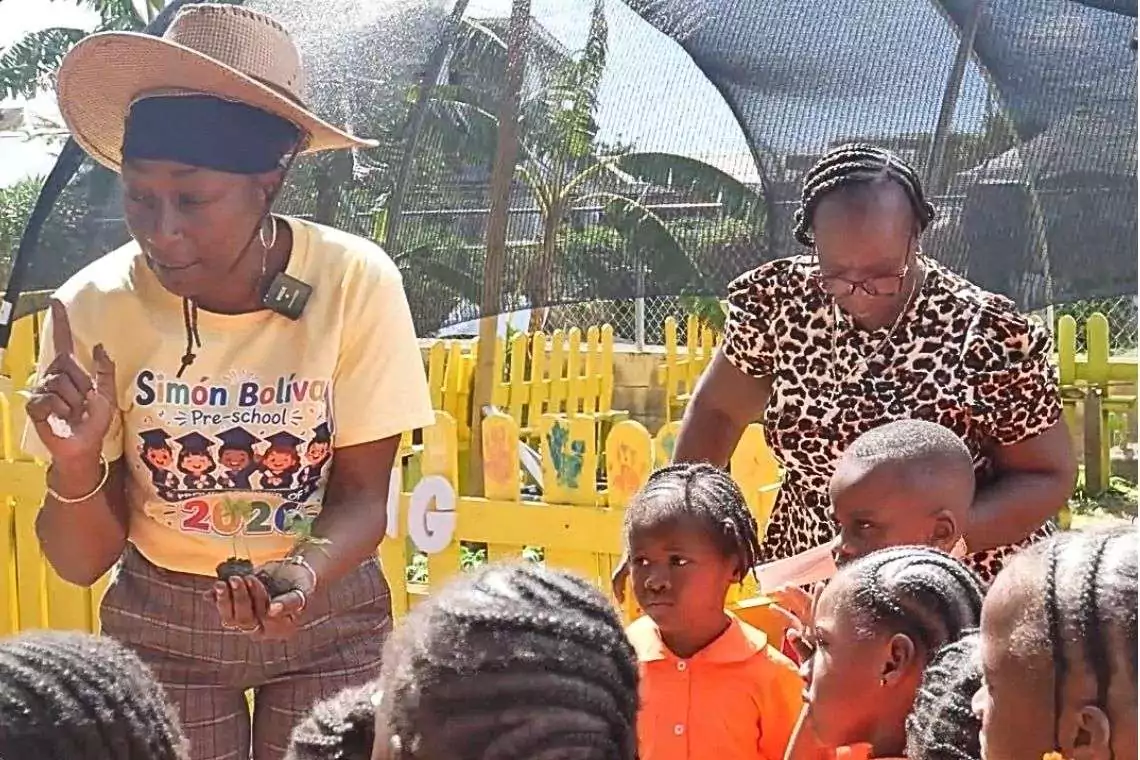
VIDEO: As School Reopens, Simon Bolivar Pre-School’s Garden serves as a Model for teaching Agriculture in Early Childhood
By Editorial Staff
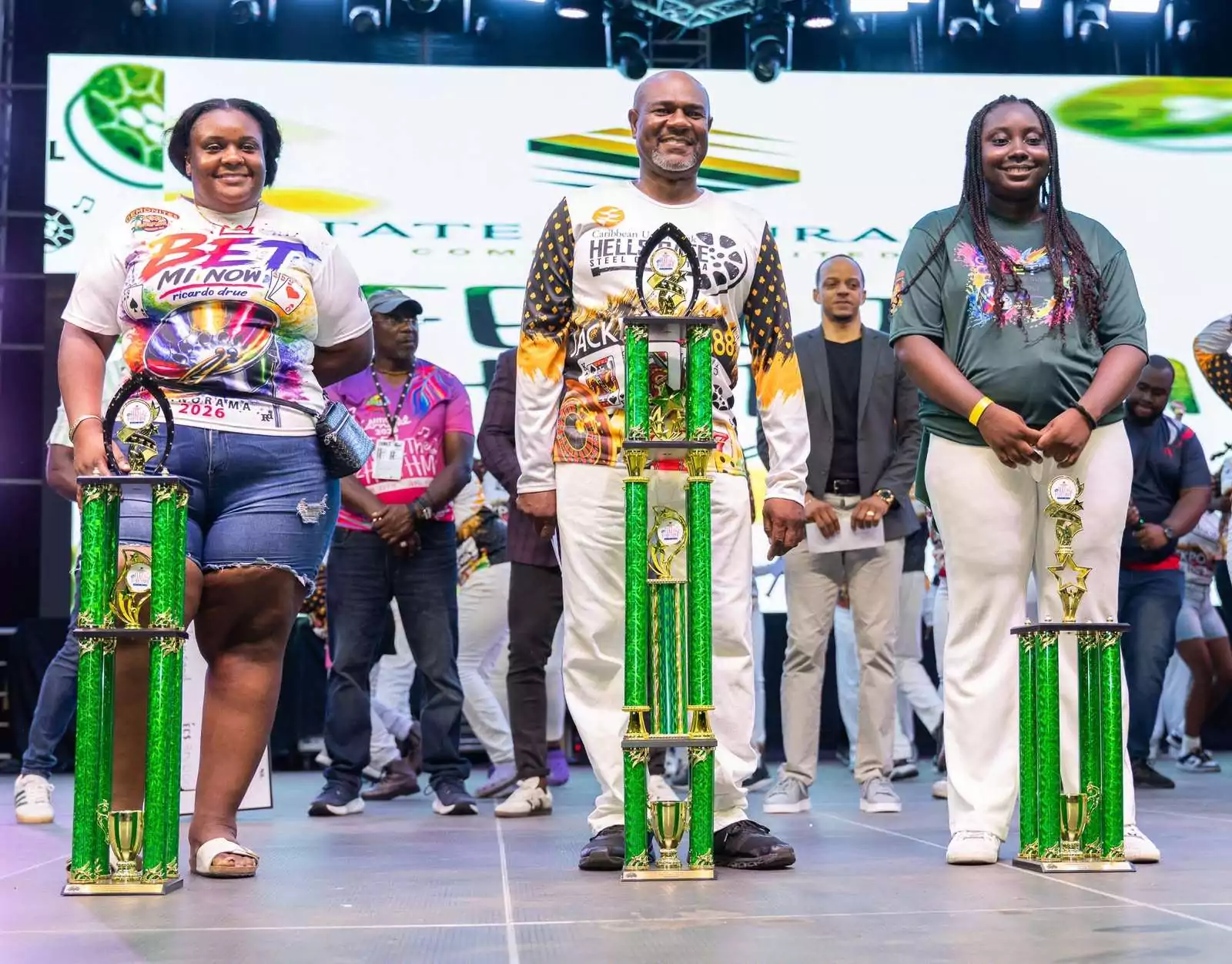
CUB Hells Gate Crowned 2026 Panorama Champions After Electrifying Carnival Showdown
By Cory Wayland
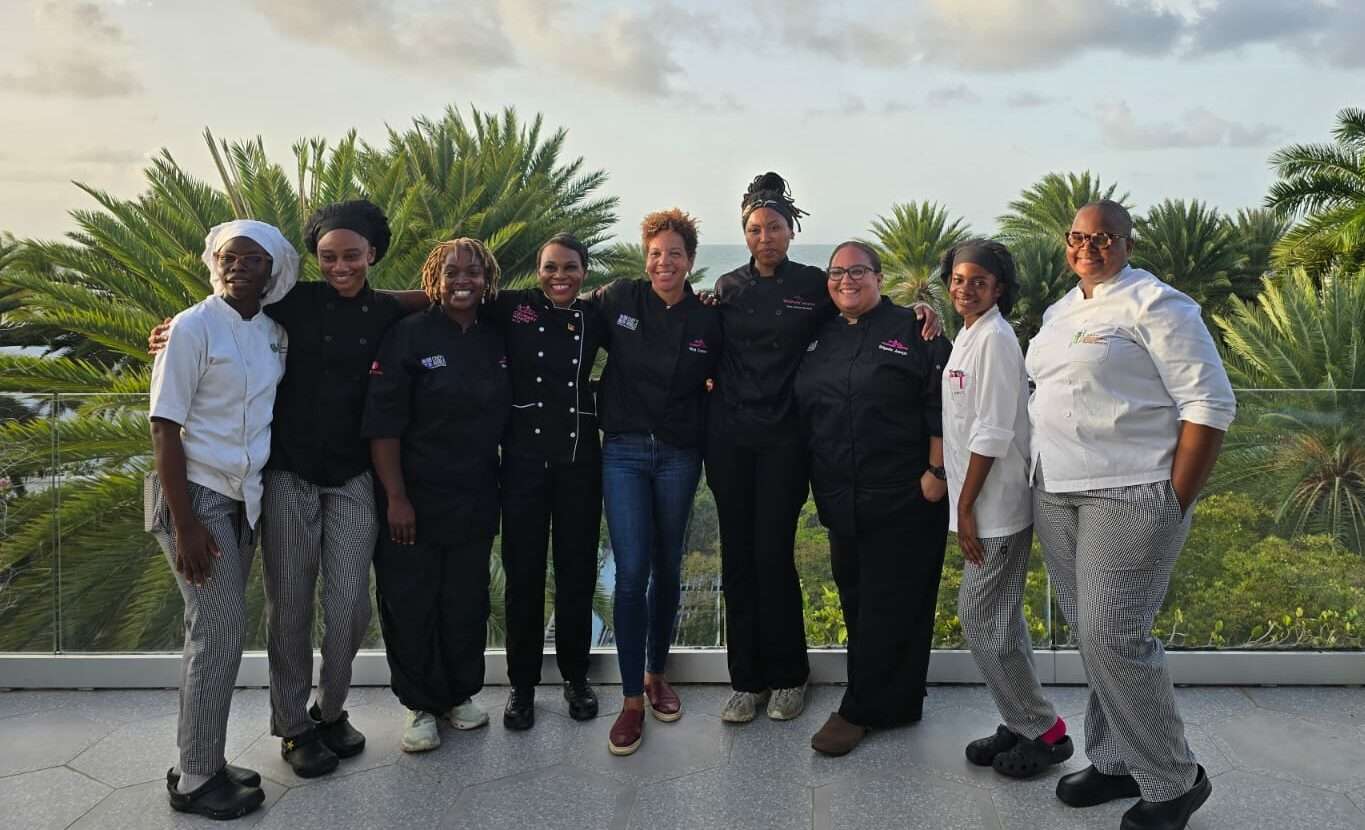
Five Female Chefs Wow Diners With Multi-Course Dinner at Hodges Bay Resort
By Shermain Bique-Charles

North Europe and the Arctic 2026: The Race for Power, Resources and New Trade Routes
By Dario Item
Comments
Be the first to comment.