
Hospital Worker Resigns After Leaking Info About Media Personality’s Death

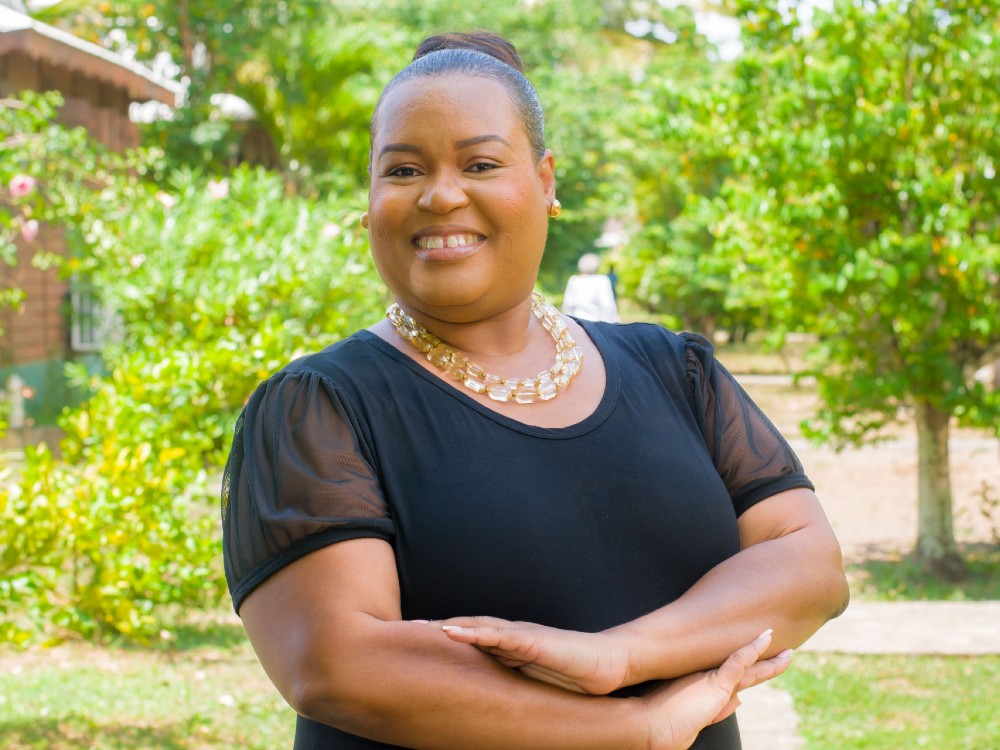
A hospital worker in Dominica recently shared details about the death and health of a popular media personality named Ferdina Frampton.
Following this, the hospital’s management launched an investigation into the matter. The investigation revealed that the staff member had breached confidentiality policies, leading to disciplinary action being taken against them.
The staff member resigned, effective Wednesday, January 24th, 2024.
The Dominica China Friendship Hospital and the Ministry of Health, Wellness and Social Services have denounced the act and reassured the public of their commitment to protecting patient health information and guarding against breaches of confidentiality. The public is advised that such violations are against the organization’s policies and Dominica’s public service.

This incident has highlighted the need to review rules, policies, and systems to ensure that patient confidentiality and privacy are not compromised or violated.
To this end, all team members will be re-trained and re-sensitized on the importance of hospital confidentiality, trust, and integrity, the hospital said
Management said it will also ensure that all staff sign an oath of confidentiality upon employment and are informed of the consequences of breaching the trust and confidentiality of patients.
The hospital says it is essential to maintain patient confidentiality and privacy to ensure trust and respect for the hospital and its staff.
The Dominica Hospitals Authority Act, No. 8 of 2021, Section 49 addresses confidentiality of every member and officer of the Authority.
Any employee who intentionally or maliciously seeks to undermine the integrity of the hospital and bring the institution into disrepute will be appropriately disciplined.
This story was first published by Antigua News on : antigua.news/2024/01/25/hospital-worker-resigns-after-leaking-info-about-media-personalitys-death. © 2024 Antigua News. Republication without permission is not allowed.

About the author
The Editorial Staff refers to all reporters employed by Antigua.news. When an article is not an original creation of Antigua.news—such as when it is based on a press release, other media articles, letters to the editor, or court decisions—one of our staff members is responsible for overseeing its publication.
Read our editorial standards and corrections policy. Spotted an error? Contact the newsroom.
More from Caribbean
View section
BREAKING | Dominica Heads to the Polls on December 16
Nomination Day is November 30 as Prime Minister Roosevelt Skerrit seeks a fresh mandate for the Dominica Labour Party.
By Shermain Bique-Charles

DOMINICA: Relief as Three Missing Men Are Found Alive at Sea Near Aves Islands
Davel Baron, Ryan Royer and a third man were rescued by a cargo vessel after being found drifting at sea, bringing relief following days of uncertainty over their whereabouts.
By Cory Wayland

Two Men Vanish at Sea in Dominica, Sparking Growing Fears for Their Safety
Police issue missing-person alerts for Davel Baron and Ryan Royer as concerns grow over their whereabouts.
By Cory Wayland

Saint Lucia Makes Decision on Citizenship by Investment Programme Amid EU Pressure
Prime Minister Philip J. Pierre confirms his government has formally responded to the European Union but says the decision will remain confidential until Brussels acknowledges receipt of the correspondence.
By Cory Wayland
Comments (2)
Jess January 25, 2024, 12:34 PM
Jane January 25, 2024, 1:37 PM