
AIDS Secretariat to hold its usual Valentine Day Outreach

By Aabigayle McIntosh
Love is in the air, and, as is the tradition every year, the Aids Secretariat is employing creative methods to encourage healthy sexual practices.
To enhance the occasion, they are currently providing attractively priced gift baskets containing all the essentials for a safe and enjoyable Valentine’s Day.
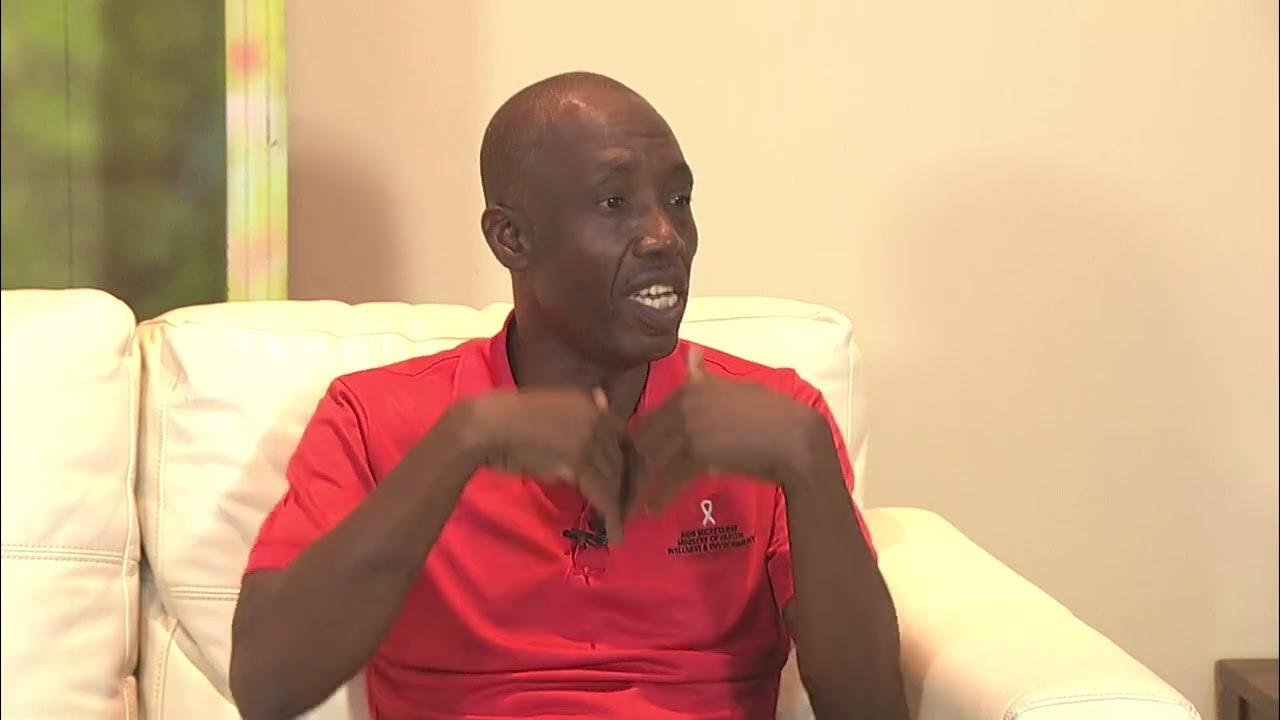
Oswald Hannays, Deputy Programme Officer, highlighted that the proceeds from the sales contribute to supporting the secretariat’s important work.
“In the baskets, there are bottles of wine, flavored condoms, and chocolates. We are promoting healthy, safe living. What better love to give to your Valentine than taking an HIV test together? We do not want you to be wondering whether we are in a safe relationship and so,” Hannays said.
Throughout the day the department will be offering HIV and Syphilis Testing and testing can be done by simply walking into the Aids Secretariat on the corner of Temple and Long Streets.
“It’s a special day and we do not want to turn away anyone,” Hannays stated.
Next Thursday, a team will be present at the Antigua and Barbuda School of Continuing Education and the Antigua State College.

The Deputy Program Manager stated that this year’s emphasis will be on advancing the Electronic Case-based Surveillance System, a data system intended for use by doctors, nurses, and staff across the healthcare sector, including community centers.
This new system aims to ensure a person’s medical history is stored in one central location.
“Next Week we will be embarking on some training, we have now started to do rapid testing for Hepatitis B so we need to bring the testers up to speed with the requisite training that is required,” the Deputy Programme manager explained.
This story was first published by Antigua News on : antigua.news/2024/02/14/aids-secretariat-to-hold-its-usual-valentine-day-outreach. © 2024 Antigua News. Republication without permission is not allowed.

About the author
The Editorial Staff refers to all reporters employed by Antigua.news. When an article is not an original creation of Antigua.news—such as when it is based on a press release, other media articles, letters to the editor, or court decisions—one of our staff members is responsible for overseeing its publication.
Read our editorial standards and corrections policy. Spotted an error? Contact the newsroom.
More from Antigua and Barbuda
View section
Browne Announces More Than $1.5 Billion in Commonwealth Funding Commitments
Prime Minister says nature and health initiatives demonstrate CHOGM’s potential to deliver tangible benefits.
By Shermain Bique-Charles

Family Appeals for Public Help to Locate Missing 90-Year-Old Ackly Roberts
Roberts was last seen at his residence in Willikies on November 2, after a family member reportedly dropped off his breakfast at approximately 7:30 a.m.
By Cory Wayland

Minister Joseph Calls for Stronger Health Sector Response to Gender-Based Violence
Health Minister highlights police training, compassionate medical care and counselling as priorities for improving support for survivors.
By Shermain Bique-Charles

Greene: CHOGM Must Deliver Progress People Can See in Their Communities
Foreign Affairs Minister urges Commonwealth leaders to keep citizens at the centre of their decisions.
By Shermain Bique-Charles
Comments
Be the first to comment.