
World Oceans Day 2024

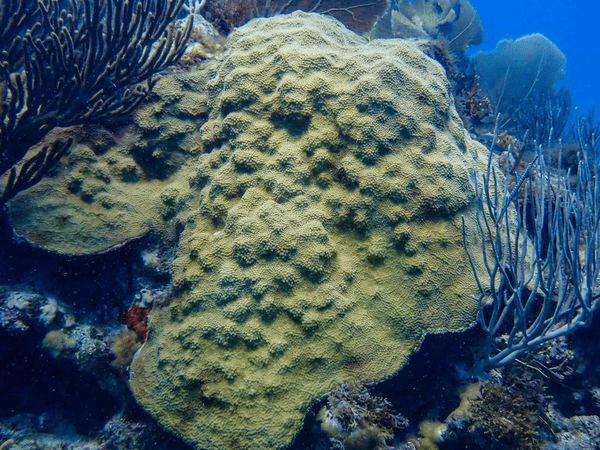
Every June 8, World Oceans Day is commemorated as a reminder that we ought to honor and protect our oceans.
Proposed at the 1992 Earth Summit but was officially recognized by the United Nations (UN) in 2008. This special day highlights the oceans’ critical role and the urgent issues they face, like pollution and overfishing.
The 2024 theme, “Catalyzing Action for Our Ocean & Climate,” underscores the need for sustainable practices and policies to protect marine health. Oceans, covering over 70% of Earth’s surface, (a) produce at least 50% of the oxygen, (b) absorb about 30% of human-produced carbon dioxide, and (c) support over 3 billion people’s livelihoods.
Antigua and Barbuda exemplify oceans and their biodiversity conservation by taking action. Known for its coral reefs and marine life, the country has restricted the importation of single-use plastics since 2016 and established the Antigua and Barbuda Marine Ecosystems Protected Area (ABMPA), safeguarding over 3,000 hectares of vital marine habitats.

Let us continue to be a part of the solution. Get involved in World Oceans Day and every day by participating in educational programs, stop polluting and littering, join beach clean-ups, support marine conservation organizations such as the Environmental Awareness Group (EAG), make sustainable choices, and spread awareness on social media.
Bearing this year’s theme in mind, globally we are called upon for collective and combined actions for the protection our oceans.
Countries such as ours that continue to show dedicated efforts as we inspire others to do likewise, this can lead to significant progress, ensuring that the oceans will continue to thrive for generations to come.
This story was first published by Antigua News on : antigua.news/2024/06/08/world-oceans-day-2024. © 2024 Antigua News. Republication without permission is not allowed.

About the author
The Editorial Staff refers to all reporters employed by Antigua.news. When an article is not an original creation of Antigua.news—such as when it is based on a press release, other media articles, letters to the editor, or court decisions—one of our staff members is responsible for overseeing its publication.
Read our editorial standards and corrections policy. Spotted an error? Contact the newsroom.
More from World
View section
Kenyan Preacher Paul Mackenzie Convicted of Murdering 191 People in Shakahola Massacre
Former church leader found guilty alongside 28 others in a case involving the deaths of 190 children and one adult who were allegedly subjected to deadly religious fasting.
By Cory Wayland

Priest Speaks About Life and Death in Final Sermon Before Falling Crucifix Kills Him During Mass
Father Patricio Sánchez urged worshippers to cherish their time with God and loved ones before a large wooden crucifix fell and fatally struck him during a church service in Ecuador.
By Cory Wayland

Florida Attorney General James Uthmeier Announces Arrest Warrant for Former Cuban Leader Raúl Castro Over 1996 Aircraft Shootdown
James Uthmeier confirms murder conspiracy charge against the 95-year-old former president over the 1996 shootdown of two civilian aircraft that killed four men.
By Cory Wayland

France and Italy Count the Cost as Protests Turn Violent Across Europe
Burned public buildings and looted shops have overshadowed demands for better schools and relief from living costs, as unrest takes different forms across Europe.
By Editorial Staff
Comments
Be the first to comment.