
Letter to Editor: For as in those days before the flood they were eating and drinking… Jamaica


Dear Editor
Luke 17:26–27
26 dJust as it was in the days of eNoah, so will it be in the days of the Son of Man. 27 fThey were eating and drinking and marrying and being given in marriage, until the day when Noah entered the ark, and the flood came and destroyed them all.
As Hurricane Beryl approached the island of Jamaica, I anxiously awaited the news regarding its impact on the well known island nation that is popular for its richness in culture, diversity, entertainment and sports. The home of Marcus Garvey, Bob Marley, Chris Gayle, Usain Bold and so many others.
So, I was just scrolling social media looking for any current information I could find. But then something interesting popped up on my screen and a cold feeling came over me. Here was a video of persons having a jolly good time dancing in the middle of street as the inclement weather worsened.
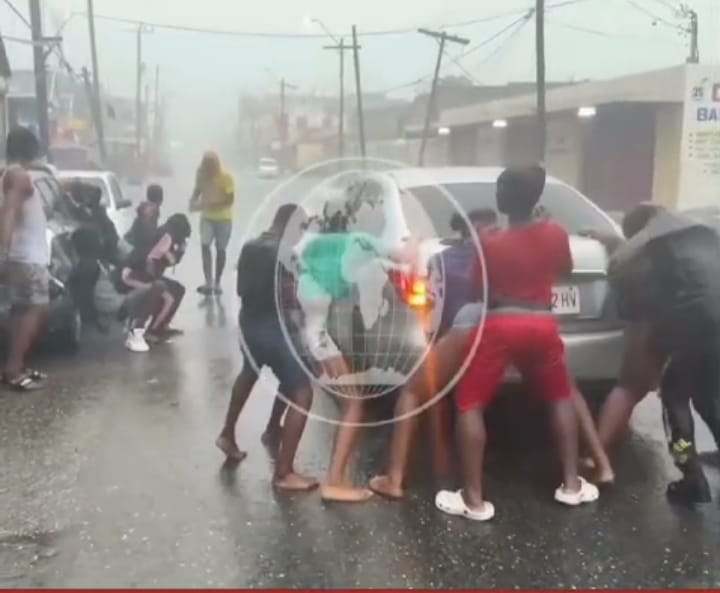
People dancing and having a good time as Hurricane Beryl approached. We know Jamaica is a country of ‘irie’ people but I found it quite disturbing to see the apathy of these individuals since just days ago, their Caribbean brothers and sisters had to deal with the full fury of Beryl who levelled their islands. In some cases some of these little islands will not have electricity for a very long time due to the magnitude of the damage it caused.
Yet here are persons ‘showing the world’ how to welcome in the storm so to speak. It is really appalling if you ask me and I am saddened by indifference shown by this group of people.
A time when they should have been locked away and waiting out the storm, they took the the time to have a good time. But this shows that the scriptures are true, as in the days of Noah, so shall it be in the end.
People on the street in Jamaica having a ‘good time’ before Beryl arrives.
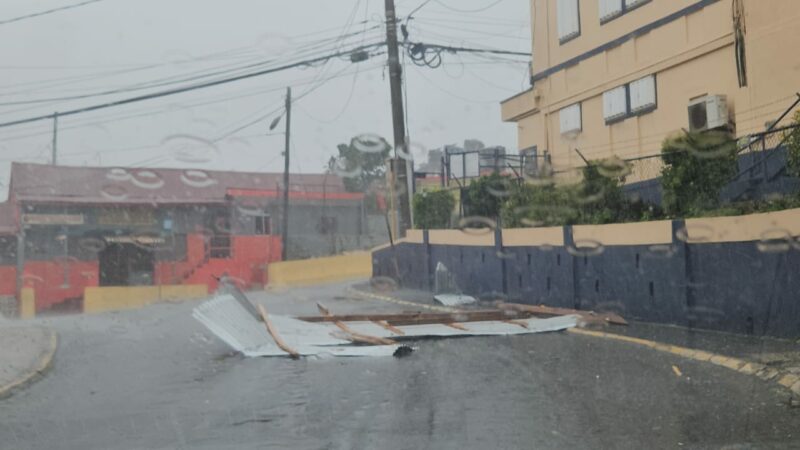
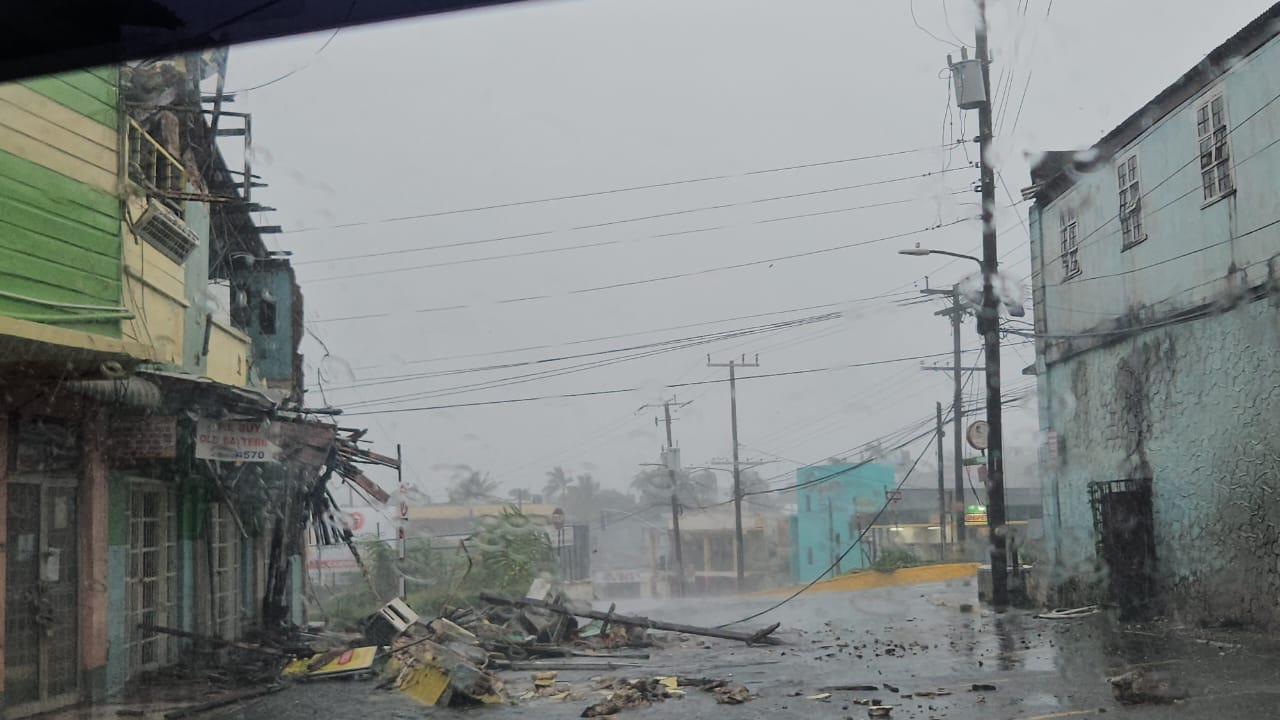

This story was first published by Antigua News on : antigua.news/2024/07/04/letter-to-editor-for-as-in-those-days-before-the-flood-they-were-eating-and-drinking-jamaica. © 2024 Antigua News. Republication without permission is not allowed.

About the author
The Editorial Staff refers to all reporters employed by Antigua.news. When an article is not an original creation of Antigua.news—such as when it is based on a press release, other media articles, letters to the editor, or court decisions—one of our staff members is responsible for overseeing its publication.
Read our editorial standards and corrections policy. Spotted an error? Contact the newsroom.
More from Caribbean
View section
VIDEO: Doctors at Dominica China Friendship Hospital Stage Protest Outside Medical Facility
Healthcare professionals at the Dominica China Friendship Hospital gather outside the medical facility in an apparent protest, raising concerns over issues yet to be officially confirmed.
By Cory Wayland

St. Kitts DPP Seeks Antigua’s Help in Outstanding Case Involving Former Resort Clerk
By Shermain Bique-Charles

Royal Caribbean in Talks to Buy Half of Sandals in Reported $3 Billion Deal
By Shermain Bique-Charles

Four Killed in Latest US Military Strike on Suspected Drug Vessel in Caribbean
By Shermain Bique-Charles
Comments
Be the first to comment.