
16 Complete Sandals Hospitality Curriculum

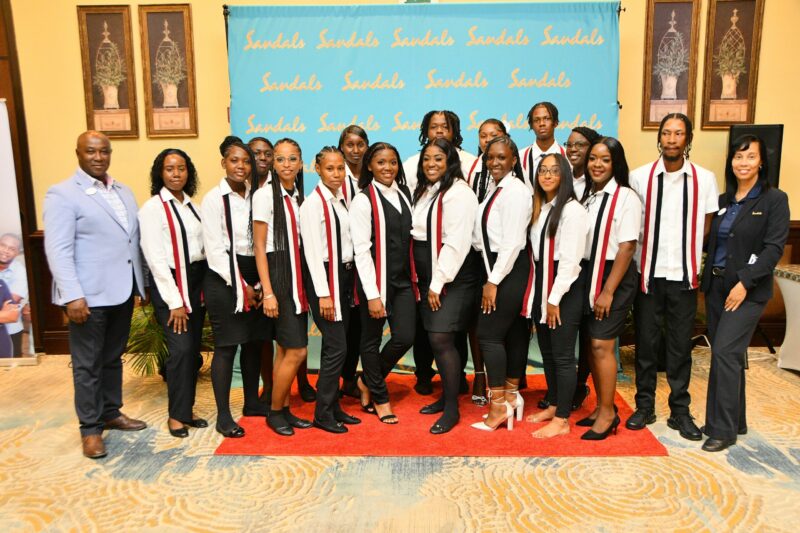
Sixteen individuals recently completed the Sandals Hospitality Training Programme‘s curriculum, receiving their certificates of completion and recommendation letters, solidifying their readiness to embark on careers in the hospitality industry.
General Manager David Latchimy, addressing the graduates, urged them to continue striving for excellence and to leave their mark on the world, emphasizing the transformative power of the hospitality industry.

The ceremony also saw the recognition of outstanding trainees, with Amilia Frederick from the front desk department receiving the Hospitality Personality Award for her exceptional interpersonal skills and engaging demeanor.
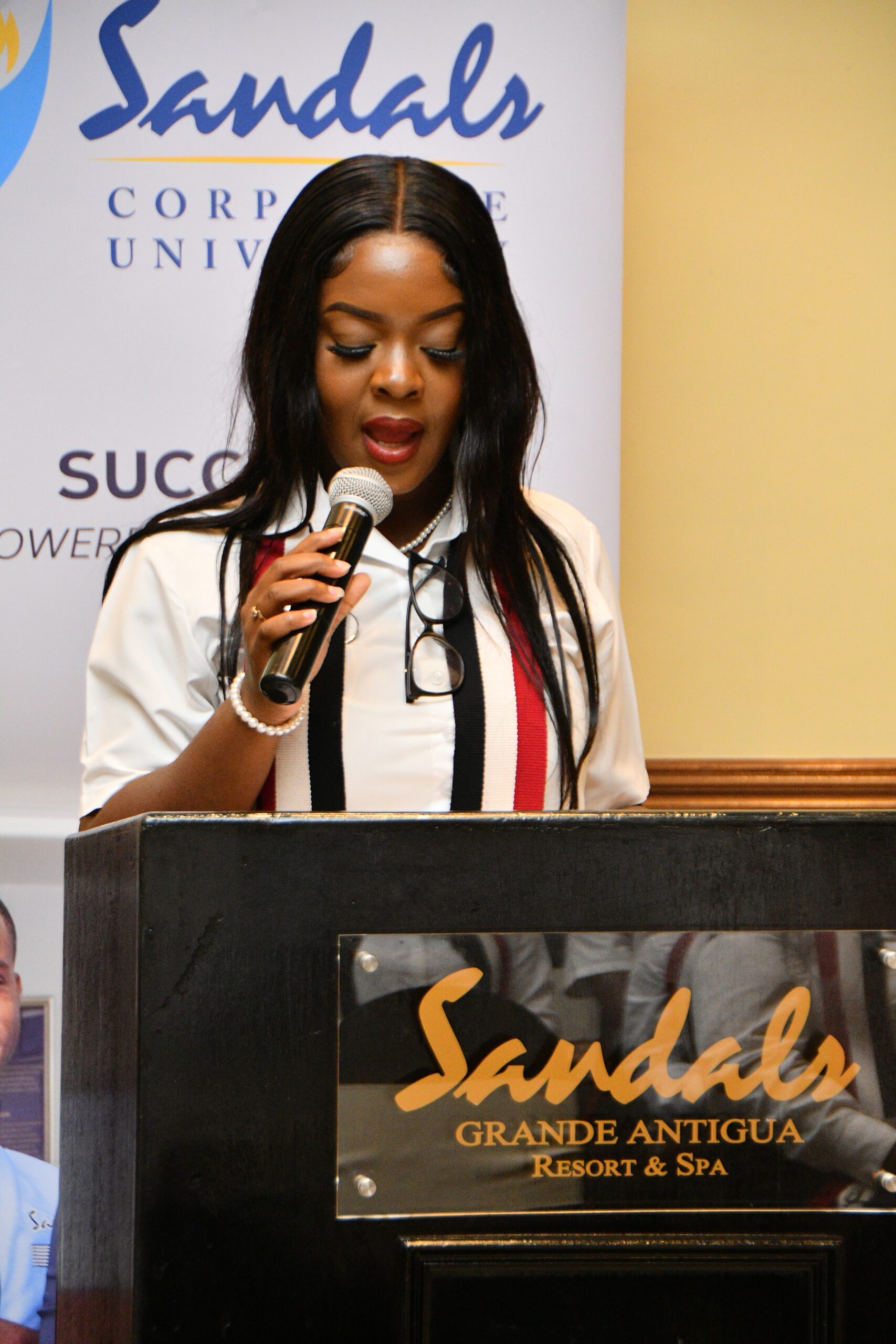
Taisha Haynes from the public relations department was awarded the distinction of Most Outstanding Trainee and also served as valedictorian
This story was first published by Antigua News on : antigua.news/2024/07/10/16-complete-sandals-hospitality-curriculum. © 2024 Antigua News. Republication without permission is not allowed.

About the author
The Editorial Staff refers to all reporters employed by Antigua.news. When an article is not an original creation of Antigua.news—such as when it is based on a press release, other media articles, letters to the editor, or court decisions—one of our staff members is responsible for overseeing its publication.
Read our editorial standards and corrections policy. Spotted an error? Contact the newsroom.
More from Tourism
View section
Freeland Congratulates Fernandez on Election as CTO Chairman
Minister of State pledges support for Fernandez’s regional tourism leadership and welcomes his focus on women, youth and connectivity.
By Shermain Bique-Charles

Antigua has 365 beaches. Can it make AI’s shortlist?
As travellers ask chatbots to find their ideal holiday, Antigua and Barbuda faces a new challenge: being recommended before anyone thinks to search for it.
By Dario Item
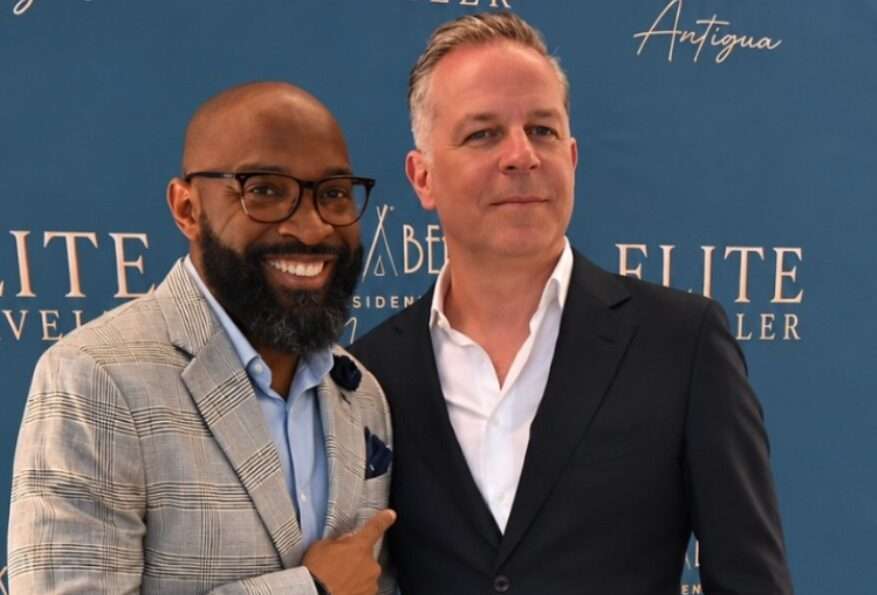
Nikki Beach Antigua Makes Waves in Monaco as Freeland and Sales Team Meet 30 Potential Buyers
By Shermain Bique-Charles
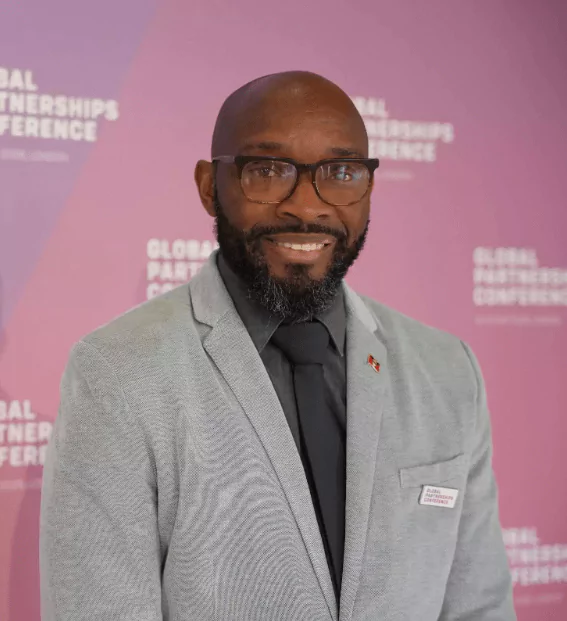
Freeland Heads to Monaco to Promote Antigua and Barbuda’s Yachting Sector
By Editorial Staff
Comments
Be the first to comment.