
LETTER | A New Year’s Message to St. John’s Rural South and Antigua and Barbuda: Rising Together in 2025

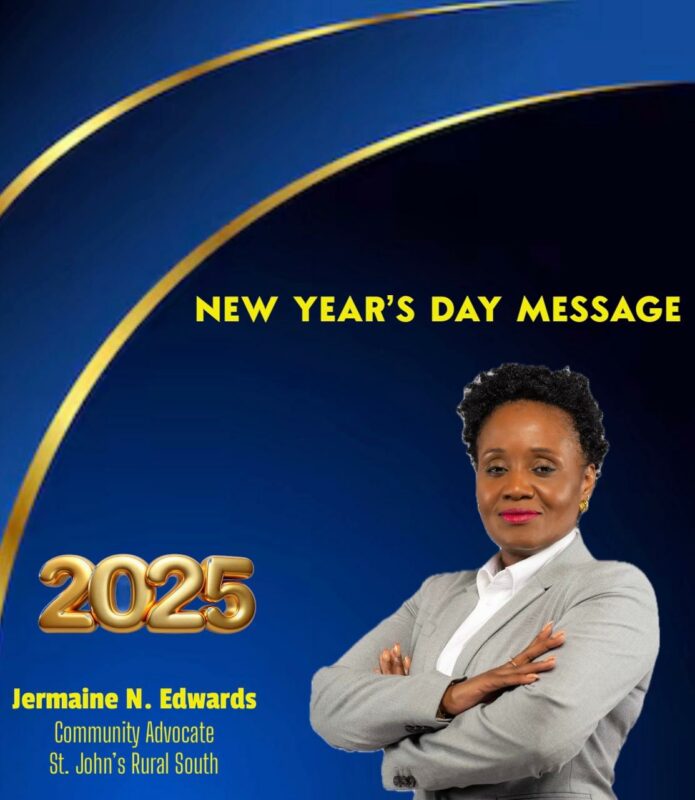
As we welcome 2025, I, Jermaine N. Edwards, send my warmest wishes to the extraordinary people of St. John’s Rural South and all across Antigua and Barbuda. This isn’t just the start of another year. It’s a new chapter, a fresh opportunity for us to come together as a community to dream bigger, reach higher, and build stronger.
Our community is made up of so many incredible threads, each one vital to the fabric of who we are. To our elders, who anchor us with wisdom and history, thank you for being our guides. To our youth, bursting with energy and creativity, you are the architects of our future. To families striving to make ends meet, entrepreneurs pushing boundaries, teachers shaping minds, healthcare workers healing hearts, those quietly navigating personal battles, and individuals with disabilities whose resilience inspires us all, you are the heartbeat of this nation.
2025 calls on us to embrace our diversity and unite around a shared vision of progress. Let’s ensure that every voice is heard and every person is valued. Let’s work to improve education, expand opportunities, protect our environment, and strengthen the care we provide for our seniors, the vulnerable, and the disabled. Let’s treat mental health and physical health with equal urgency, ensuring that everyone feels supported.

This year is about action fueled by compassion. Let us meet challenges with courage and respond to fears with hope. Let us celebrate the moments of triumph, no matter how small, and lift each other when the road feels too heavy to walk alone. Together, we can create a community where possibility knows no bounds.
To the people of Saint John’s Rural South and Antigua and Barbuda, 2025 is ours to shape. Let’s seize it with open hearts, determined minds, and the unshakable belief that, together, there is nothing we can not achieve.
Happy New Year! Let’s rise, together.
With unwavering hope,
Jermaine N. Edwards
Community Advocate for
St. John’s Rural South
This story was first published by Antigua News on : antigua.news/2025/01/01/letter-a-new-years-message-to-st-johns-rural-south-and-antigua-and-barbuda-rising-together-in-2025. © 2025 Antigua News. Republication without permission is not allowed.

About the author
The Editorial Staff refers to all reporters employed by Antigua.news. When an article is not an original creation of Antigua.news—such as when it is based on a press release, other media articles, letters to the editor, or court decisions—one of our staff members is responsible for overseeing its publication.
Read our editorial standards and corrections policy. Spotted an error? Contact the newsroom.
More from Letters to the Editor
View section
LETTER: A Call for Immediate Action on Excessive Noise, Traffic Obstruction and Blocked Emergency Routes
A public letter urges police to address loud music, traffic obstruction and blocked emergency access near Valley and Desouza Road.
By Editorial Staff
OPINION: THE $3 BILLION WAKE-UP CALL: Who Owns Caribbean Tourism?
By Editorial Staff
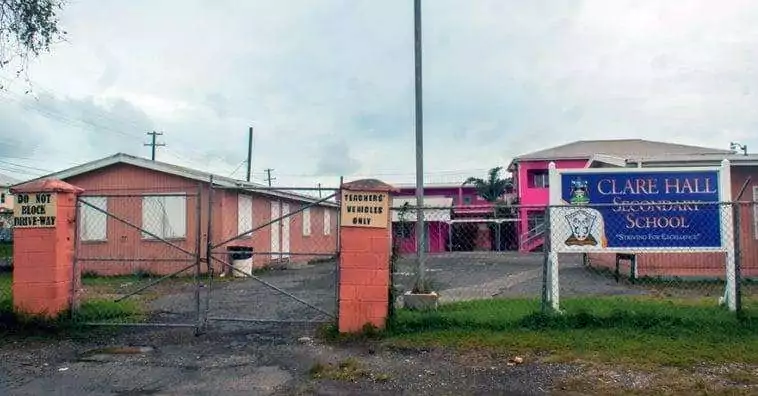
LETTER: Concerned Parent Raises Questions About Fairness at Clare Hall Secondary School
By Editorial Staff
LETTER: “Because Iniquity Shall Abound, the Love of Many Shall Wax Cold” — A Nation Must Wake Up Before It Is Too Late
By Cory Wayland
Comments (1)
Stone January 1, 2025, 2:11 PM