
Winston Williams Jr. partners with parents Donates Towards Math Education at Jennings Primary School


ABLP political hopeful for St. Mary’s North, Winston Williams Jr., has made a significant contribution to enhance mathematics education at Jennings Primary School through his “Strive for Excellence” initiative in partnership with the Hope Tree Foundation.
The $800 donation will fully fund an innovative project to paint multiplication tables on school walls, as part their mission to make math concepts more accessible and visible to students throughout their daily activities.
This project emerged from discussions with School Principal, Mrs. Denise Solomon, who identified the need to strengthen mathematics education at the institution.
“When Mrs. Solomon shared her vision of making mathematics more visible and engaging for our students, I knew we had to support this creative approach,” said Mr. Williams.
“Math is fundamental to our children’s future success, and sometimes the simplest solutions can have the most significant impact.”

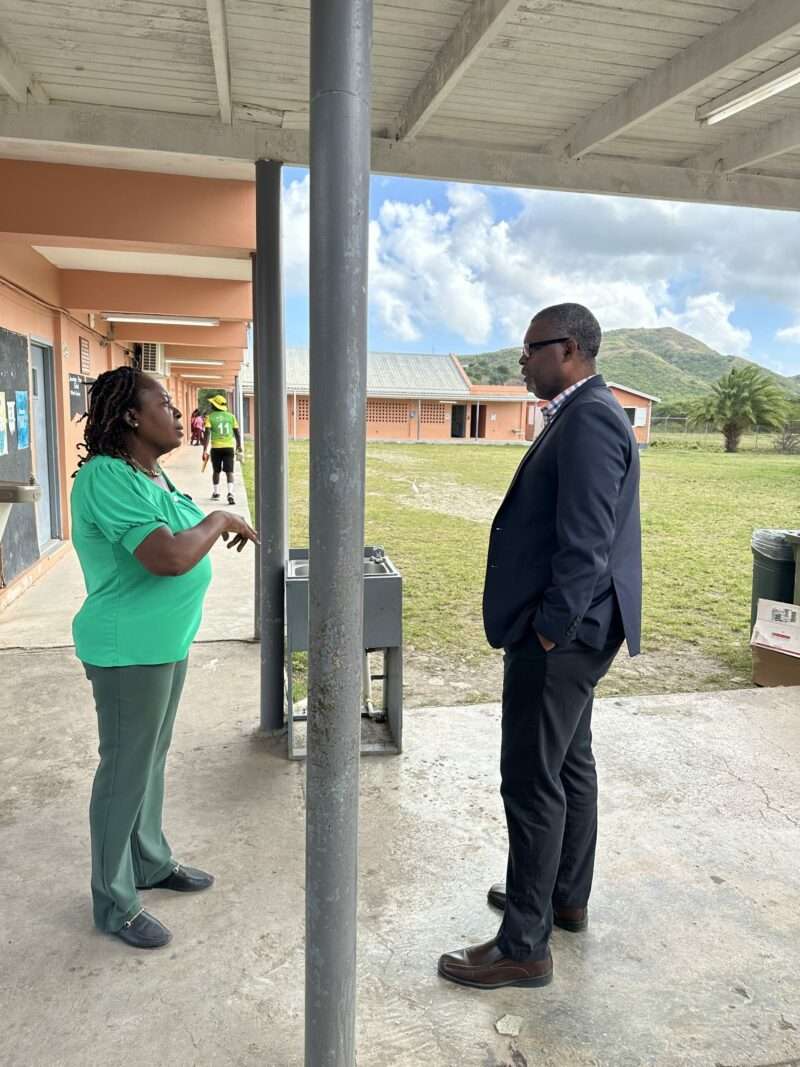
The project, funded through the Hope Tree Foundation, will be a community effort, with parents and business owners volunteering their time and skills to complete the installation.
“This is exactly the kind of community collaboration we envisioned with our ‘Strive for Excellence’ initiative,” Williams added. “When we all work together, we can create meaningful improvements in our children’s educational environment.”
The “Strive for Excellence” Initiative encompasses several educational programmes in St. Mary’s North targeted toward supporting educational institutions, enhancing student development, promoting agricultural entrepreneurship, while at the same time foster community engagement.
This story was first published by Antigua News on : antigua.news/2025/02/23/winston-williams-jr-partners-with-parents-donates-towards-math-education-at-jennings-primary-school. © 2025 Antigua News. Republication without permission is not allowed.

About the author
The Editorial Staff refers to all reporters employed by Antigua.news. When an article is not an original creation of Antigua.news—such as when it is based on a press release, other media articles, letters to the editor, or court decisions—one of our staff members is responsible for overseeing its publication.
Read our editorial standards and corrections policy. Spotted an error? Contact the newsroom.
More from Antigua and Barbuda
View section
Minister Nicholas Says Regional Cooperation Can Help Improve Antigua’s Water Supply
Utilities minister highlights disaster insurance, reduced water losses and shared expertise at Caribbean water conference in Grenada.
By Shermain Bique-Charles

Work Progressing on New Five Islands Primary School
Education Minister Daryll Matthew visits the construction site for an update on the modern, climate-resilient school.
By Shermain Bique-Charles

CARICOM Represented in China as Delegates Attend International Media Programme
Representatives from eight CARICOM countries are taking part in a two-week international media programme in China focused on cultural exchange, cooperation and regional perspectives.
By Cory Wayland

Antiguan Diplomat Claxton Duberry Chairs UN Security and Disarmament Session
The First Secretary at Antigua and Barbuda’s UN mission highlights the role of small states in shaping responses to global security challenges.
By Shermain Bique-Charles
Comments (2)
Robert February 23, 2025, 8:35 AM
Juju Bee February 23, 2025, 9:17 AM