
Malta Donates 30 Ballistic Vests to Antigua and Barbuda Defence Force

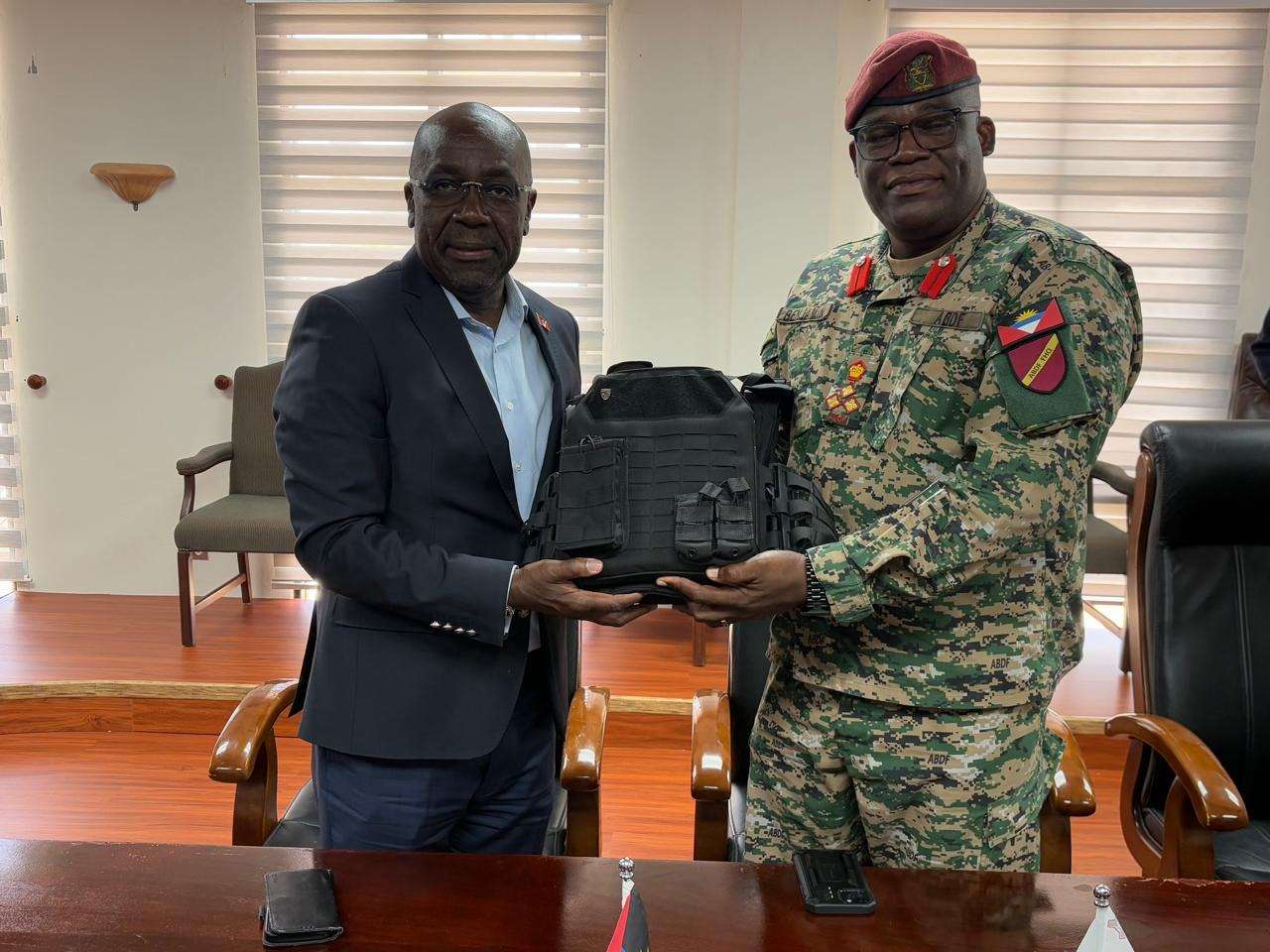
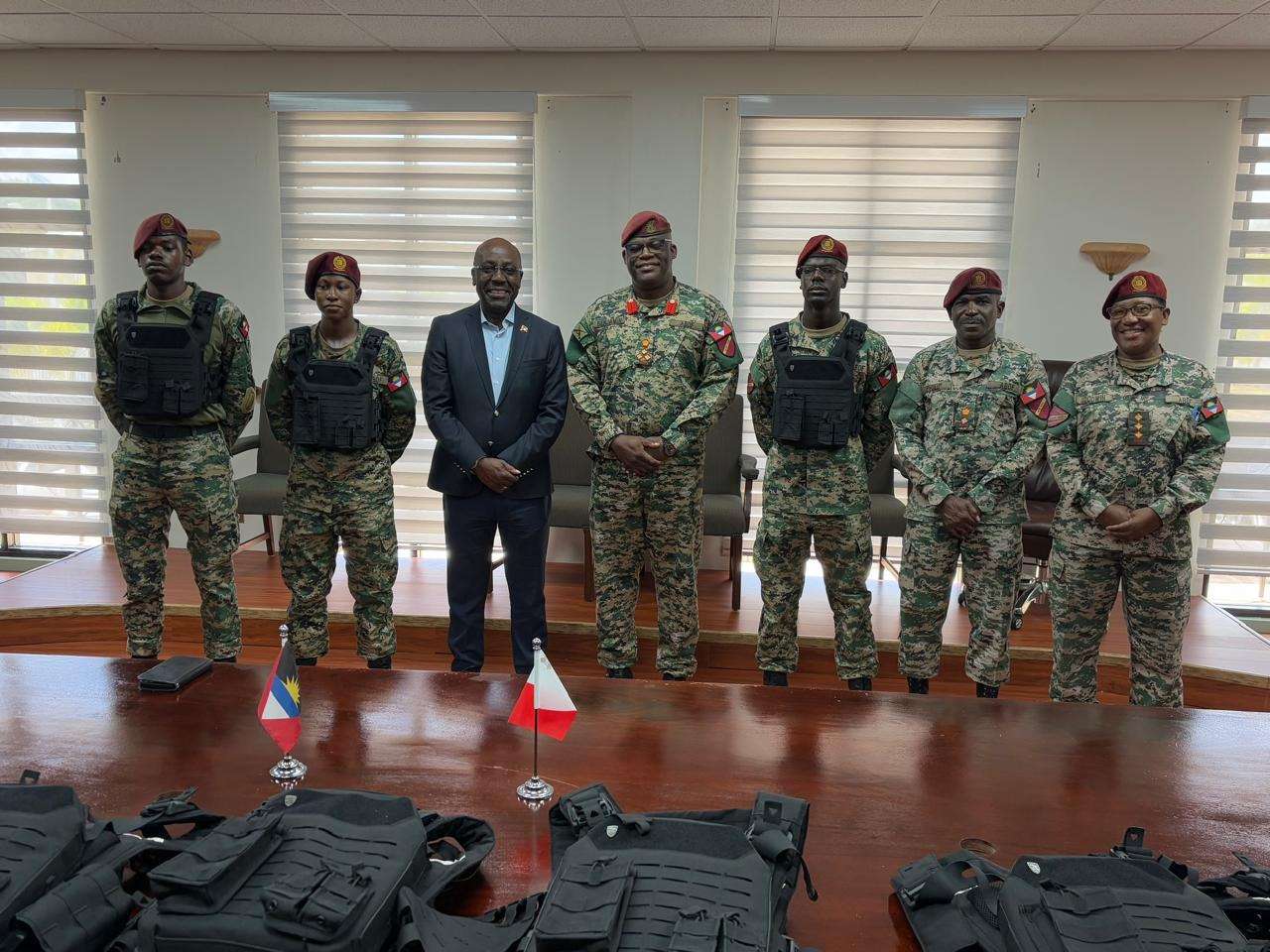
In a display of solidarity, the Republic of Malta has donated 30 ballistic vests to the Antigua and Barbuda Defence Force (ABDF).
Foreign Affairs Minister E.P. Chet Greene emphasized that this donation highlights the commitment of his ministry, alongside the Antigua and Barbuda High Commission in London, to secure essential support for national entities, particularly in the realm of national security.
Minister Greene expressed gratitude for the service provided by ABDF members, noting that the safety and security of the nation are largely due to their dedication.
He highlighted the government’s holistic approach to addressing national security needs, which includes the training and equipment of the ABDF, as well as patrols of coastal waters to combat transnational crime.
The ballistic vests, described as “world-class” and providing Level 4 protection, were discussed last year during an international forum between military leaders from both nations.

The Chief of Defence Staff Brigadier Telbert Benjamin acknowledged the collaborative efforts that made this donation possible, thanking officials from both governments for their roles in facilitating the gift.
The vests have already been put to use as ABDF soldiers provided security during recent Carnival festivities. Since the establishment of diplomatic relations between Malta and Antigua and Barbuda in July 2004, both nations have engaged in various joint initiatives that have yielded positive results, including a capacity-building program for technical staff at the Antigua Public Utilities Authority.
This story was first published by Antigua News on : antigua.news/2025/08/06/malta-donates-30-ballistic-vests-to-antigua-and-barbuda-defence-force. © 2025 Antigua News. Republication without permission is not allowed.

About the author
Shermain Bique-Charles is an accomplished journalist with over 24 years of dynamic experience in the industry. Renowned for her exceptional storytelling and investigative skills, she has garnered numerous awards that highlight her commitment to journalistic integrity and excellence. Her work not only informs but also inspires, making her a respected voice in the field.
Read our editorial standards and corrections policy. Spotted an error? Contact the newsroom.
More from Antigua and Barbuda
View section
Senator Colin O’Neal Earns Political Science Degree at UWI Five Islands, Sets Sights on Law Degree
Senator Colin O’Neal graduates with a Bachelor’s Degree in Political Science from UWI Five Islands Campus and announces plans to pursue a law degree in 2027.
By Cory Wayland

Young Man Suffers Minor Scrapes After Leg Gets Trapped in St. John’s Sidewalk Grating
The incident raises fresh concerns about pedestrian safety following similar occurrences in the city.
By Cory Wayland

Mighty Sparrow’s National Funeral Set for October 16 as Trinidad and Tobago Prepares Grand Farewell
Two days of public viewing and a grand cultural procession will precede the October 16 Celebration of Life honouring the legendary entertainer whose music helped shape Caribbean culture.
By Cory Wayland

Antigua and Barbuda Art Week 2026 to Bring Folklore and Creativity to Life with Exciting New Experiences
From the legendary Jam Bull to evening gallery tours, live painting battles and interactive workshops, this year's Art Week promises an immersive celebration of Antigua and Barbuda's artistic and cultural heritage.
By Cory Wayland
Comments (5)
Apex Jones August 6, 2025, 11:22 AM
Hope none go missing
Antigua Surf August 6, 2025, 11:48 AM
Genique August 6, 2025, 11:46 AM
Batman August 6, 2025, 2:41 PM
Informed citizen August 6, 2025, 7:19 PM