
Street Lighting Upgrades Approved as APUA Commits to Nationwide Improvements


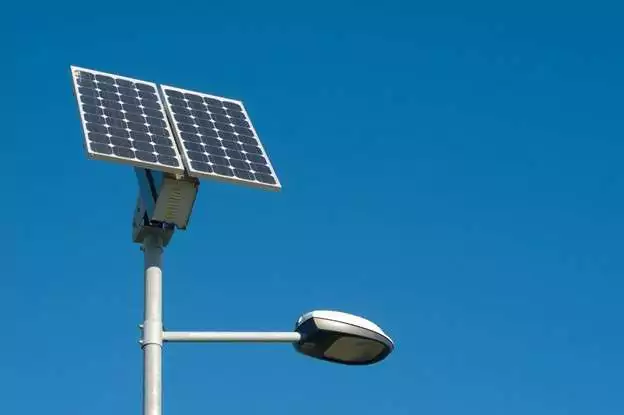
The Government of Antigua and Barbuda has approved a comprehensive street and community lighting improvement programme following a Cabinet briefing by the Electricity Manager of the Antigua Public Utilities Authority (APUA).
Director General of Communications in the Office of the Prime Minister, Maurice Merchant, said the Manager of Electricity was invited to Cabinet to address concerns surrounding street and community lighting across Antigua and Barbuda.
During the engagement, Cabinet undertook a detailed review of lighting conditions in several communities and identified multiple areas requiring urgent attention. Particular focus was placed on residential districts, major roadways, public spaces, and other strategic locations where improved lighting is deemed essential to enhance visibility, strengthen public safety, and improve overall community well-being.
Merchant explained that APUA gave Cabinet a firm commitment to resolve the concerns raised and to carry out the necessary upgrades and repairs in the identified areas. The Authority also assured members that it has the technical expertise, equipment, and resources required to execute the works efficiently and within a reasonable timeframe.
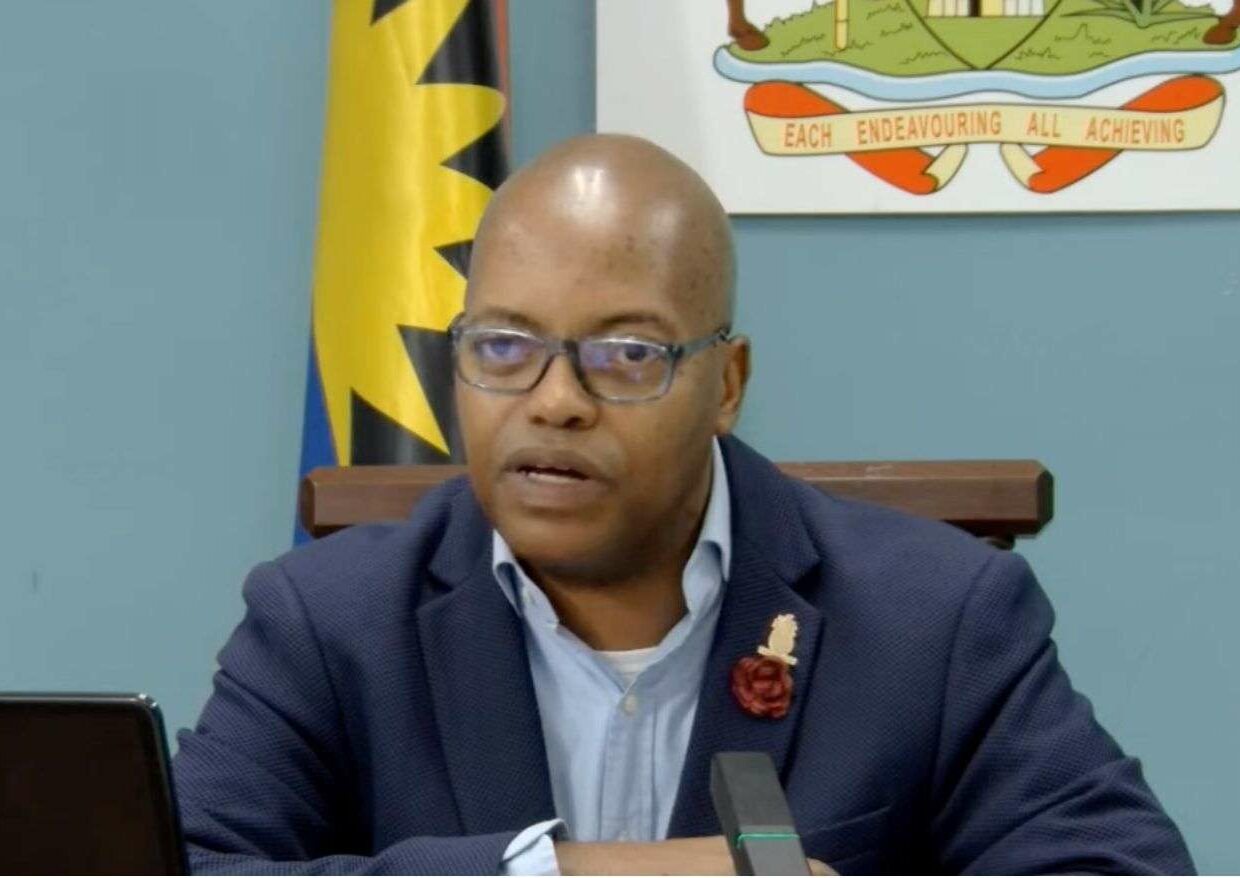
Cabinet welcomed the assurances and formally approved the advancement of the lighting improvement programme, underscoring the vital role adequate street lighting plays in national development.
According to Merchant, the initiative is expected to significantly enhance public safety and crime prevention, improve road safety for both motorists and pedestrians, support community development, and bolster broader national security efforts.
The Government has consistently highlighted the importance of well-lit communities as part of its wider strategy to create safer neighbourhoods and a more secure environment for all residents.
APUA is expected to begin targeted interventions in the identified areas shortly, prioritising communities where lighting deficiencies are most severe. Works will include the installation of new streetlights, repairs to non-functioning units, replacement of damaged fixtures, and system upgrades where necessary.
This story was first published by Antigua News on : antigua.news/2026/02/26/street-lighting-upgrades-approved-as-apua-commits-to-nationwide-improvements. © 2026 Antigua News. Republication without permission is not allowed.

About the author
Shermain Bique-Charles is an accomplished journalist with over 24 years of dynamic experience in the industry. Renowned for her exceptional storytelling and investigative skills, she has garnered numerous awards that highlight her commitment to journalistic integrity and excellence. Her work not only informs but also inspires, making her a respected voice in the field.
Read our editorial standards and corrections policy. Spotted an error? Contact the newsroom.
More from Antigua and Barbuda
View section
Freeland Challenges Qualifier Schedule as College Commitments Complicate Team Selection
Basketball president says the timing of another qualifying round created difficulties for overseas players and added financial pressure
By Shermain Bique-Charles

School League Referee Calls for Investigation Into Alleged Verbal Abuse by Grammar School Coach
Devon Ollivere is seeking a public apology and safeguards for match officials following an alleged confrontation with Chesley Browne at Radio Range Football Field.
By Editorial Staff

Janica Adams Earns Special Recognition at Regional Tourism Youth Congress
Antigua and Barbuda’s Junior Minister of Tourism impressed with a creative destination pitch highlighting culture, adventure and bun and cheese ice cream.
By Shermain Bique-Charles

Dr Benjamin Calls for Community-Based Mental Health Care to Replace Clarevue Model
The consultant psychiatrist says meaningful reform must include housing, family support and direct involvement from people living with mental health conditions
By Shermain Bique-Charles
Comments (3)
Juju Bee February 26, 2026, 8:59 PM
Informed citizen February 26, 2026, 9:53 PM
Informed citizen February 26, 2026, 9:54 PM