
Security Forces to Conduct Stronghold Exercise Ahead of CHOGM 2026

By Cory Wayland
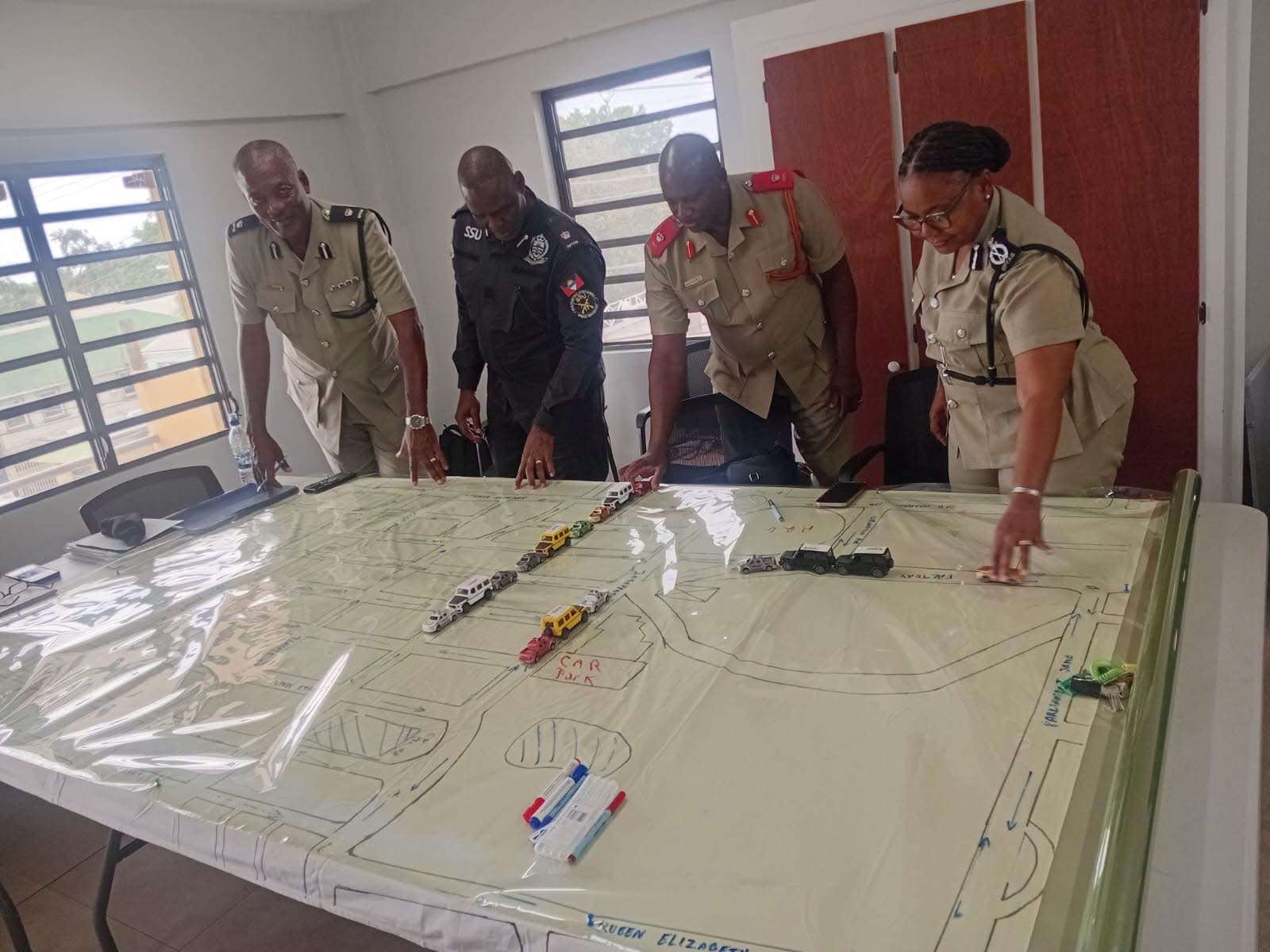
Security agencies across Antigua and Barbuda will test the country’s emergency preparedness and operational response capabilities this week through a major three-day exercise ahead of the nation’s hosting of the Commonwealth Heads of Government Meeting (CHOGM) in November.
Exercise STRONGHOLD, scheduled for July 8 to 10, 2026, is being coordinated by the CHOGM National Security Planning Committee and will involve members of the security forces, emergency services, and other key agencies.
The exercise is designed to assess and strengthen national security readiness, emergency response procedures, communication systems, inter-agency coordination, and the ability of agencies to respond effectively during a major international event.
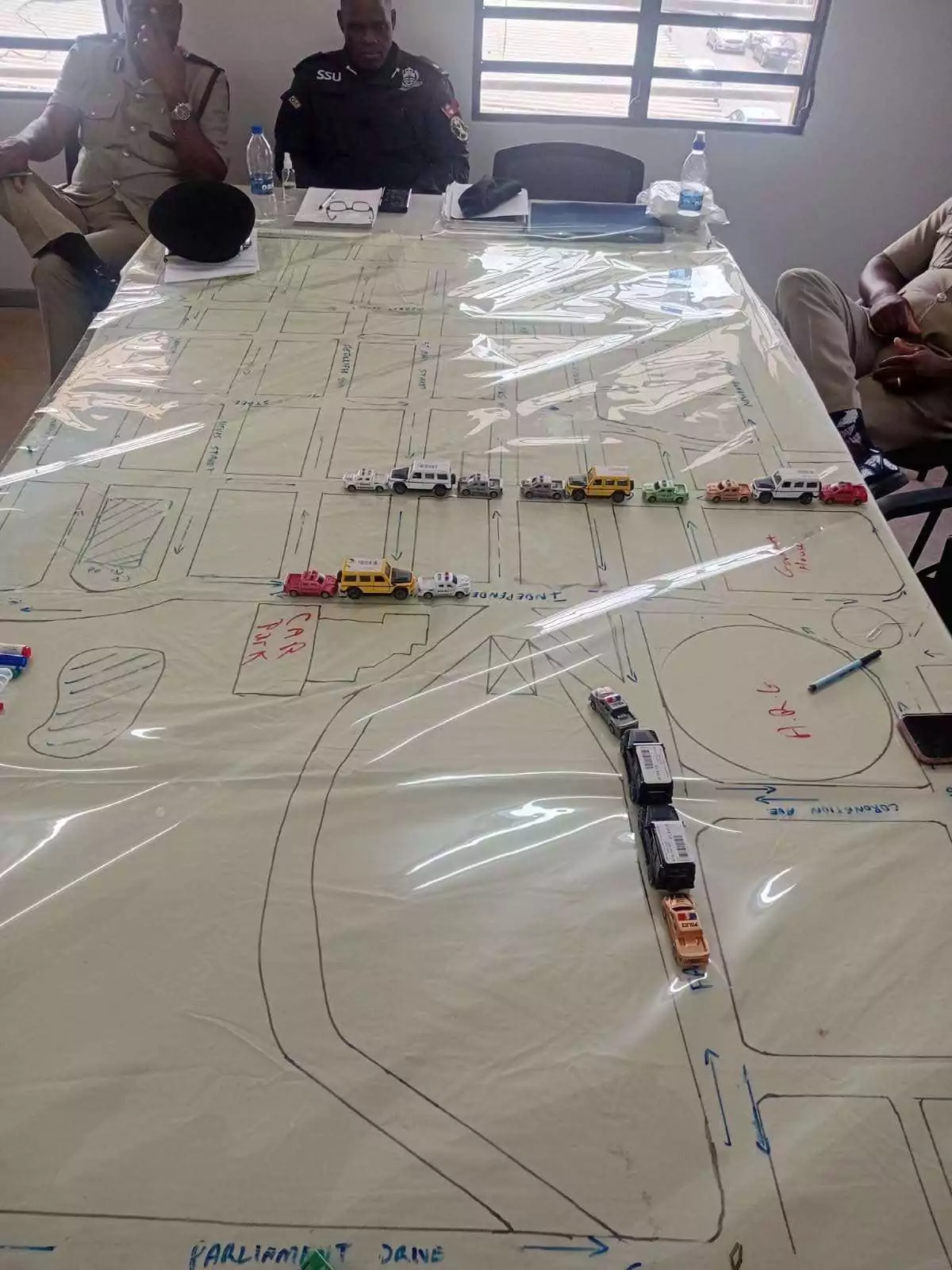
As part of the activities, security personnel will conduct convoy movements and other operational exercises along several major roads and strategic locations across the island. Authorities are warning that motorists and pedestrians should expect temporary disruptions, including road closures, traffic diversions, and restricted access in some areas.
Among the areas expected to be affected are roads leading to the American University of Antigua (AUA) and hotels in the northern section of the island, Sir George Walter Highway, Sir Sydney Walling Highway, Old Parham Road, Friars Hill Road, and streets and businesses surrounding the Antigua and Barbuda National Performing Arts Centre.
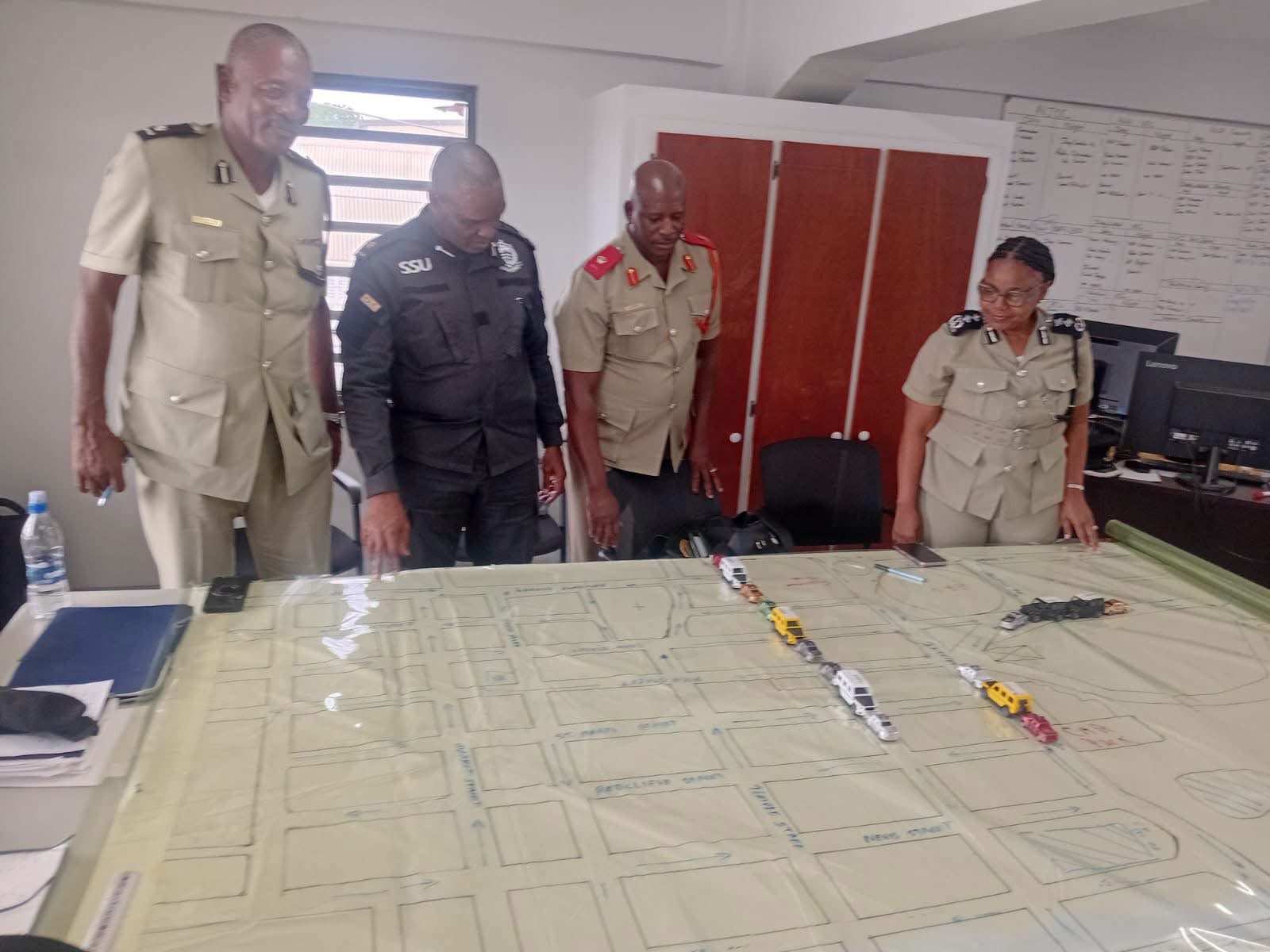
A designated security zone will also be established within parts of St. John’s, with restrictions on vehicle access extending from Newgate Street in the north to New Street in the south, and from Parliament Drive in the east to Corn Alley in the west.
Pedestrian movement in certain exercise areas will also be managed by security personnel.
Police officers and other members of the security team will be deployed along affected routes to guide motorists, manage traffic flow, and ensure the safe movement of residents and visitors during the exercise.
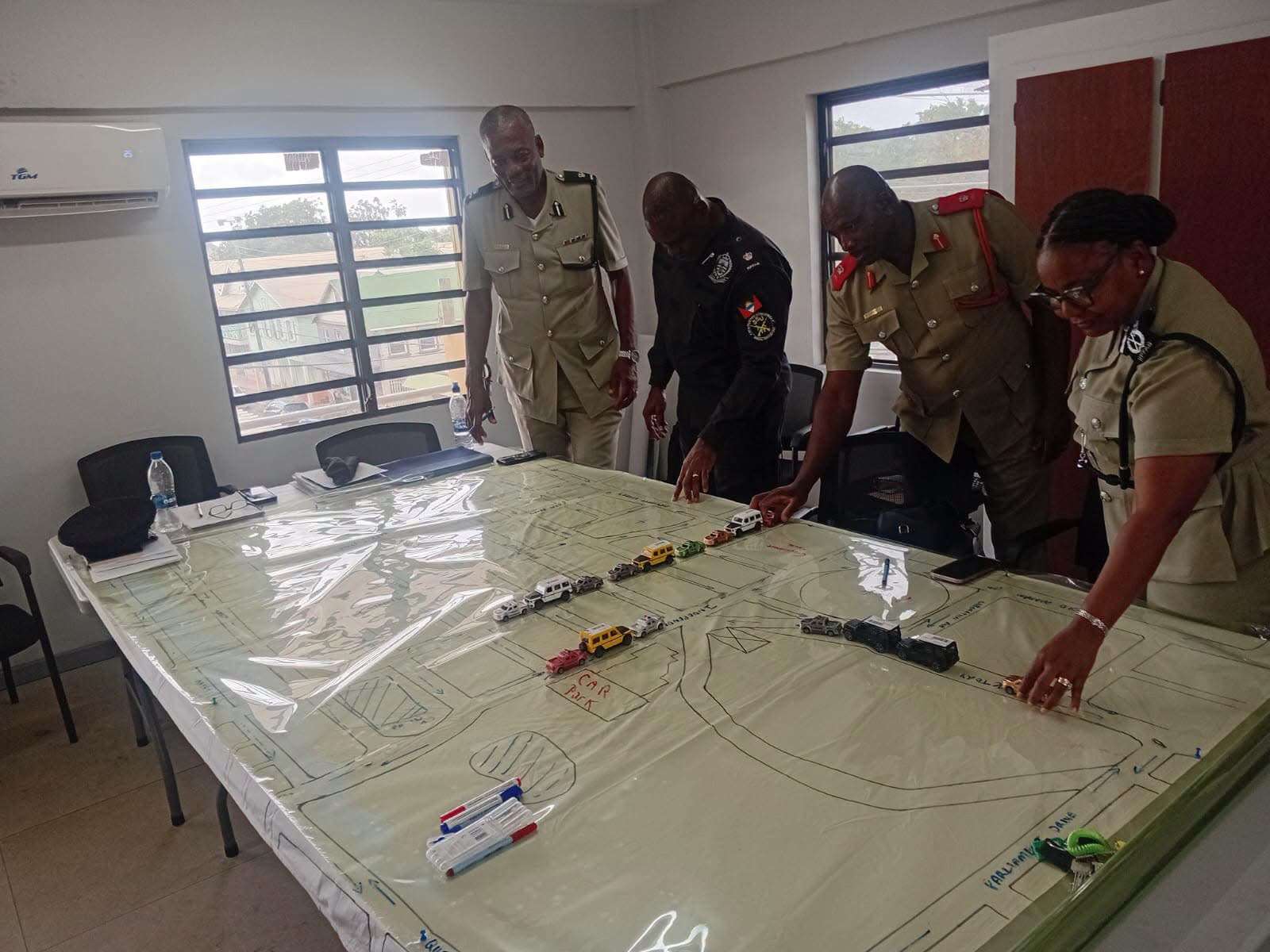
The public is being encouraged to plan ahead, allow additional time for travel, and follow instructions from police officers and other authorized personnel.
Officials say the exercise is an important step in ensuring Antigua and Barbuda is fully prepared to safely host CHOGM 2026, which will bring together government leaders and delegates from across the Commonwealth.
The CHOGM National Security Planning Committee has apologized for any inconvenience caused by the temporary measures and thanked the public for its patience and cooperation during the exercise.
This story was first published by Antigua News on : antigua.news/2026/07/07/security-forces-to-conduct-stronghold-exercise-ahead-of-chogm-2026. © 2026 Antigua News. Republication without permission is not allowed.

About the author
Cory Wayland is the Social Media Co-ordinator at Antigua.News, where he manages digital content strategy, audience engagement, and real-time news publications across social platforms. With a keen eye for trending topics and a commitment to factual storytelling, Cory plays a key role in shaping the online voice of Antigua.News.
Read our editorial standards and corrections policy. Spotted an error? Contact the newsroom.
More from Antigua and Barbuda
View section
Antiguan School Starts Using EduGoal Global to Help Students Close Learning Gaps
The school started with Grade 6 ahead of a wider rollout of the AI-powered learning platform.
By Shermain Bique-Charles

Gunman Robs Stanley’s Home Restaurant, Flees With Cash Register
Employees at the Chinese restaurant on Old Parham Road were left shaken after the Tuesday evening robbery. No one was injured.
By Shermain Bique-Charles

Hopeful Hearts Foundation Introduces Minds in Motion: Bringing Yoga into Schools to Promote Emotional Wellness and Conflict Resolution
Hopeful Hearts Foundation has launched its Minds in Motion initiative, introducing yoga and mindfulness into schools to help children manage their emotions, resolve conflicts, build confidence and develop healthier relationships.
By Editorial Staff

Antigua Girls’ High School Unveils Mural to Break the Stigma Around Periods
Scrub Life Cares founder and AGHS Old Girl Tanya Ambrose brought the organisation’s first mural project to her alma mater, where students helped paint it and brought its new mascot, Una, to life.
By Shermain Bique-Charles
Comments (1)
Apex Jones July 7, 2026, 7:52 PM