
Antiguan School Starts Using EduGoal Global to Help Students Close Learning Gaps
The school started with Grade 6 ahead of a wider rollout of the AI-powered learning platform.


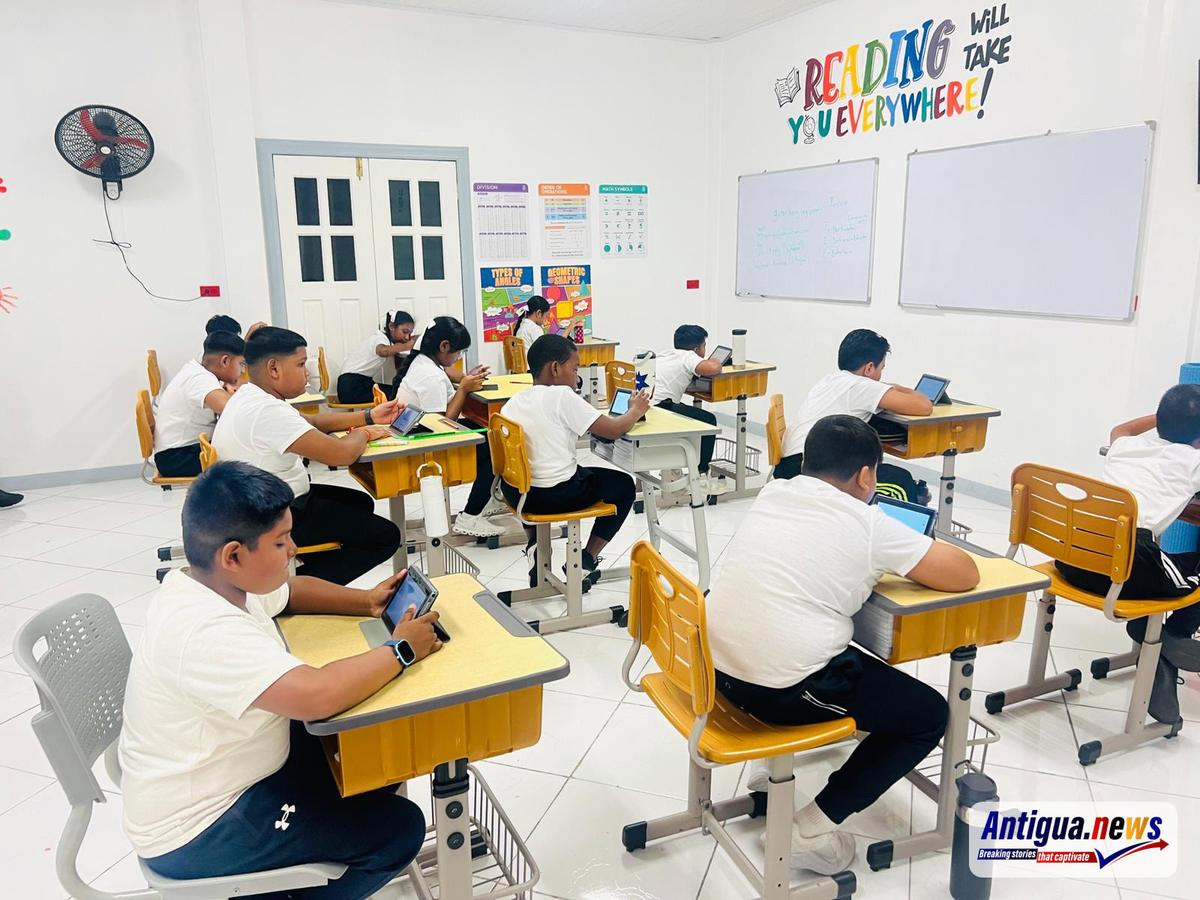
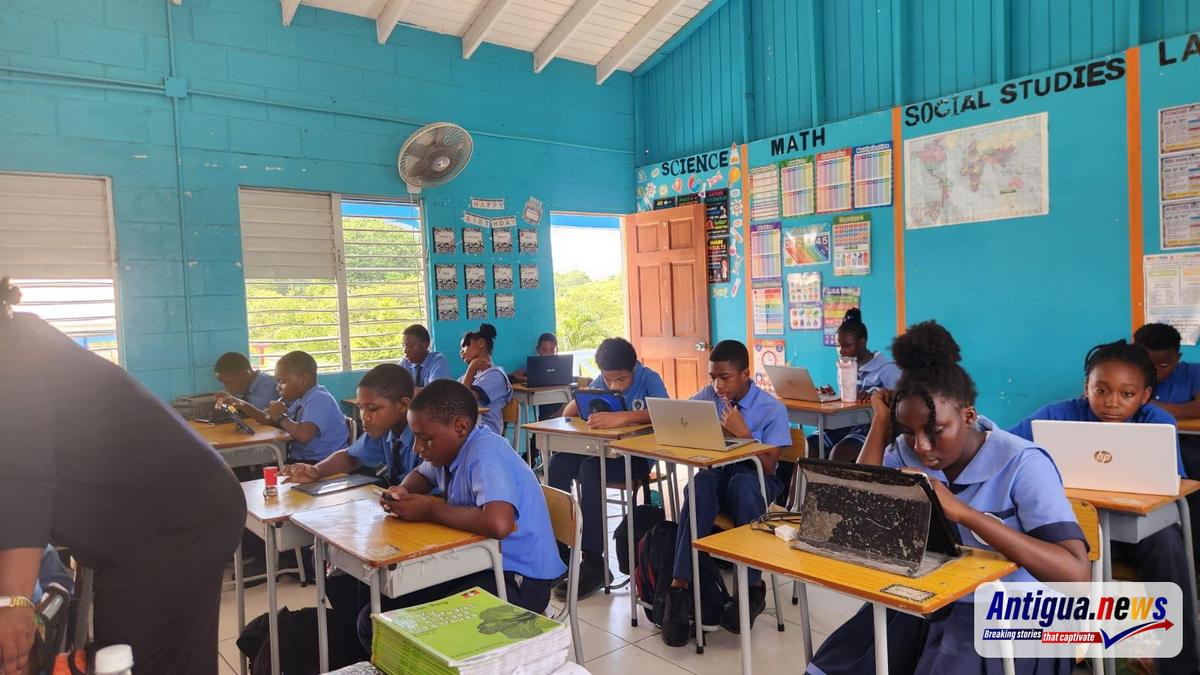
Grade 6 students at St. Peter’s Academy are using EduGoal Global to prepare for the National Grade 6 Assessment. They were already using the AI-powered learning platform when its founder, Dr. Donica Thompson Chan, arrived to demonstrate it. Before she left, she said, they were trying out Japanese.
“They started to use it even before I got there,” the EduGoal Global founder told Antigua.news. “And before I left, they were speaking Japanese.”
Thompson Chan said St. Peter’s Academy began with Grade 6 and plans to roll out the platform more widely. She also named Collin’s Center for Academic Excellence when discussing EduGoal Global. For the Guyanese-American educator, one of the biggest opportunities lies in the everyday work of a classroom.
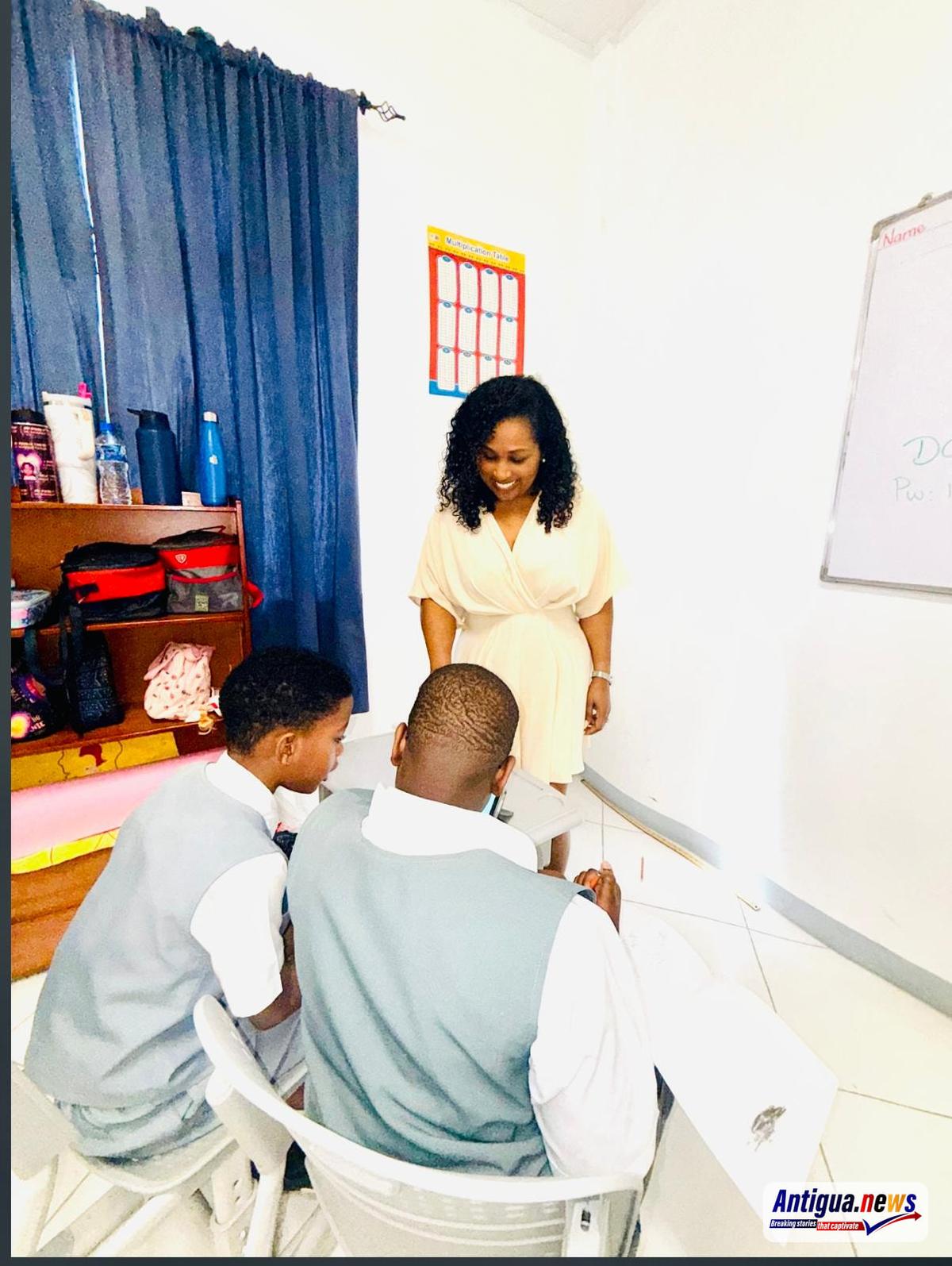
She wants a teacher to be able to look at a maths assessment, see exactly where a child got lost and give that child a chance to catch up before the class moves on.
Finding out where a child got lost
A low test score can tell a teacher that a pupil is struggling. Thompson Chan wants teachers to see which concept the child missed and decide what to teach again.
“If you give kids an assessment, you can literally see what topics or what area they didn’t master and what you need to go back to,” she said. “It gives the teacher data to restructure and reteach.”
She used fractions as an example. A teacher who spots a gap can assign extra exercises on that topic. The pupil can work through them at home with an AI tutor designed to adjust the level of support as the child progresses.
Thompson Chan said she built a maths improvement plan into EduGoal Global after studying student performance across the Caribbean. The platform covers all subjects from kindergarten through CAPE and includes CXC practice materials. Teachers can also use it to prepare lessons and assessments and track how pupils are progressing.
She said identifying a gap also means asking teachers to reflect on how they covered the material. When a pupil gets an answer wrong, she said, the teacher should be able to look at the work and ask, “Where did I go wrong in my process that this kid is missing that portion of learning?”
What a parent sees and what a principal can learn
EduGoal Global gives parents, teachers and administrators different views of student progress. A parent can follow their own child’s work, a teacher can see how a class is doing and a principal can review performance across the school.
“I think it’s so important to be transparent,” Thompson Chan said. “Everyone should know what the kids are learning, what they’re doing, and how they’re doing.”
EduGoal Global includes resources for students with disabilities and an integrated Inclusive Education Academy. Thompson Chan said its tools can help teachers assess pupils with special educational needs, write individualised education plans and set work at a level that reflects what each child already understands.
Teachers can also subscribe to microcredential courses through the EduGoal Global Teacher Academy, which offers training in special education and other areas of teaching and learning.
Teaching children what to do with an AI answer
Thompson Chan said her doctoral dissertation focused on how teachers are using AI to improve learning outcomes. She said training matters if schools expect teachers to use the technology well and help pupils understand when an AI-generated answer needs checking.
“Professional development is key,” she said. “You have to teach them how to use this tool. You have to teach them the parameters. You have to teach them the limitations.”
For students, she said, responsible use means learning how to check what a tool produces, cite it when they use it and explain the material in their own words. She also wants lessons to draw on examples children recognise from their own lives in the Caribbean.
“Whatever you’re familiar with, that’s how it needs to be taught,” she said.
Bringing the platform directly to families
Thompson Chan originally built EduGoal Global for institutions before adapting it so teachers and families could subscribe on their own through Apple’s App Store or Google Play.
She said the US$4.99 monthly charge helps cover app store and cloud storage costs. Students and teachers can apply for scholarships through the EduGoal Foundation’s website to access EduGoal Global and the EduGoal Global Teacher Academy.
“Every student must have access to good quality education, regardless of their socioeconomic status,” Thompson Chan said.
Thompson Chan said she met with Clare Browne and was awaiting a response to the proposal she submitted to Antigua and Barbuda’s Ministry of Education.
This story was first published by Antigua News on : antigua.news/2026/11/24/antiguan-school-starts-using-edugoal-global-to-help-students-close-learning-gaps. © 2026 Antigua News. Republication without permission is not allowed.

About the author
Shermain Bique-Charles is an accomplished journalist with over 24 years of dynamic experience in the industry. Renowned for her exceptional storytelling and investigative skills, she has garnered numerous awards that highlight her commitment to journalistic integrity and excellence. Her work not only informs but also inspires, making her a respected voice in the field.
Read our editorial standards and corrections policy. Spotted an error? Contact the newsroom.
More from Antigua and Barbuda
View section
Gunman Robs Stanley’s Home Restaurant, Flees With Cash Register
Employees at the Chinese restaurant on Old Parham Road were left shaken after the Tuesday evening robbery. No one was injured.
By Shermain Bique-Charles

Hopeful Hearts Foundation Introduces Minds in Motion: Bringing Yoga into Schools to Promote Emotional Wellness and Conflict Resolution
Hopeful Hearts Foundation has launched its Minds in Motion initiative, introducing yoga and mindfulness into schools to help children manage their emotions, resolve conflicts, build confidence and develop healthier relationships.
By Editorial Staff

Antigua Girls’ High School Unveils Mural to Break the Stigma Around Periods
Scrub Life Cares founder and AGHS Old Girl Tanya Ambrose brought the organisation’s first mural project to her alma mater, where students helped paint it and brought its new mascot, Una, to life.
By Shermain Bique-Charles

Protection Order Requests Surge 93% in Antigua and Barbuda, but Fewer Than Half Complete Process
The Directorate of Gender Affairs received 116 requests from January to October, up from 60 a year earlier. Advocates say intimidation, financial dependence and fears about confidentiality can keep survivors from pursuing protection.
By Shermain Bique-Charles
Comments
Be the first to comment.