
Browne Joins Regional Leaders as CARICOM Grapples with Secretary General Dispute

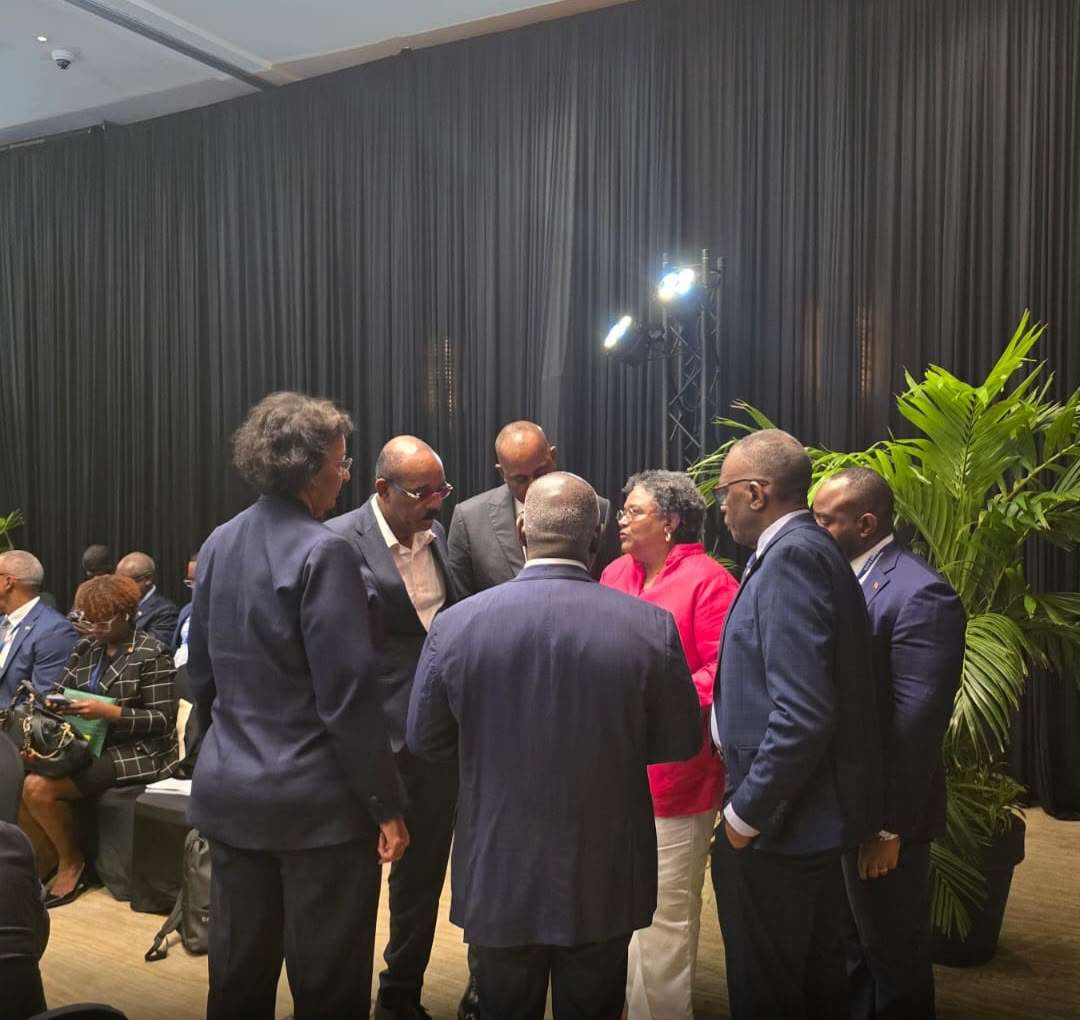
Prime Minister Gaston Browne is among Caribbean leaders meeting this week to address a range of pressing regional issues, with a dispute over the reappointment of CARICOM Secretary General Dr. Carla Barnett dominating discussions.
The controversy centres on concerns raised by Trinidad and Tobago and Jamaica regarding the procedure used to reappoint Barnett to the region’s top administrative post. The issue has emerged as one of the most contentious matters before the Conference of Heads of Government.
In an effort to resolve the disagreement, CARICOM leaders have agreed to begin the process of seeking an advisory opinion from the Caribbean Court of Justice (CCJ). The legal guidance is expected to clarify the interpretation of the Community’s governing rules on the appointment process.
Pending the outcome of the CCJ’s opinion, Barnett will remain in office and continue carrying out her duties as Secretary General.
The meeting’s agenda extends well beyond the governance dispute. Regional leaders are also holding discussions on the changing global geopolitical landscape, energy security, food security and other issues with significant implications for CARICOM member states.
Browne is leading a four-member delegation from Antigua and Barbuda to the summit. He is accompanied by Antigua and Barbuda’s Ambassador to CARICOM, Dr. Clarence Henry, Senior Foreign Service Officer Kurt Williams, and Project Development Officer in the Office of the National Authorising Officer, Juray Roberts.
The meeting is expected to produce decisions on several regional priorities as CARICOM continues to navigate economic, political and security challenges affecting its member states.
This story was first published by Antigua News on : antigua.news/2026/07/08/browne-joins-regional-leaders-as-caricom-grapples-with-secretary-general-dispute. © 2026 Antigua News. Republication without permission is not allowed.

About the author
The Editorial Staff refers to all reporters employed by Antigua.news. When an article is not an original creation of Antigua.news—such as when it is based on a press release, other media articles, letters to the editor, or court decisions—one of our staff members is responsible for overseeing its publication.
Read our editorial standards and corrections policy. Spotted an error? Contact the newsroom.
More from Antigua and Barbuda
View section
Firefighters Respond to House Fire on All Saints Road
Cause of blaze at property east of John I. Martin remains unknown as investigations continue
By Shermain Bique-Charles

Police Renew Appeal for Missing 21-Year-Old Yobachi Charles
Armstrong Road resident has been missing since October 30, with several searches yet to locate him.
By Shermain Bique-Charles

India Offers Support for Mango Processing and Emergency Healthcare in Antigua and Barbuda
CHOGM bilateral talks explored grant assistance for food processing, sea ambulances and field hospitals, alongside wider trade and energy cooperation.
By Shermain Bique-Charles

EC$17 Million Earmarked for Community Sports Facility Upgrades
Funding will be included in the 2027 Budget Estimates to improve facilities for training, competition and recreation across Antigua and Barbuda.
By Shermain Bique-Charles
Comments (1)
Juju Bee July 8, 2026, 2:50 PM