
Hanley Takes Charge of St Kitts and Nevis Government as PM Drew Receives Medical Care Overseas

By Cory Wayland
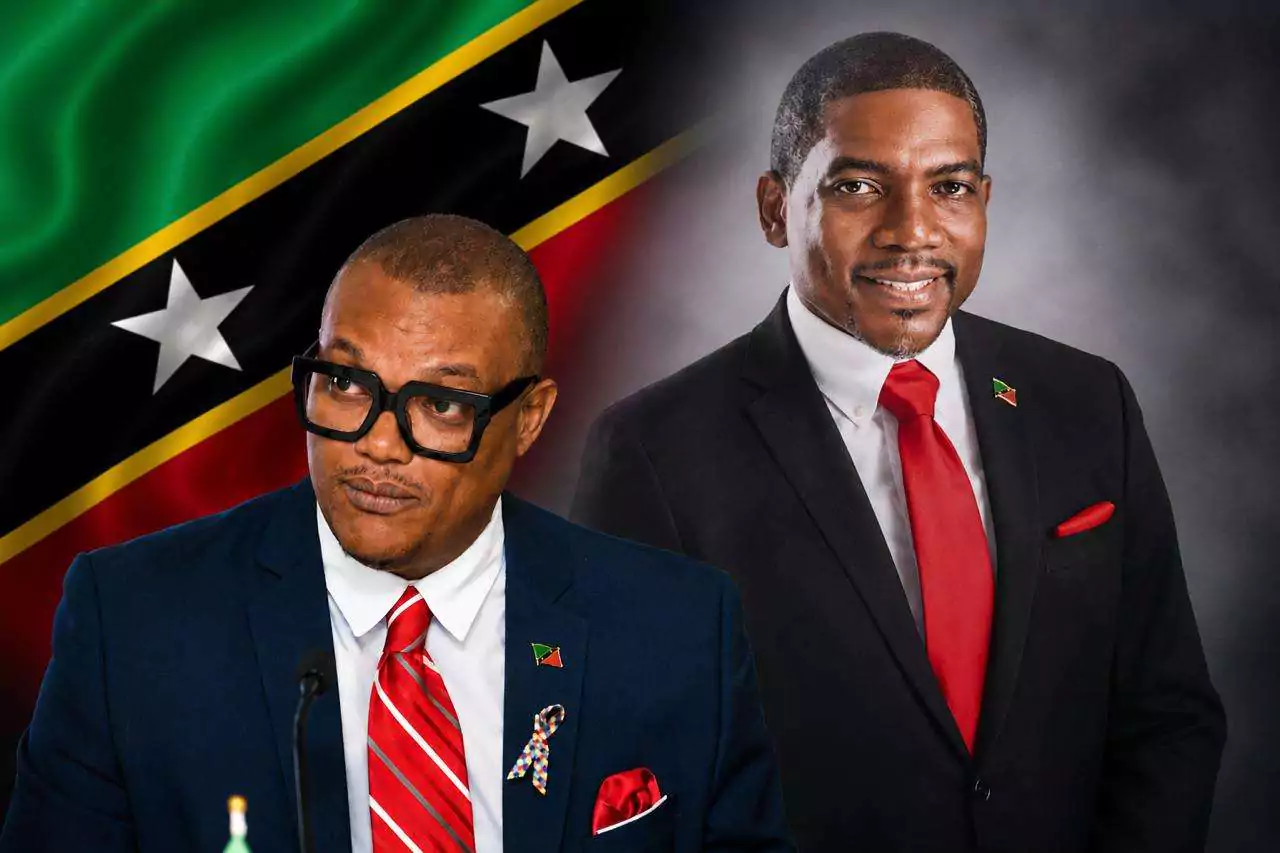
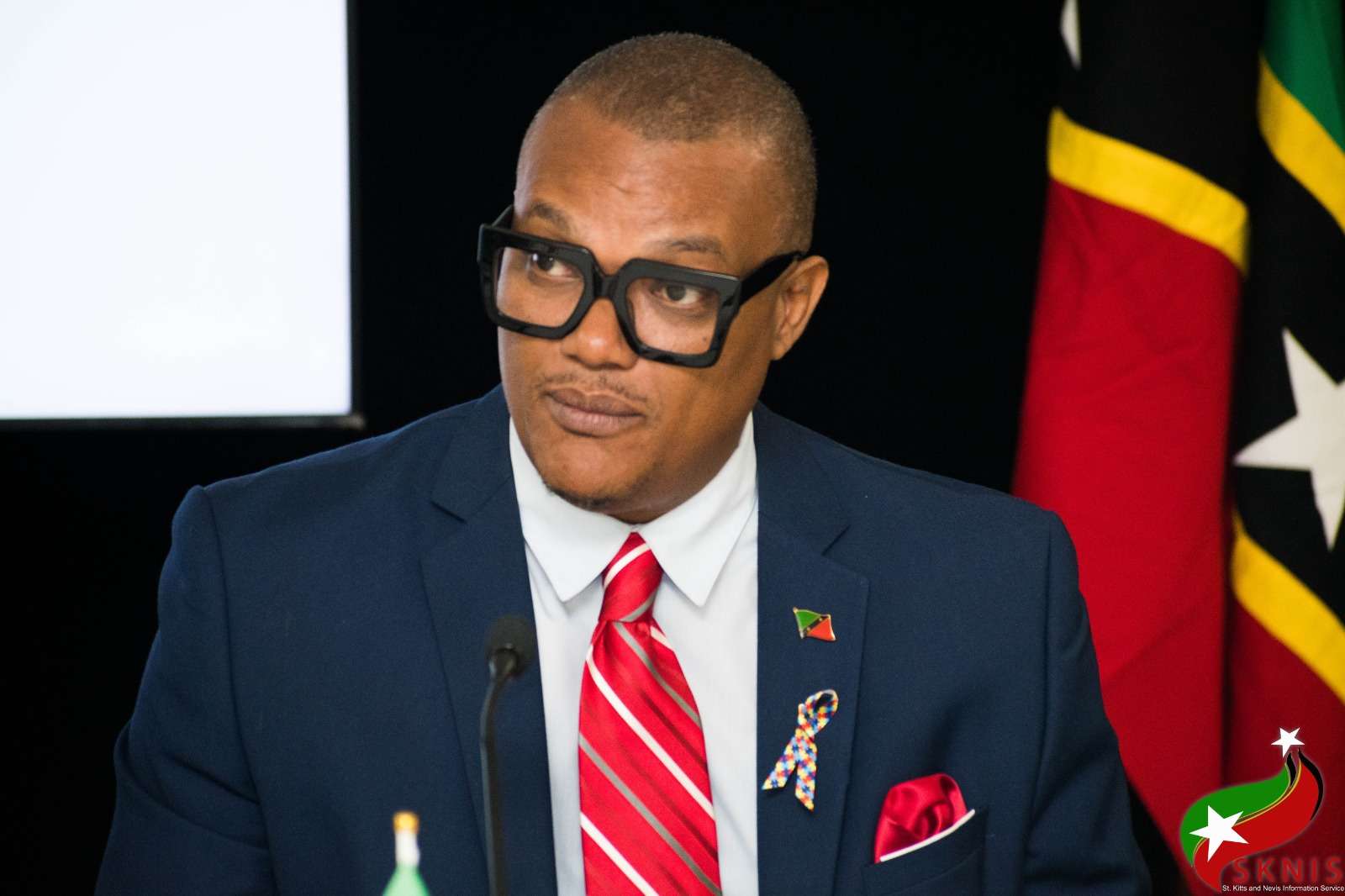
Government responsibilities in St Kitts and Nevis have been temporarily reshuffled as Prime Minister Dr Terrance Drew undergoes specialised medical observation overseas following a brief hospital stay over the weekend.
Deputy Prime Minister Dr Geoffrey Hanley has been appointed acting prime minister and will oversee several additional portfolios during Drew’s absence.
Along with his existing ministerial responsibilities, Hanley will temporarily take charge of Finance, Health, Human Resource Management and Social Security.
Attorney General Garth Wilkin has also been given additional responsibilities, taking temporary charge of National Security, Citizenship and Immigration.
The changes follow Drew’s admission to the Joseph N France General Hospital on Sunday evening after he experienced mild discomfort, nausea and a headache.
He underwent medical examinations and remained at the hospital for approximately 18 hours for observation.
Doctors subsequently recommended that the prime minister travel overseas for specialised observation and further precautionary monitoring.
The government said Drew remains awake, alert and in stable condition.
No details have been released about the country or medical facility where he is receiving care, and officials have not indicated when he is expected to return to St Kitts and Nevis or resume his duties.
The temporary reassignment of ministerial responsibilities is intended to keep the day-to-day operations of government functioning during the prime minister’s absence.
Officials have assured the public that essential government services are expected to continue without interruption while Drew receives medical care.
This story was first published by Antigua News on : antigua.news/2026/09/02/hanley-takes-charge-of-st-kitts-and-nevis-government-as-pm-drew-receives-medical-care-overseas. © 2026 Antigua News. Republication without permission is not allowed.

About the author
Cory Wayland is the Social Media Co-ordinator at Antigua.News, where he manages digital content strategy, audience engagement, and real-time news publications across social platforms. With a keen eye for trending topics and a commitment to factual storytelling, Cory plays a key role in shaping the online voice of Antigua.News.
Read our editorial standards and corrections policy. Spotted an error? Contact the newsroom.
More from Caribbean
View section
VIDEO: Doctors at Dominica China Friendship Hospital Stage Protest Outside Medical Facility
Healthcare professionals at the Dominica China Friendship Hospital gather outside the medical facility in an apparent protest, raising concerns over issues yet to be officially confirmed.
By Cory Wayland

St. Kitts DPP Seeks Antigua’s Help in Outstanding Case Involving Former Resort Clerk
By Shermain Bique-Charles

Royal Caribbean in Talks to Buy Half of Sandals in Reported $3 Billion Deal
By Shermain Bique-Charles

Four Killed in Latest US Military Strike on Suspected Drug Vessel in Caribbean
By Shermain Bique-Charles
Comments (2)
Apex Jones September 2, 2026, 3:48 PM
Glen September 3, 2026, 2:21 PM