
Minister Turner Calls for Disability Inclusion to Shape Urban Renewal and Public Services
Minister urges persons with disabilities to be involved in urban renewal, employment support and emergency preparedness.


Minister of Social and Urban Transformation, Hon. Rawdon Turner, has called for accessibility to shape the renewal of St. John’s and the delivery of public services, with persons with disabilities directly involved in planning decisions.
Speaking at a Commonwealth symposium on implementing disability rights, Turner said decisions about streets, buildings and services determine whether people can participate fully in national life.
“We should never have to face a barrier ourselves before we take someone else’s experience seriously,” he said.
Turner identified the renewal of St. John’s as an opportunity to incorporate accessibility from the outset. He urged planners to consider the complete journey people make, from crossing streets and navigating pavements to entering buildings and reaching service counters.
“A ramp at the entrance can only do so much if the pavement leading to that building is blocked,” he said. “The people who make these journeys every day should help us design them.”
The Minister proposed establishing a functional disability council to give organisations representing persons with disabilities a regular voice in setting national priorities, advising on implementation and identifying gaps.
He also called for stronger links between education, training and employment services, along with reasonable workplace accommodations. A dedicated service to provide, maintain and repair assistive equipment, including wheelchairs and hearing aids, was another proposal he highlighted for consideration.
On disaster preparedness, Turner stressed the need for accessible warnings, suitable transportation and shelters equipped to support people who depend on powered medical devices.
“Persons with disabilities and their organisations must help us plan, test, and make arrangements well before the emergency,” he said.
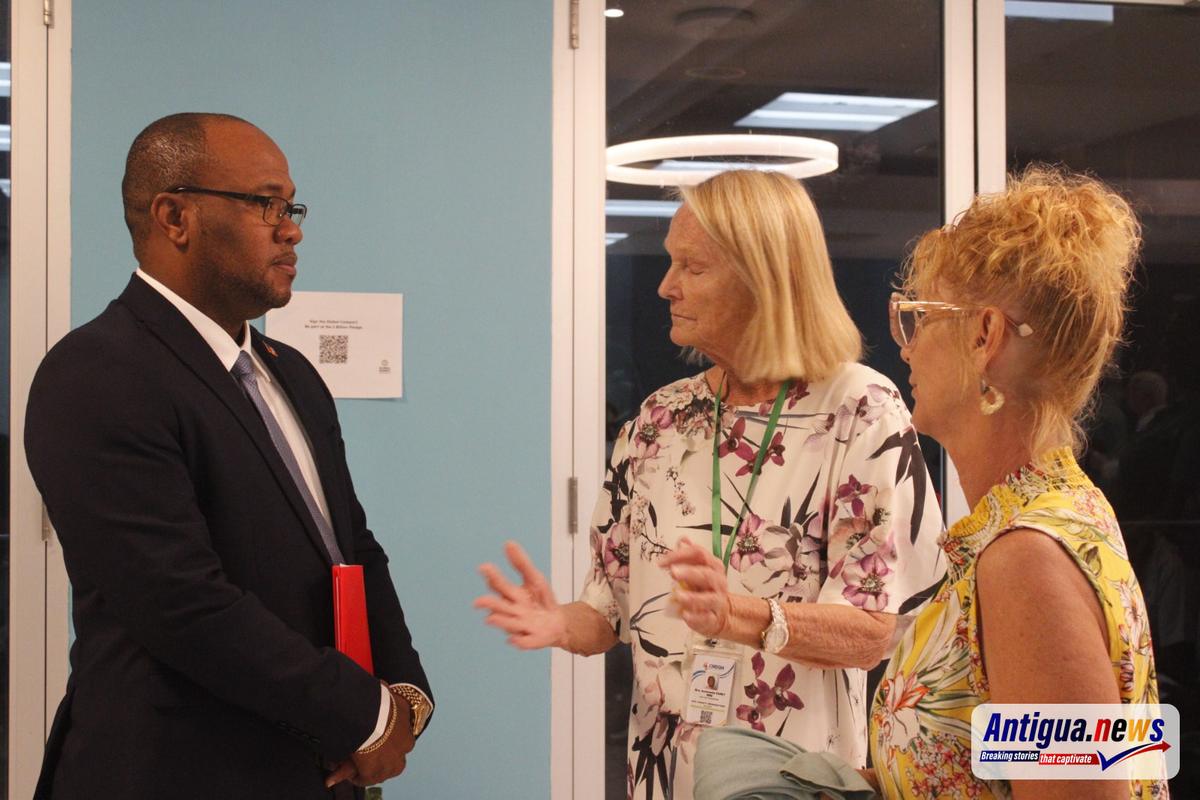
Referencing the Commonwealth Disability Inclusion Action Plan, Turner urged participants to translate discussions into practical steps by identifying barriers, assigning responsibility for removing them and involving those affected in assessing the results.
This story was first published by Antigua News on : antigua.news/2026/11/05/minister-turner-calls-for-disability-inclusion-to-shape-urban-renewal-and-public-services. © 2026 Antigua News. Republication without permission is not allowed.

About the author
Shermain Bique-Charles is an accomplished journalist with over 24 years of dynamic experience in the industry. Renowned for her exceptional storytelling and investigative skills, she has garnered numerous awards that highlight her commitment to journalistic integrity and excellence. Her work not only informs but also inspires, making her a respected voice in the field.
Read our editorial standards and corrections policy. Spotted an error? Contact the newsroom.
More from Antigua and Barbuda
View section
A Royal Welcome and a Commonwealth Celebration
Their Majesties conclude a visit to Antigua and Barbuda during CHOGM 2026
By Editorial Staff

Minister Johnson: Women Must Be Given More Than the Burden of Surviving Crises
Minister calls for stronger social protection, sustained support for women’s organisations and real influence over policy at Commonwealth People’s Forum.
By Shermain Bique-Charles

OPINION: Reflection on Our Nation’s Journey
Edward H. P. Croft reflects on his historic role in Antigua and Barbuda’s Independence, 45 years of national progress, and the importance of faith, unity and purpose in shaping the nation’s future.
By Editorial Staff

Antigua and Barbuda Nears WHO Cervical Cancer Screening Target as Progress Highlighted at CHOGM
Dr. Cherrie Tulloch outlined the country's progress in HPV vaccination, nationwide screening and early detection during the launch of the CHOGM 2026 Spouses’ Programme.
By Cory Wayland
Comments
Be the first to comment.