
UPP business Pull-Up heads to Lovell’s constituency

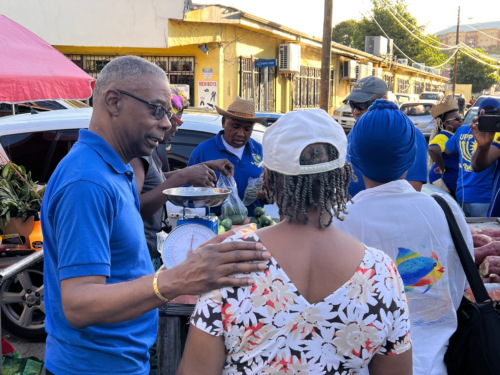
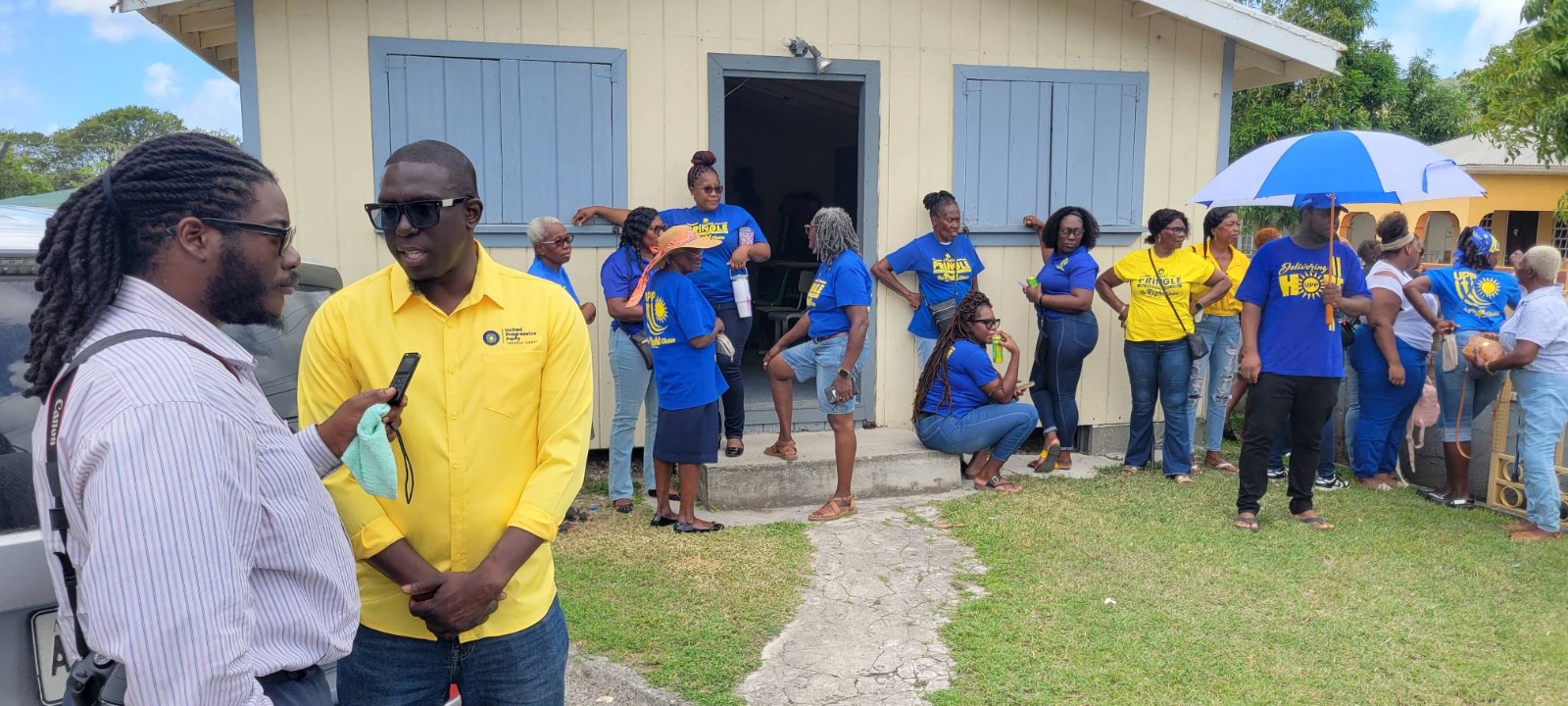
The Opposition United Progressive Party is taking its Business Pull-Up to St Johns City East this weekend.
After what the party says was” a successful visit to the Public Market that highlighted many local Antiguan and Barbudan cultural traditions, the UPP ‘Small Business Pull-Up’ tour returns to the community setting for the 12th installment”.
On Saturday, November 5th a caravan of UPP supporters led by Political Leader and Candidate for St. John’s City East, Harold Lovell, will venture through the Constituency to support small businesses.
The UPP Team will leave Hilda Davis Drive, near the east gate at the Princess Margaret School at 2:00 pm.
The caravan will patronize a diverse array of small enterprises and share the UPP’s Small Business Agenda for Development and Growth with vendors and patrons. Lovell feels that it is important for the Party to continue to support vendors and small enterprises as they struggle to regain economic strength, in an effort to support their families and communities.
“Wealth is not measured by what we have in our individual pockets, but by how we help to grow the community. Our vendors and small businesses deserve our support and the UPP is committed to giving them a boost by generating more sales and exposure that will lead to more sustainable income,” said Harold Lovell, UPP Political Leader.
The UPP’s Small Business Agenda focuses on the creation of a diverse, equitable, and innovative entrepreneurial community in Antigua and Barbuda where all small business operators can thrive.
The gathering is designed to demonstrate the Party’s support for micro, small and medium enterprises that provide jobs and opportunities for many citizens and residents. Since late August, the UPP ‘Small Biz Pull-Up’ has been highlighting the need for the empowerment of small businesses in the pandemic recovery.
This story was first published by Antigua News on : antigua.news/2022/11/02/upp-business-pull-up-heads-to-lovells-constituency-2. © 2022 Antigua News. Republication without permission is not allowed.

About the author
Shermain Bique-Charles is an accomplished journalist with over 24 years of dynamic experience in the industry. Renowned for her exceptional storytelling and investigative skills, she has garnered numerous awards that highlight her commitment to journalistic integrity and excellence. Her work not only informs but also inspires, making her a respected voice in the field.
Read our editorial standards and corrections policy. Spotted an error? Contact the newsroom.
More from Election Watch: Antigua and Barbuda
View section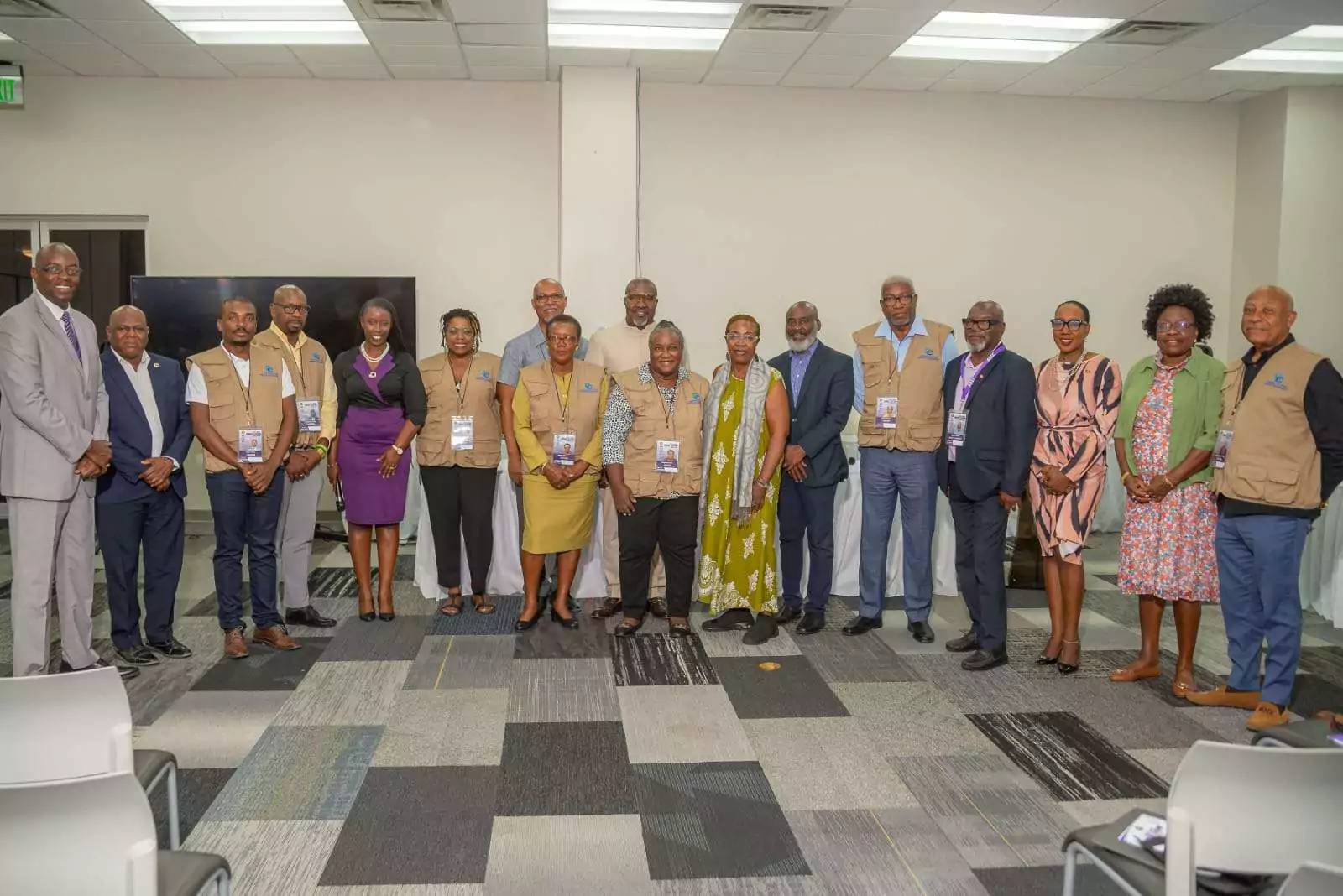
ABEC engages Election Observers ahead of General Elections 2026
By Editorial Staff
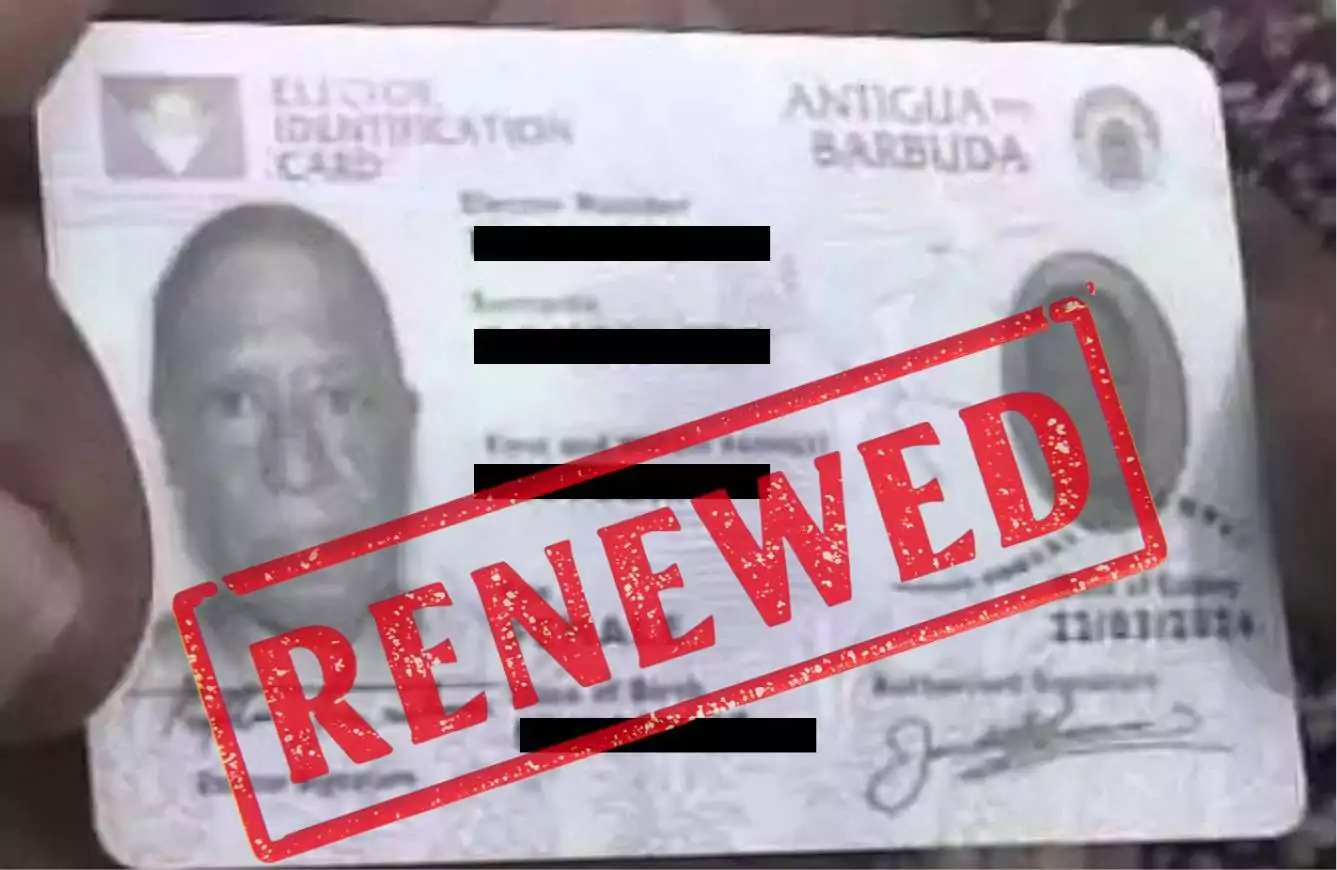
ABEC Extends Voter ID Collection Hours to 10PM Ahead of Election Day
By Editorial Staff
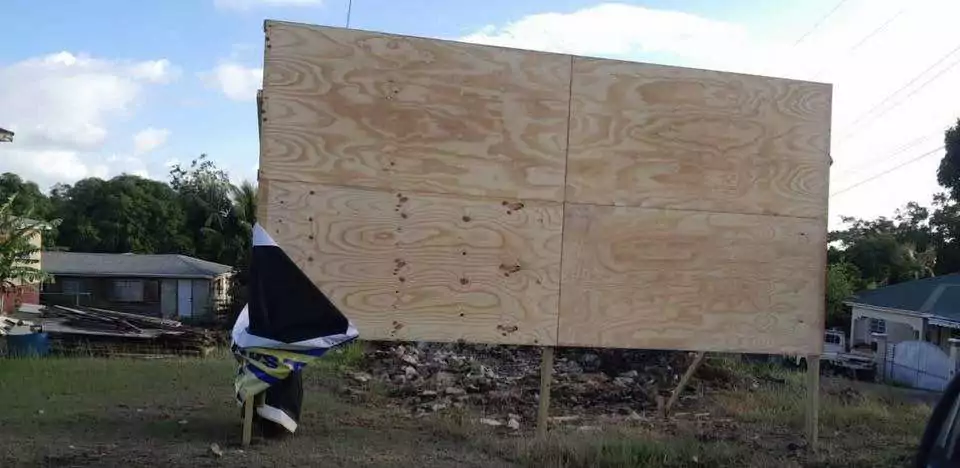
ABLP Condemns Destruction of Political Paraphernalia
By Shermain Bique-Charles
Pringle Nominated, Confident of Retaining UPP Stronghold in All Saints East & St Luke
By Editorial Staff
Comments
Be the first to comment.