
Liberta Teen Is First Recipient Of JCI Antigua Youth Empowerment Programme Scholarship

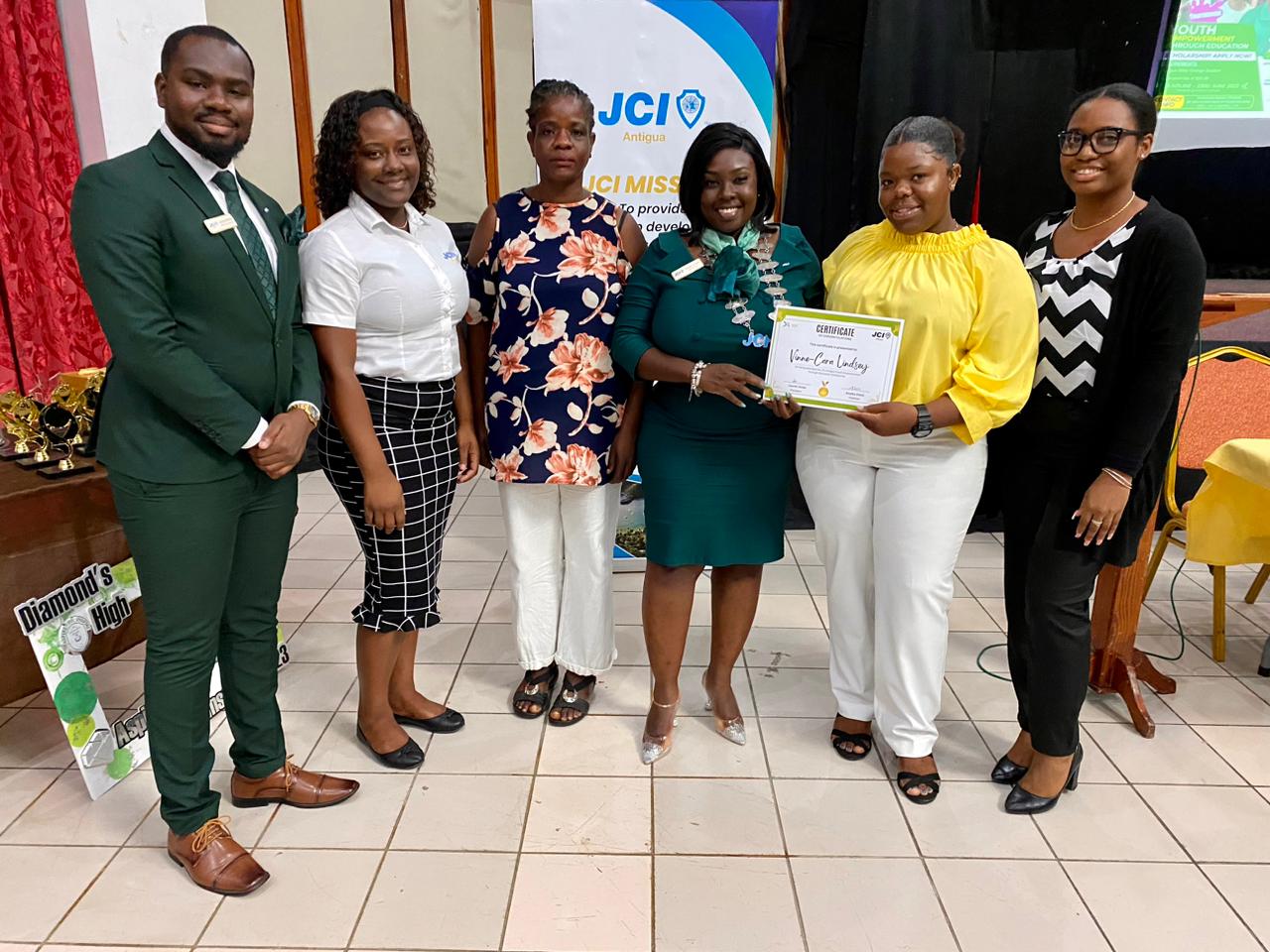
Two students of the Antigua State College recently received assistance towards their studies for the upcoming school year through collaborative efforts of JCI Antigua and Grant Thornton.
The organization’s Youth Empowerment Programme (YEP) through its Youth Empowerment through Education Initiative last Tuesday awarded Vinne-Cara Lindsey with a full scholarship to cover fees at the Antigua State College for the academic year 2023-2024.
Jadon Reid who came close to receiving the scholarship was supported with his request for a laptop that was made possible through Happy Kids.
Chairperson Aneika Davis stated that “We firmly believe that this opportunity will provide the students with the necessary assistance required to complete their college education without the burden of fees and resources. We express heartfelt appreciation to our sponsors Grant Thornton and Happy Kids for their generous donations in making this noble initiative a success.”
“To all applicants, we were truly moved and inspired by each story. We are proud of your unwavering commitment to your personal development and that of your wider community. We take this opportunity to wish you every success in all your future endeavours.”
Deputy Chair Akilah Anderson added. The Youth Empowerment Programme specifically focuses on the development of our nation’s youth, including its production of the annual prestigious YEP Awards which is slated for November 26, 2023.
JCI Antigua President Laurel Jonas said, “JCI Antigua believes that education is a-tool that fosters the continued development of our youths, Antigua & Barbuda and the world at large. Our young people are our future, and we will continue to engage and empower our youth through our YEP initiatives as well as our many other projects and programmes.”

This story was first published by Antigua News on : antigua.news/2023/07/22/liberta-teen-is-first-recipient-of-jci-antigua-youth-empowerment-programme-scholarship. © 2023 Antigua News. Republication without permission is not allowed.

About the author
The Editorial Staff refers to all reporters employed by Antigua.news. When an article is not an original creation of Antigua.news—such as when it is based on a press release, other media articles, letters to the editor, or court decisions—one of our staff members is responsible for overseeing its publication.
Read our editorial standards and corrections policy. Spotted an error? Contact the newsroom.
More from Antigua and Barbuda
View section
Antigua and Barbuda Earmarked to Host OECS Council of Ministers for Human and Social Development in 2027
Proposed hosting would bring regional ministers together to advance social protection and practical support for vulnerable groups.
By Shermain Bique-Charles

Antigua and Barbuda Takes the Crown as Caribbean’s Leading Wedding Destination 2026
World Travel Awards honour recognises the twin-island destination’s appeal for weddings and romantic celebrations.
By Shermain Bique-Charles

Renovated Autopsy Suite and Morgue Opens After Years of Concerns Over Conditions
Facility provides improved working spaces for staff and a designated waiting area for families viewing their loved ones.
By Shermain Bique-Charles

Antigua and Barbuda’s Minister Kiz Johnson Calls on OECS Ministers to Turn Social Policies into Action
Johnson urges regional ministers to make social services accessible, strengthen disability inclusion and protect funding for vulnerable people.
By Shermain Bique-Charles
Comments (1)
Teacher For Life July 22, 2023, 11:00 AM