
Pringle dismisses audio excerpt as a political distraction from real issues

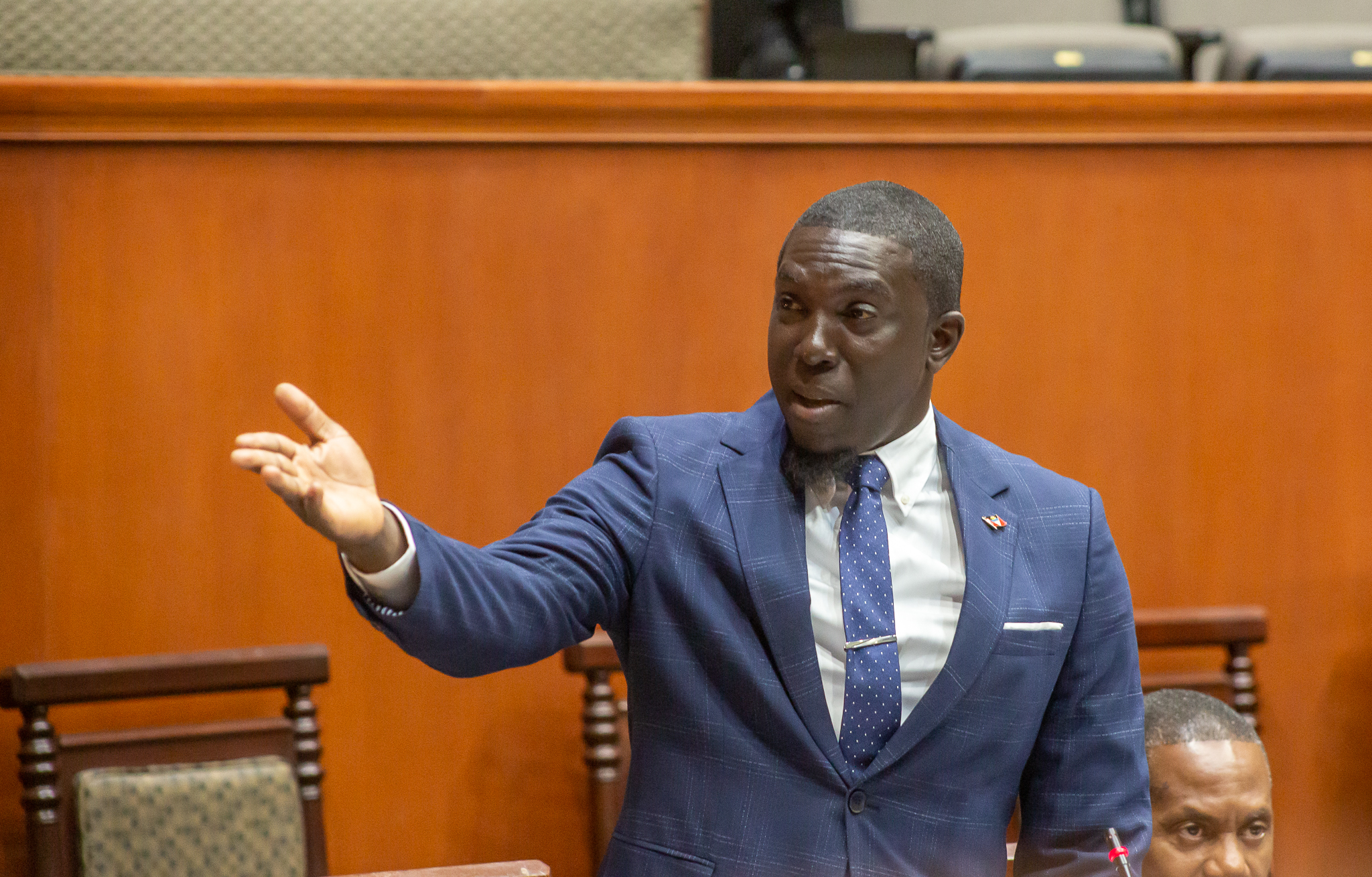
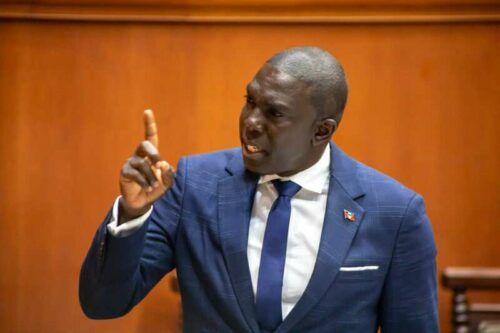
Opposition Leader Jamale Pringle has dismissed an audio recording of him that has been circulating on social media as merely “political mechanics” and an attempt to distract the public from the country’s economic and social challenges.
The audio was taken from an interview Pringle had with Daren Matthew Ward of Twin Island Media on or after March 27th.
In the nearly hour-long interview, Ward asks MP Pringle what he has learned from observing Antigua and Barbuda’s four prime ministers that could be useful if he became the head of government one day.
Pringle cites specific qualities about Sir V.C. Bird, Sir George H. Walter, and Dr. Baldwin Spencer, and ends with Prime Minister Gaston Browne.

He praises Browne for being forceful and decisive, saying that he is not afraid to “take the bull by the horns and tame it,” even as he acknowledges that the current prime minister can be dictatorial.
Pringle has dismissed the audio recording as a mere political ploy, saying that the government wants people to forget about the 14 percent salary increase to Labour Party ministers and the West Indies Oil Company property deal with the prime minister’s son.
He also believes that the Party’s upcoming convention is the reason behind the circulation of this clip, as it is an attempt to tarnish his image.
But Pringle remains firm, saying that his role models are within the UPP and nothing that Gaston Browne says can change that.
This story was first published by Antigua News on : antigua.news/2024/04/11/pringle-dismisses-audio-excerpt-as-a-political-distraction-from-real-issues. © 2024 Antigua News. Republication without permission is not allowed.

About the author
The Editorial Staff refers to all reporters employed by Antigua.news. When an article is not an original creation of Antigua.news—such as when it is based on a press release, other media articles, letters to the editor, or court decisions—one of our staff members is responsible for overseeing its publication.
Read our editorial standards and corrections policy. Spotted an error? Contact the newsroom.
More from Election Watch: Antigua and Barbuda
View section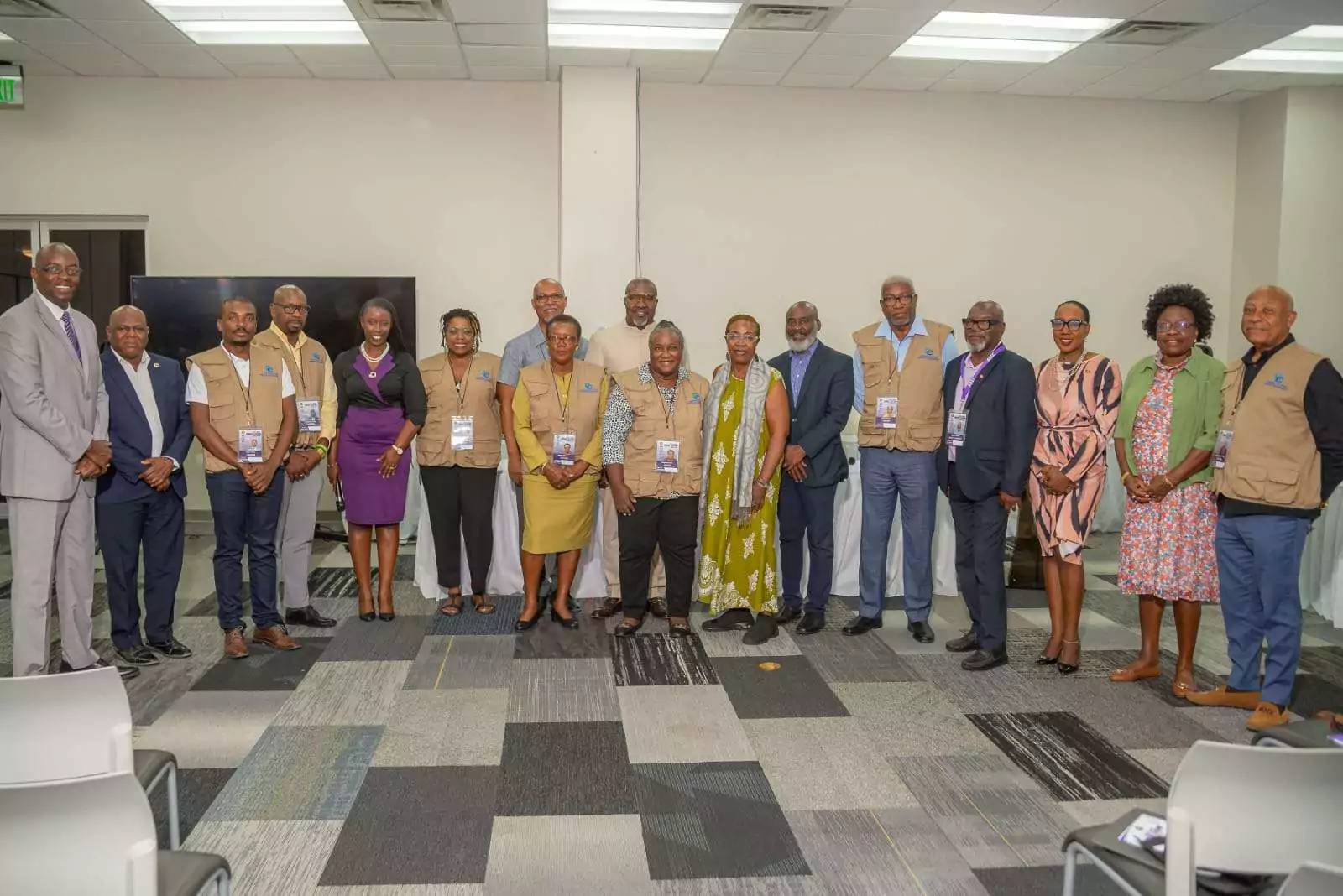
ABEC engages Election Observers ahead of General Elections 2026
By Editorial Staff
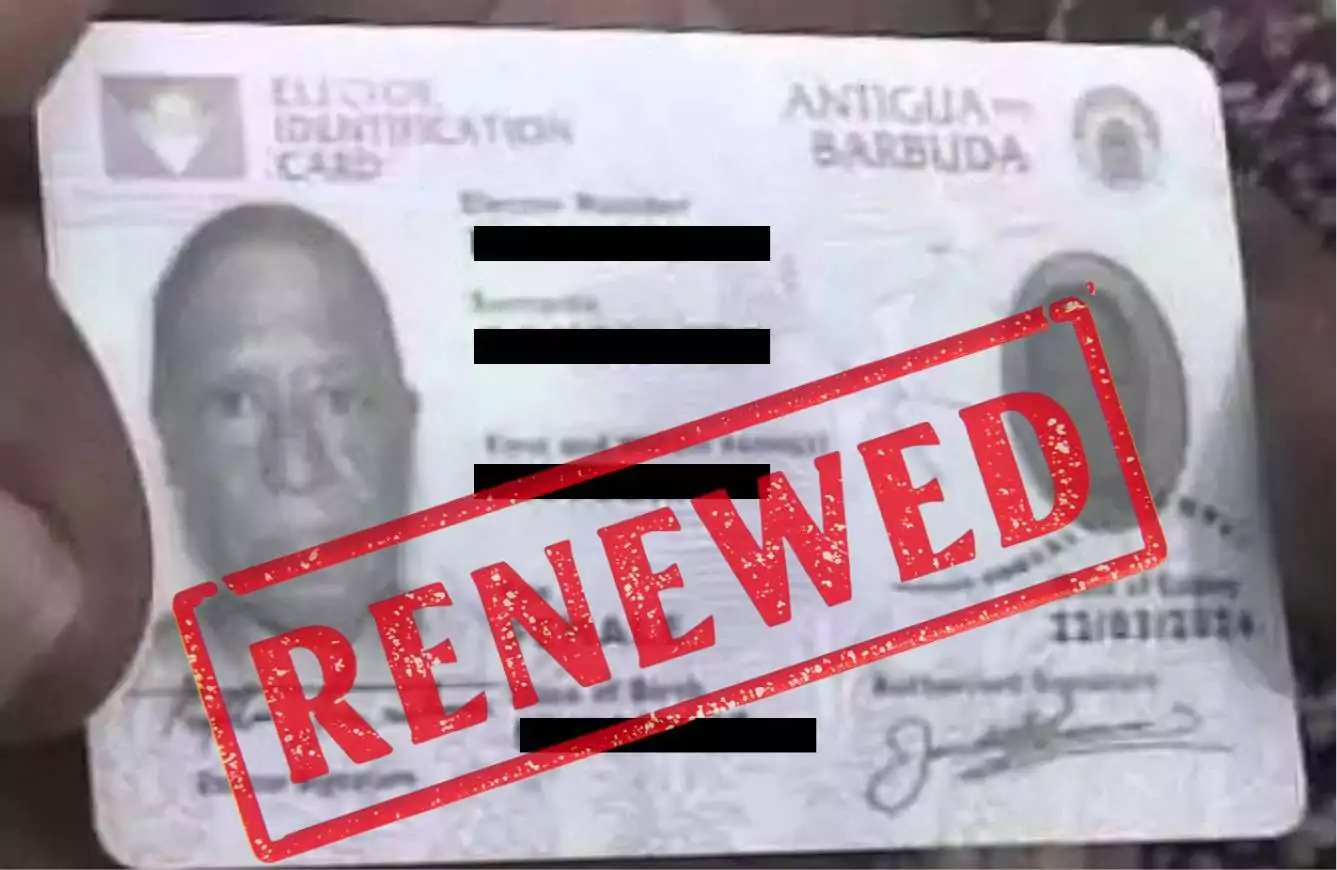
ABEC Extends Voter ID Collection Hours to 10PM Ahead of Election Day
By Editorial Staff
ABLP Condemns Destruction of Political Paraphernalia
By Shermain Bique-Charles
Pringle Nominated, Confident of Retaining UPP Stronghold in All Saints East & St Luke
By Editorial Staff
Comments
Be the first to comment.