
ABHTI & ABTB Strengthens Partnership to Enhance Service Ambassador Programme

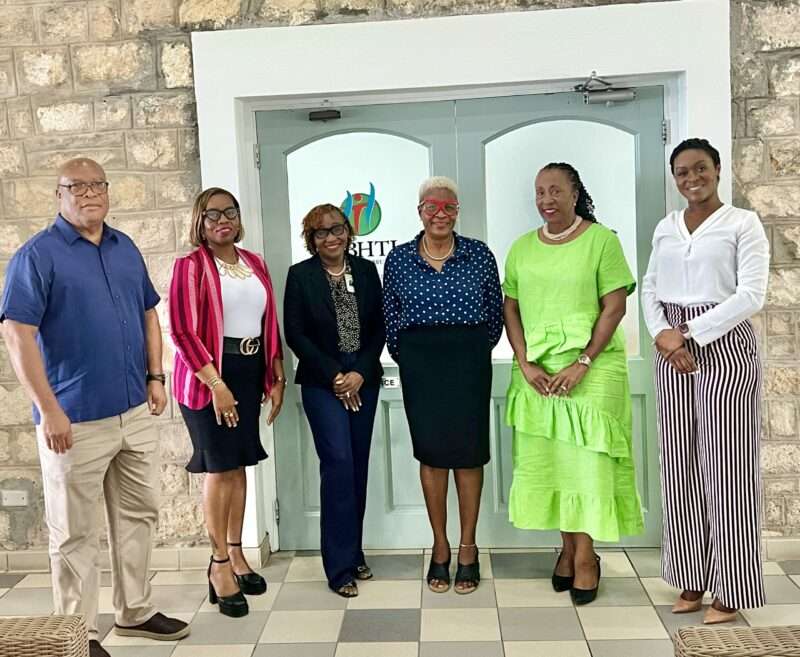
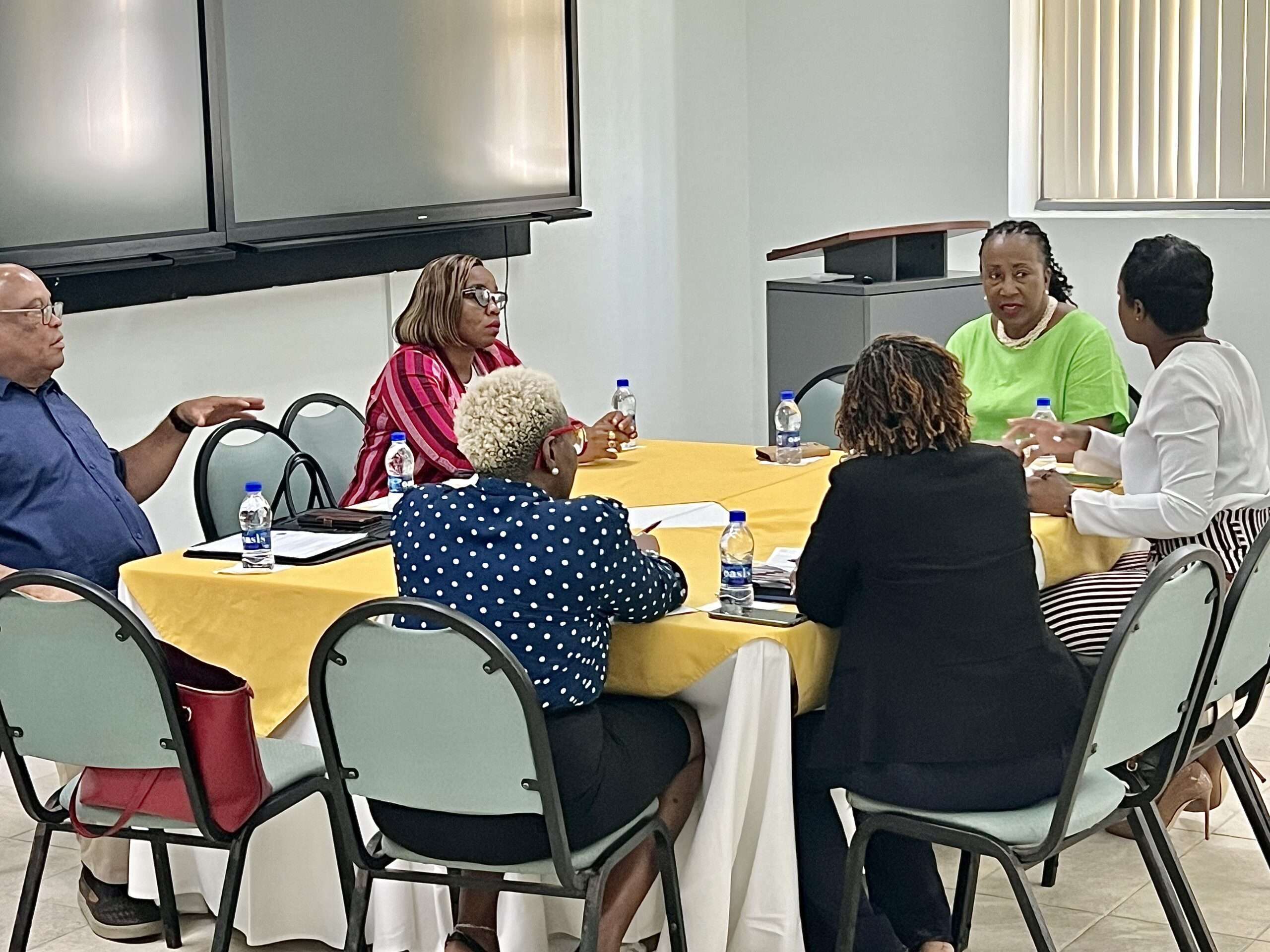
The Antigua and Barbuda Hospitality Training Institute (ABHTI) and the Antigua and Barbuda Transport Board (ABTB) met to discuss enhancements to the existing Service Ambassador training programme for taxi drivers.
The meeting, attended by representatives from both organizations, focused on key areas of the training programme.
The aim is to equip taxi drivers with the skills necessary to deliver exceptional service to visitors and locals, enhancing their overall experience.
This ongoing collaboration emphasizes consistent service excellence, within the hospitality and tourism sectors.
“Collaboration is key to making a significant impact,” stated Hubert Jarvis, General Manager of the ABTB. “We are happy to continue this valuable partnership with the ABHTI.
Completion of the Service Ambassador training is a requirement for attaining the taxi driver licence.”
“Training, development and awareness are areas core to our mission,” said Shirlene Nibbs, Chairperson of the ABHTI Board of Directors.

“By equipping taxi drivers, we contribute to industry excellence, as taxi drivers are usually the first and last points of contact. We are committed to evolving our programmes to meet the hospitality sector’s needs.”
The three-week programme covers one module per week, focusing on key aspects of a taxi driver’s role. Modules include introductions to hospitality and tourism, quality customer care, and island knowledge.
An updated completion requirement will assess attendance and punctuality, deportment, and other factors. Upon completion, participants receive a Service Ambassador certificate valid for three years.
Individuals interested in becoming certified Service Ambassadors are encouraged to contact the ABHTI for more information.
This story was first published by Antigua News on : antigua.news/2024/06/18/abhti-abtb-strengthenss-partnership-to-enhance-service-ambassador-programme. © 2024 Antigua News. Republication without permission is not allowed.

About the author
The Editorial Staff refers to all reporters employed by Antigua.news. When an article is not an original creation of Antigua.news—such as when it is based on a press release, other media articles, letters to the editor, or court decisions—one of our staff members is responsible for overseeing its publication.
Read our editorial standards and corrections policy. Spotted an error? Contact the newsroom.
More from Tourism
View section
Freeland Congratulates Fernandez on Election as CTO Chairman
Minister of State pledges support for Fernandez’s regional tourism leadership and welcomes his focus on women, youth and connectivity.
By Shermain Bique-Charles

Antigua has 365 beaches. Can it make AI’s shortlist?
As travellers ask chatbots to find their ideal holiday, Antigua and Barbuda faces a new challenge: being recommended before anyone thinks to search for it.
By Dario Item

Nikki Beach Antigua Makes Waves in Monaco as Freeland and Sales Team Meet 30 Potential Buyers
By Shermain Bique-Charles
Freeland Heads to Monaco to Promote Antigua and Barbuda’s Yachting Sector
By Editorial Staff
Comments
Be the first to comment.