
Schools Celebrate Africa-CARICOM Day 2024


ST. JOHN’S, Antigua Barbuda, 19th September 2024 –
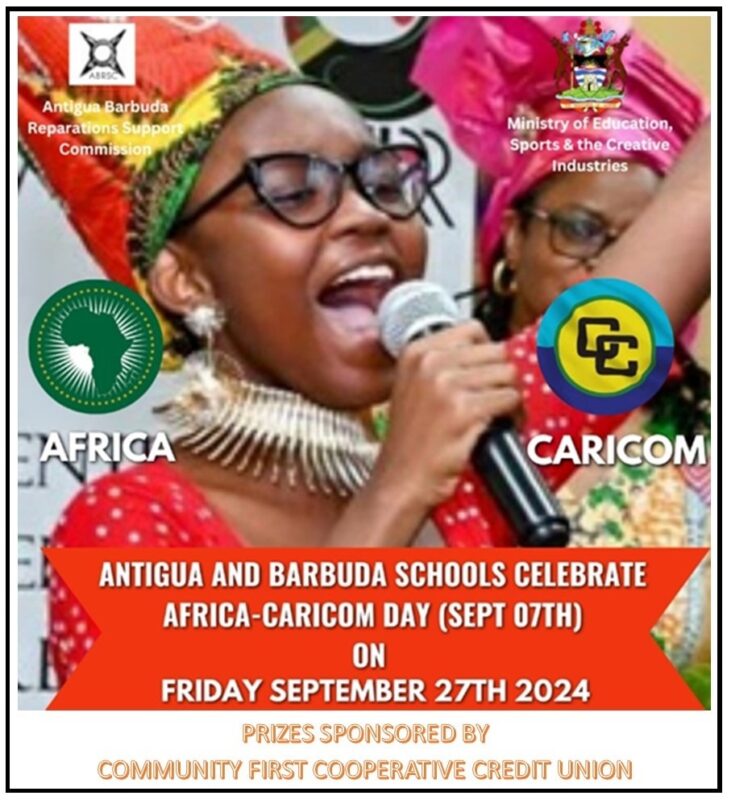
The Antigua Barbuda Reparations Support Commission (ABRSC), in collaboration with the Ministry of Education, Sports, and Creative Industries, will host the 3rd annual celebration of Africa-CARICOM Day on September 27, 2024.
This year’s celebration will feature participation from primary and secondary schools, which will stage ceremonies focused on highlighting four nations: Benin, Haiti, Ethiopia, and Nigeria. The events will showcase each country’s location, capital, population, national and official languages, political leadership, cuisine, music, cultural expressions, national flag, motto, and anthem.
Ambassador Dorbrene O’Marde, Chairman of the ABRSC, emphasized the importance of the partnership with the Ministry of Education, stating, “This is our third year collaborating with schools to foster activities centered on African and Caribbean culture and heritage. The initiative, which began in Jamaica, is part of a broader regional effort to challenge misconceptions and misinformation that many in the diaspora hold about Africa.”
The ABRSC hopes that all schools will seize the opportunity to engage in special activities that raise awareness and foster appreciation for African heritage, while also educating the younger generation about the rich history of the African continent.
As part of the celebration, Community First Cooperative Credit Union (CFCCU) will sponsor prizes for the primary and secondary schools with the most outstanding displays and presentations.

This story was first published by Antigua News on : antigua.news/2024/09/20/schools-celebrate-africa-caricom-day-2024. © 2024 Antigua News. Republication without permission is not allowed.

About the author
The Editorial Staff refers to all reporters employed by Antigua.news. When an article is not an original creation of Antigua.news—such as when it is based on a press release, other media articles, letters to the editor, or court decisions—one of our staff members is responsible for overseeing its publication.
Read our editorial standards and corrections policy. Spotted an error? Contact the newsroom.
More from Antigua and Barbuda
View section
Man Reportedly in Critical Condition Following Stabbing in Johnsons
Police and emergency medical personnel are on the scene as details continue to emerge.
By Shermain Bique-Charles

US$600 Appeal Launched to Save Dog Injured in All Saints Police Shooting
Animal welfare supporters are seeking financial assistance for urgent veterinary treatment after Helen reportedly suffered a gunshot wound to her face during a police operation that left another dog dead.
By Cory Wayland

Taxi Association Removes 40 Bags of Waste During Ffryes Beach Clean-up
Members and volunteers tackle litter at Big and Little Ffryes beaches ahead of the 2026/2027 cruise season.
By Cory Wayland

Police Express Regret After Dog Fatally Shot During All Saints Search
Police say officers initially used less-lethal measures before one dog allegedly continued advancing aggressively during an early-morning operation.
By Cory Wayland
Comments
Be the first to comment.